Recurring Jobs
Bulk Schedule Recurring Jobs
Navigate to Recurring Jobs
Step-by-step instructions
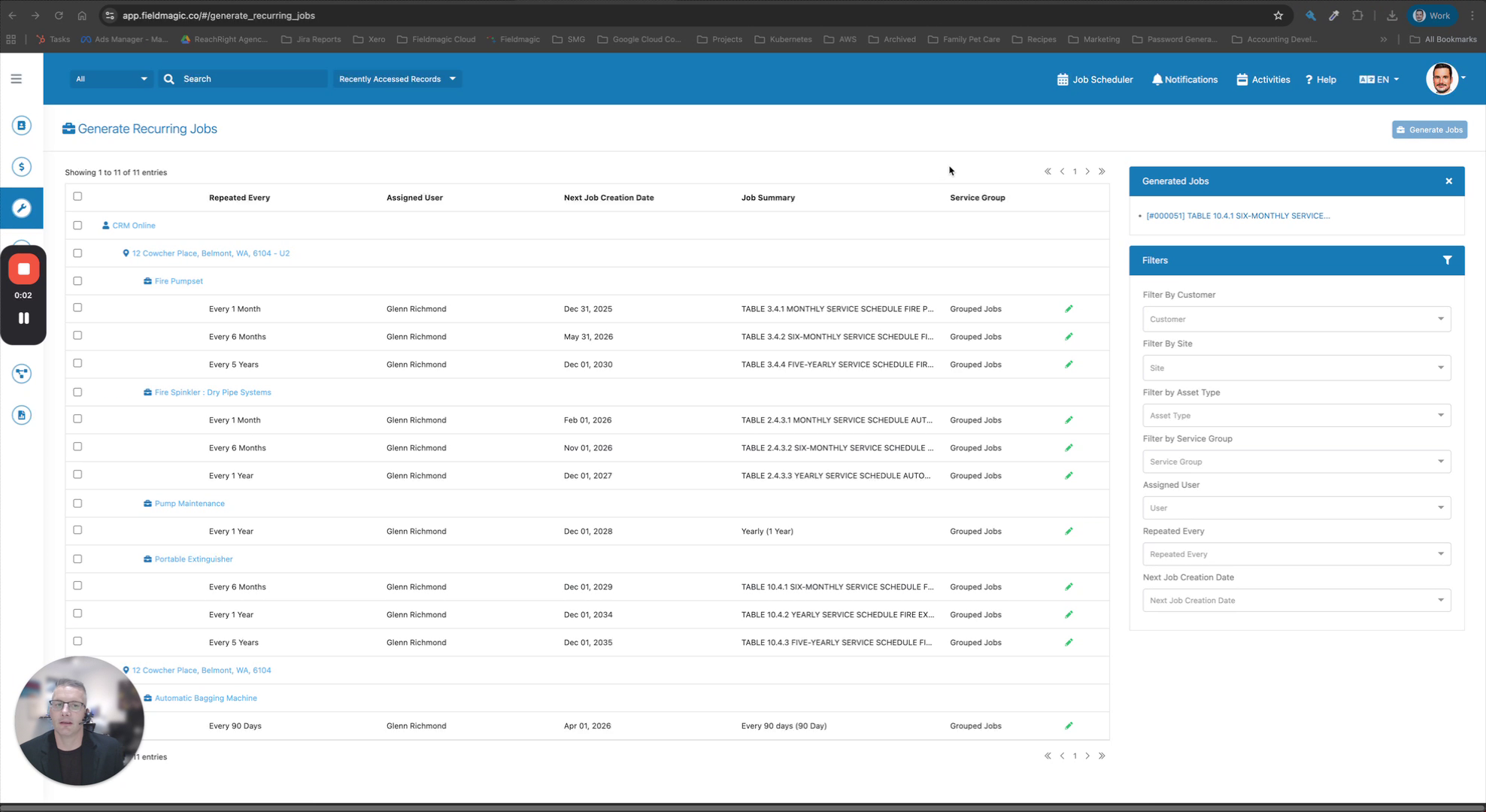 Step 1
Navigate to Recurring Jobs
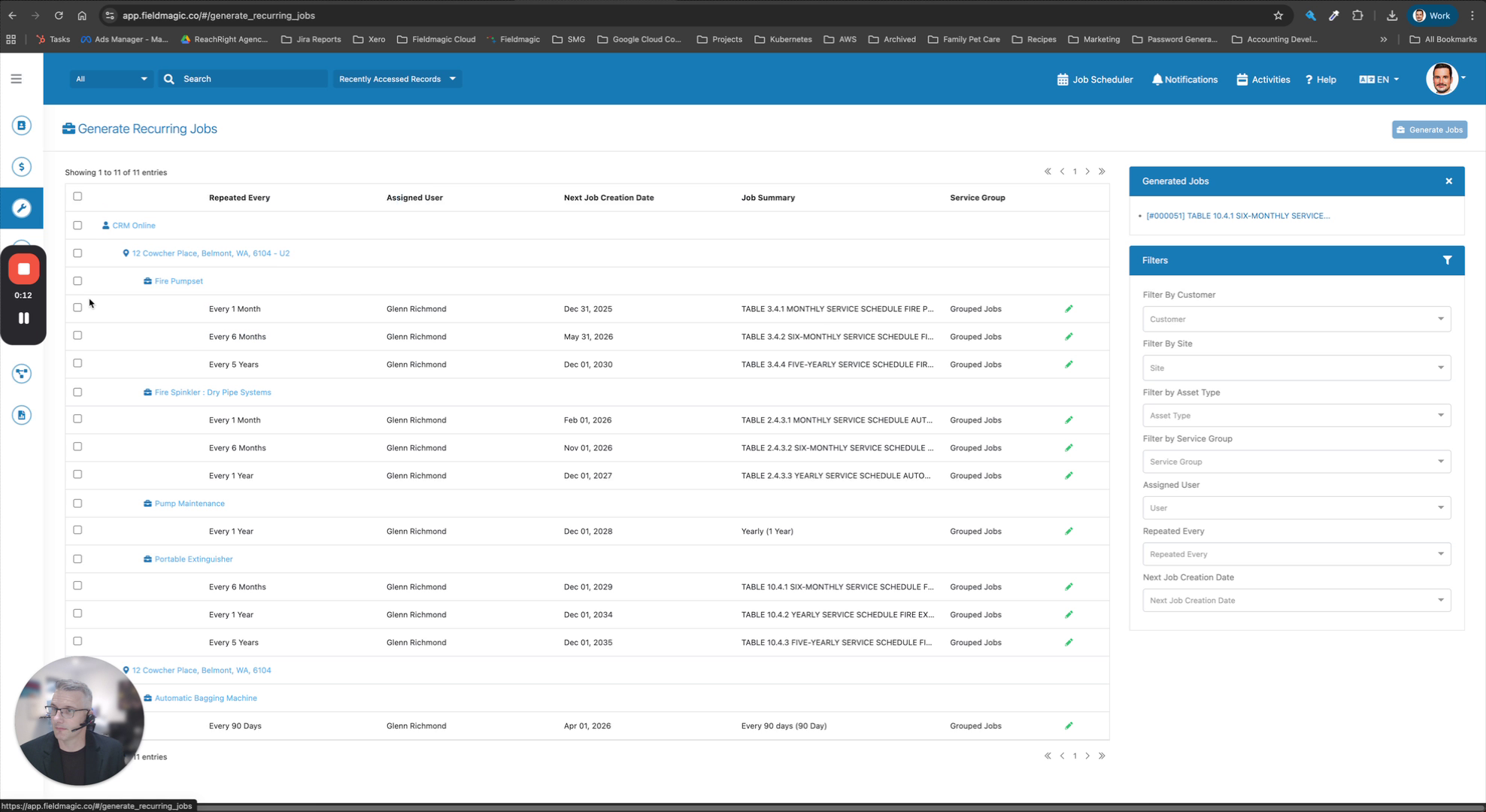 Step 2
Filter jobs by due date
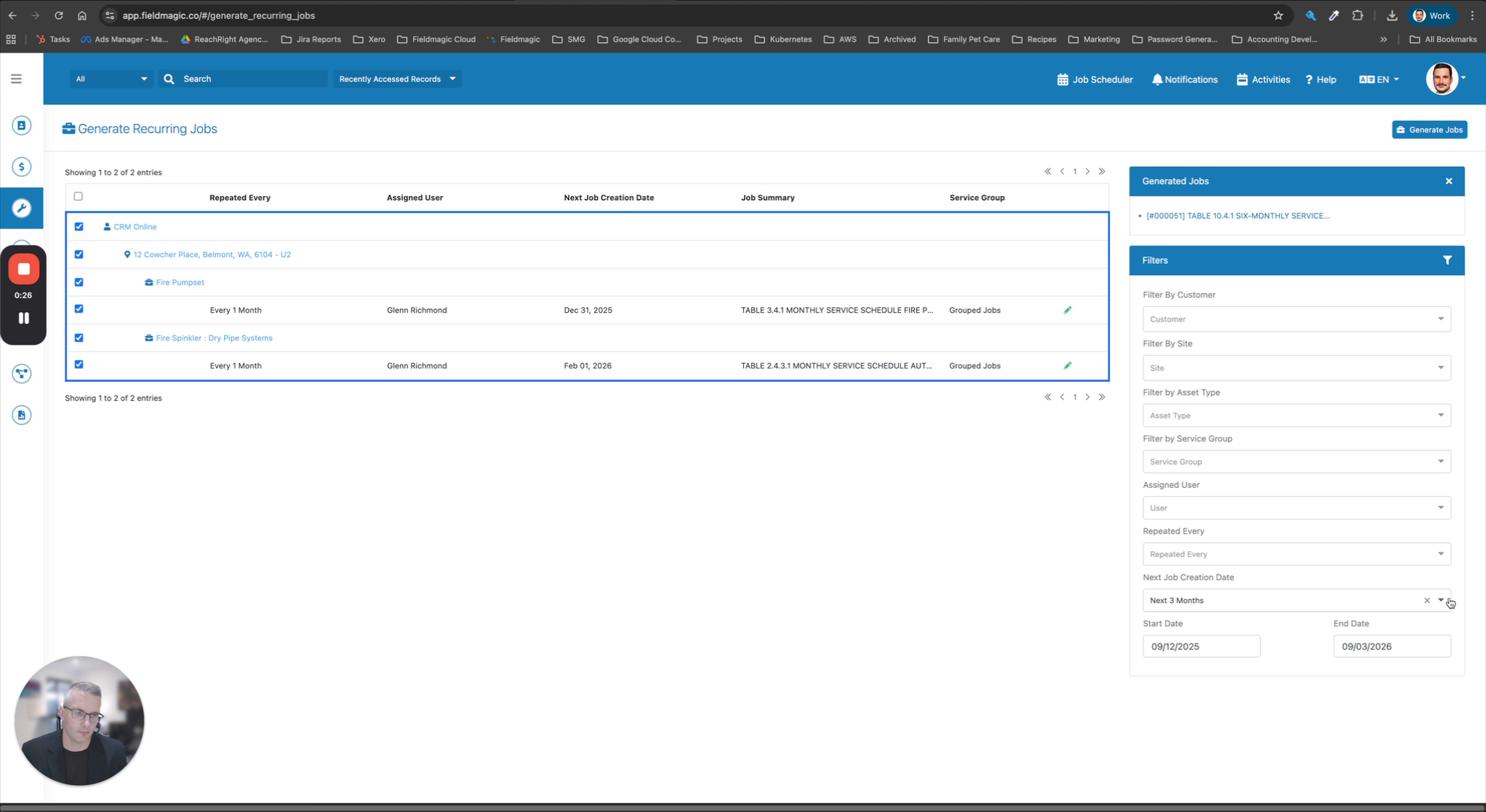 Step 3
Adjust filters to include multiple sites
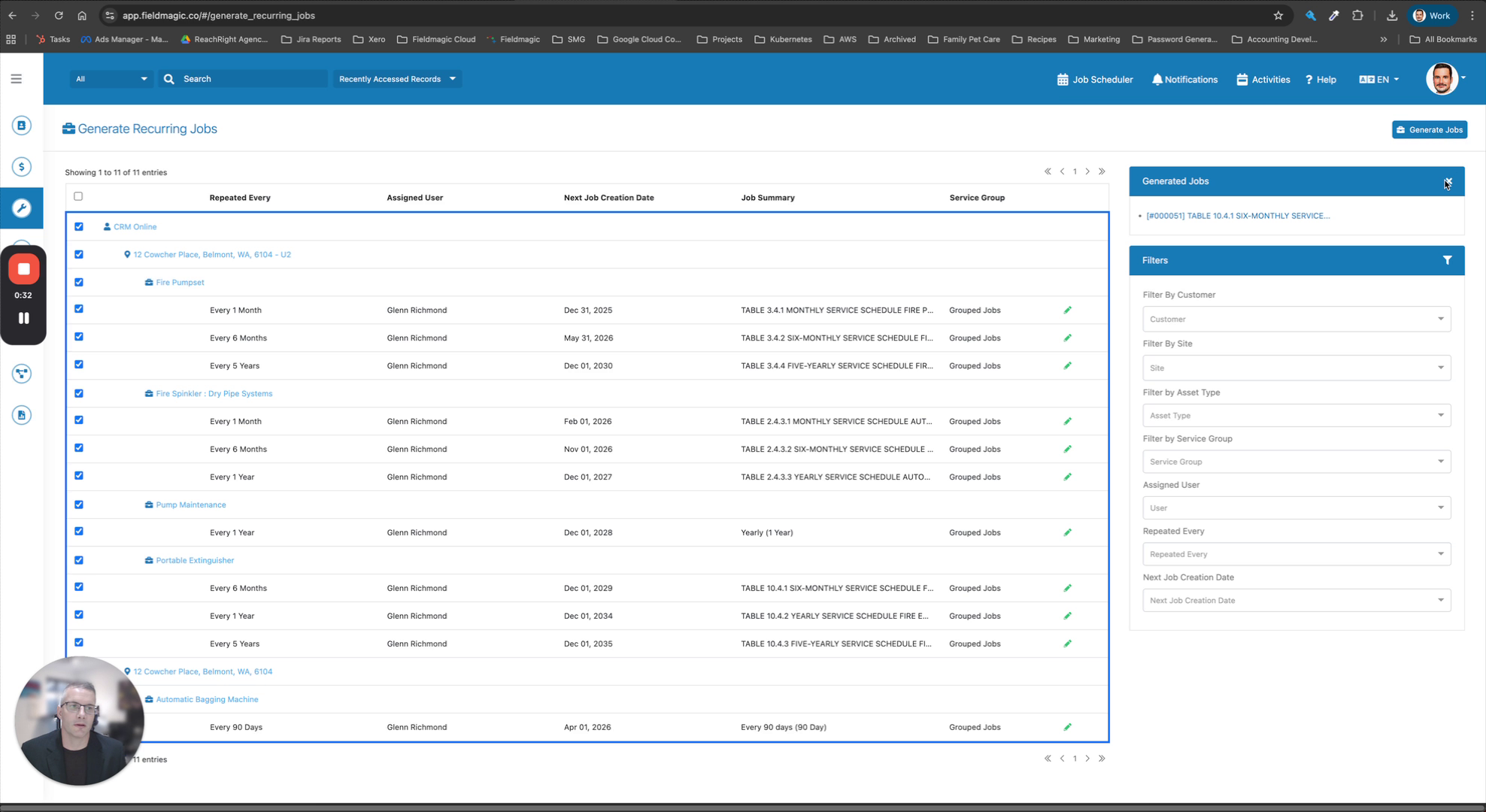 Step 4
Select the recurring jobs to generate
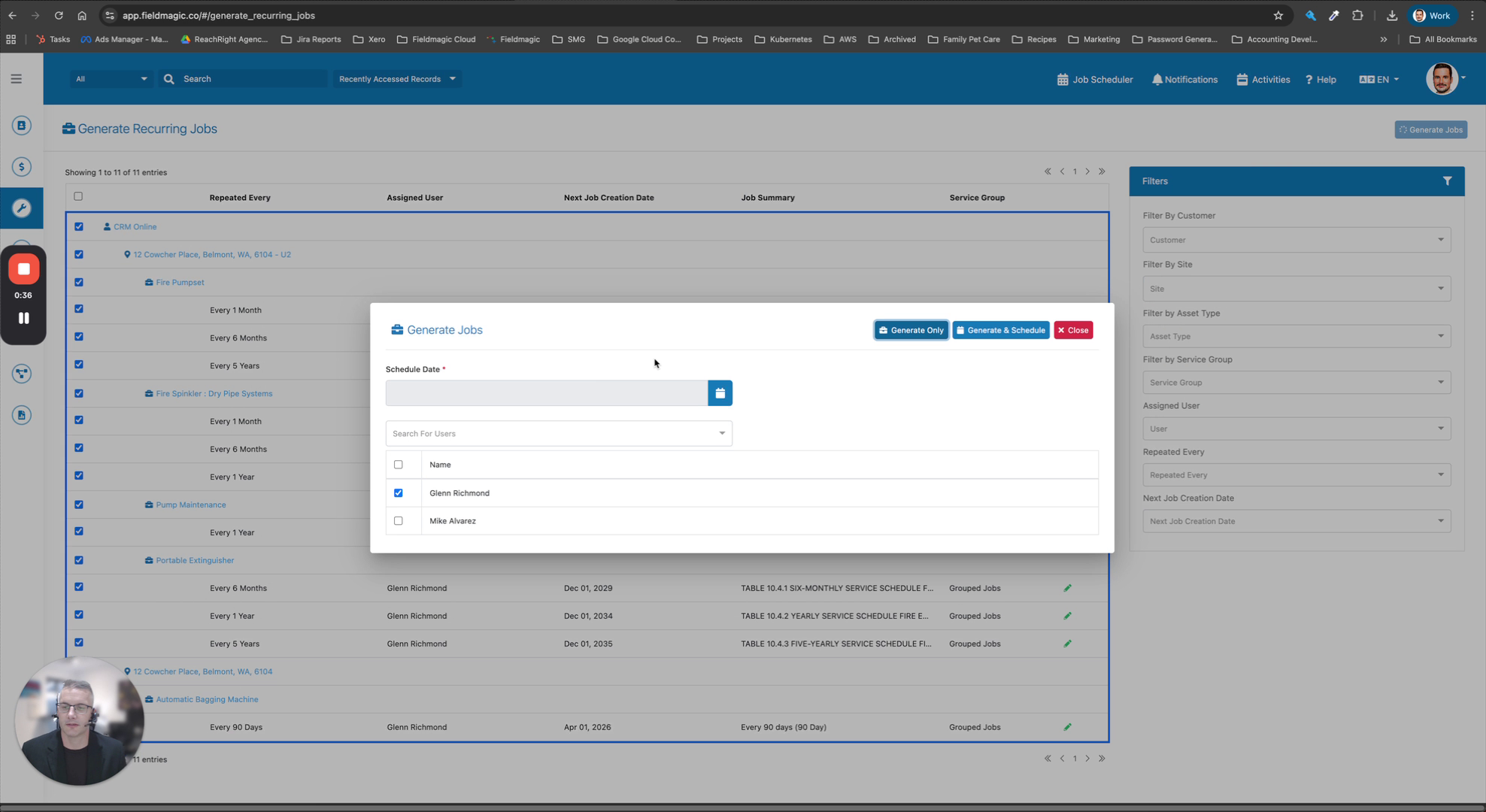 Step 5
Click Generate Jobs
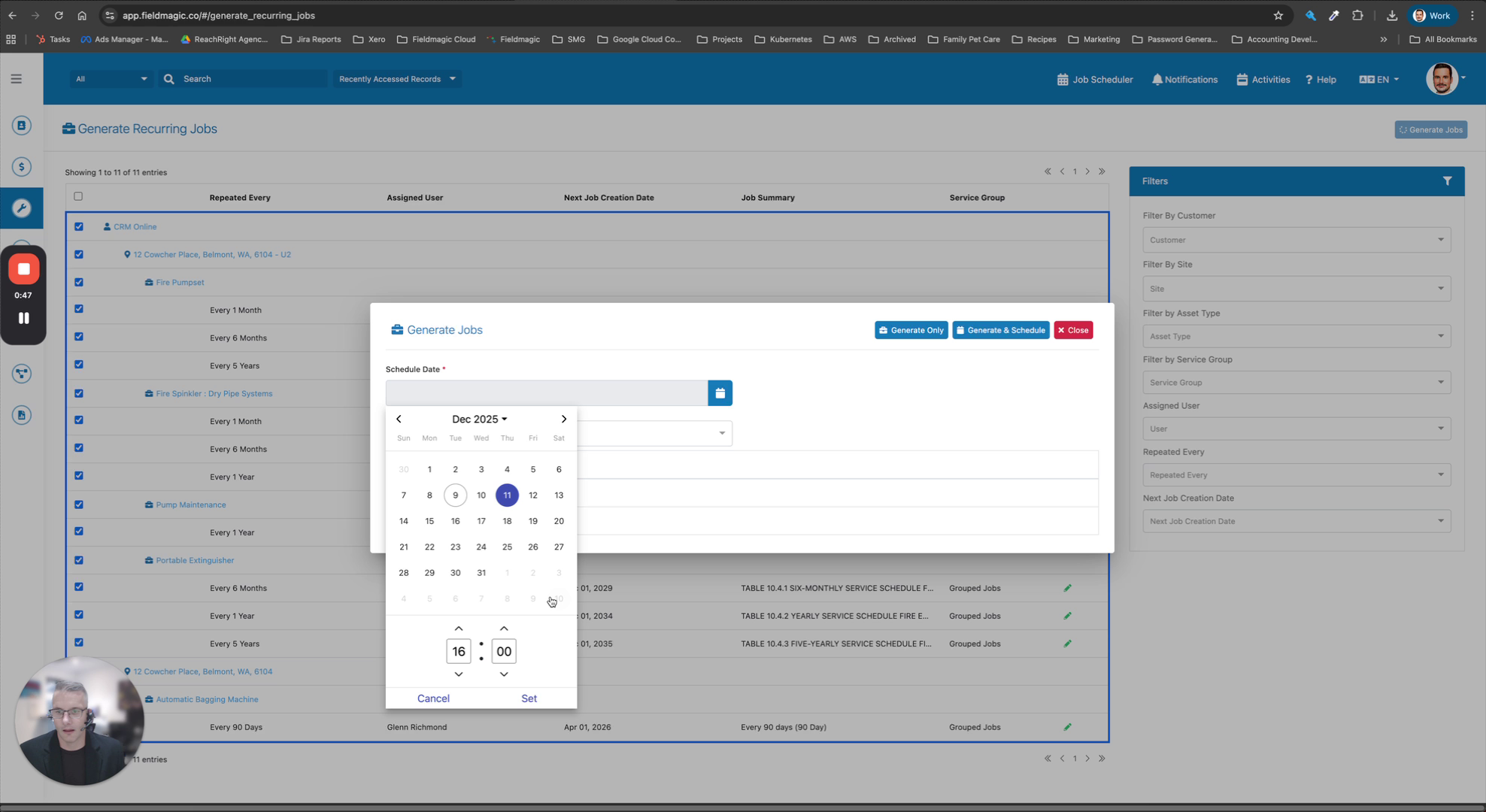 Step 6
Set scheduled date, time and assign technicians
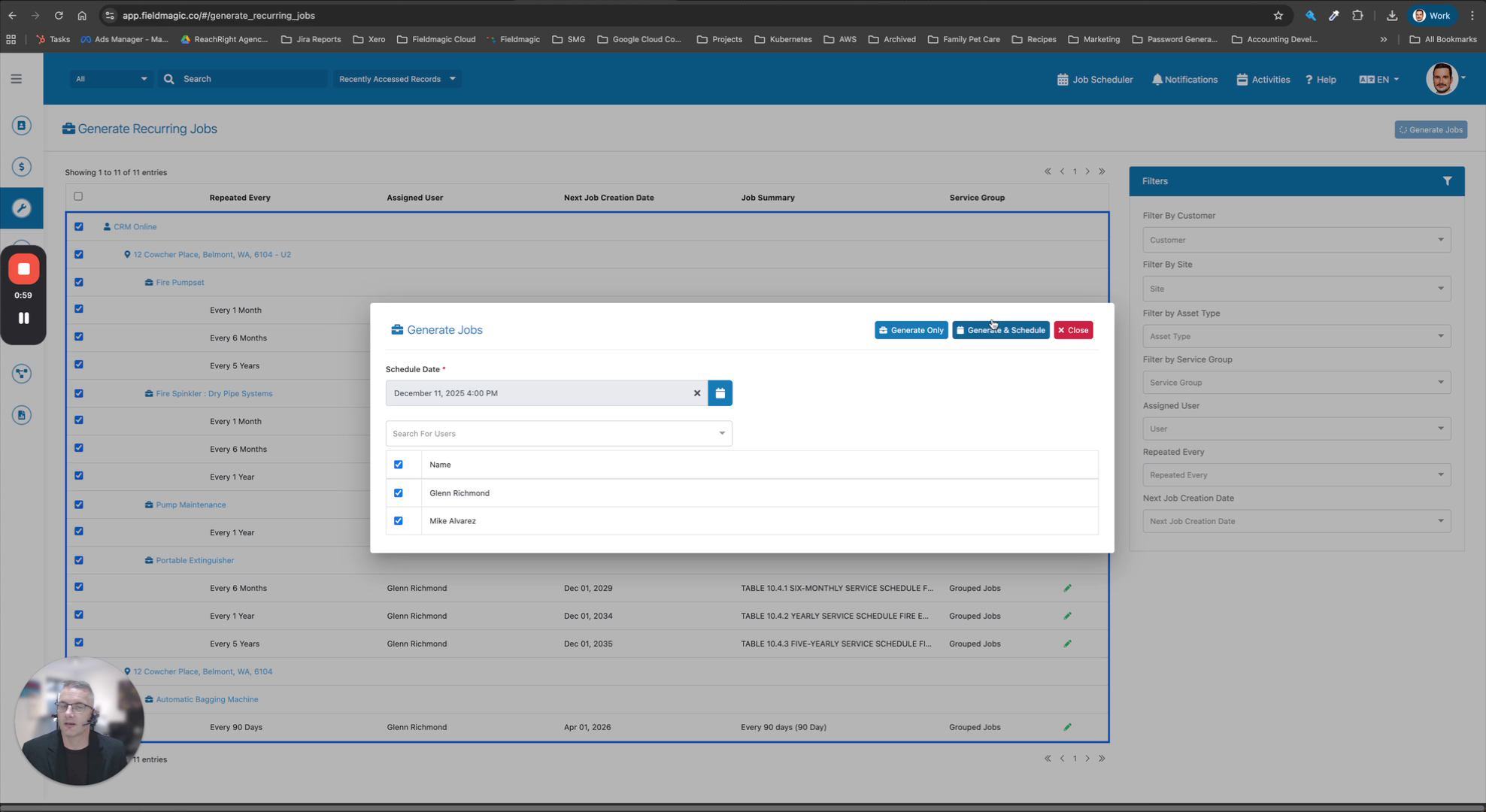 Step 7
Choose Generate and Schedule
 Step 8
Review the created jobs
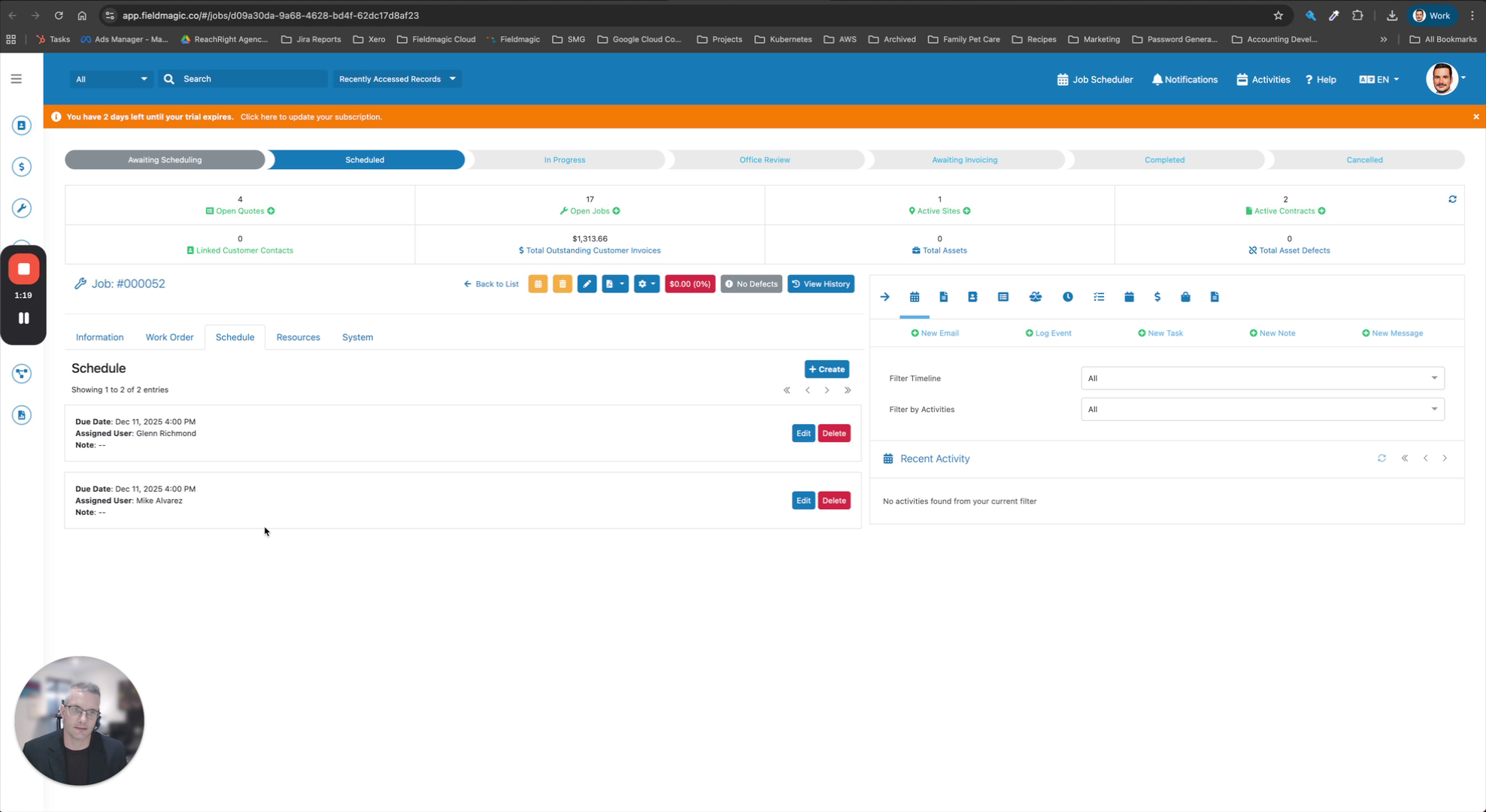 Step 9
Verify job details and assigned assets
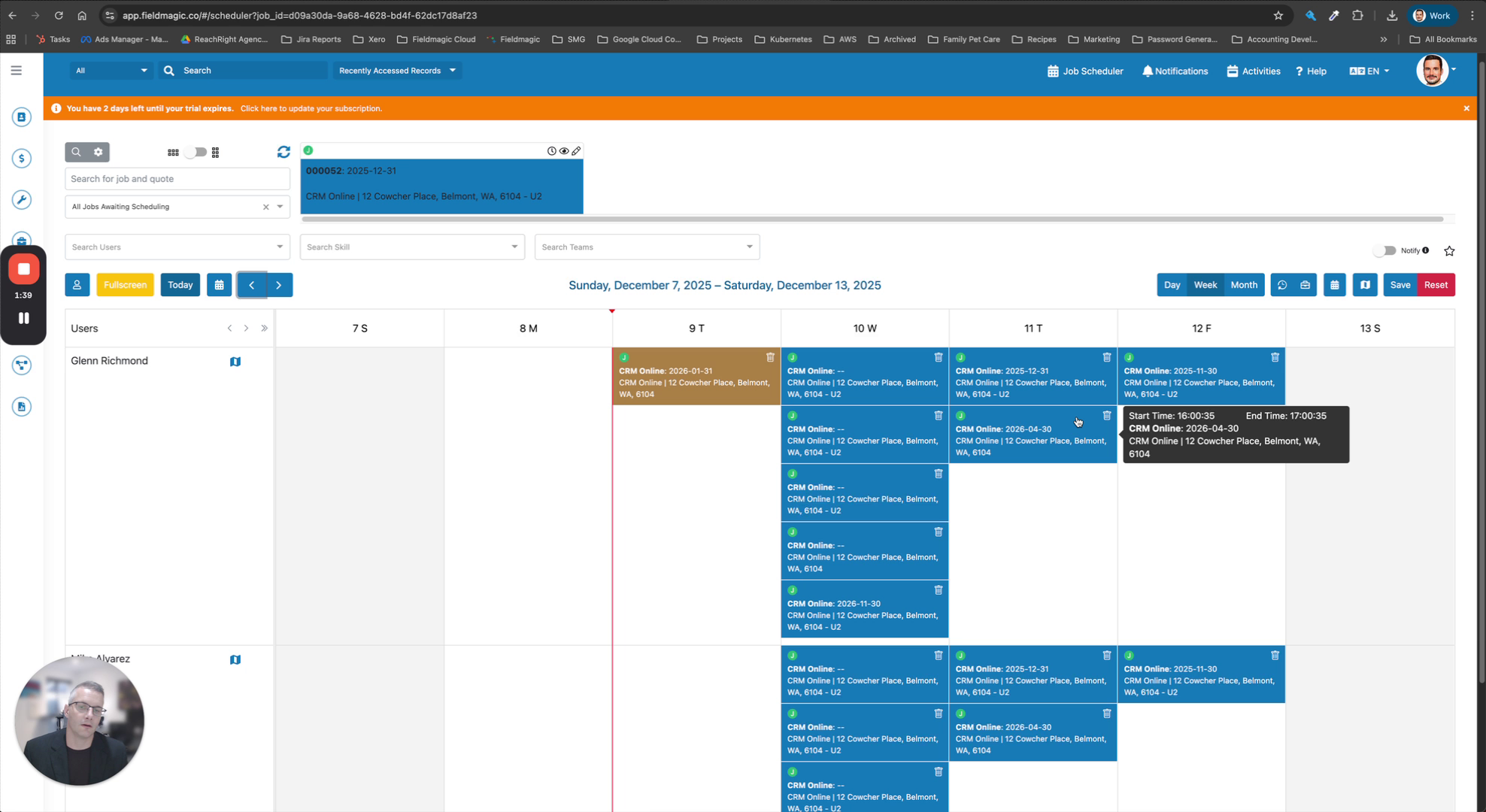 Step 10
Confirm the job appears on the schedule