Resource Management
Configuring Default Users and Adjusting User Schedules for a Resource
Navigate to Settings, then go to User Management.
Step-by-step instructions
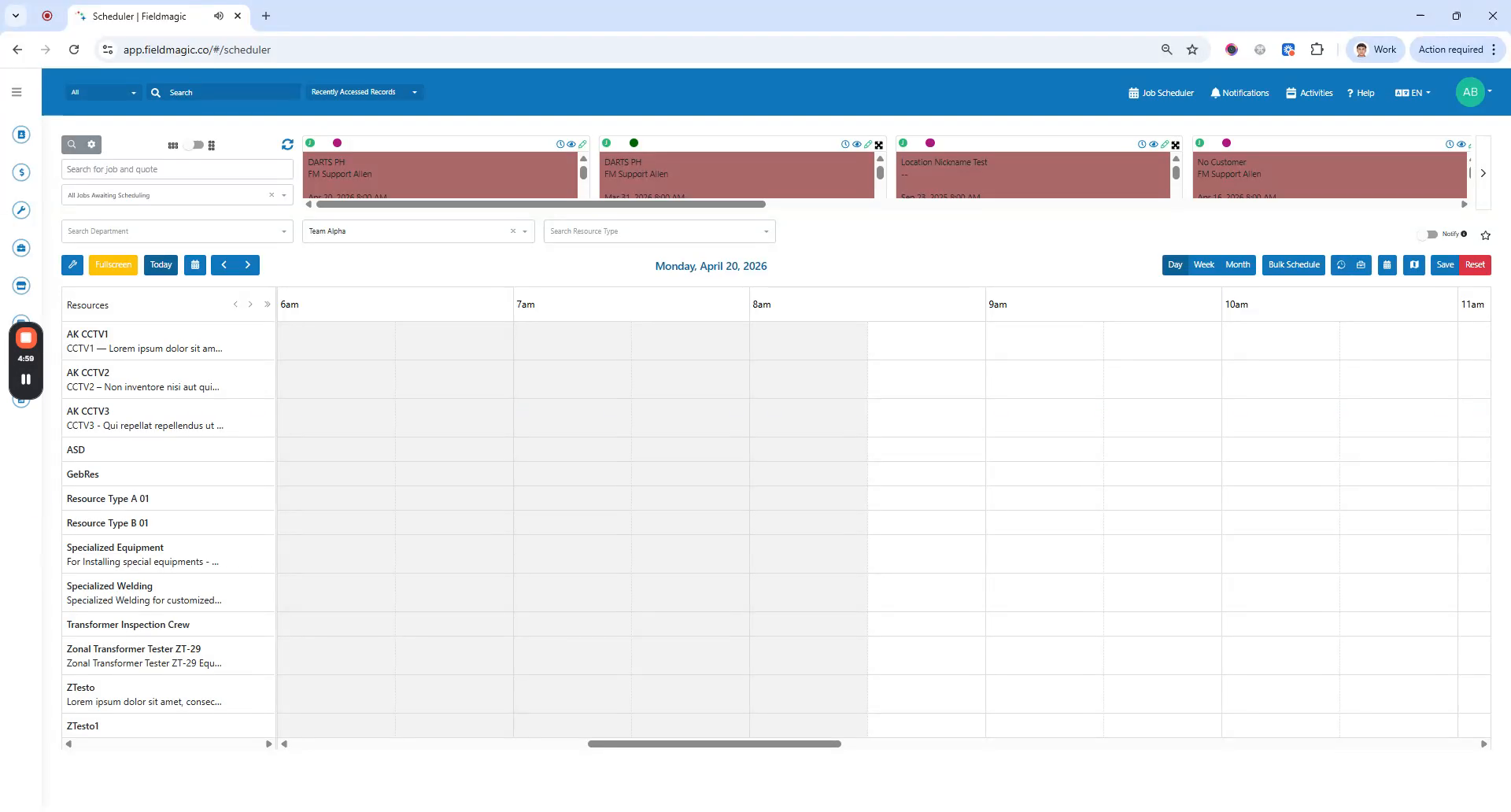 Step 1
Navigate to Settings, then go to User Management.
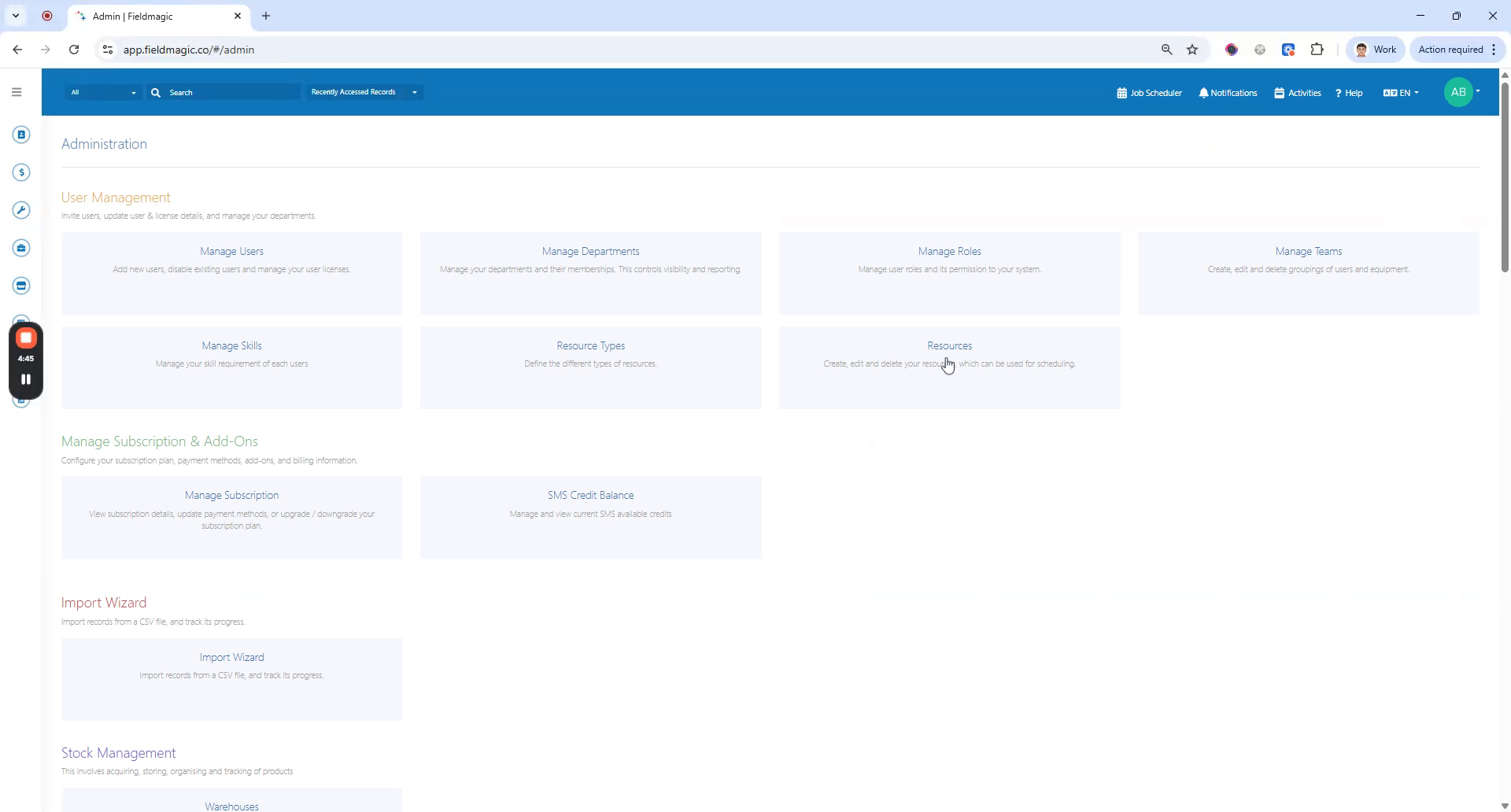 Step 2
Go to Resources. Edit or create a resource and add default users.
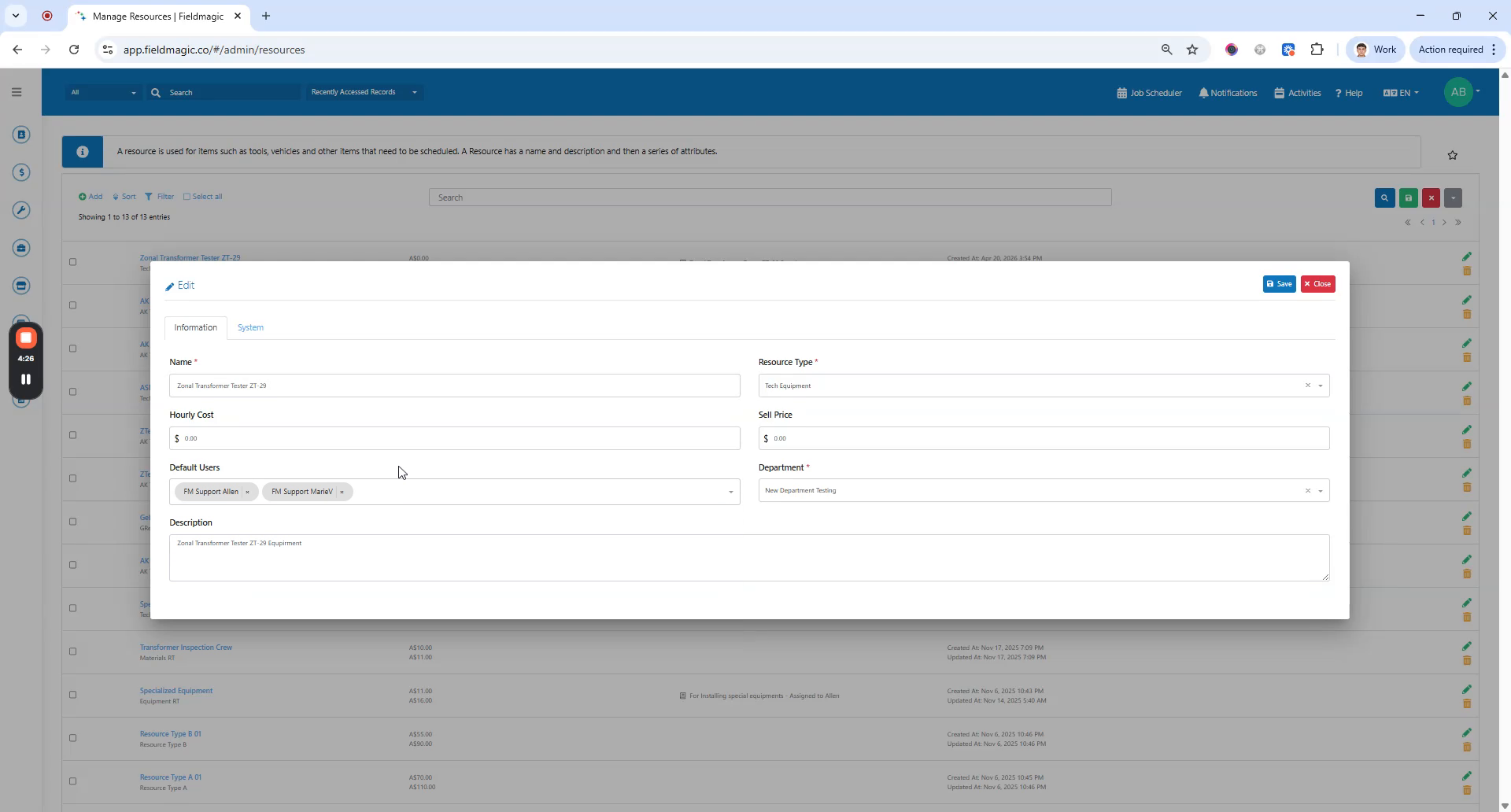 Step 3
Save the resource. Once saved, these default users will be automatically scheduled whenever you schedule against this resource.
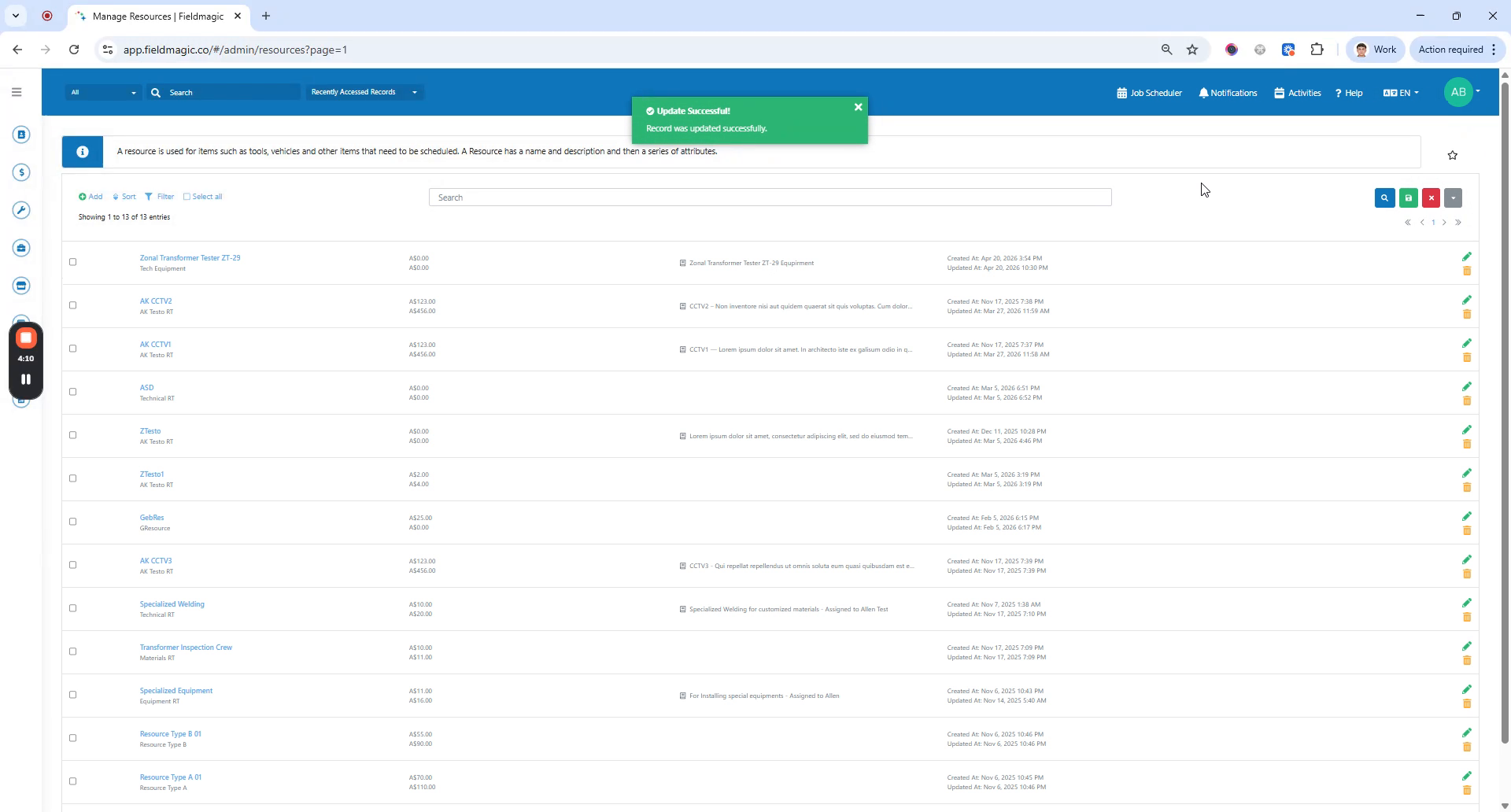 Step 4
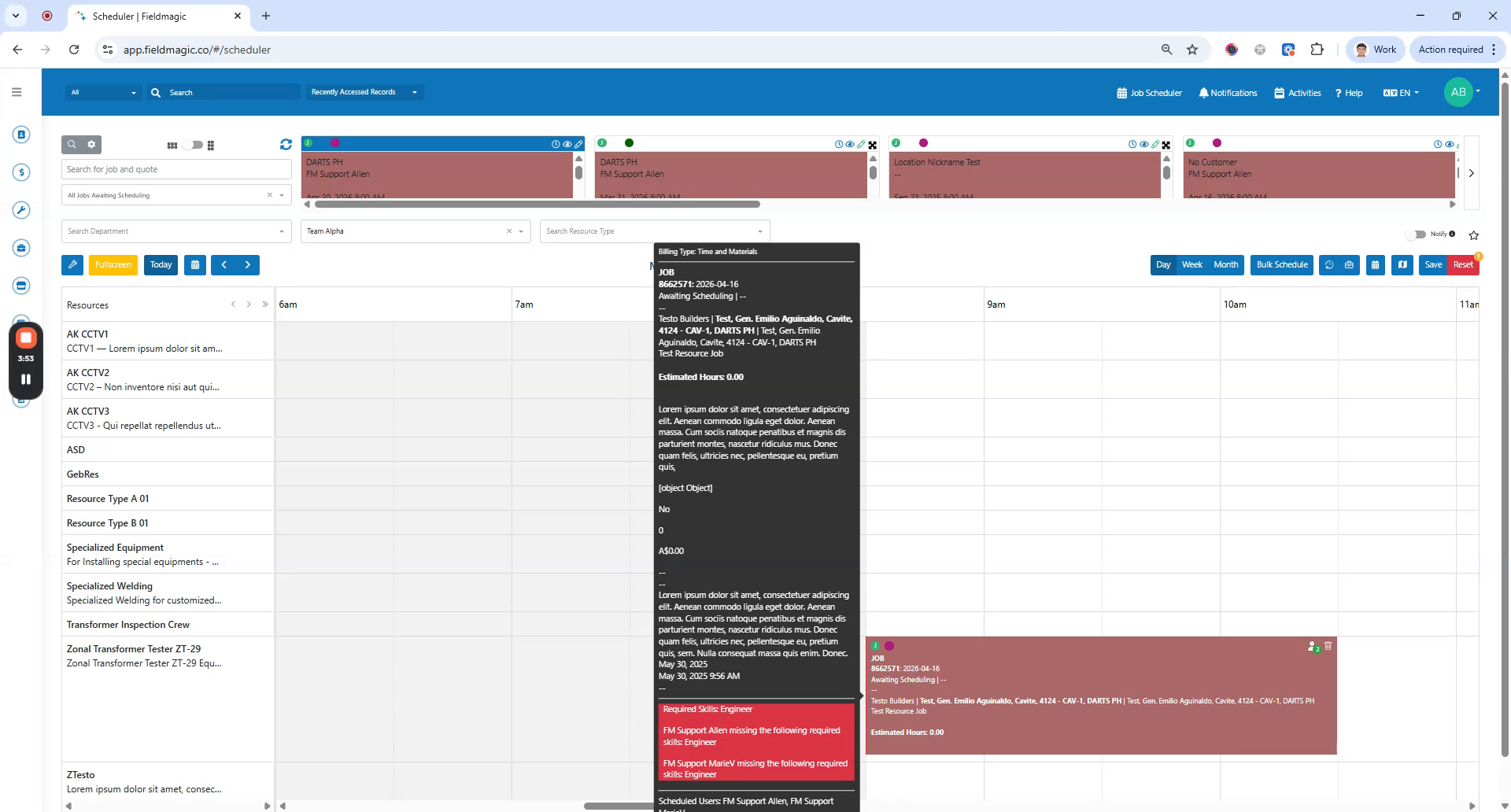
Save the resource, then go to Job Scheduler. Create a schedule against the resource. The default users are automatically added to the schedule.
 Step 5
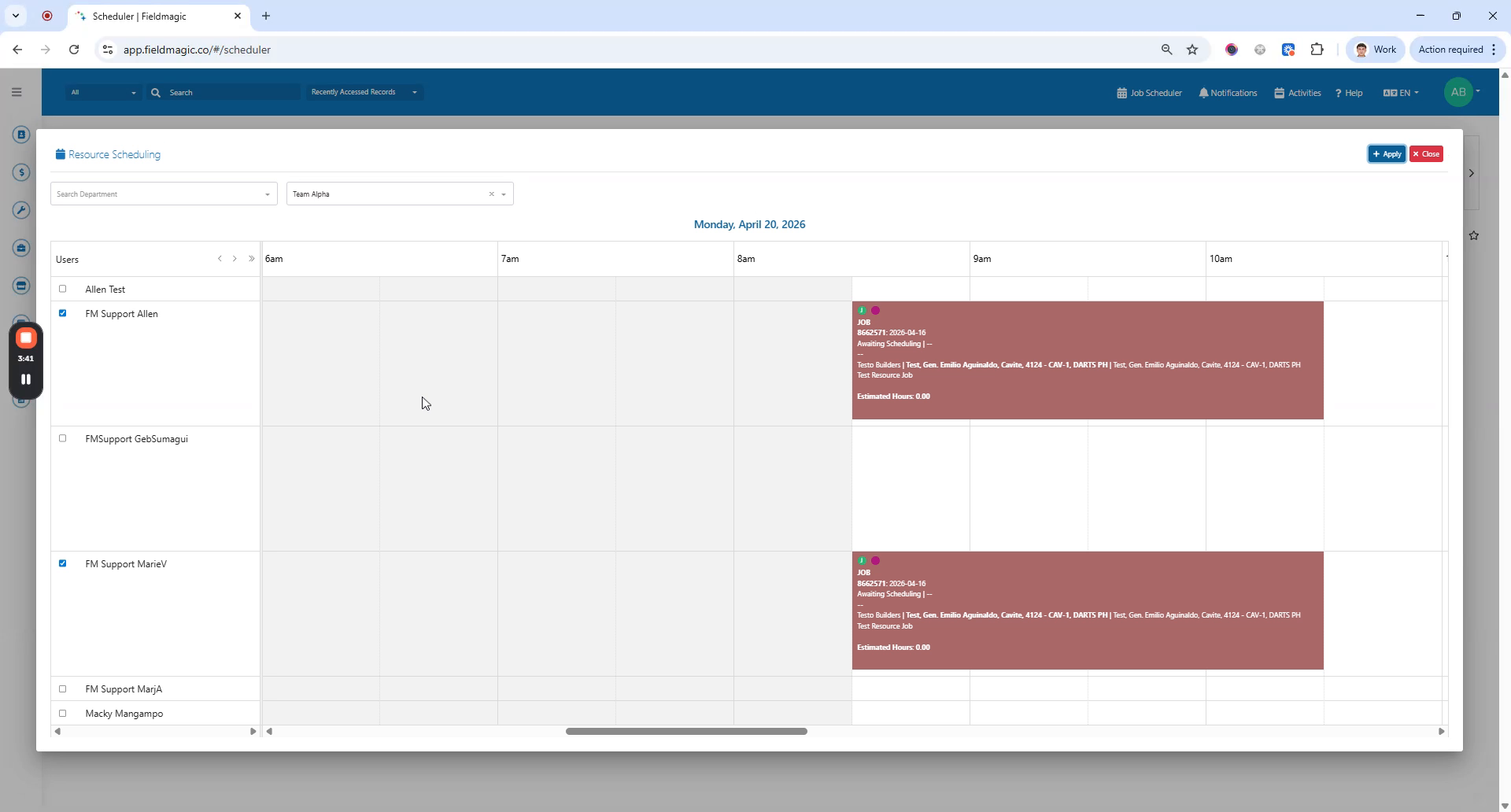
To modify the assigned users, right-click the schedule and select Assign to Users.
 Step 6
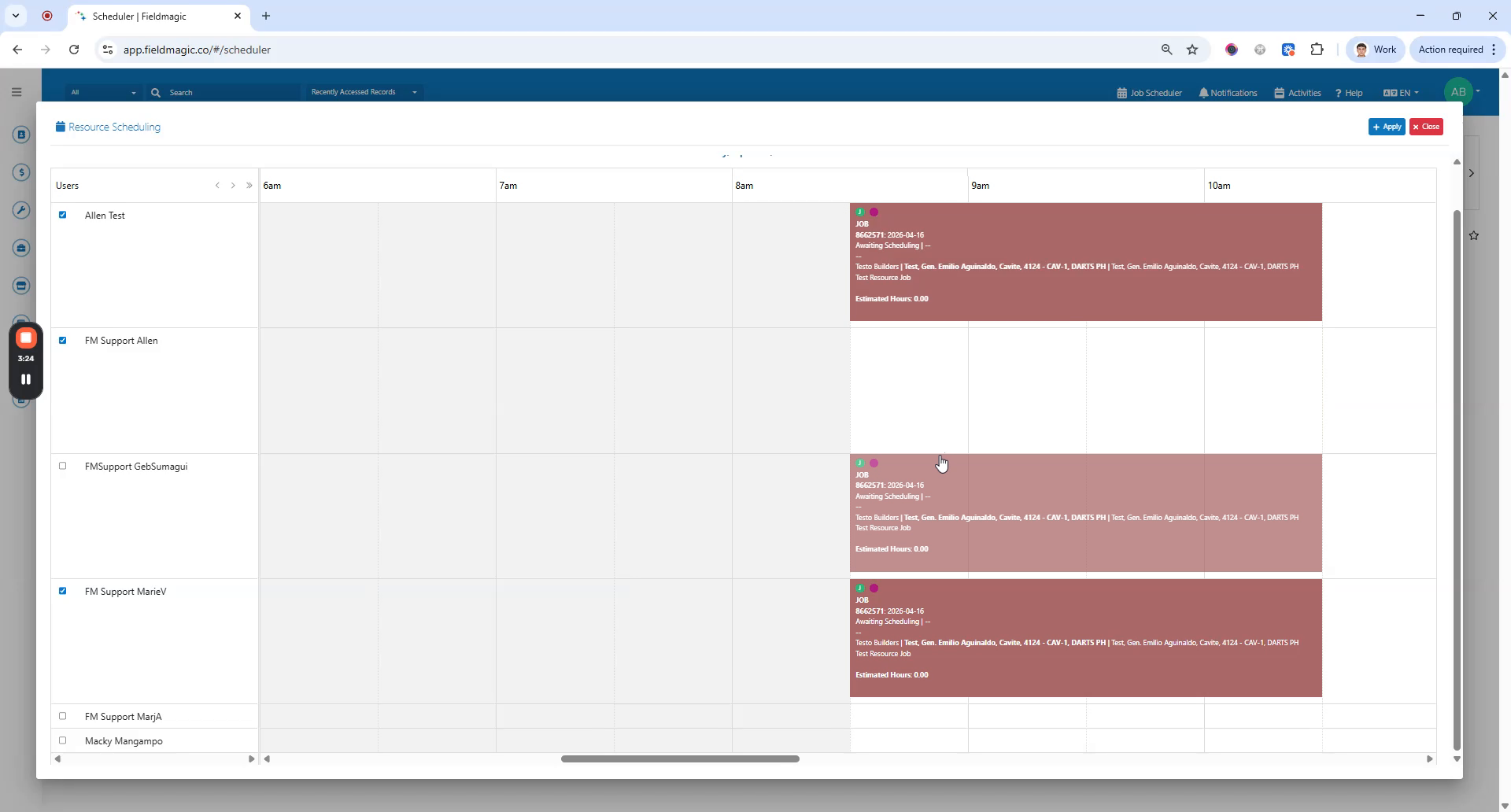
Select the check box to add users, or clear the check box to remove users. You can also drag a user schedule to a different user.
 Step 7
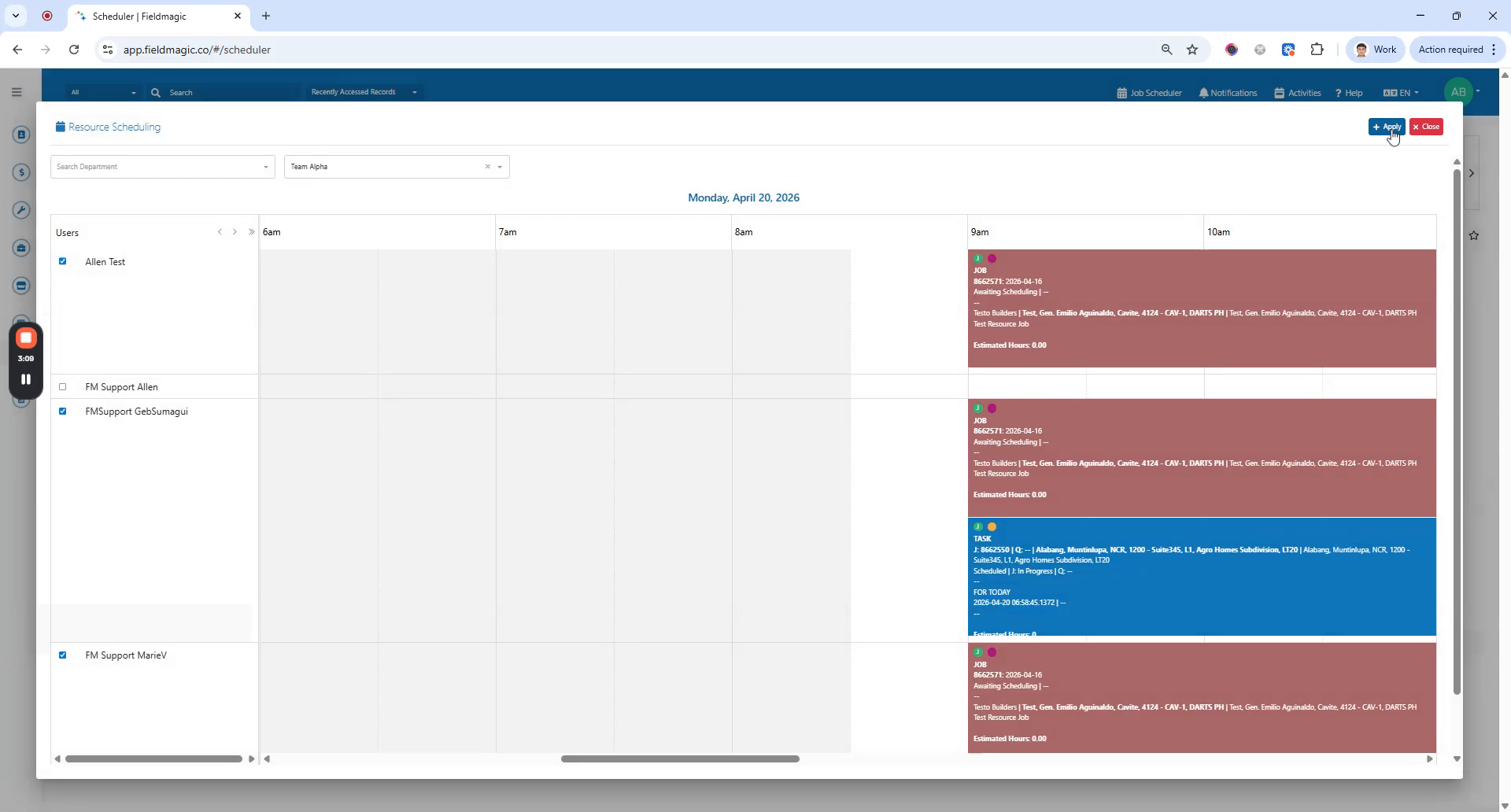
If you adjust the time, a confirmation dialog appears. Click Apply to update all linked schedules.
 Step 8
Click Save. Your default users are now automatically scheduled, and you can modify user schedules as needed.