Contract Pricing
Creating a Recurring Invoice inside the Contract
Navigate to the contract with contract pricing. Locate the Recurring Invoices section within the contract, then click the option to create a recurring invoice.
Step-by-step instructions
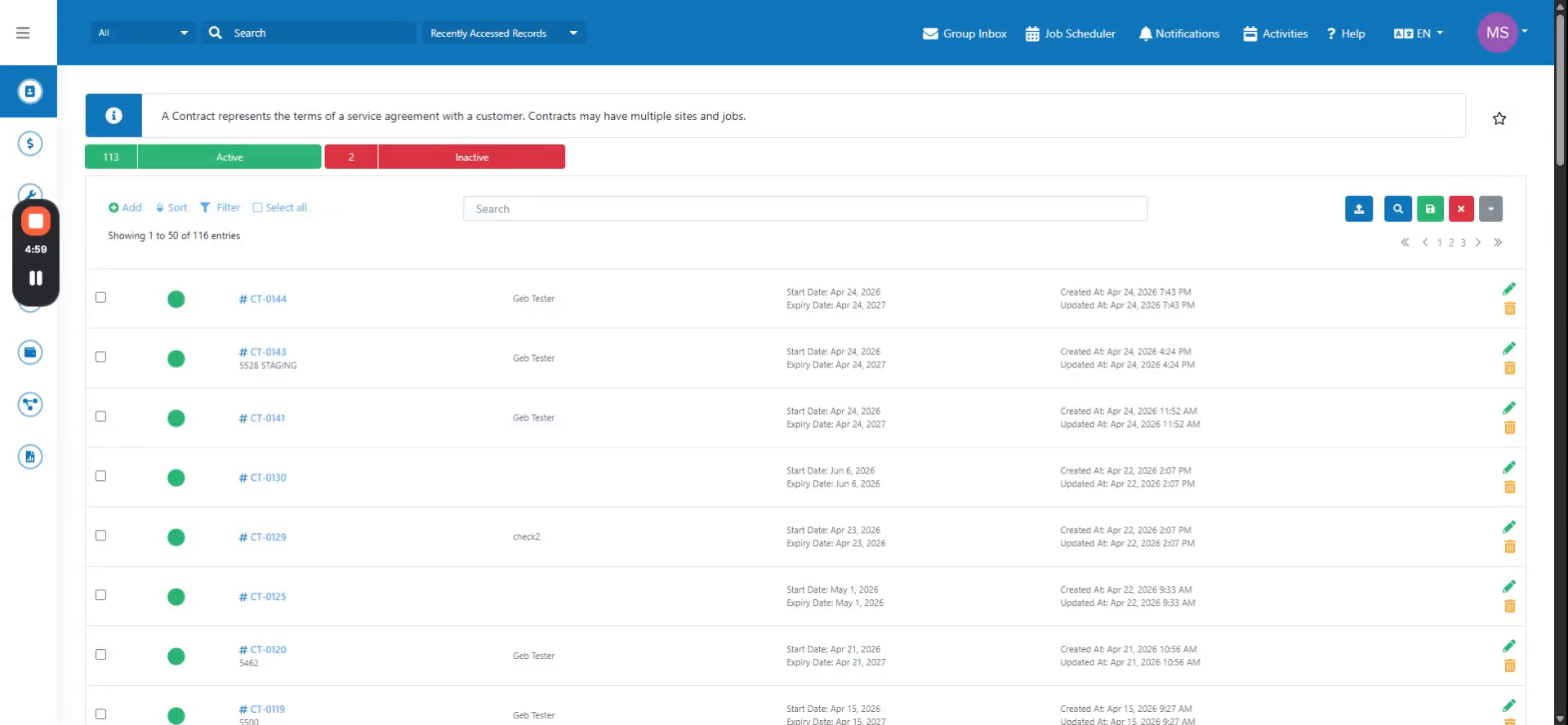 Step 1
Navigate to the contract with contract pricing. Locate the Recurring Invoices section within the contract, then click the option to create a recurring invoice.
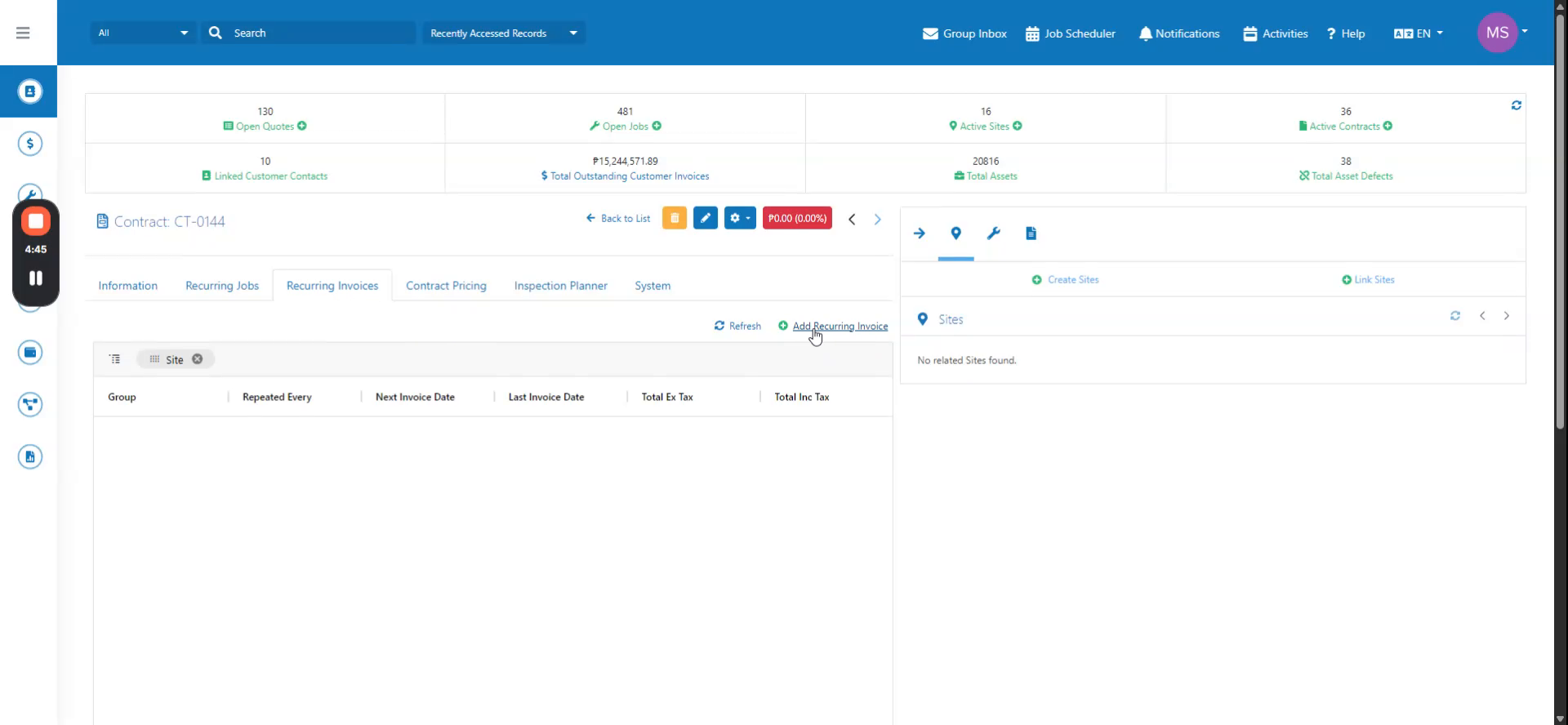 Step 2
Add your invoice details by filling out the required fields. The contract will be automatically referenced in the invoice.
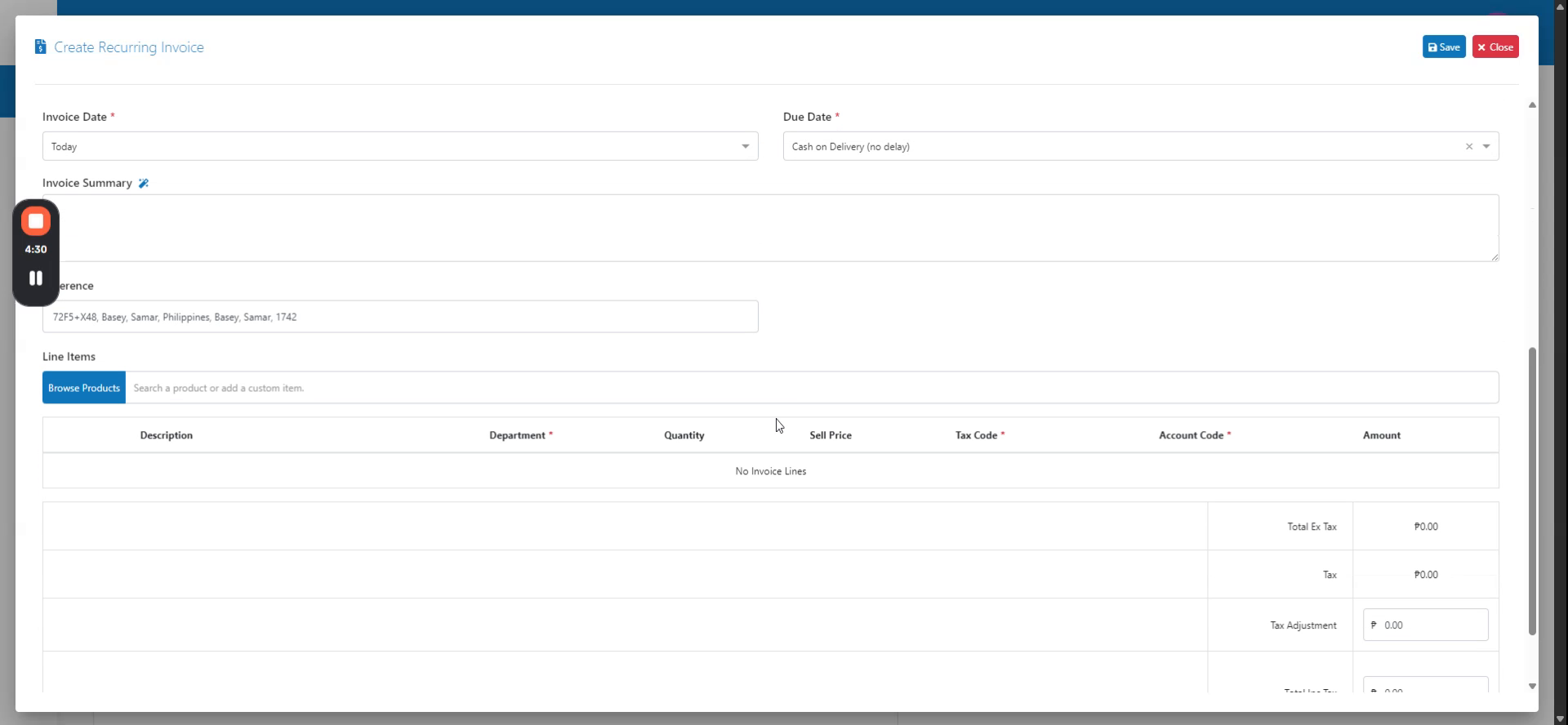 Step 3
The products from the contract pricing will be suggested in the invoice. Verify that the contract pricing references are correct, then click to proceed.