Contract Pricing
How to add Contract Pricing for products
Navigate to the Contracts module and click the Add button to create a new contract.
Step-by-step instructions
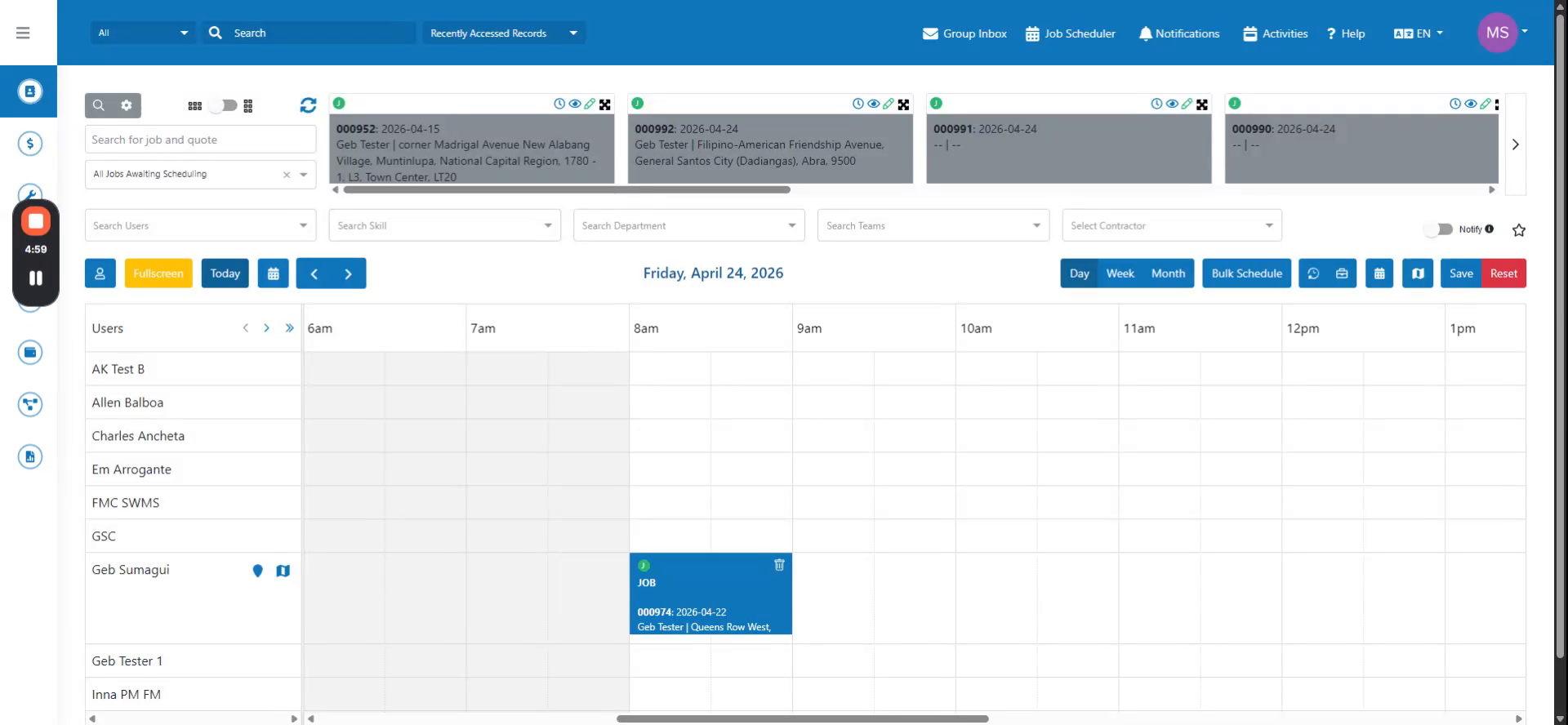 Step 1
Navigate to the Contracts module and click the Add button to create a new contract.
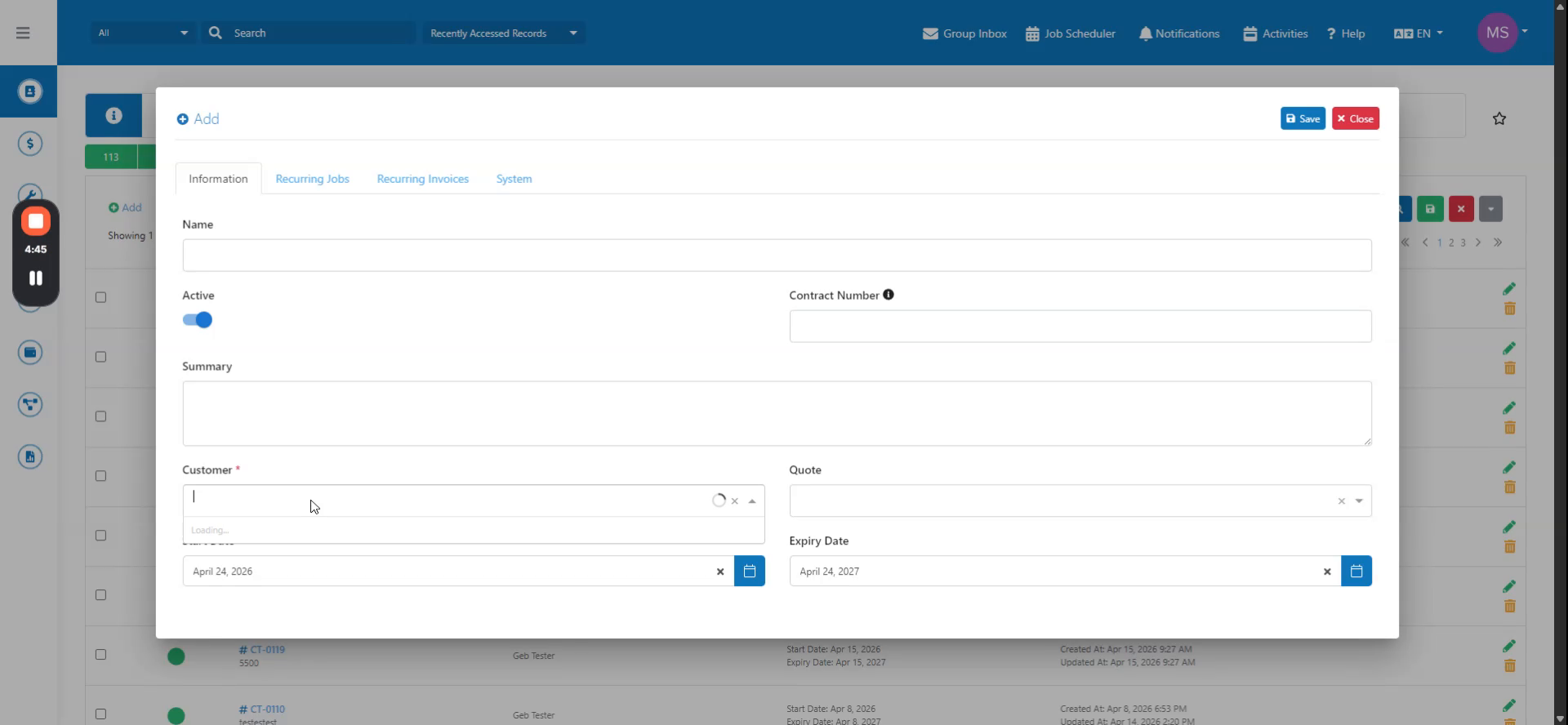 Step 2
In the Contract Pricing tab, click Add Product.
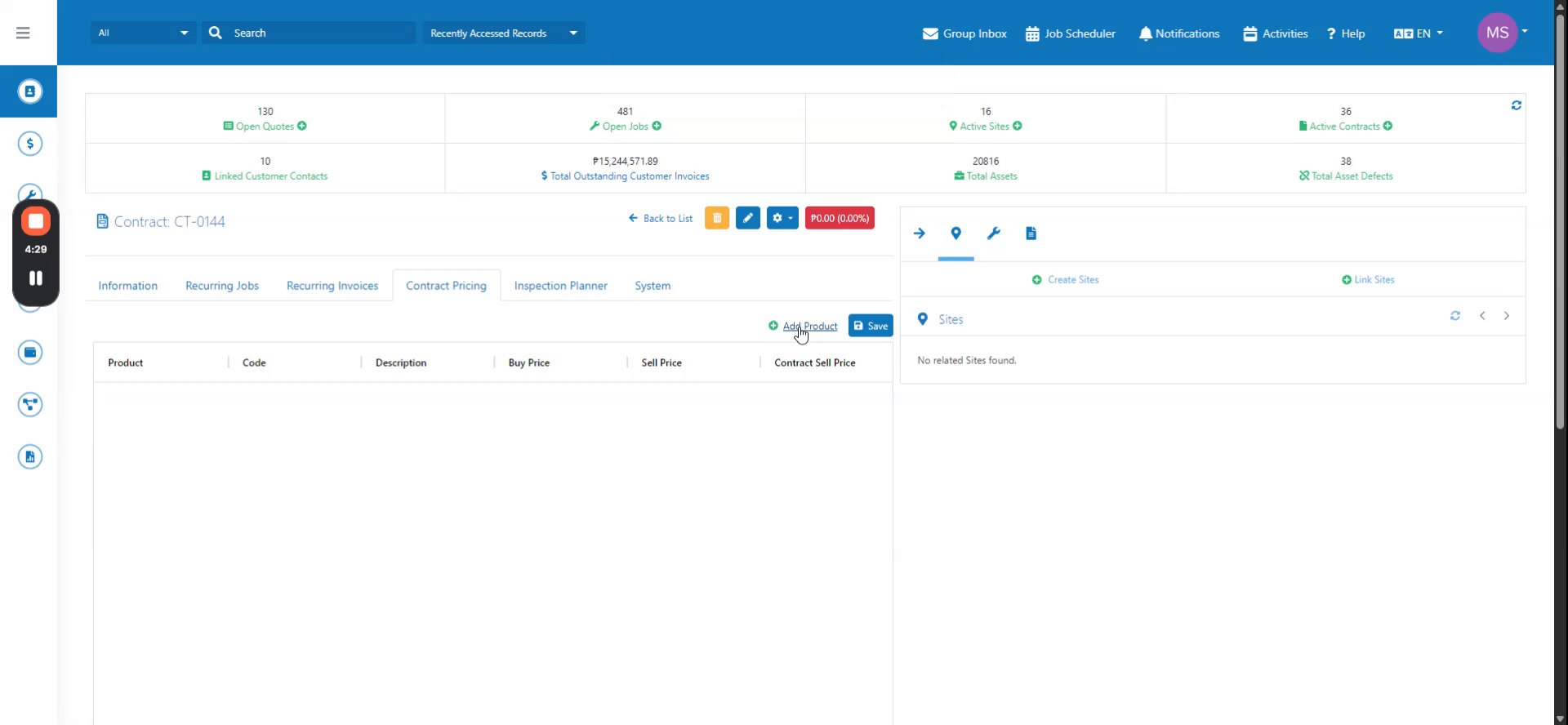 Step 3
Add the desired products, edit the contract pricing as needed, and click Save.