Sales & Quoting
Converting an Accepted Quote into a Job
Open the accepted quote you want to convert into a job.
Step-by-step instructions
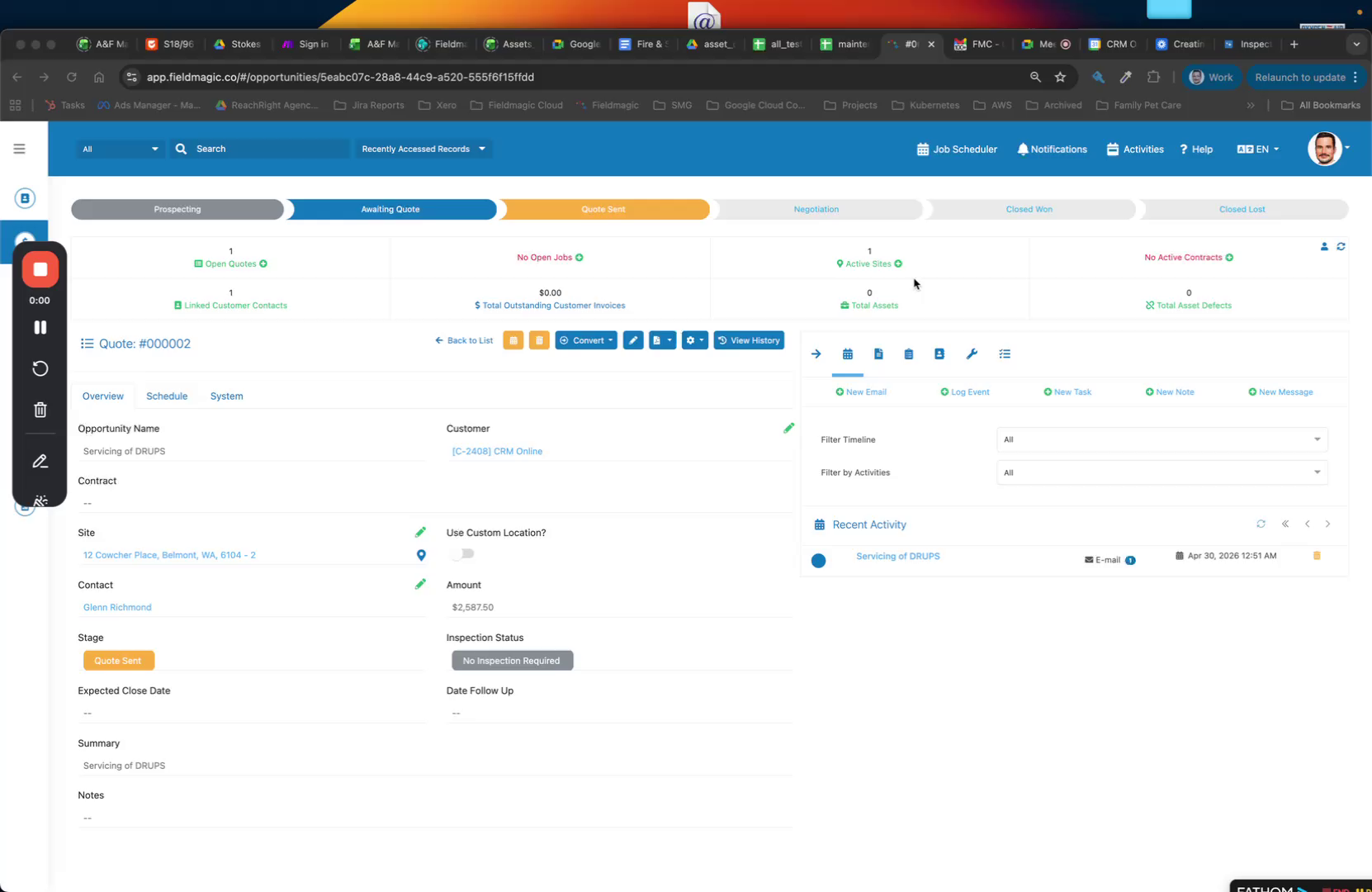 Step 1
Open the accepted quote you want to convert into a job.
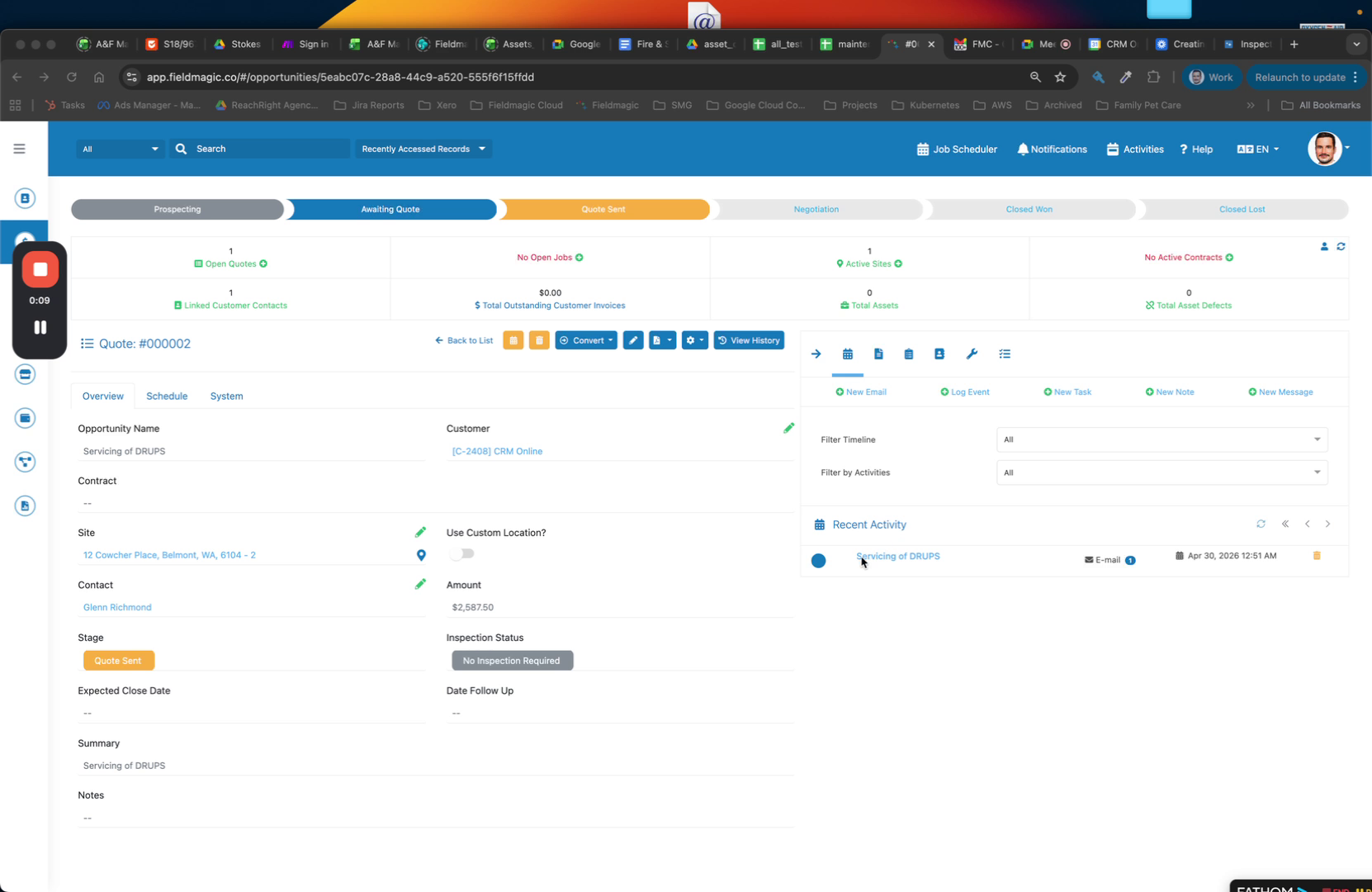 Step 2
Click the Convert button to begin the conversion process.
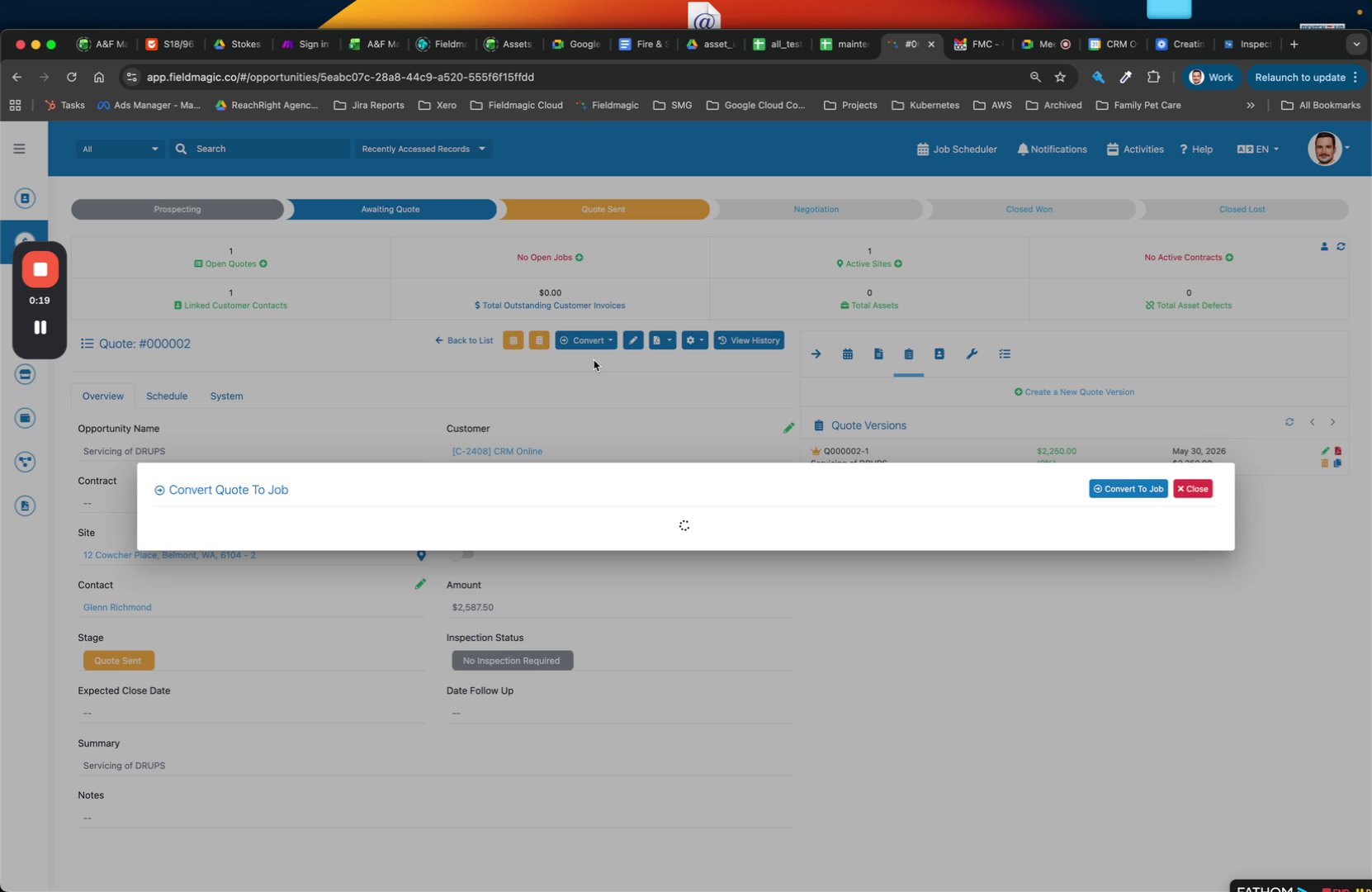 Step 3
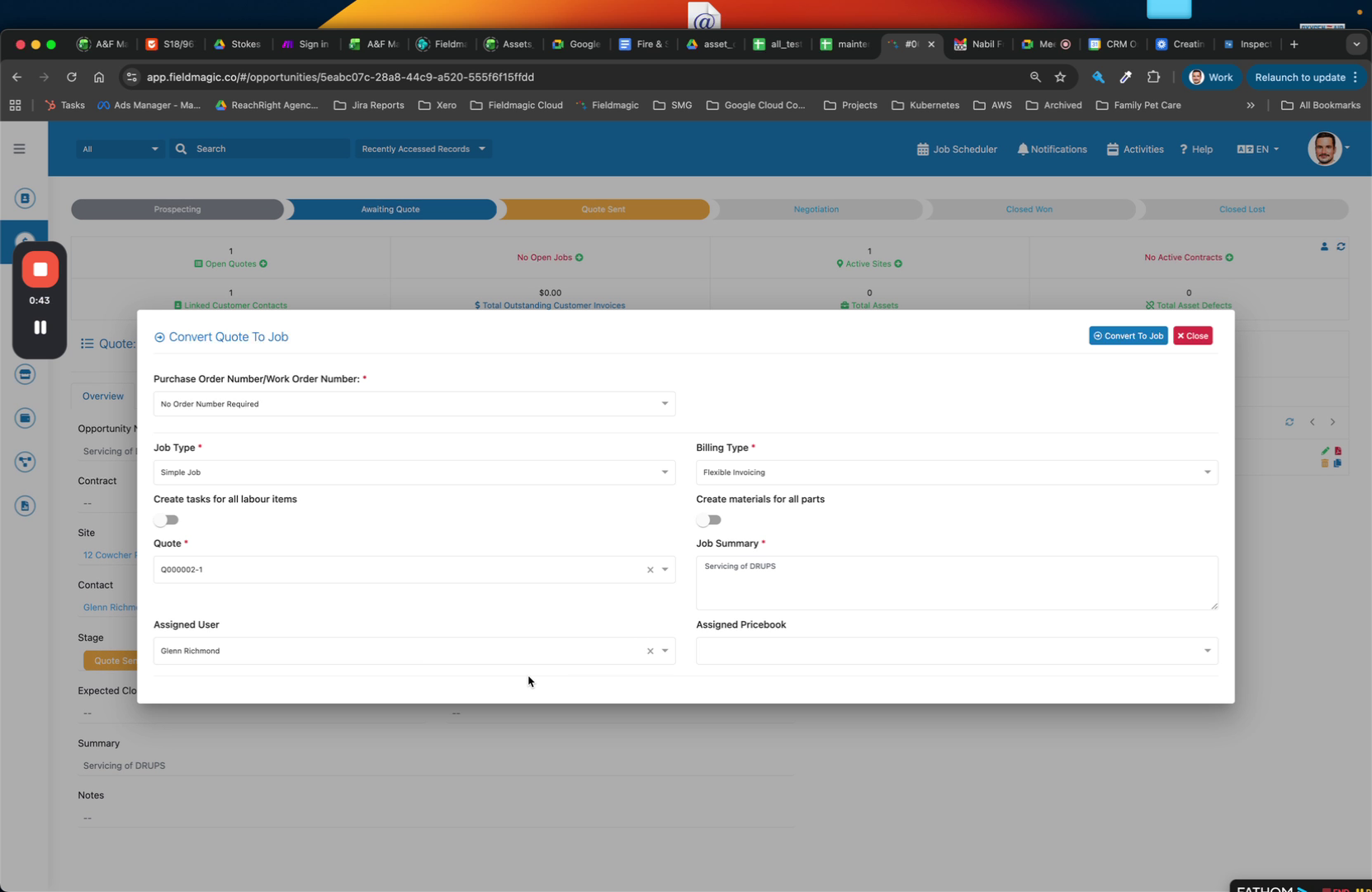
Select the Purchase Order option. Choose 'No Purchase Order required' if applicable.
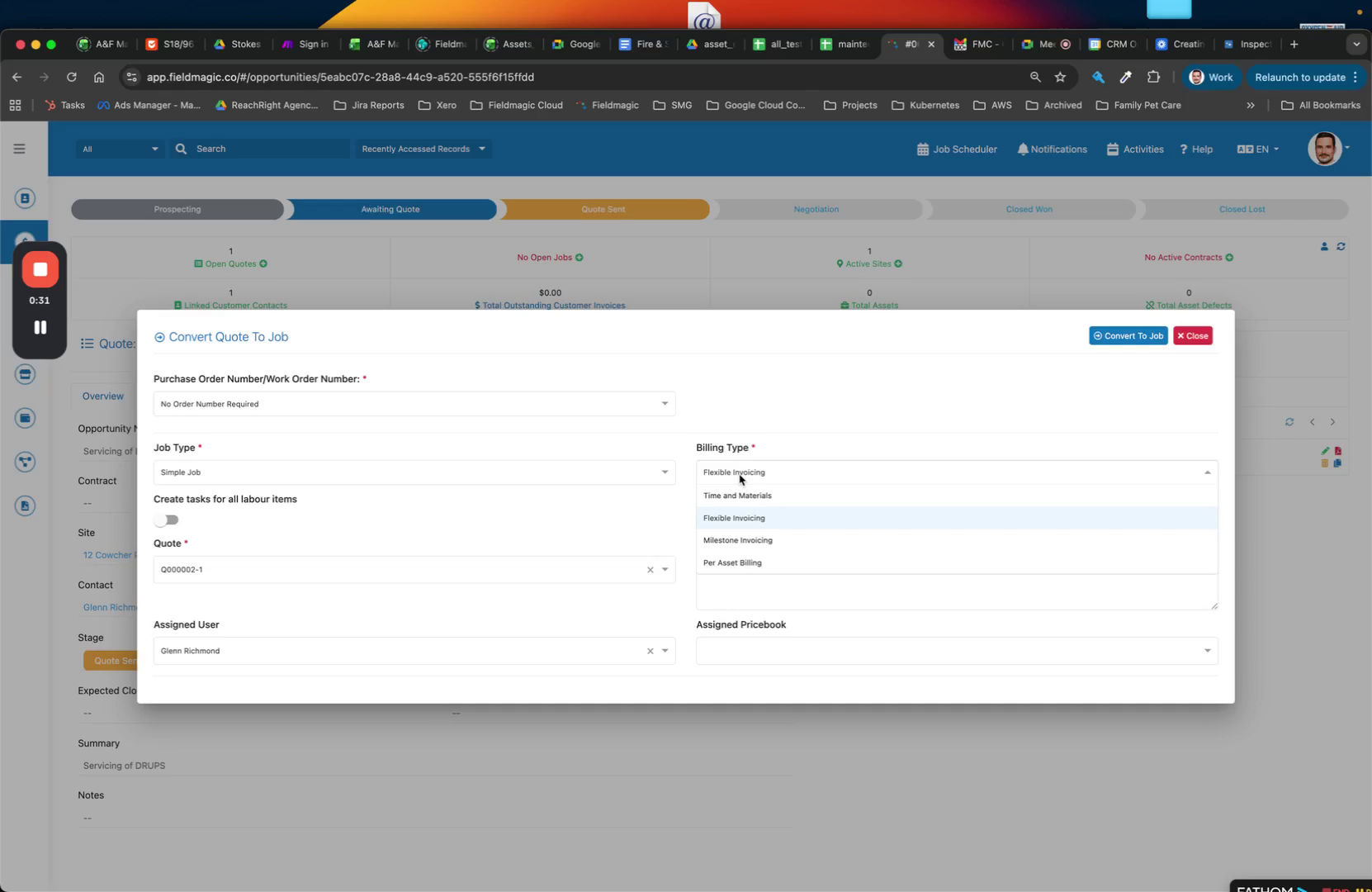 Step 4
Select Flexible Invoicing as the default option. This allows for fixed pricing with the flexibility to add materials and parts.
 Step 5
Accept the remaining default settings, then click Convert to create the job.
 Step 6
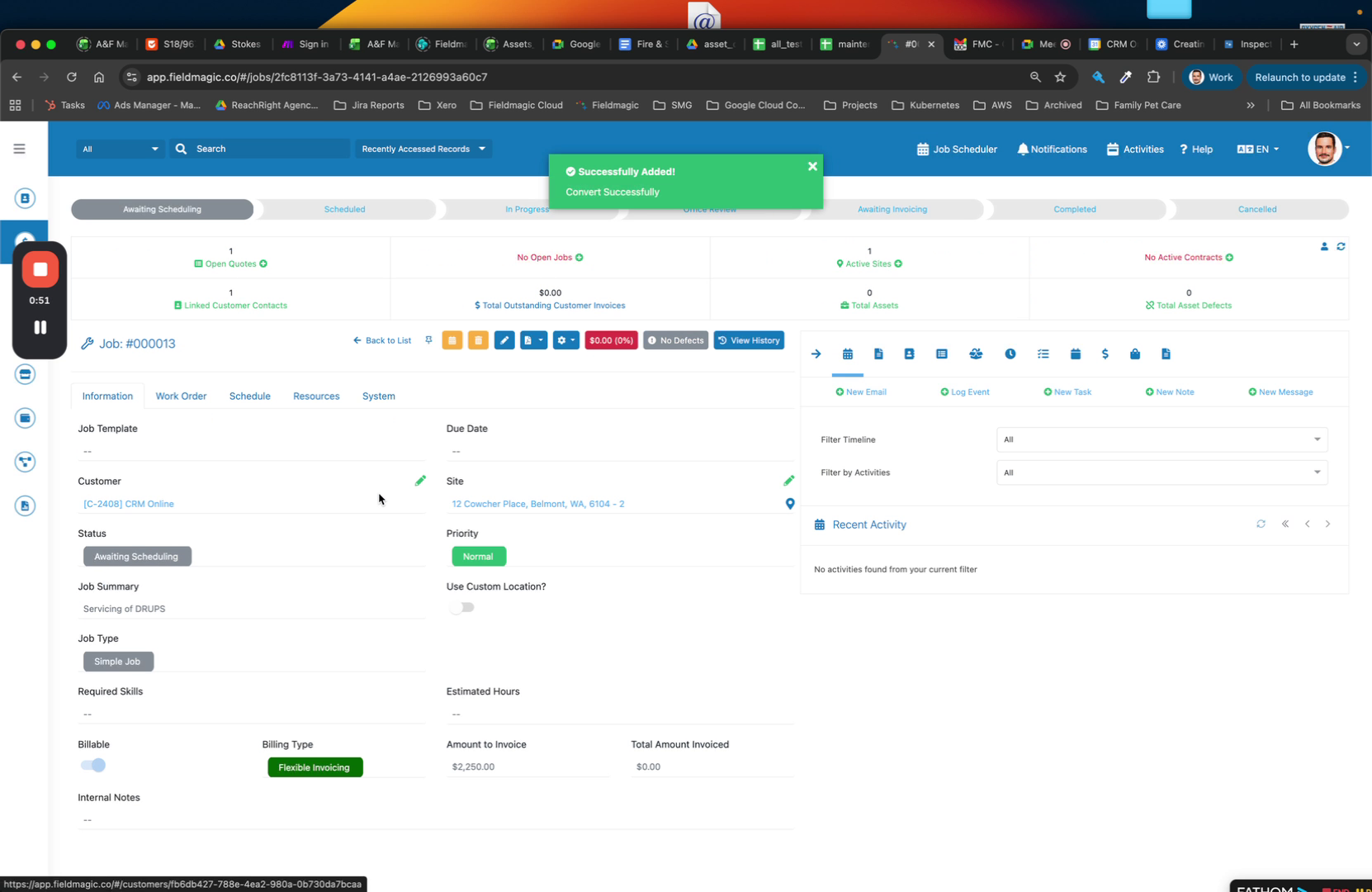
The job now includes the customer, site, and all line items from the quote under the work order.