Administration
Create a Second FieldMagic Account
Create a second FieldMagic account when you already have an existing account. This is useful when setting up another office within your business or managing multiple franchises.
Step-by-step instructions
 Step 1
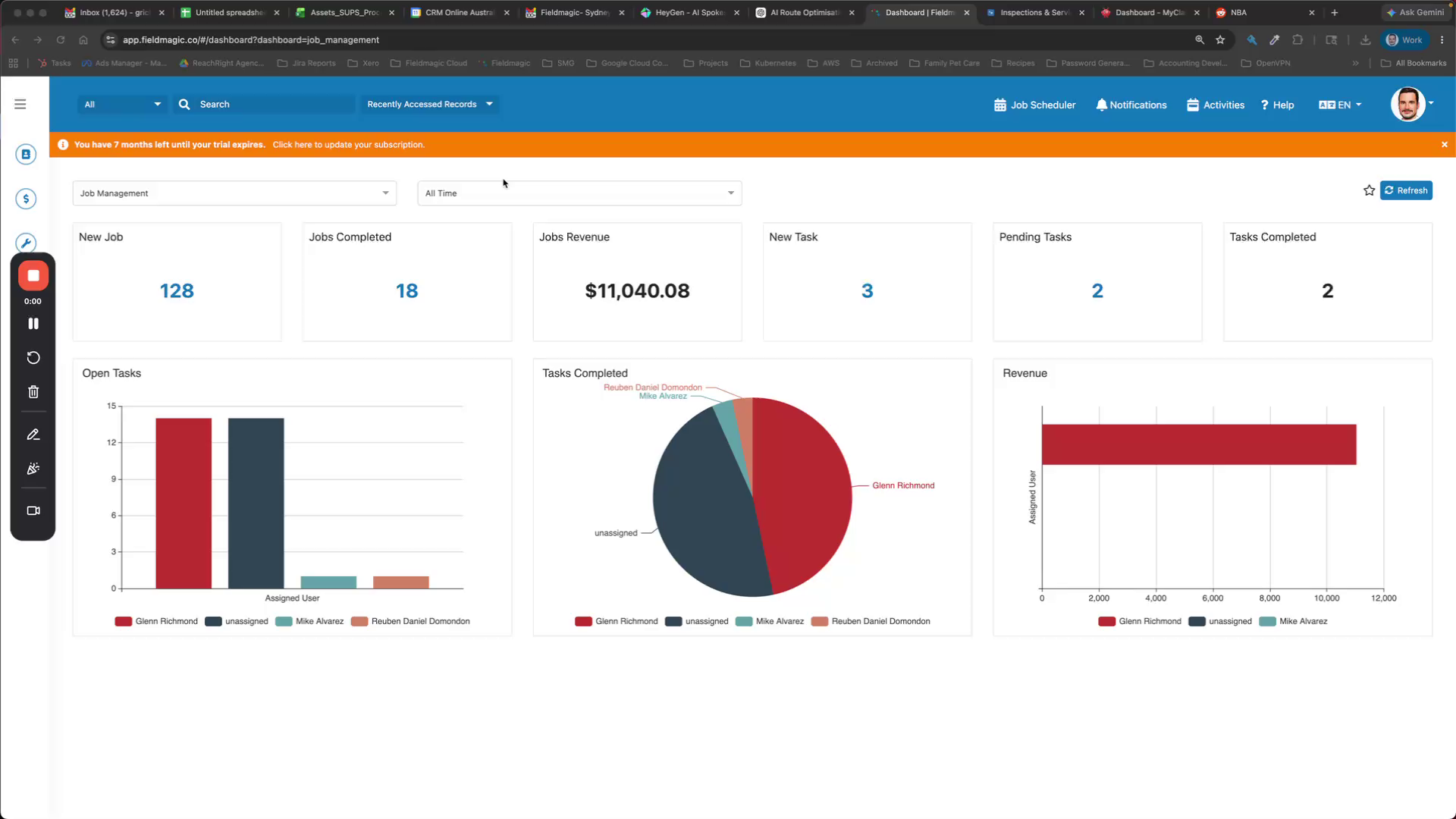
Create a second FieldMagic account when you already have an existing account. This is useful when setting up another office within your business or managing multiple franchises.
 Step 2
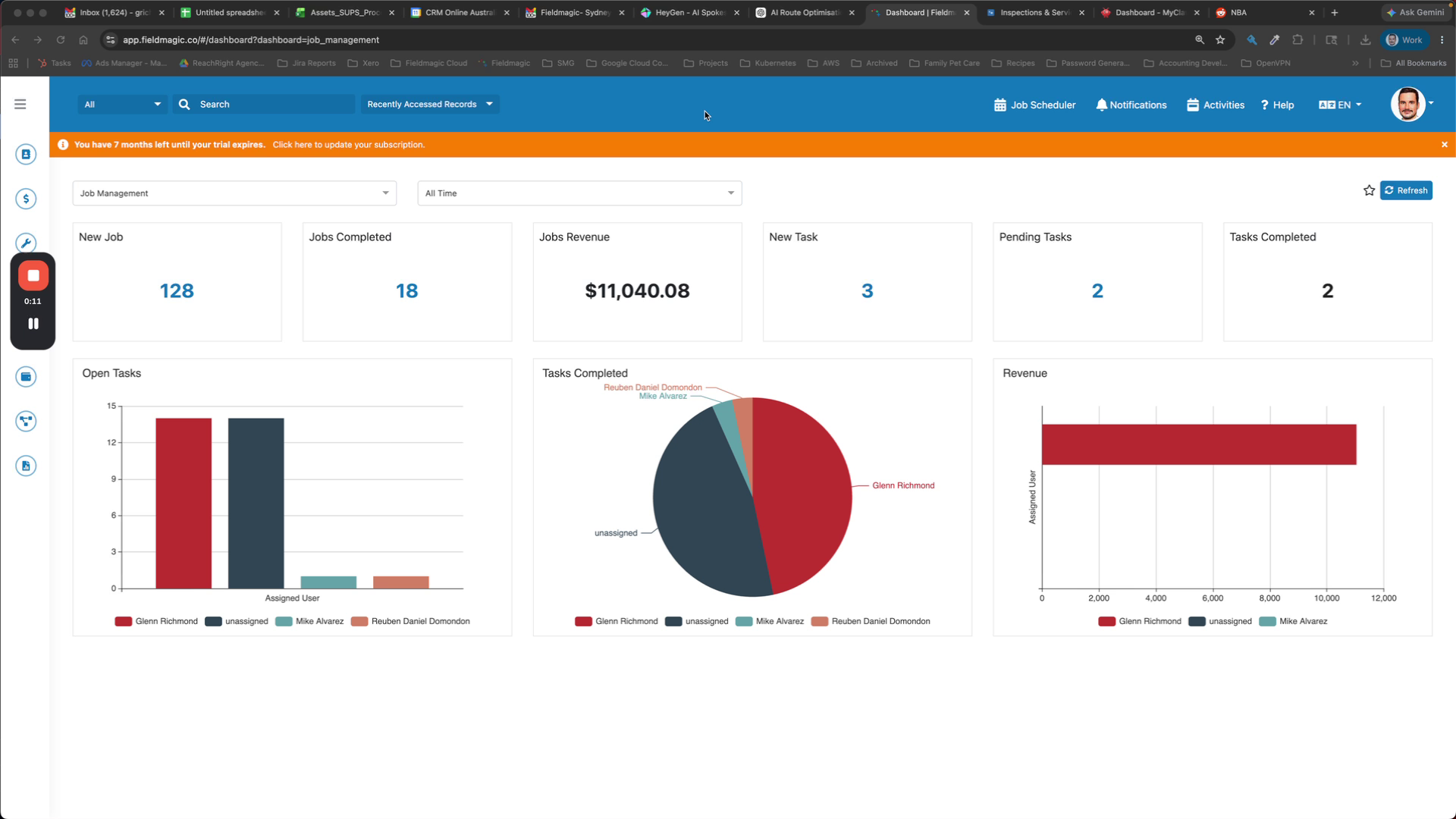
You may want the same user account to access multiple different FieldMagic accounts. To begin, navigate from your existing FieldMagic account.
 Step 3
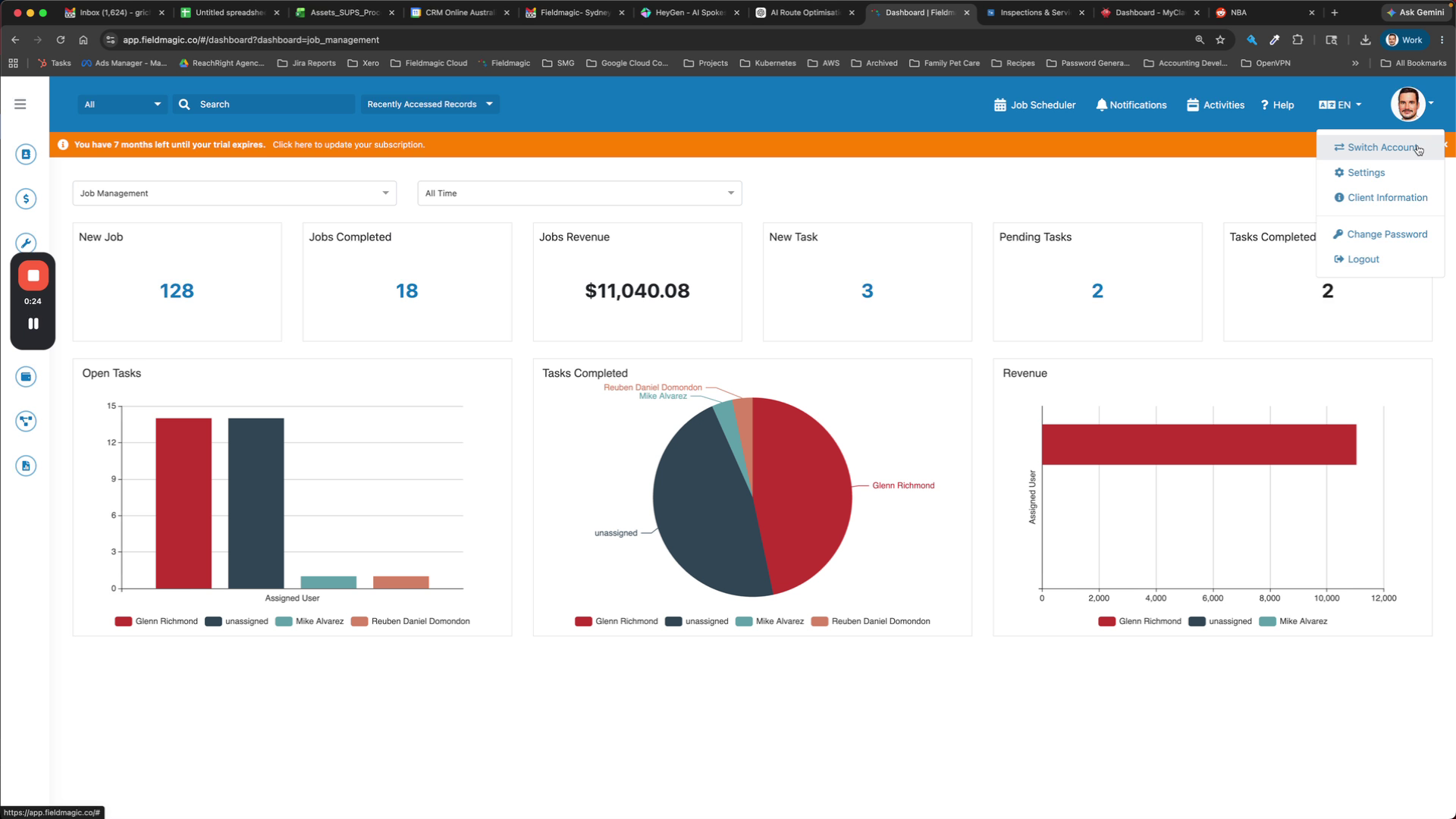
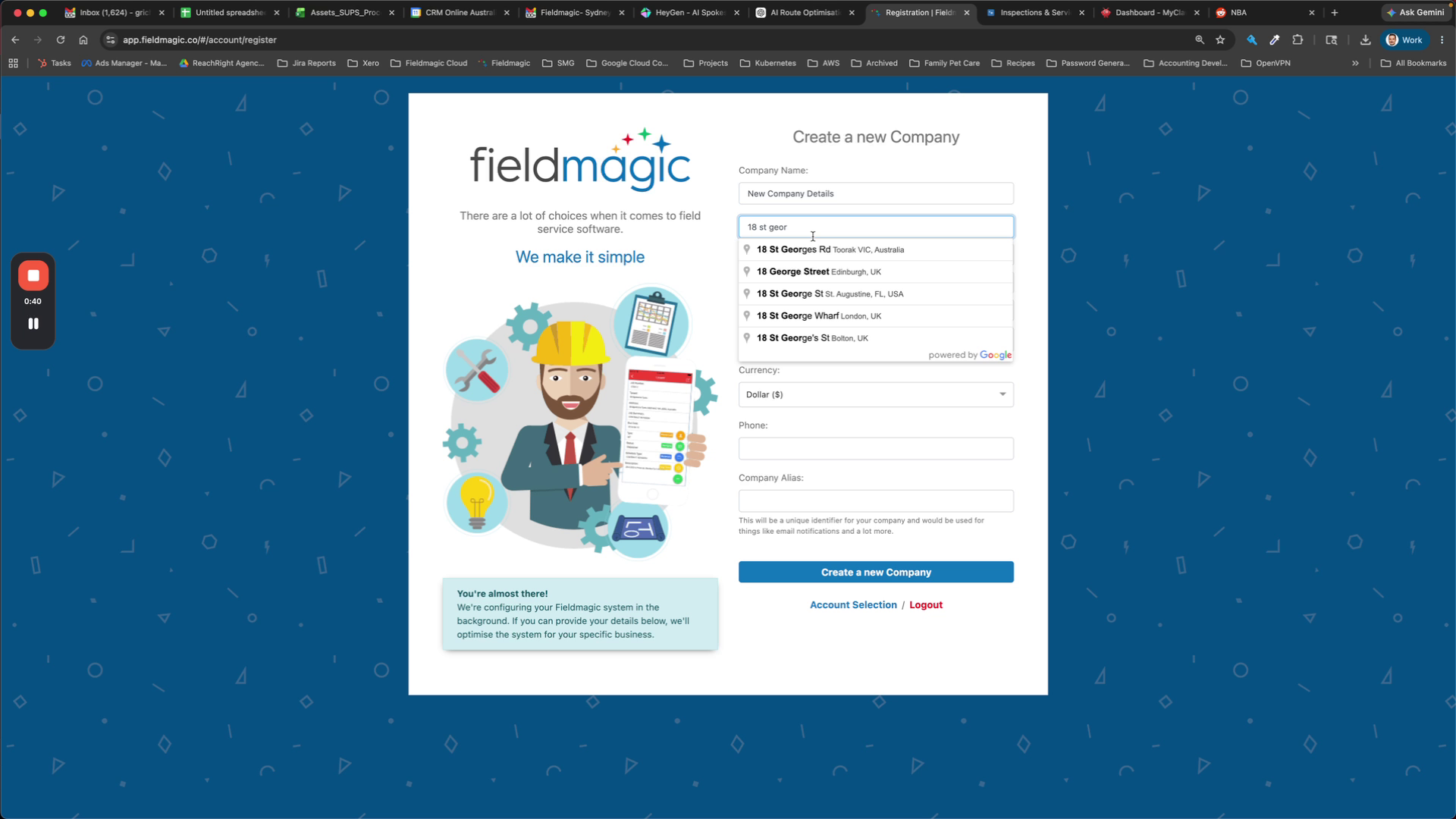
Go to the Switch Account screen, then register a new company and enter your new company details.
 Step 4
Complete the process to create the second account.