Customers, Sites & Contacts
Create a Site Record
Learn how to create a site record in FieldMagic.
Step-by-step instructions
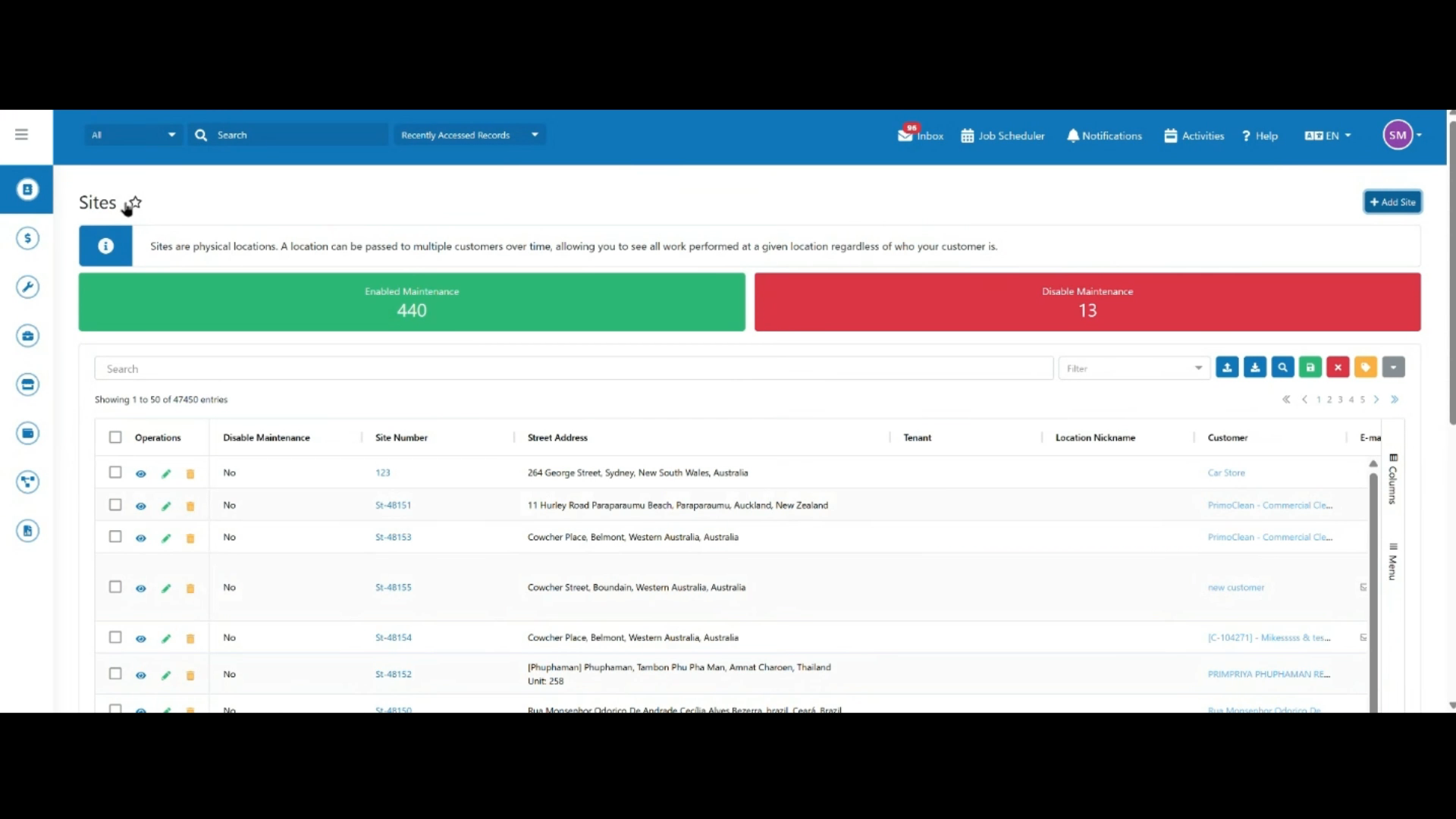 Step 1
Open the Sites module from the main navigation.
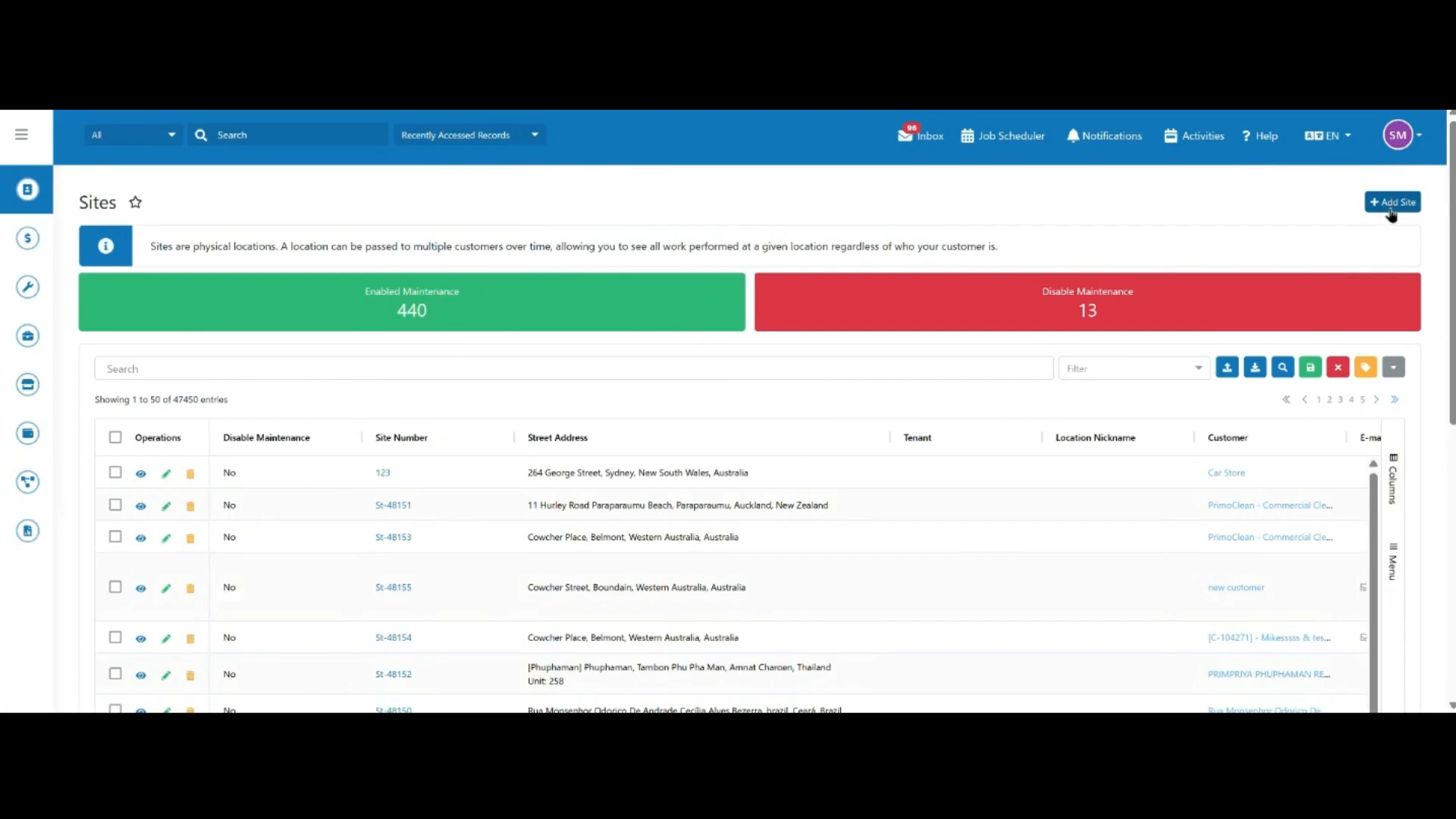 Step 2
Click Add Site to open the new site form.
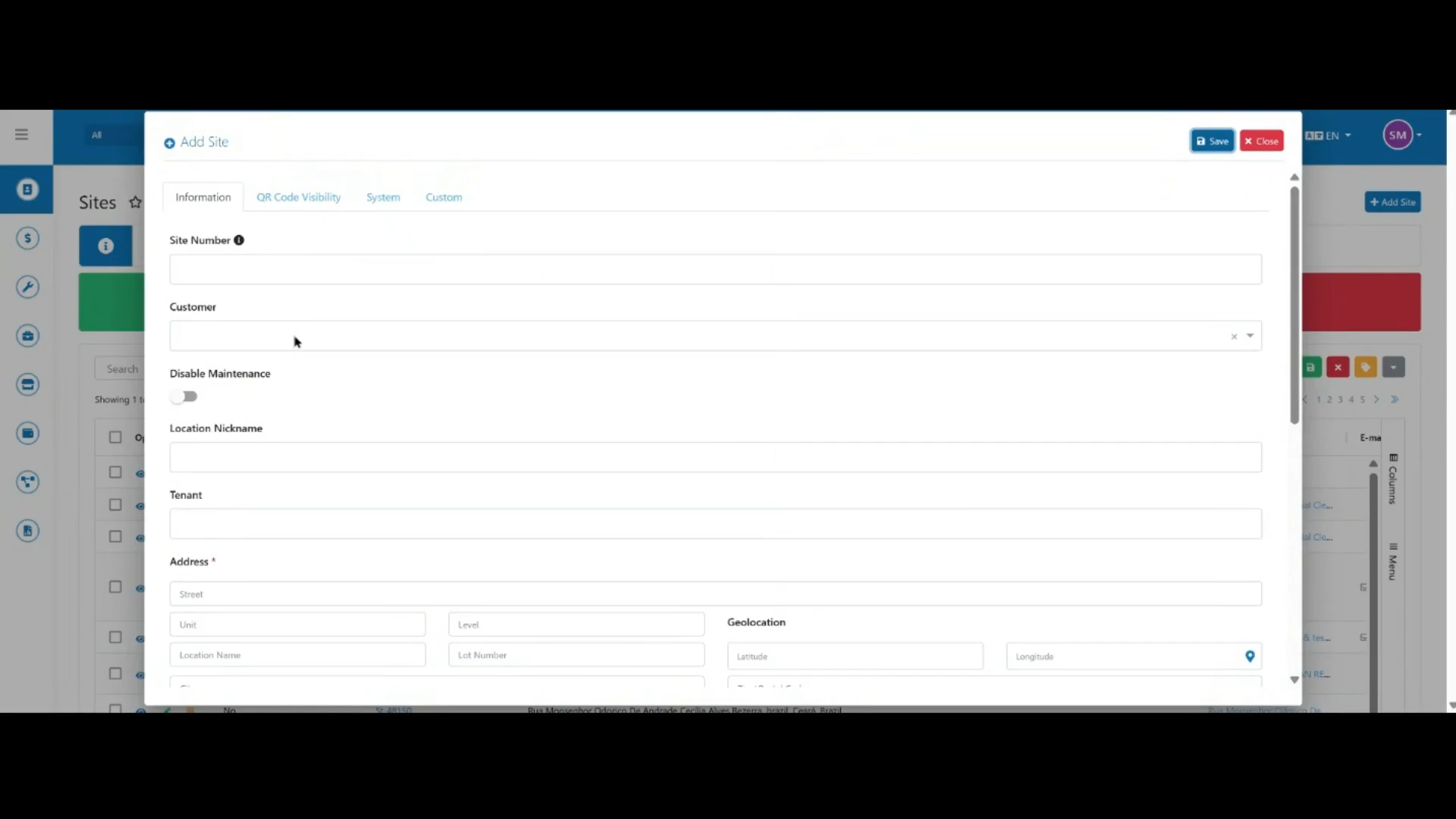 Step 3
Leave the Site Number field blank — it populates automatically once the site is created.
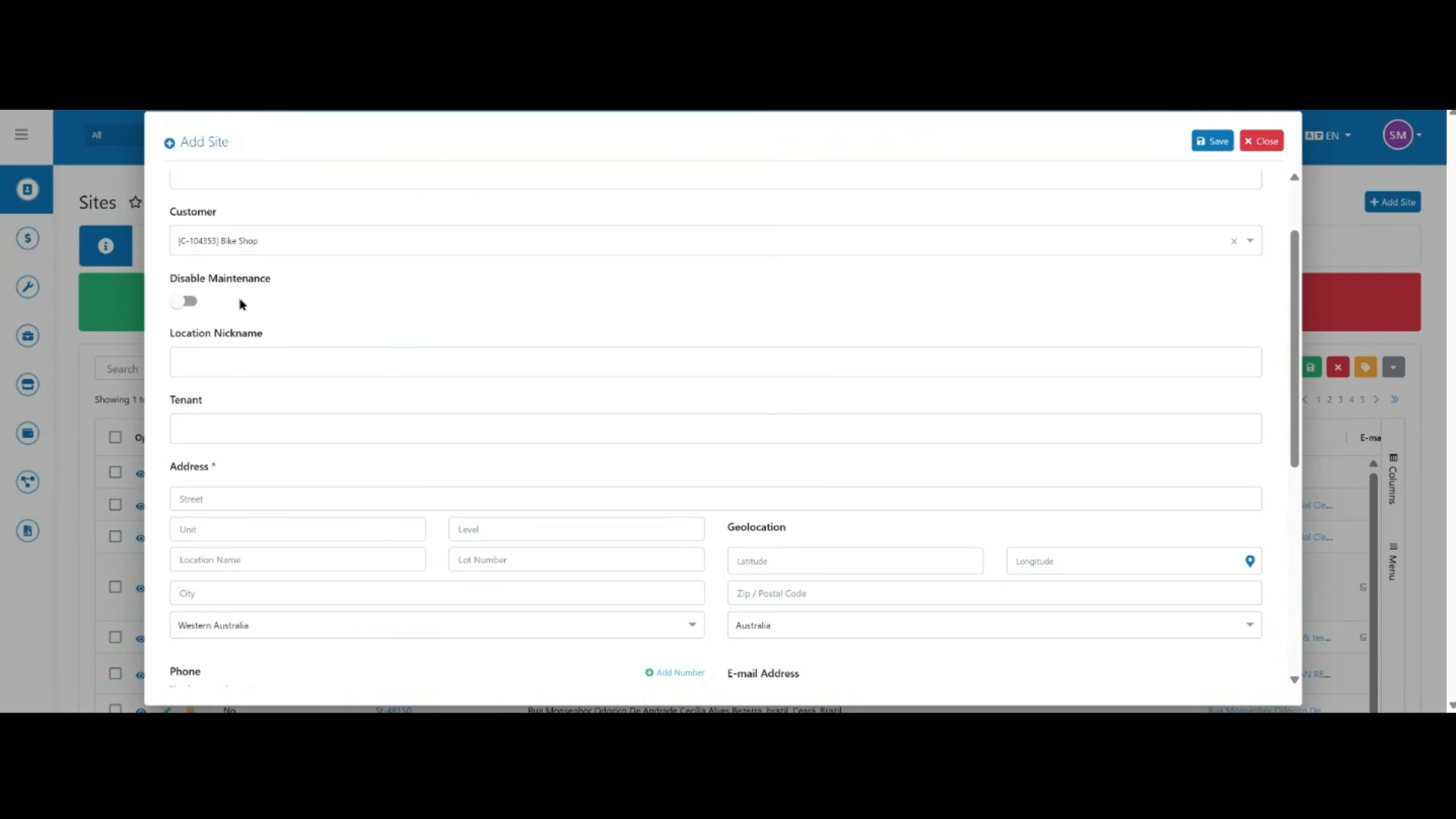 Step 4
Link the customer record you created earlier, and use the Disable Maintenance toggle if the site needs to be temporarily taken out of service.
 Step 5
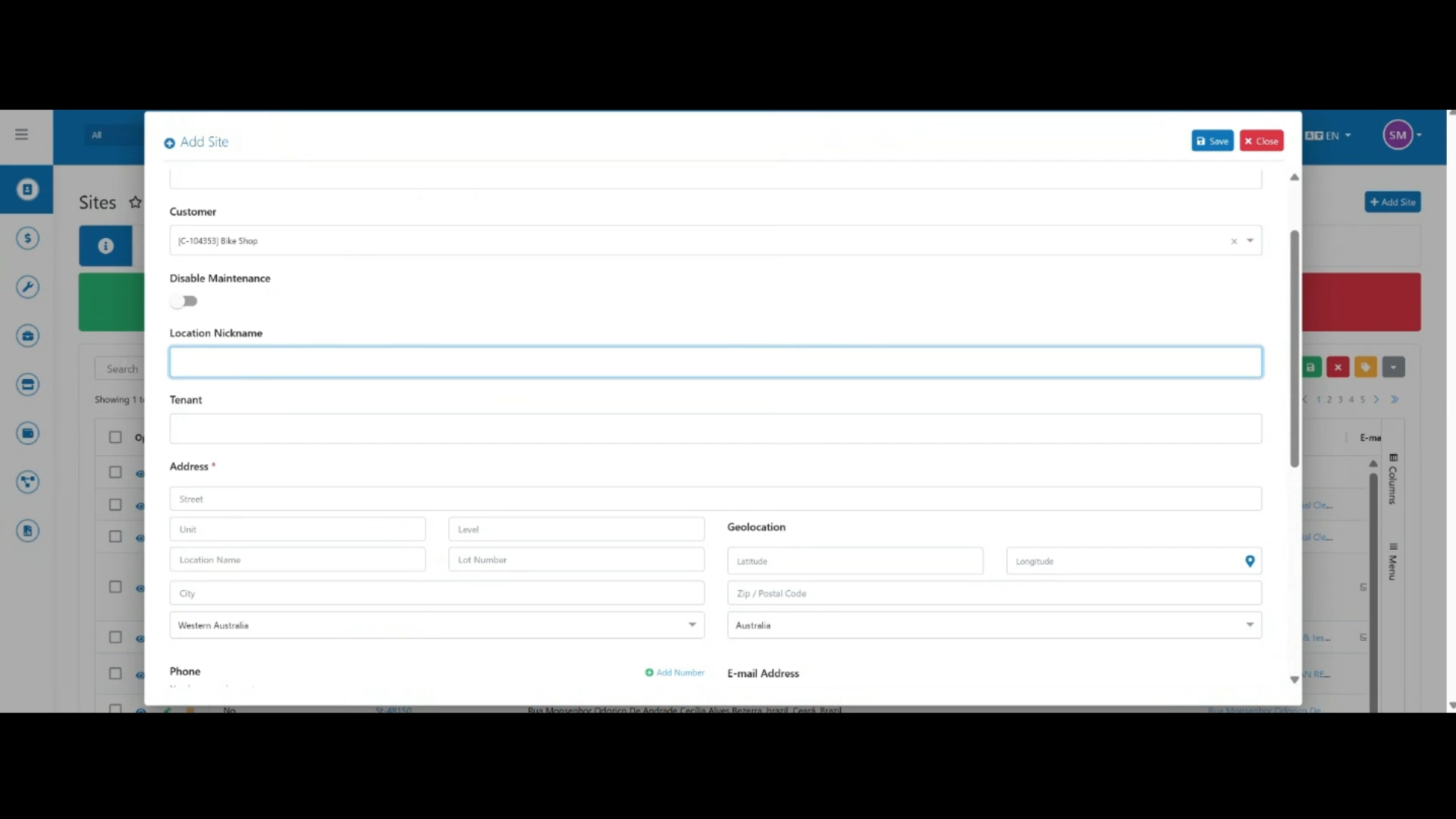
Enter a location nickname for the site.
 Step 6
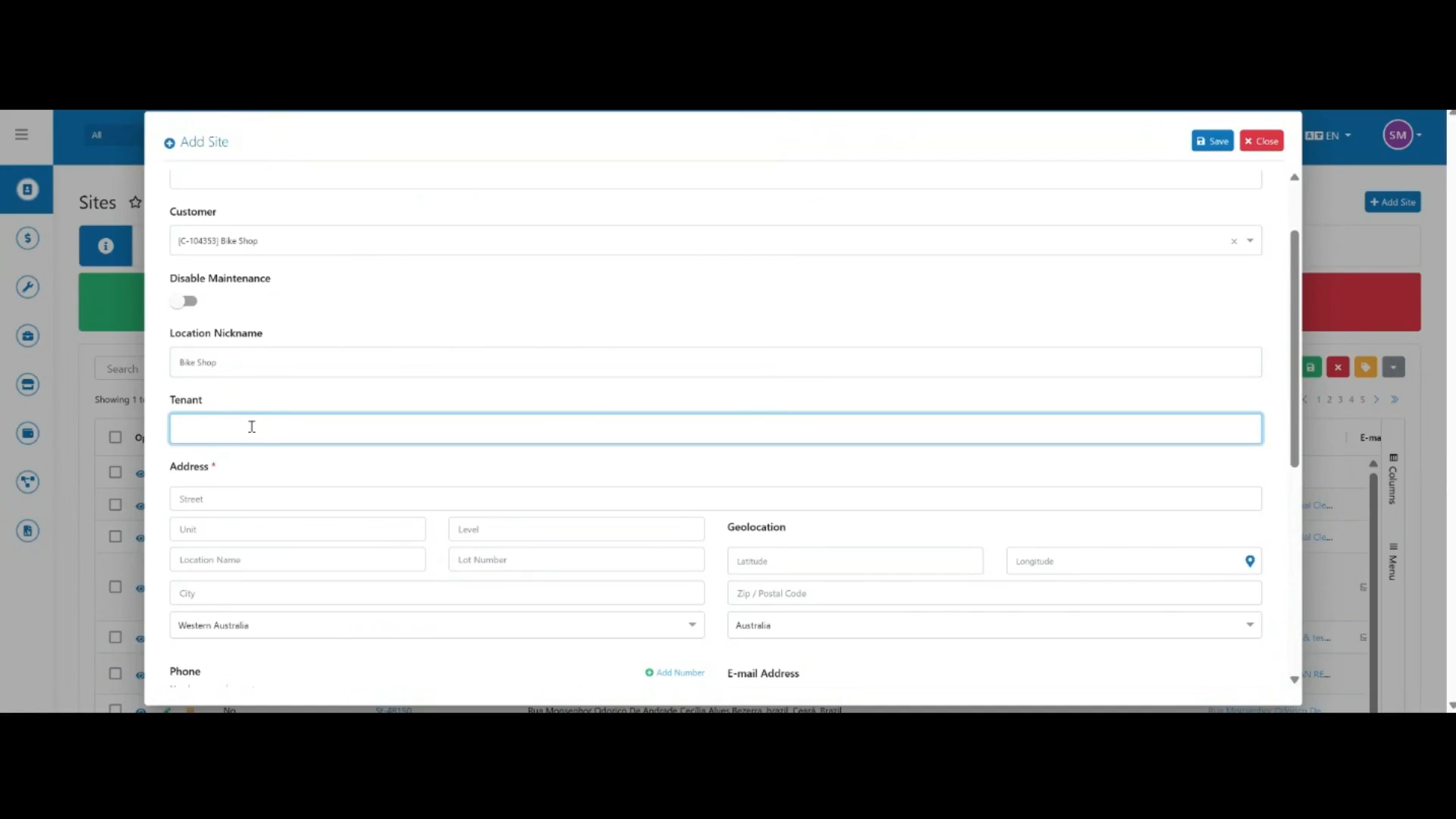
Enter the tenant name for the site.
 Step 7
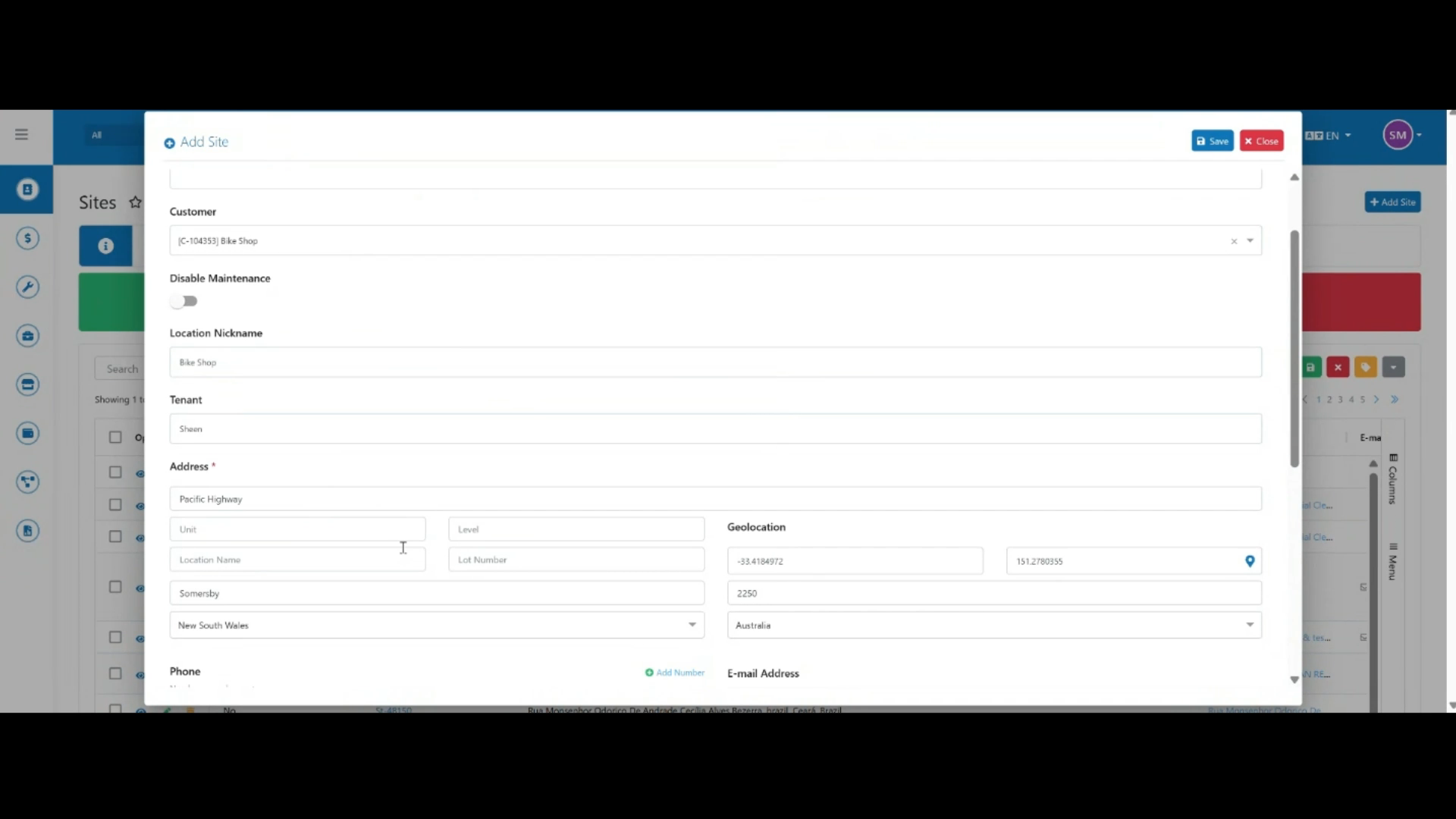
Search for and select the site address — the address and location fields populate automatically.
 Step 8
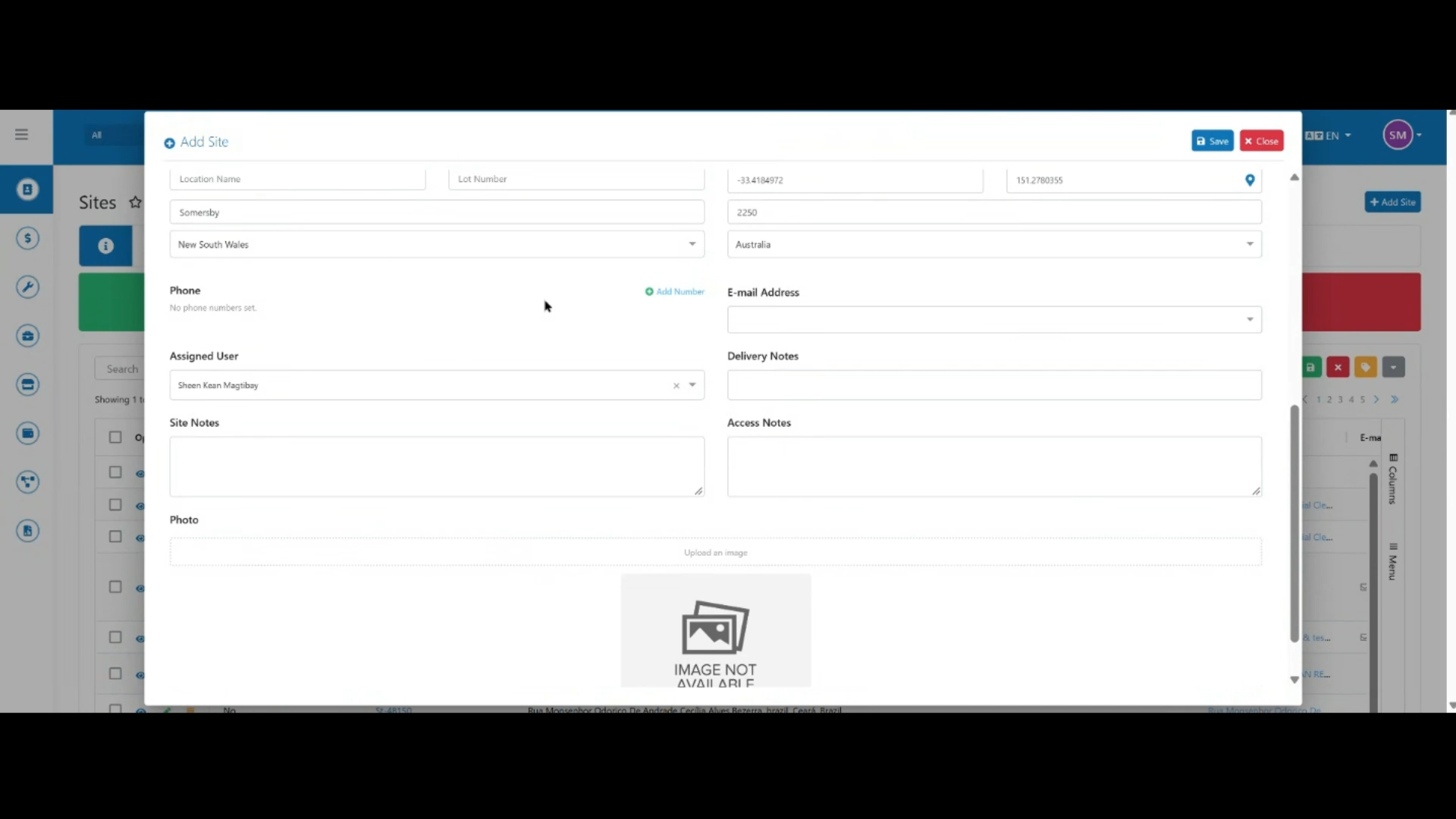
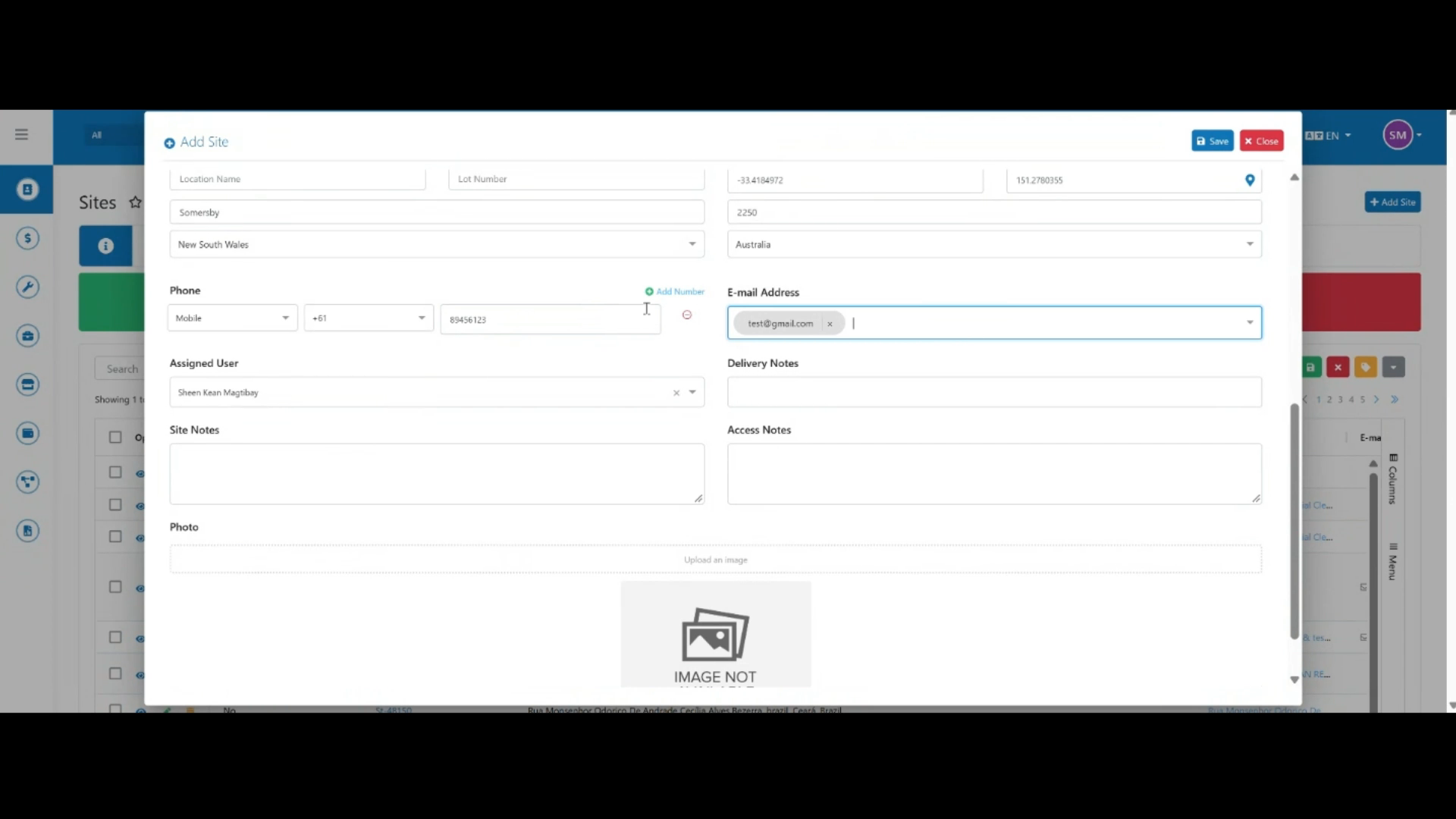
Register the site's contact details, including phone numbers and email addresses.
 Step 9
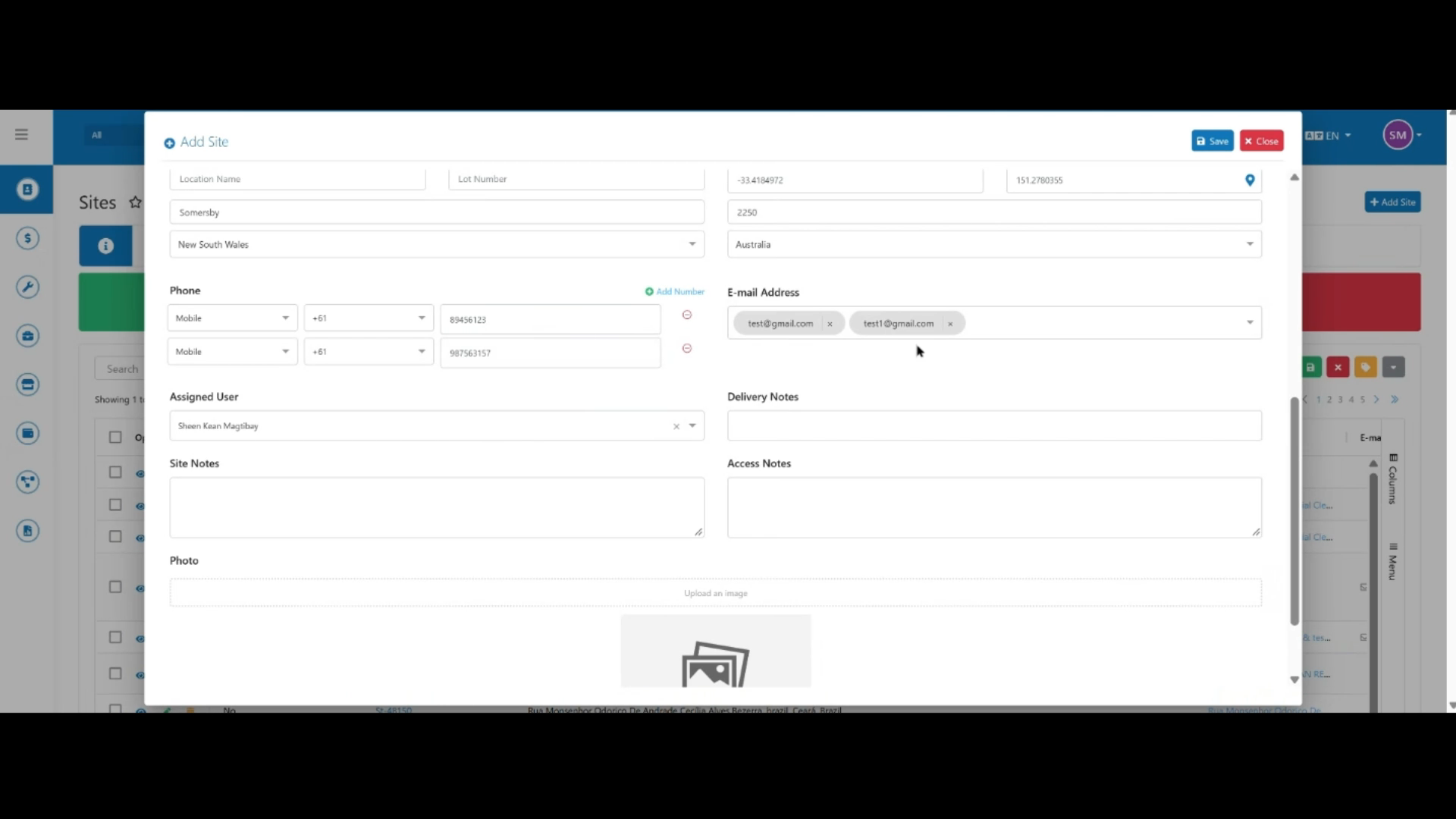
Add multiple phone numbers and email addresses if needed.
 Step 10
Once all the details are entered, click Save to create the site record.