Job Management
Create And Schedule Jobs Efficiently In FieldMagic
Walk through how to create and schedule a job in FieldMagic.
Step-by-step instructions
- Step 1
Walk through how to create and schedule a job in FieldMagic.
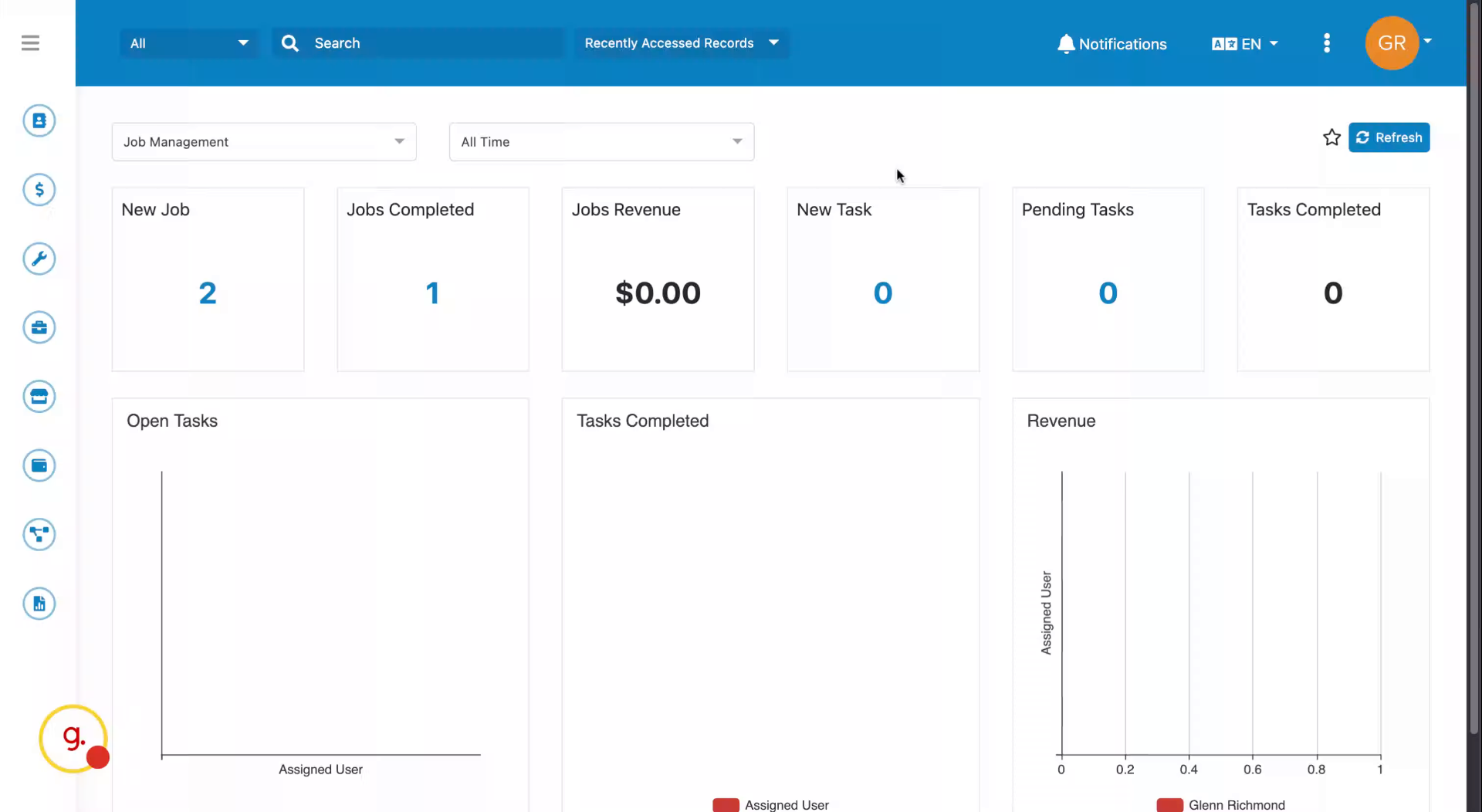 Step 2
Head to the left-hand navigation and select the Job Wizard.
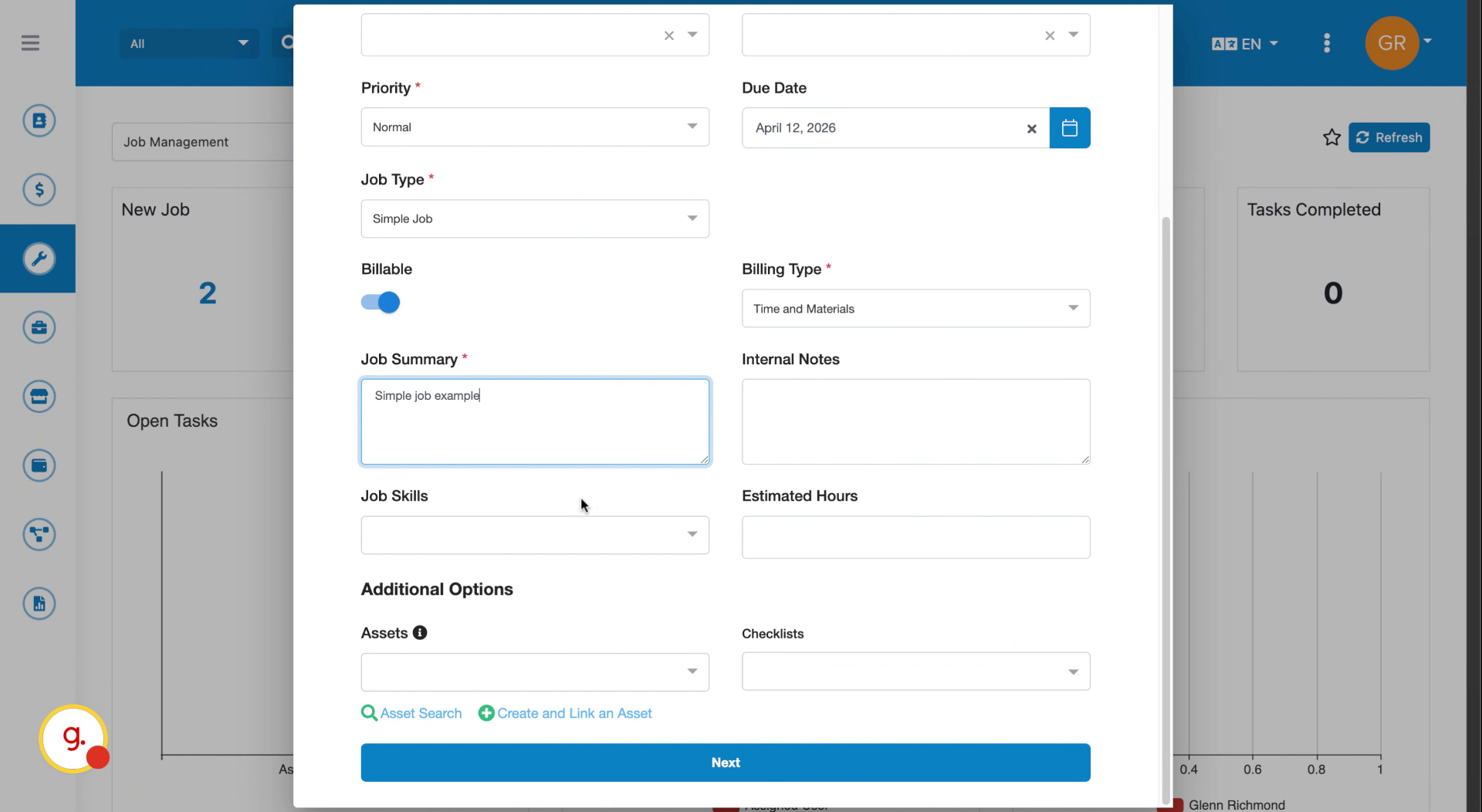 Step 3
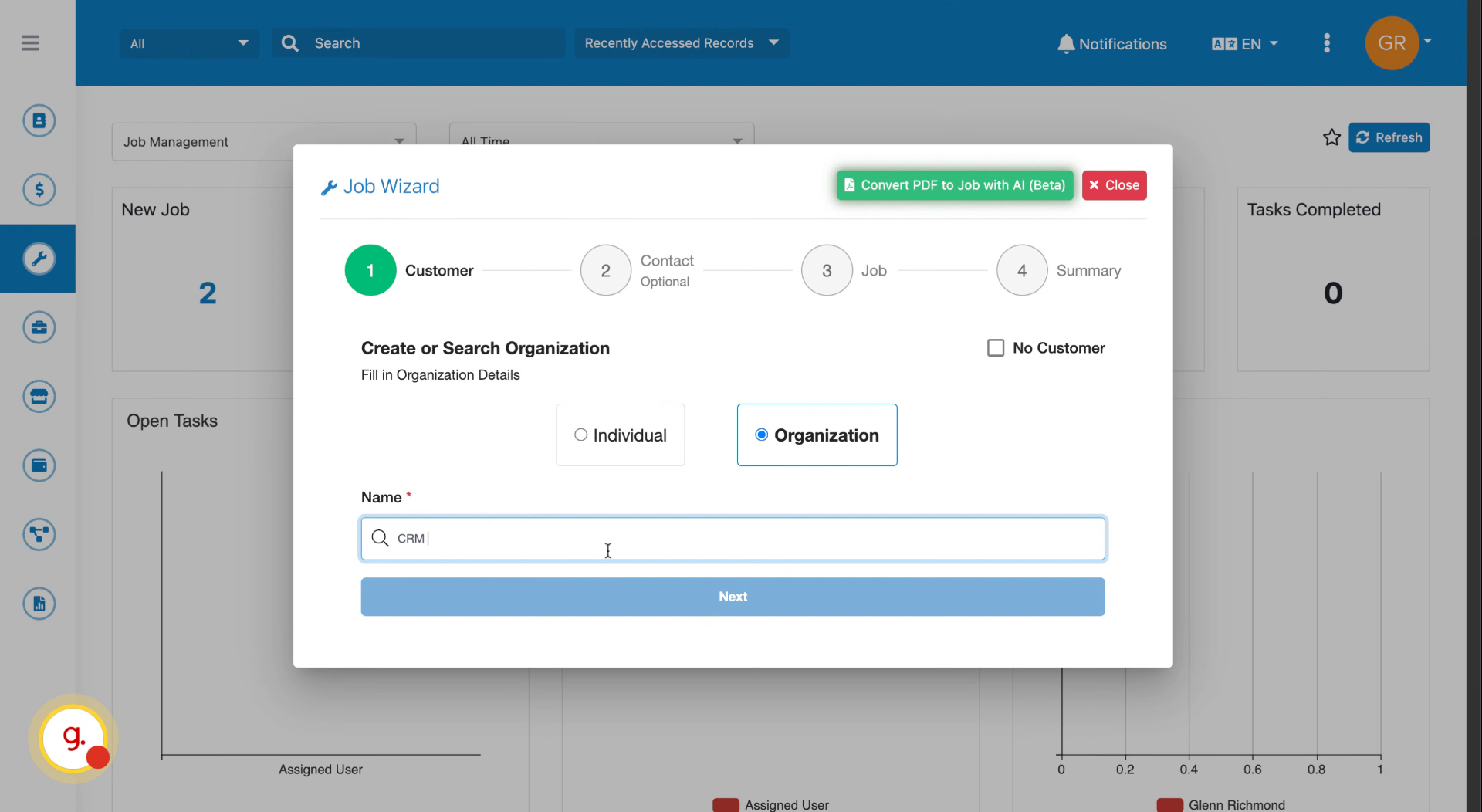
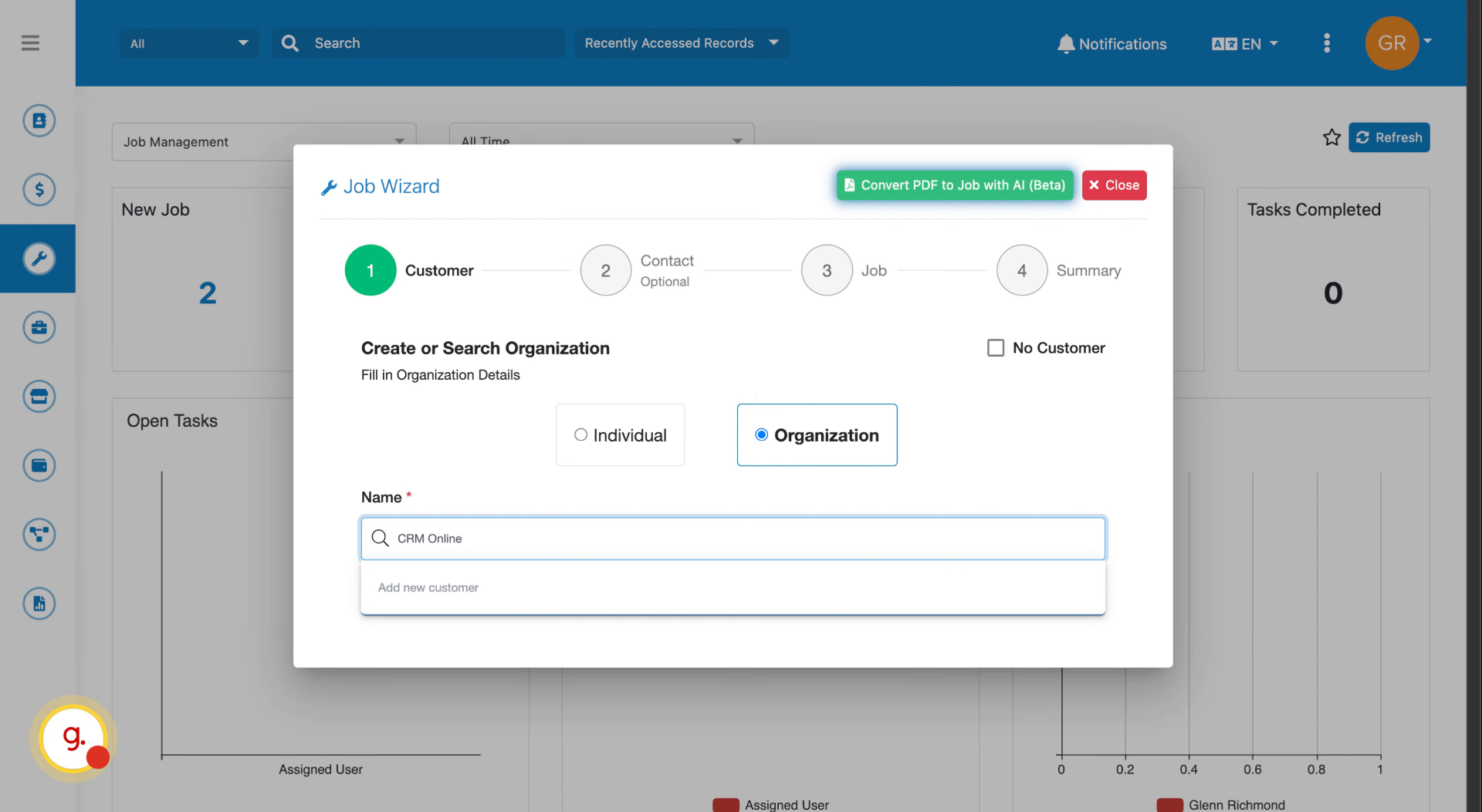
Enter the name of your customer. FieldMagic will search for existing customers as you type.
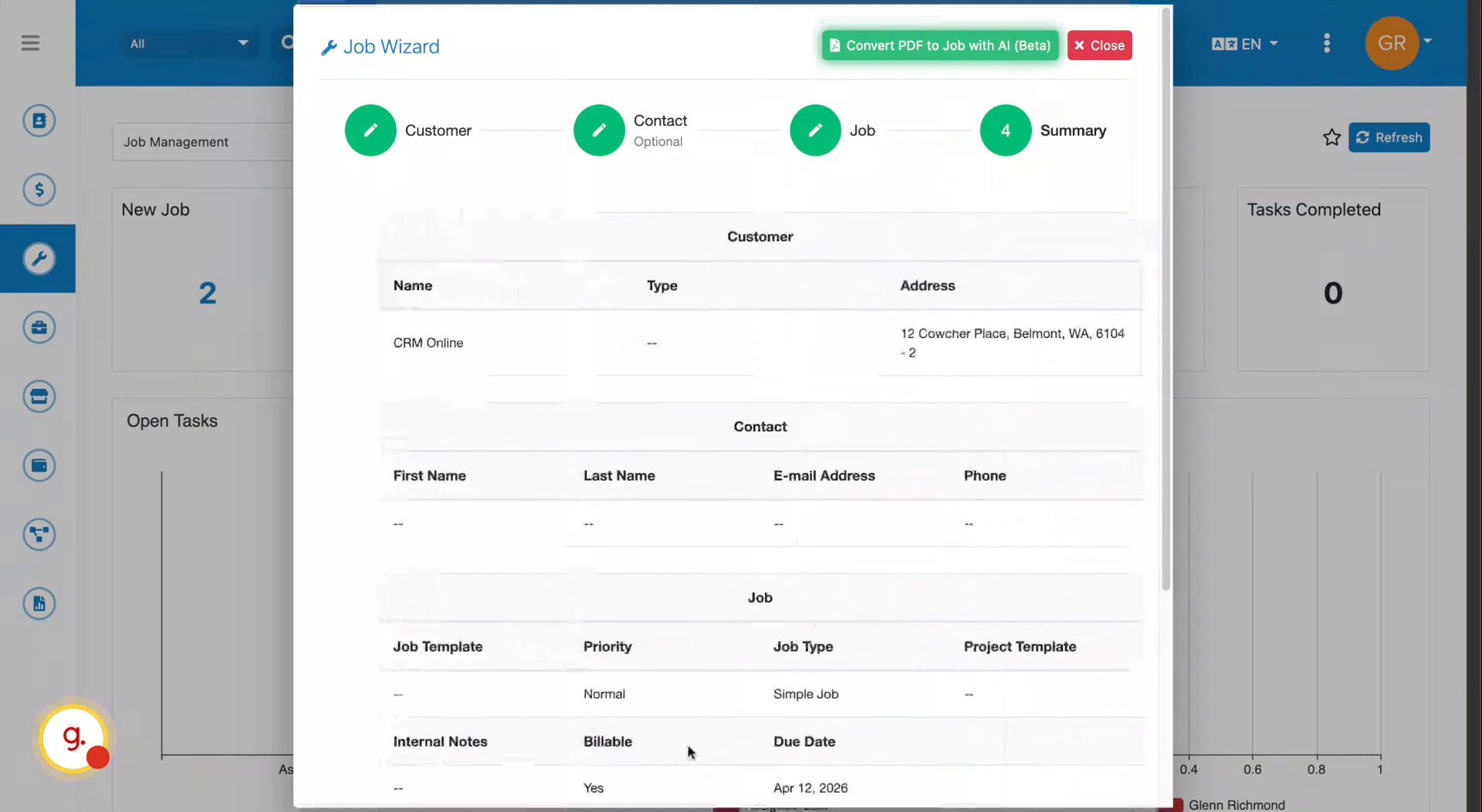 Step 4
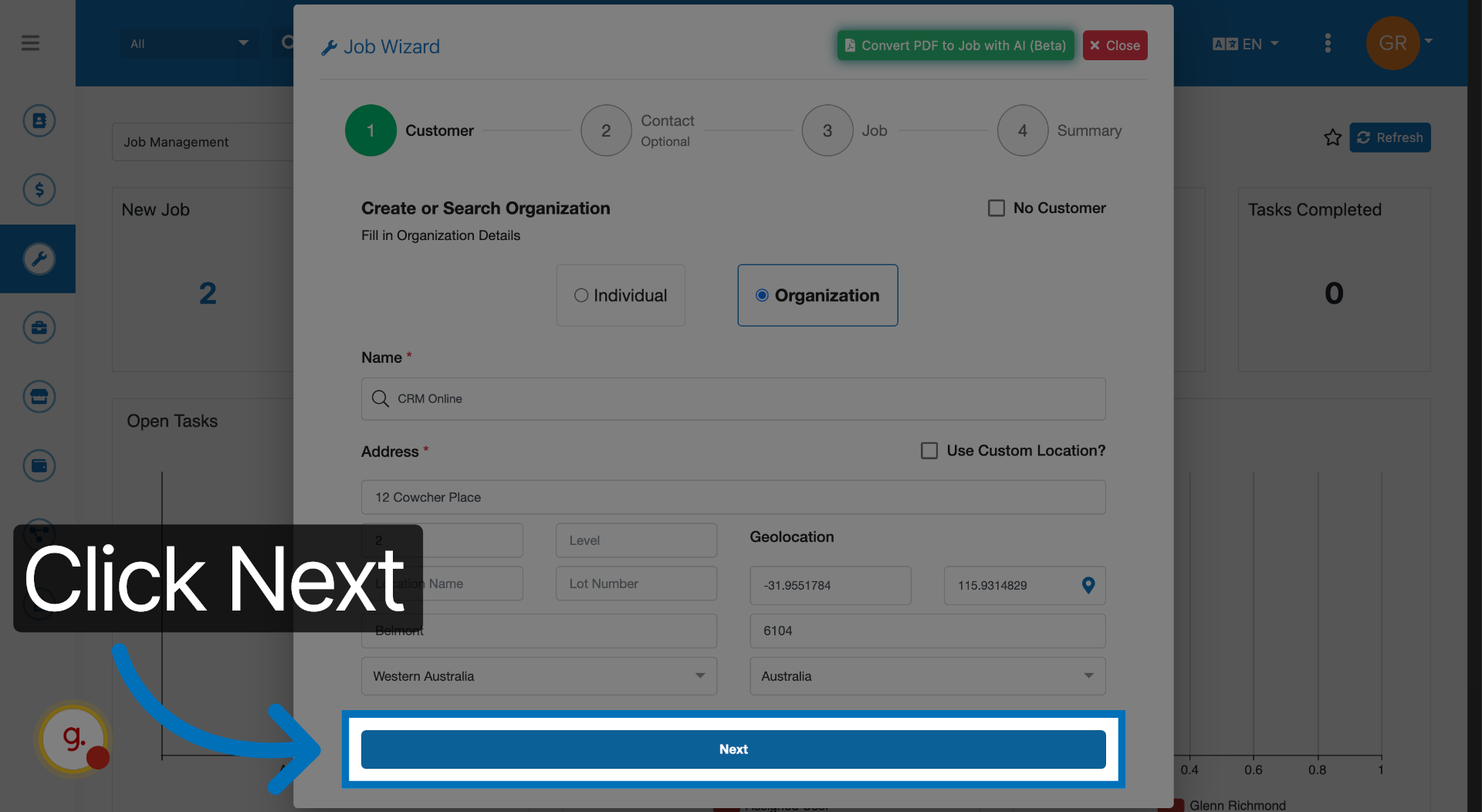
Select a matching customer from the suggestions, or add a new one. The address will be picked up automatically.
 Step 5
Click Next to proceed to the following step.
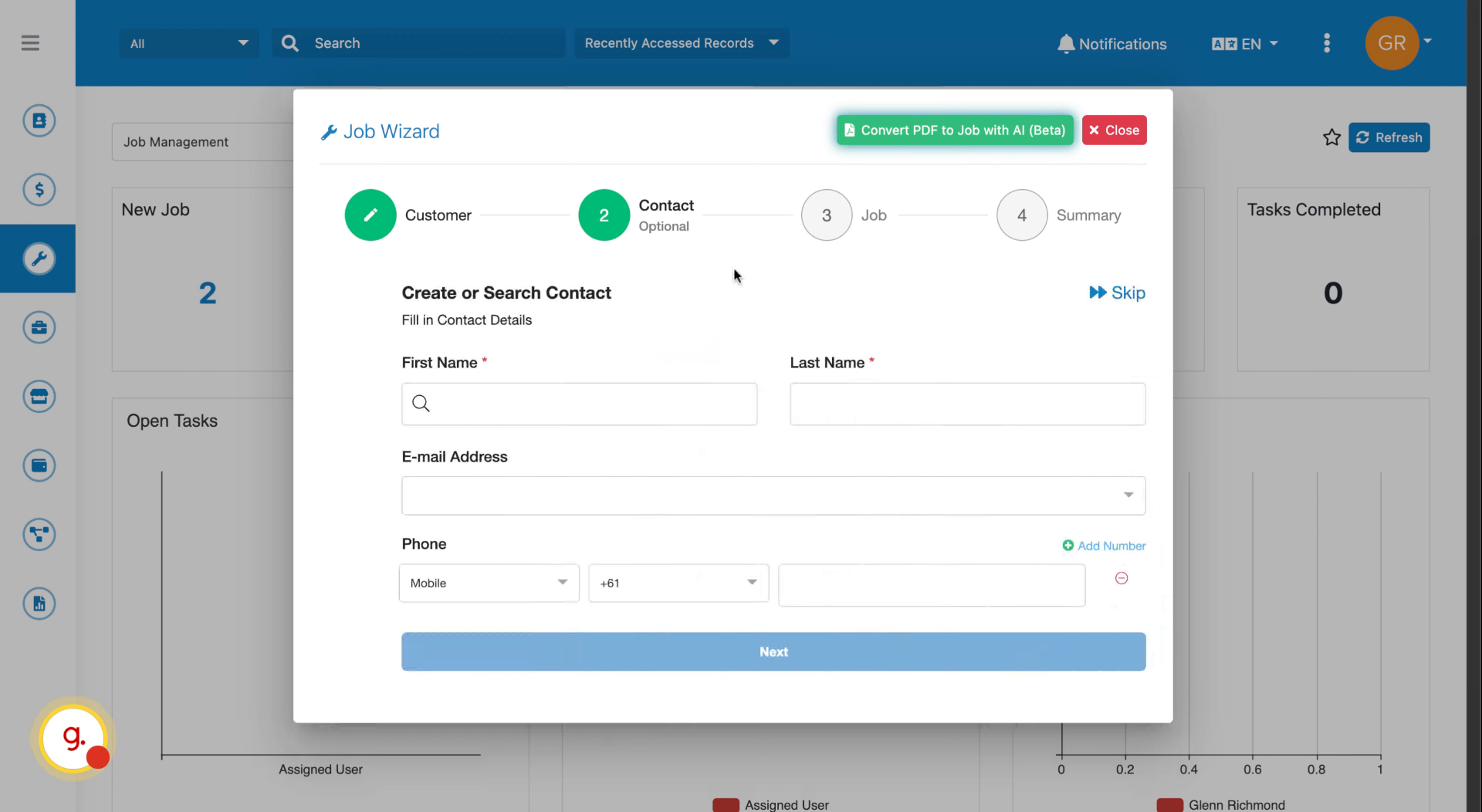
 Step 6
Add contact details or skip this step if not needed.
 Step 7
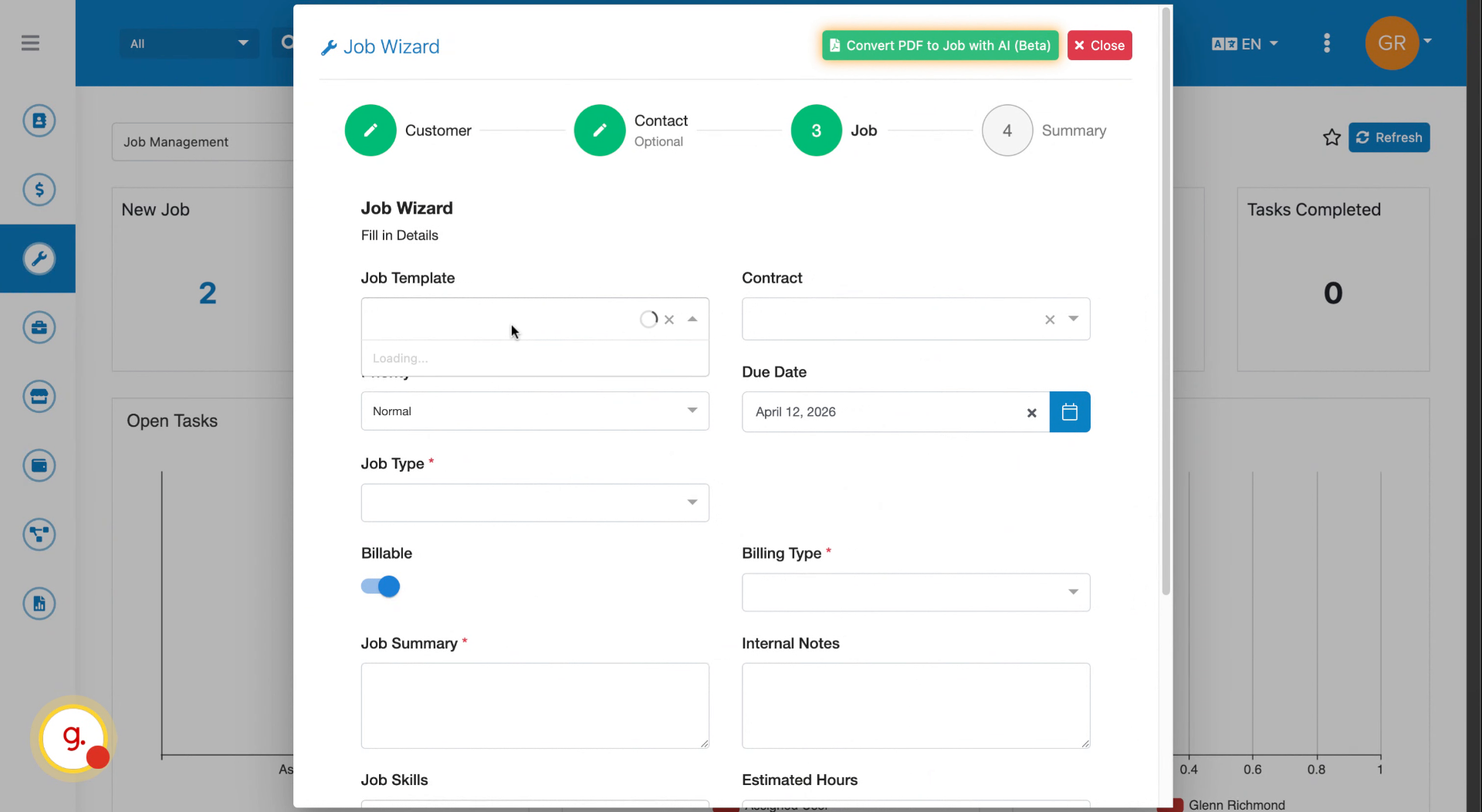
Choose from your job templates and set the job type, billing type, and summary.
 Step 8
Set the required job skills for scheduling, estimated hours, and any assets or checklists.
 Step 9
Click Next then create the job, schedule it immediately, or open the work order for fixed price items.
 Step 10
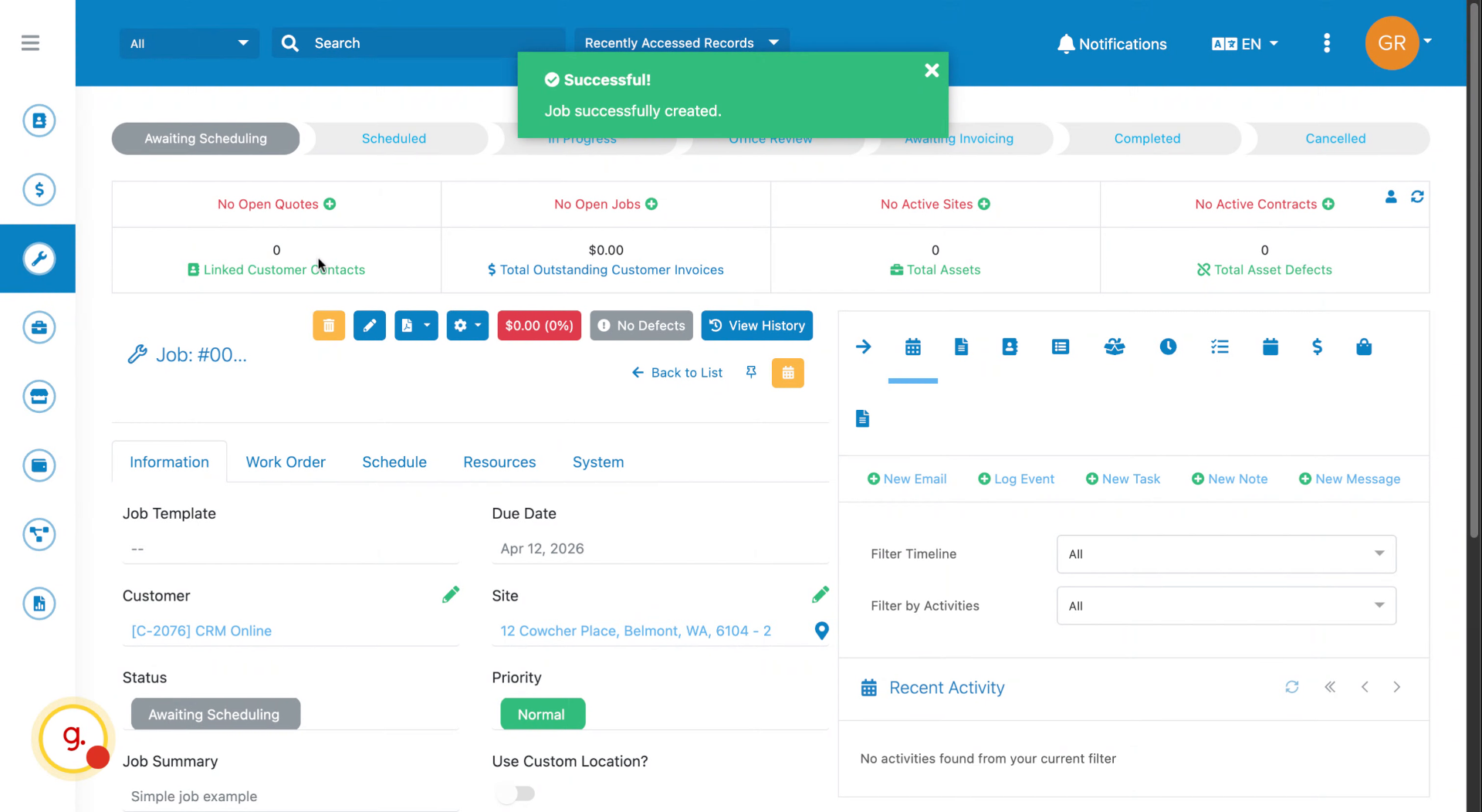
Your job is created and ready to go.