PDF Parsing
Create and Utilize a PDF Parsing Rule
Upload the PDF file you want to parse using the upload button, then annotate the data fields you want the rule to extract.
Step-by-step instructions
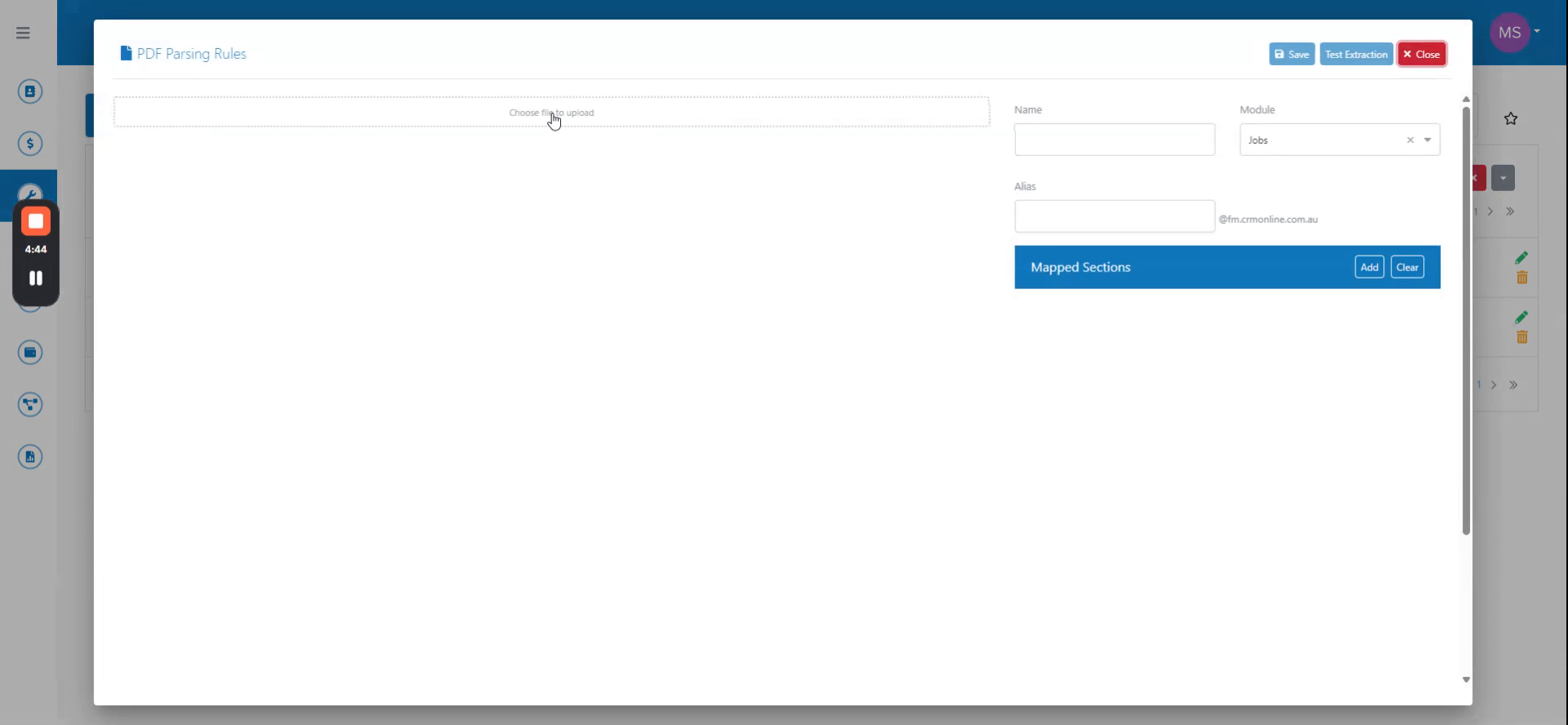 Step 1
Upload the PDF file you want to parse using the upload button, then annotate the data fields you want the rule to extract.
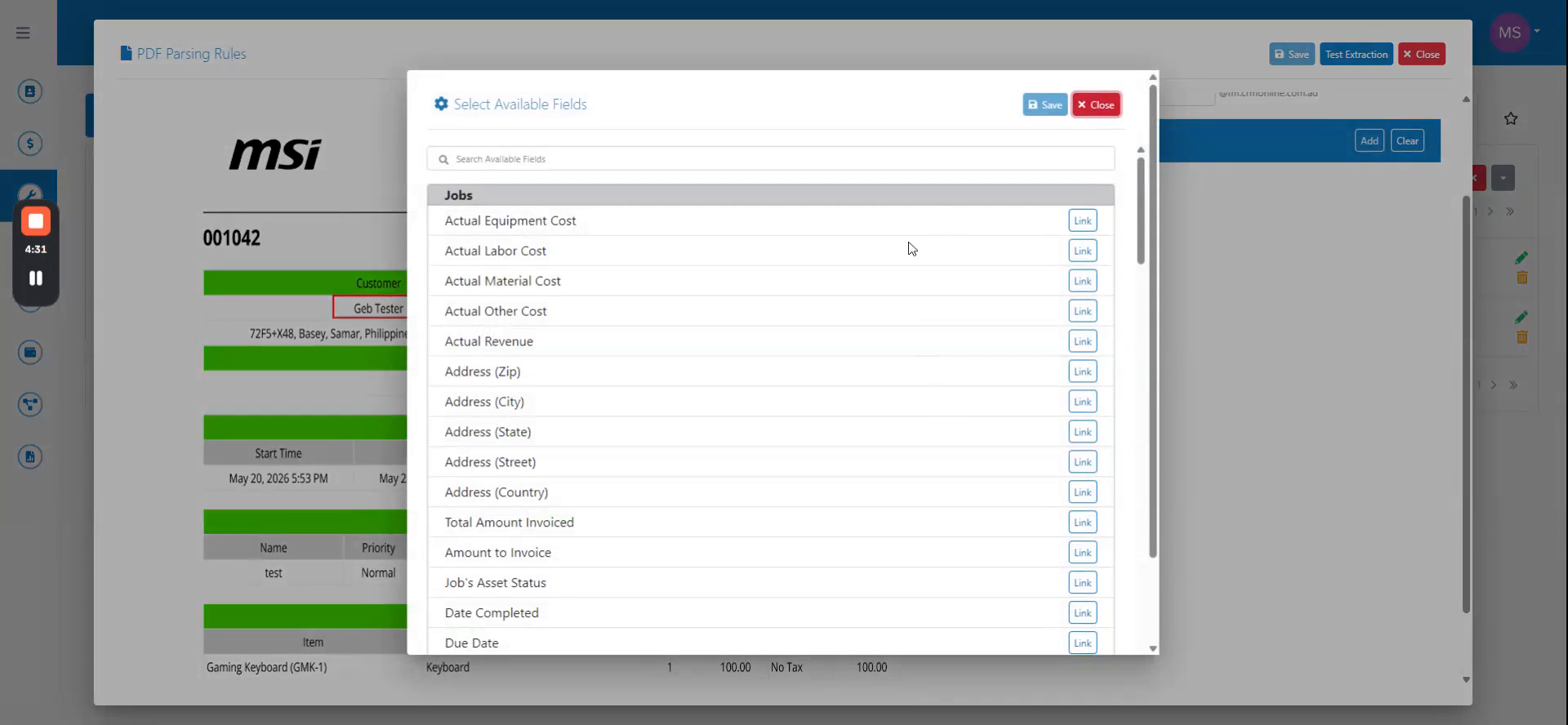 Step 2
In the rule settings, enter a name for the PDF parsing rule and select the group email address that will receive parsed documents.
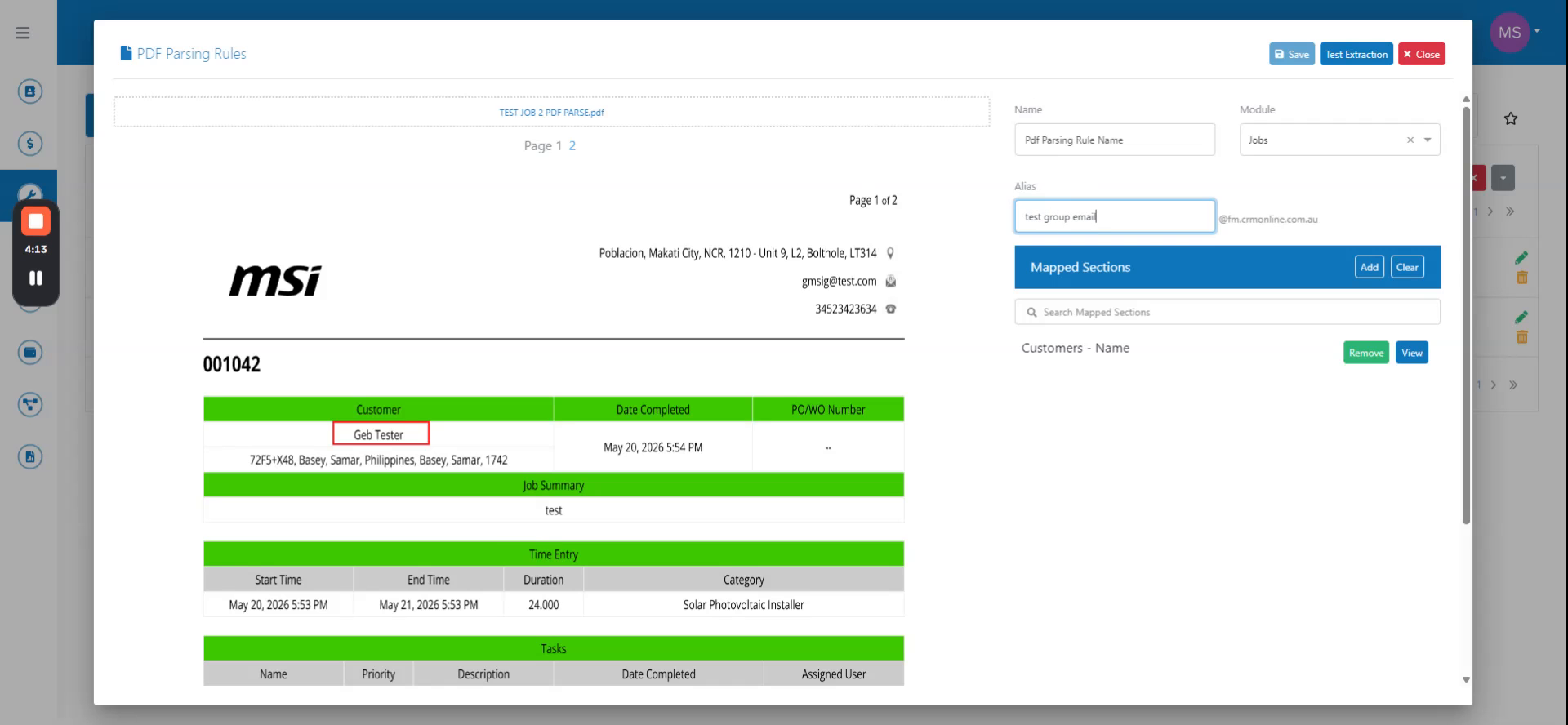 Step 3
Click Save to create the rule, then click the View button to verify the annotated data appears correctly.
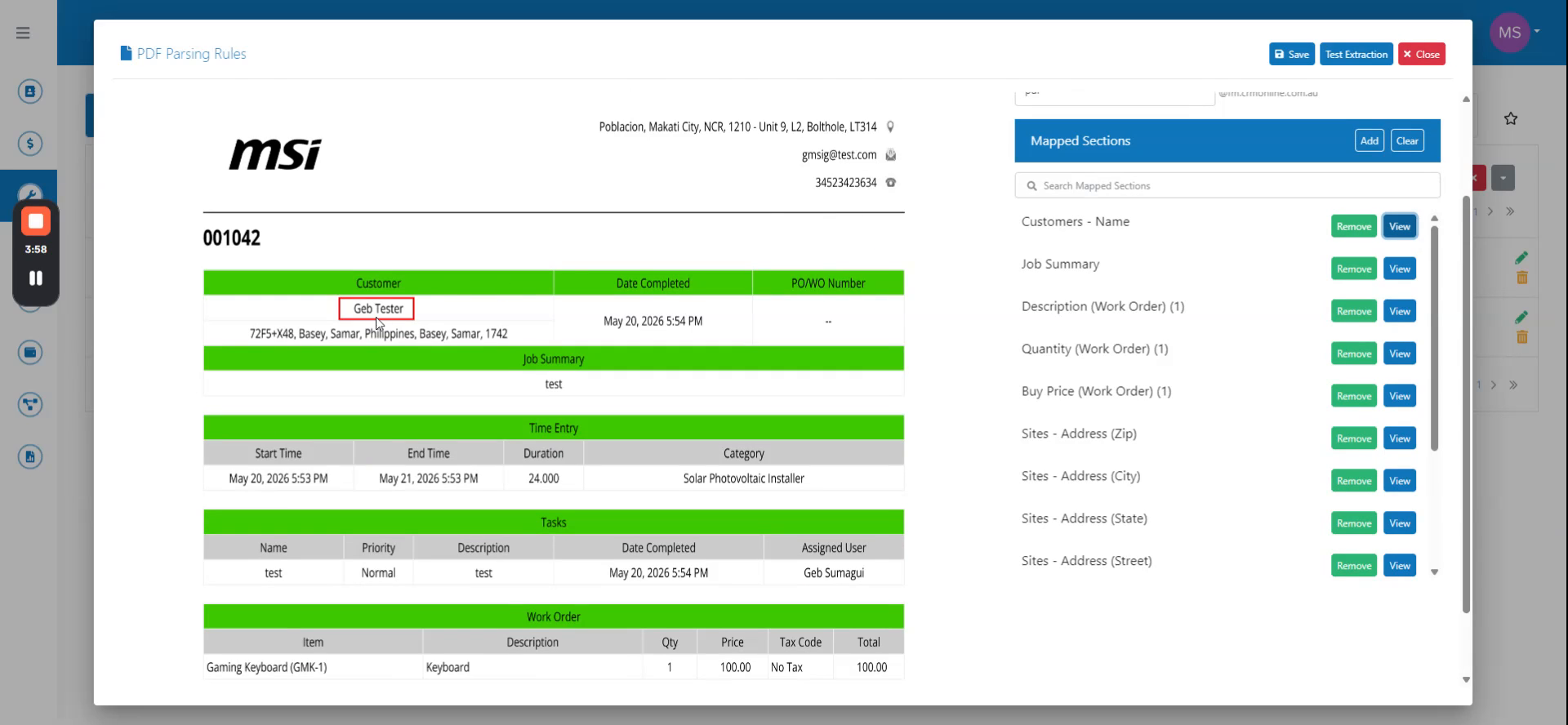 Step 4
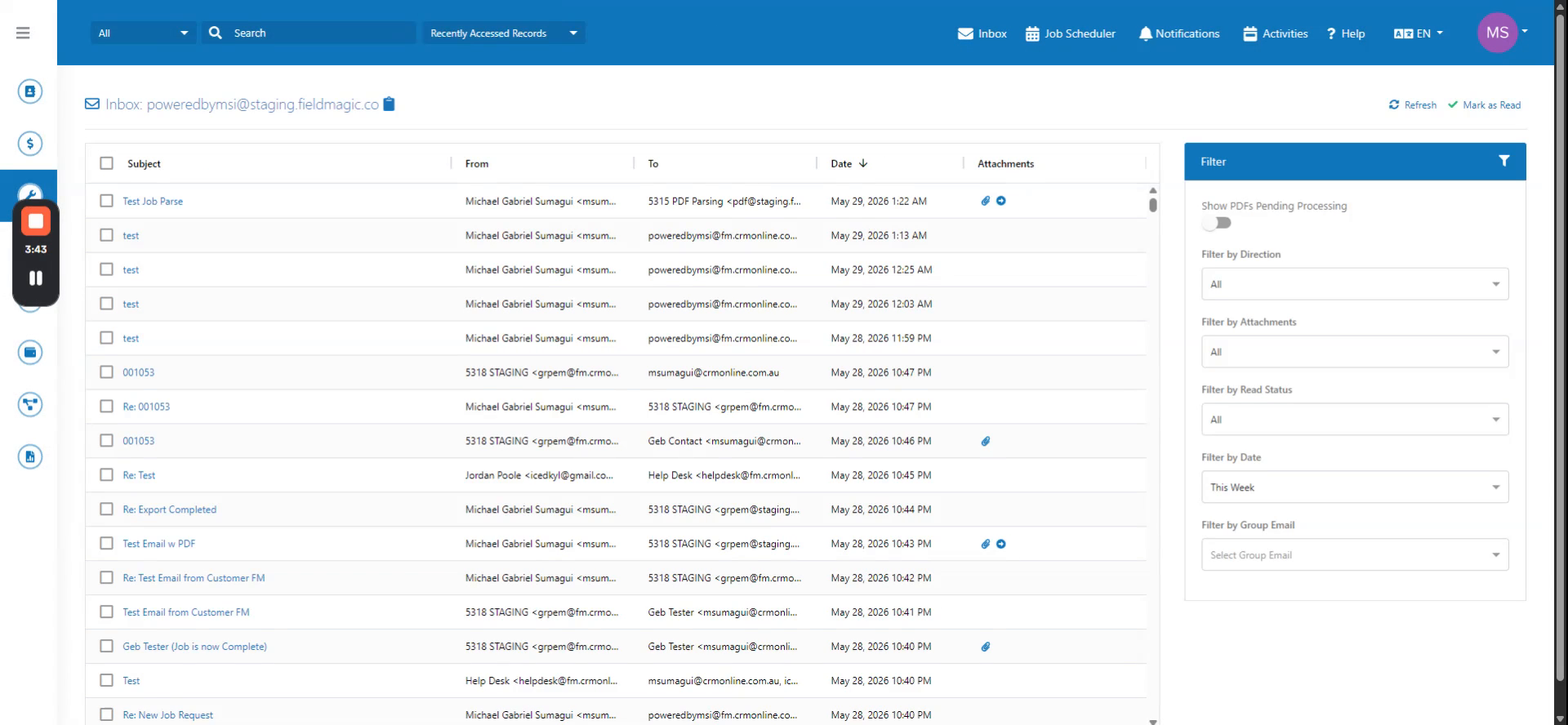
To test the rule, send a PDF document to the group email address you configured; the system will recognize it as matching the rule.
 Step 5
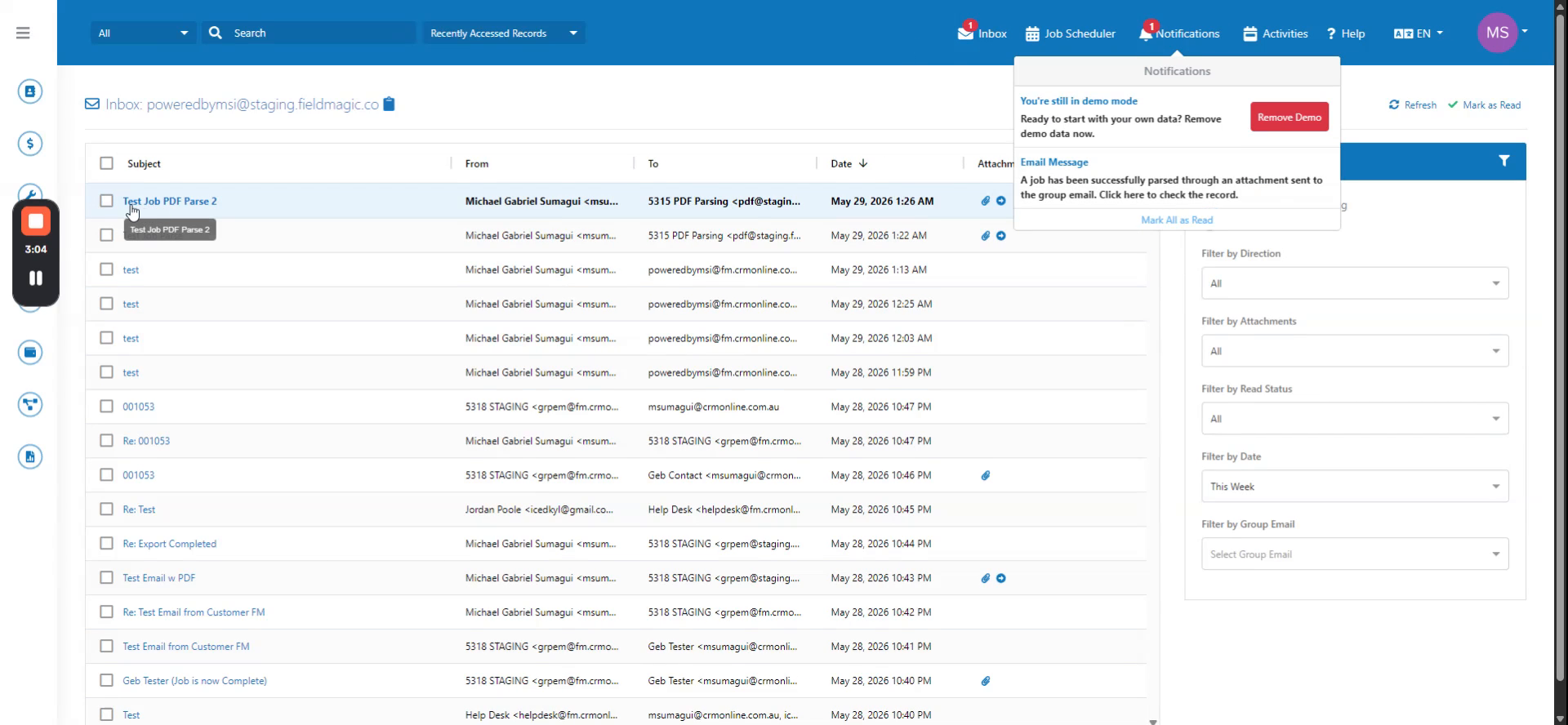
Wait for the email to appear in the inbox; once it is reflected, a notification will indicate that the job has been successfully parsed.
 Step 6
Click the notification to open the parsed job and confirm that the customer site, work order, and line items match the original PDF.