Cost Centers
Creating and Applying Cost Center Templates
Learn how to create cost center templates to avoid manually creating cost centers each time.
Step-by-step instructions
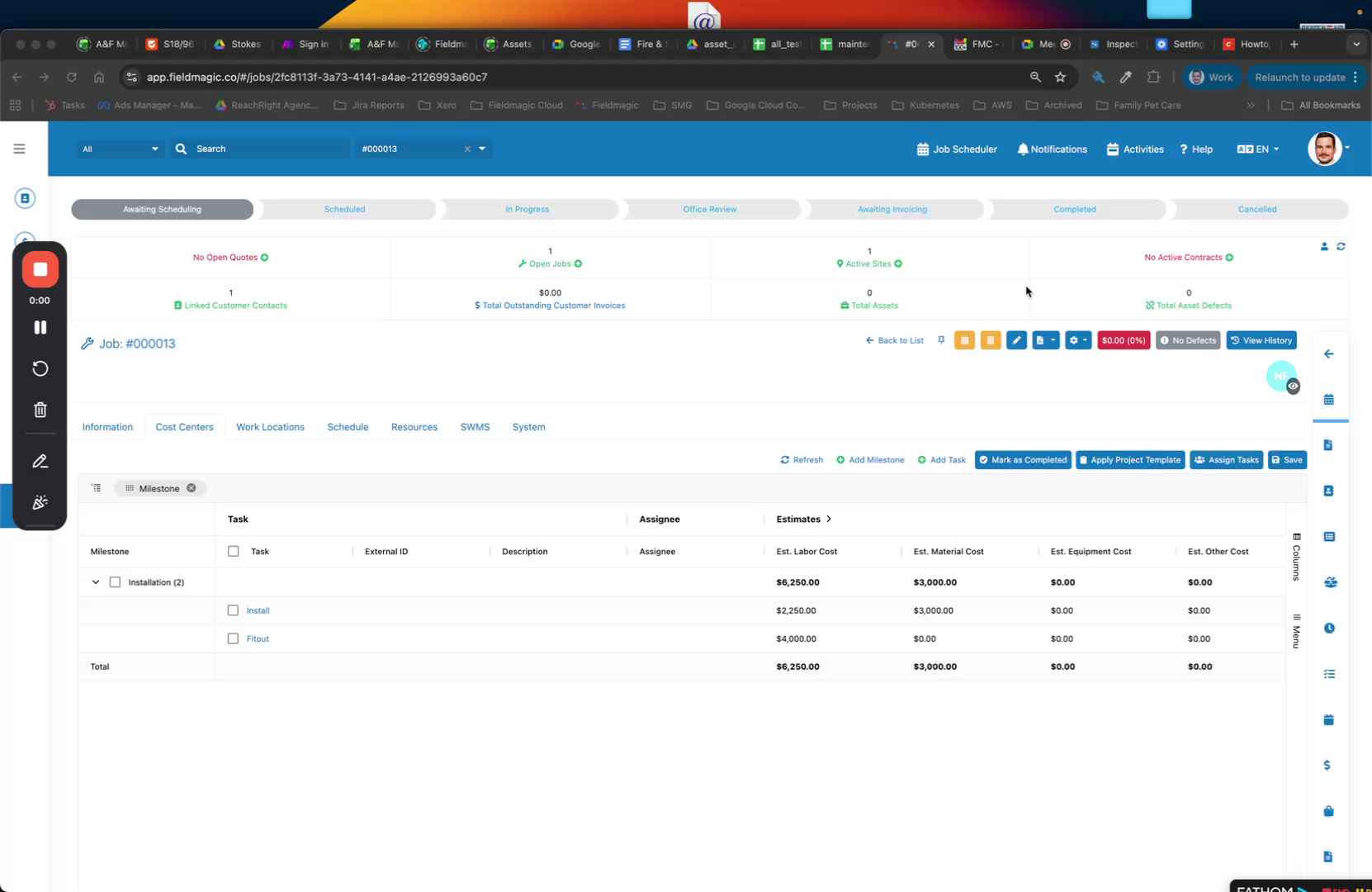 Step 1
Learn how to create cost center templates to avoid manually creating cost centers each time.
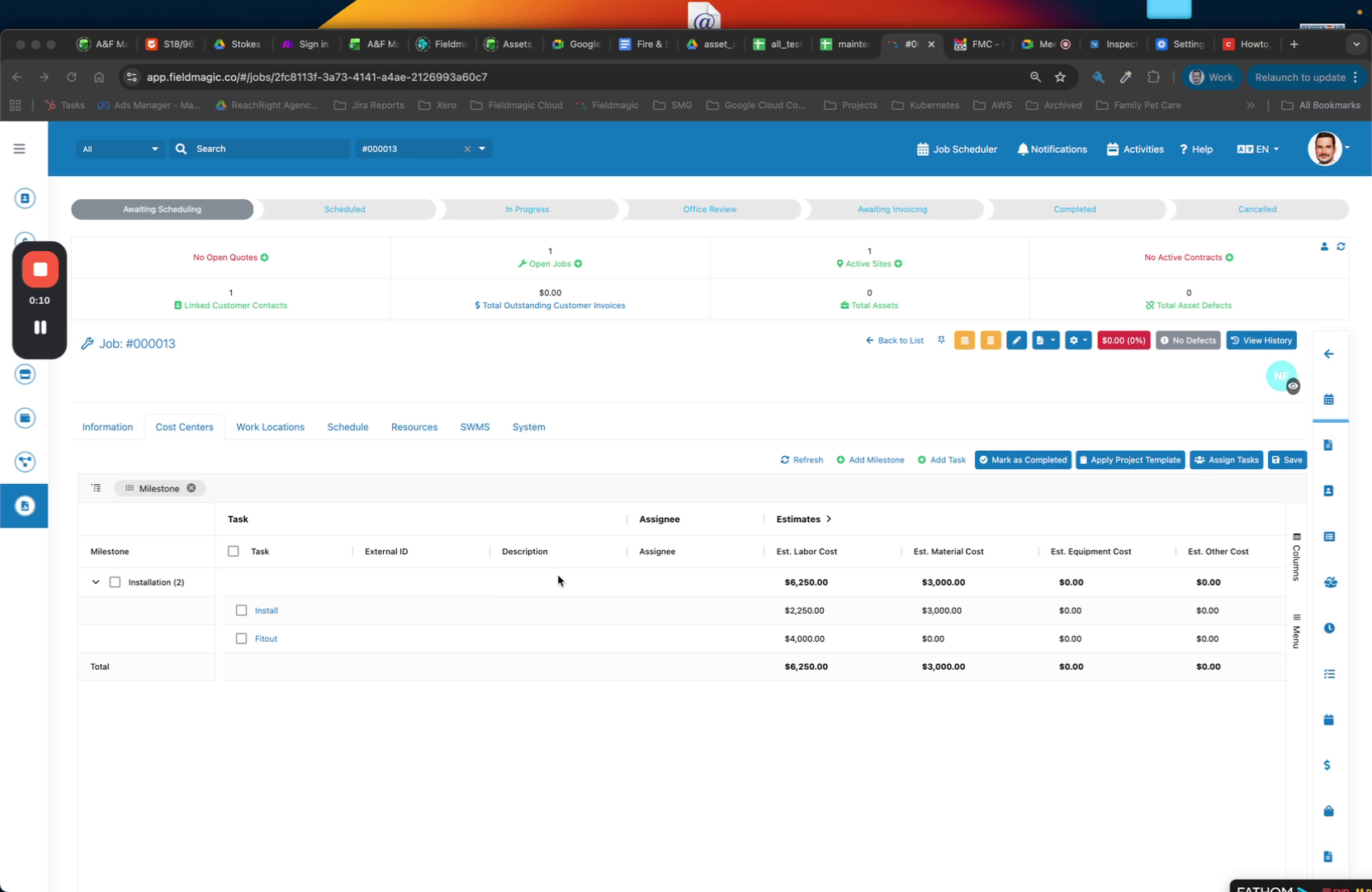 Step 2
This example uses a simple project structure.
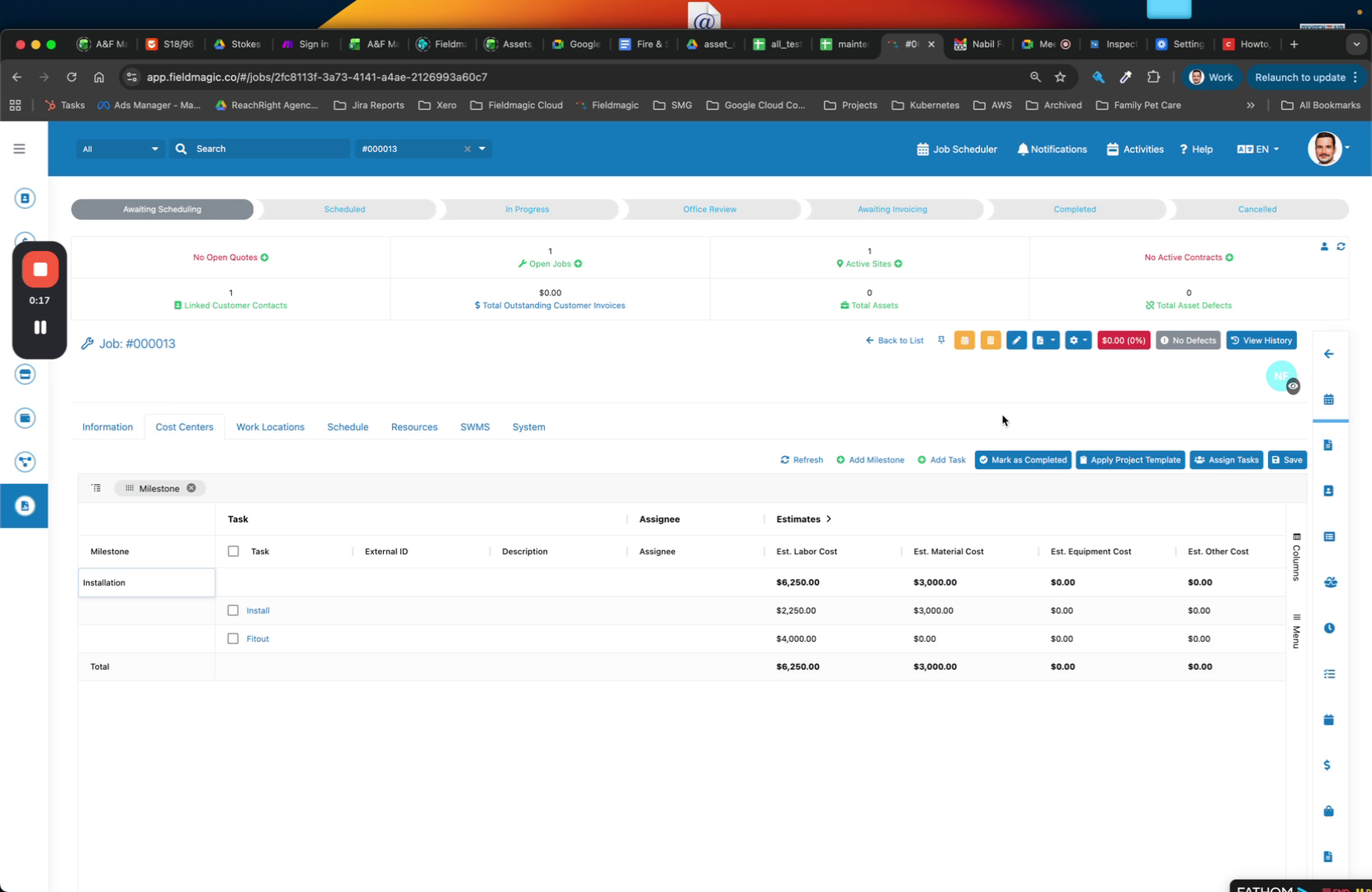 Step 3
Save the structure so you do not have to recreate it each time.
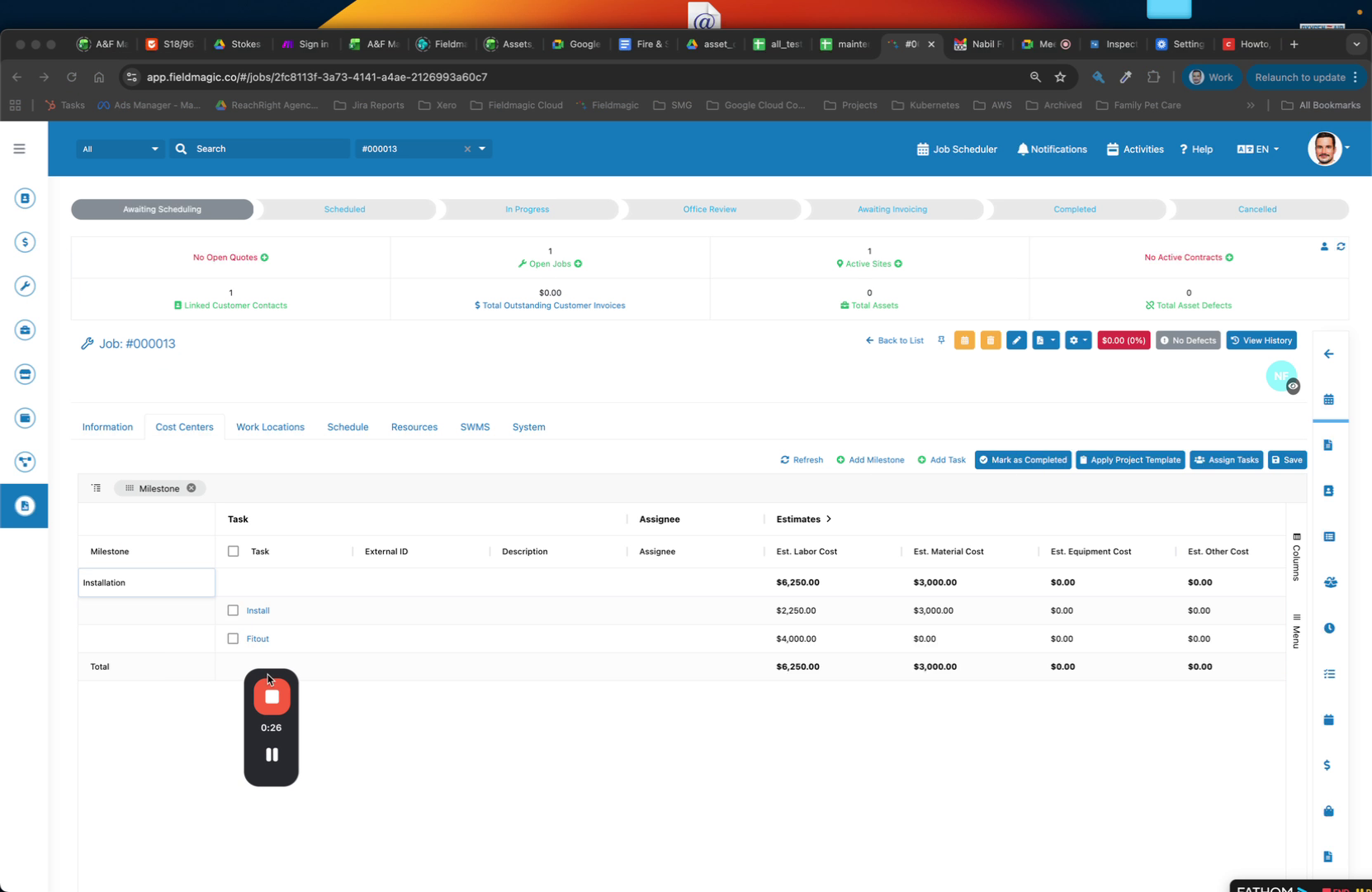 Step 4
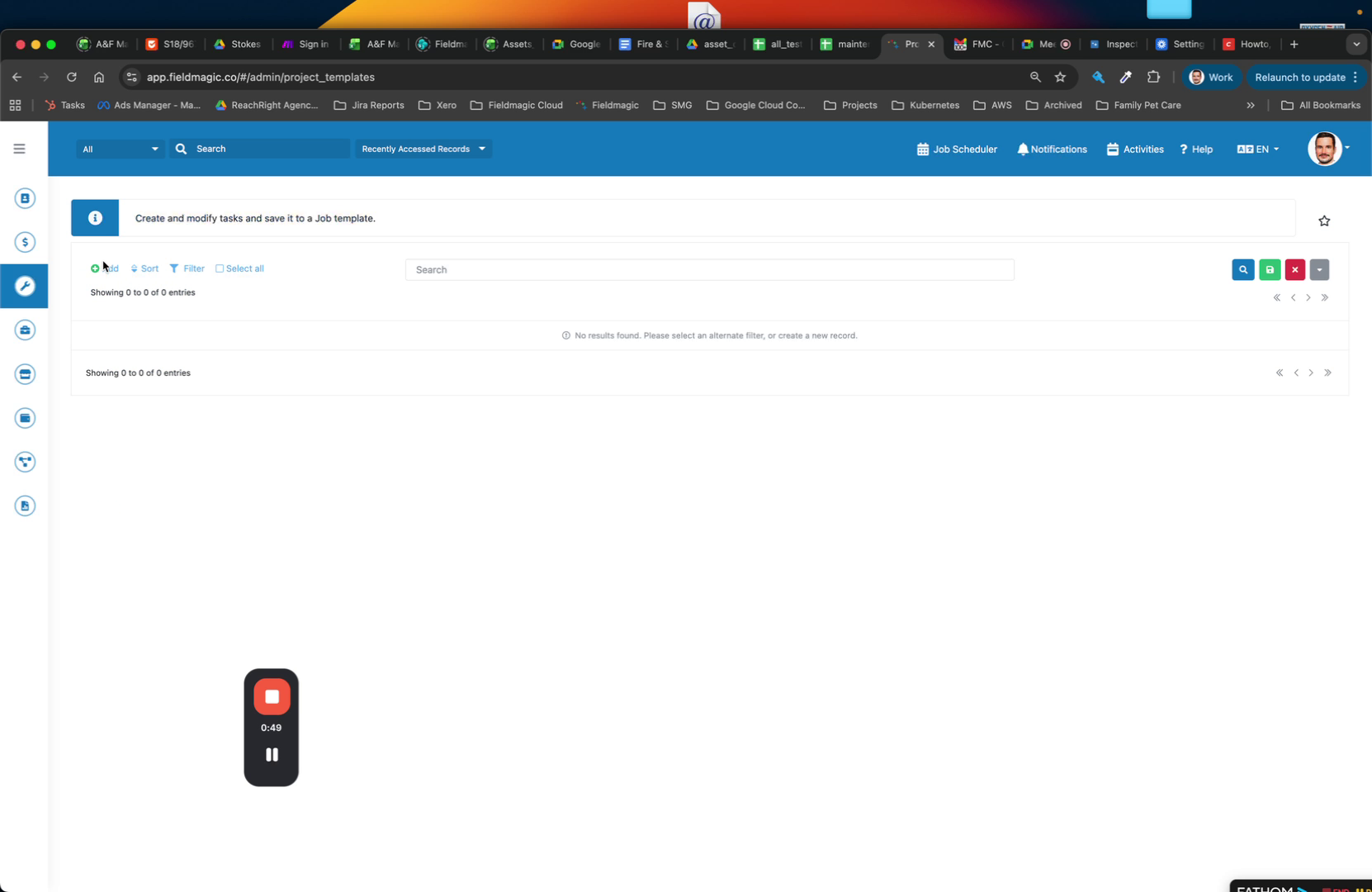
Navigate to Job Management and open Project Templates. Click Create New Template.
 Step 5
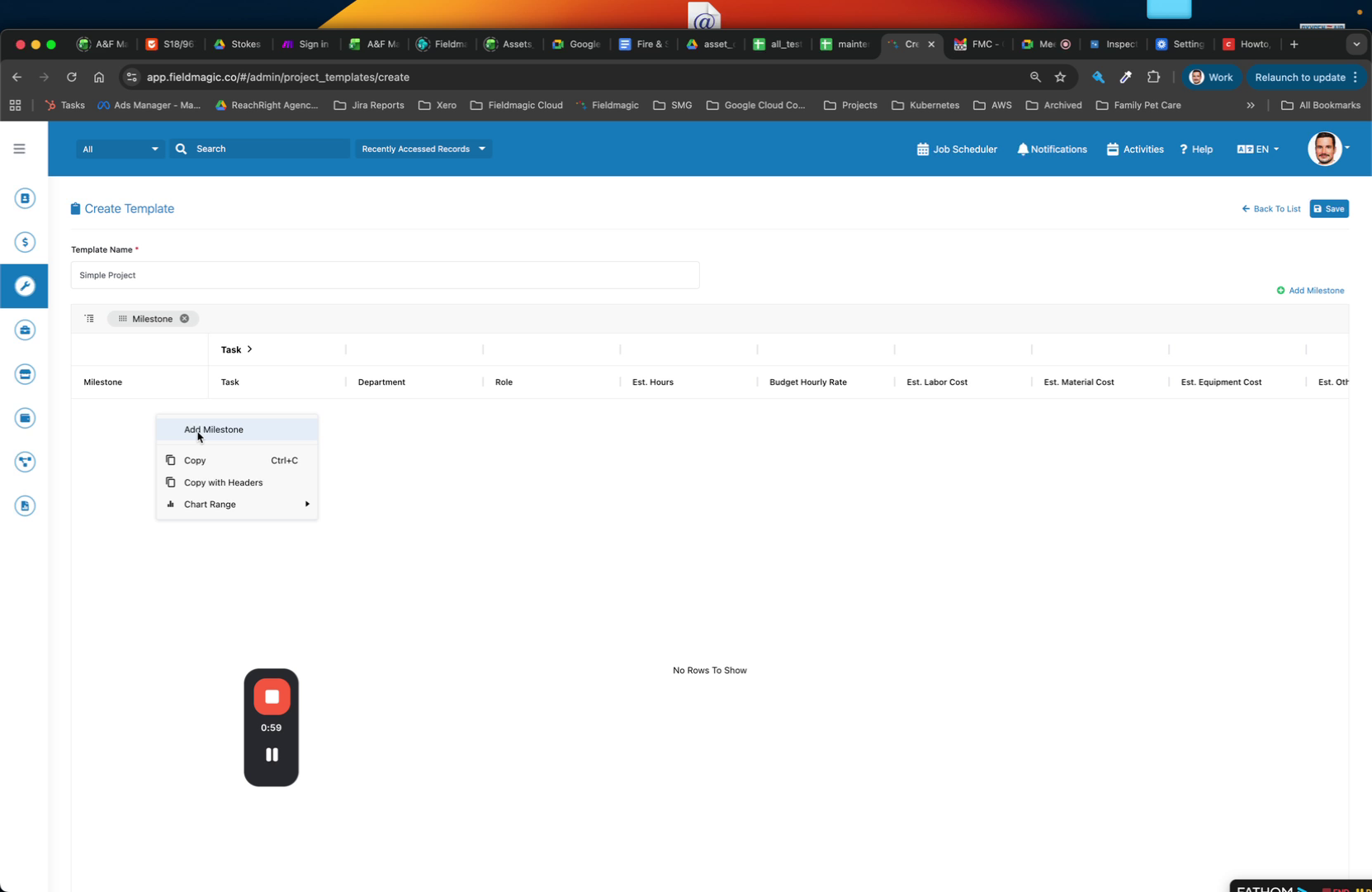
Name the template (for example, Simple Job or Simple Project) and add your milestones.
 Step 6
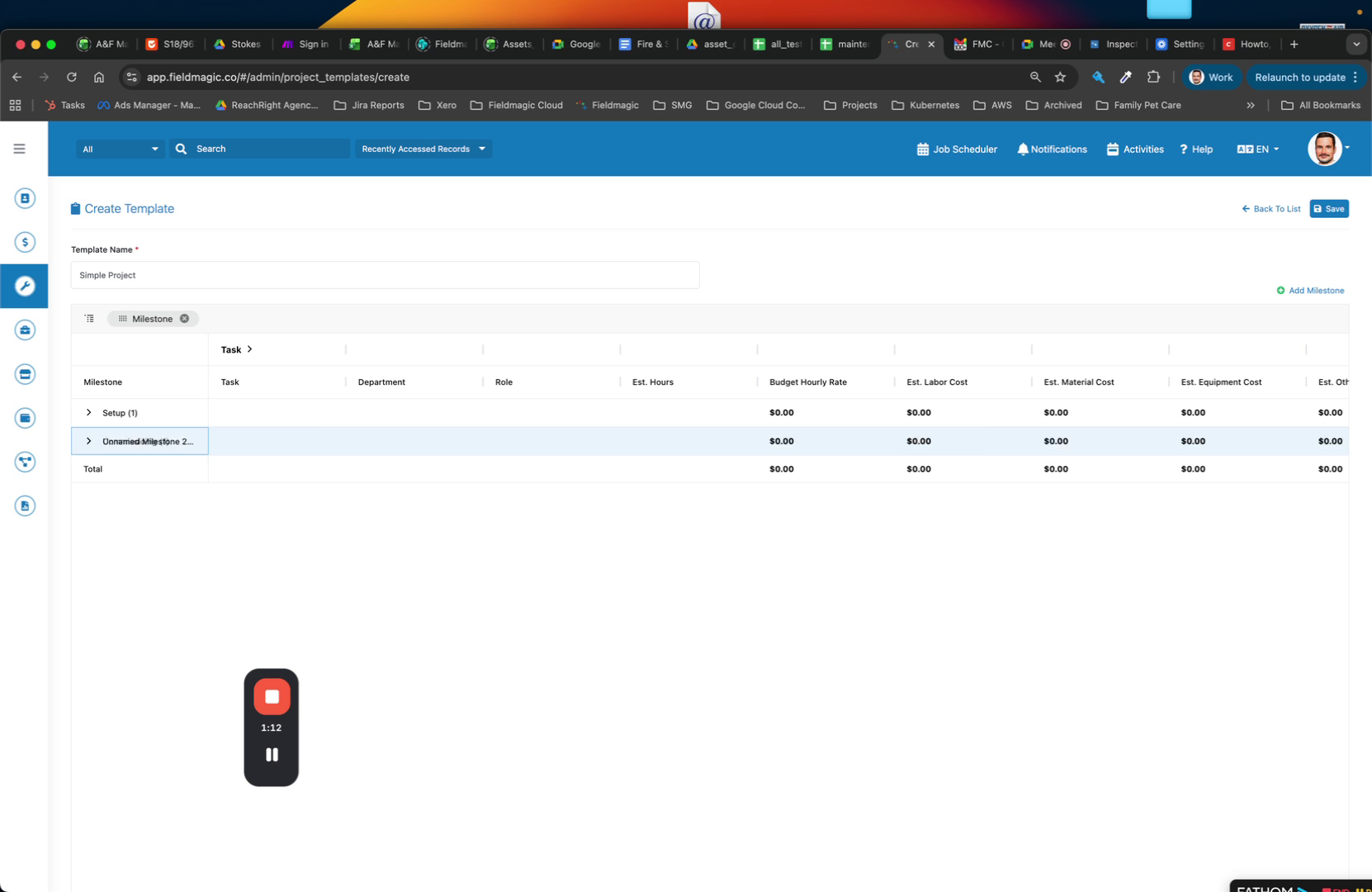
Add milestones such as Setup and Commissioning to the template.
 Step 7
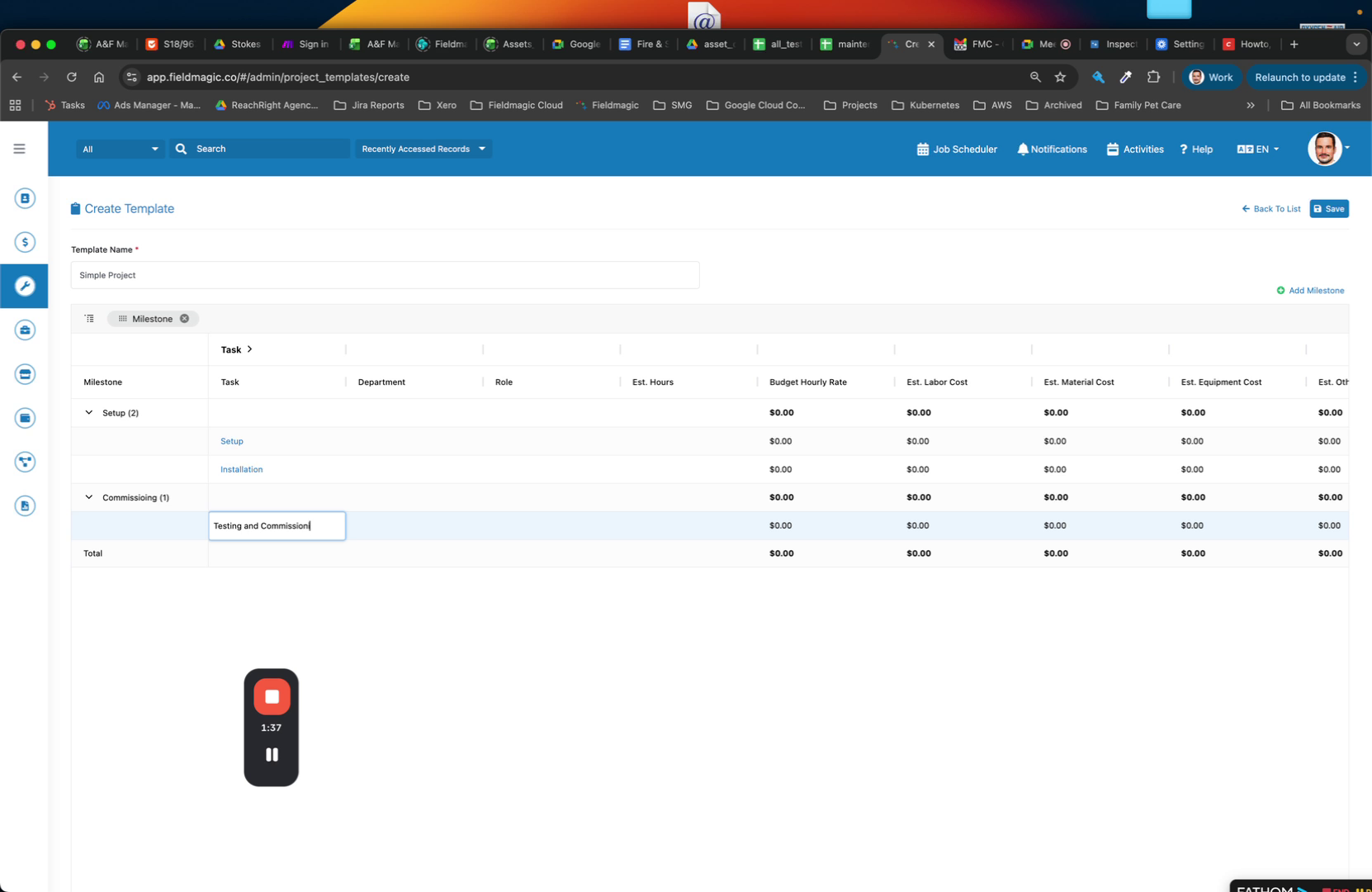
Add tasks under each milestone.
 Step 8
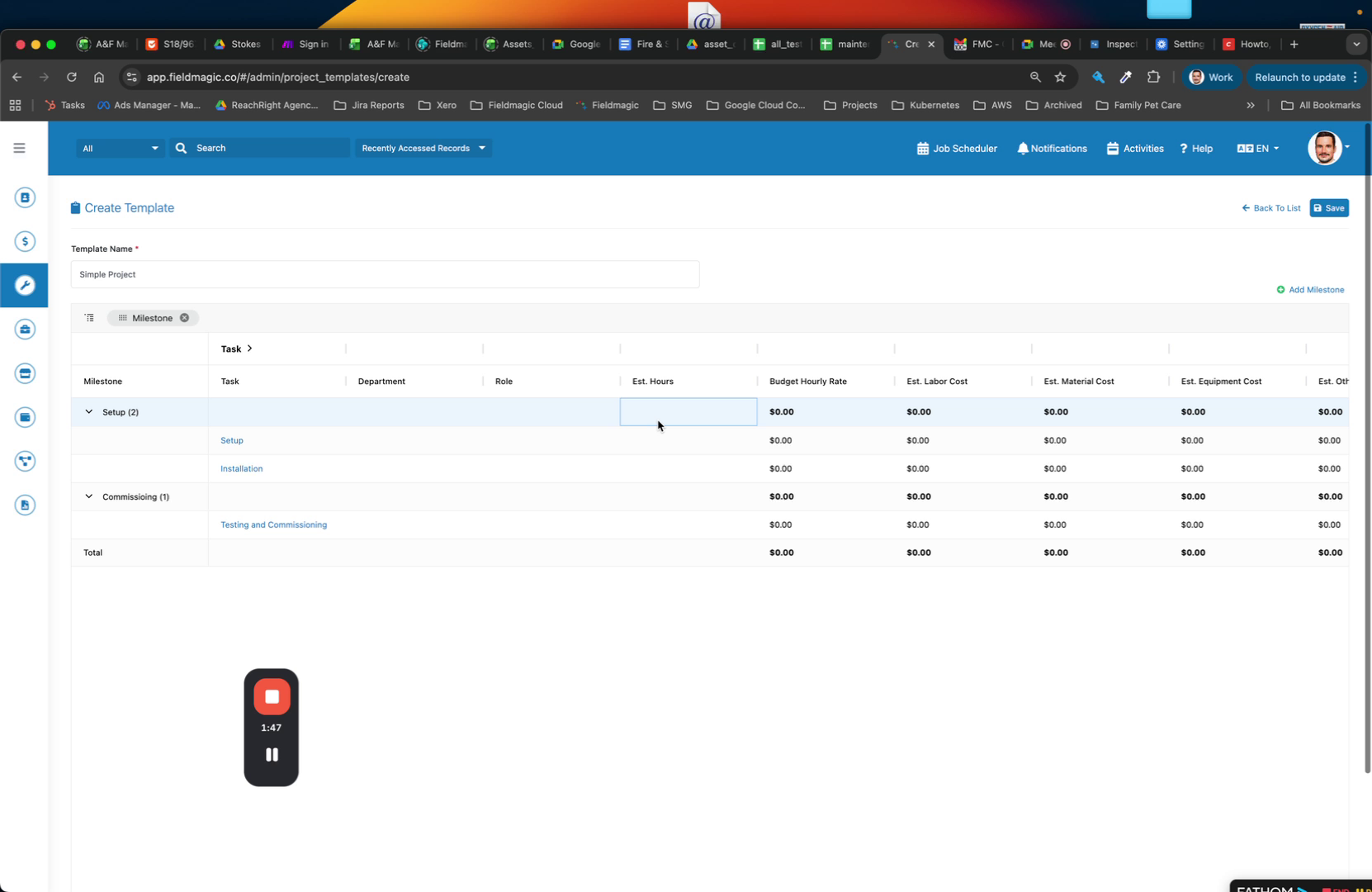
Set up budgets for each milestone, including Estimated Hours and a description.
 Step 9
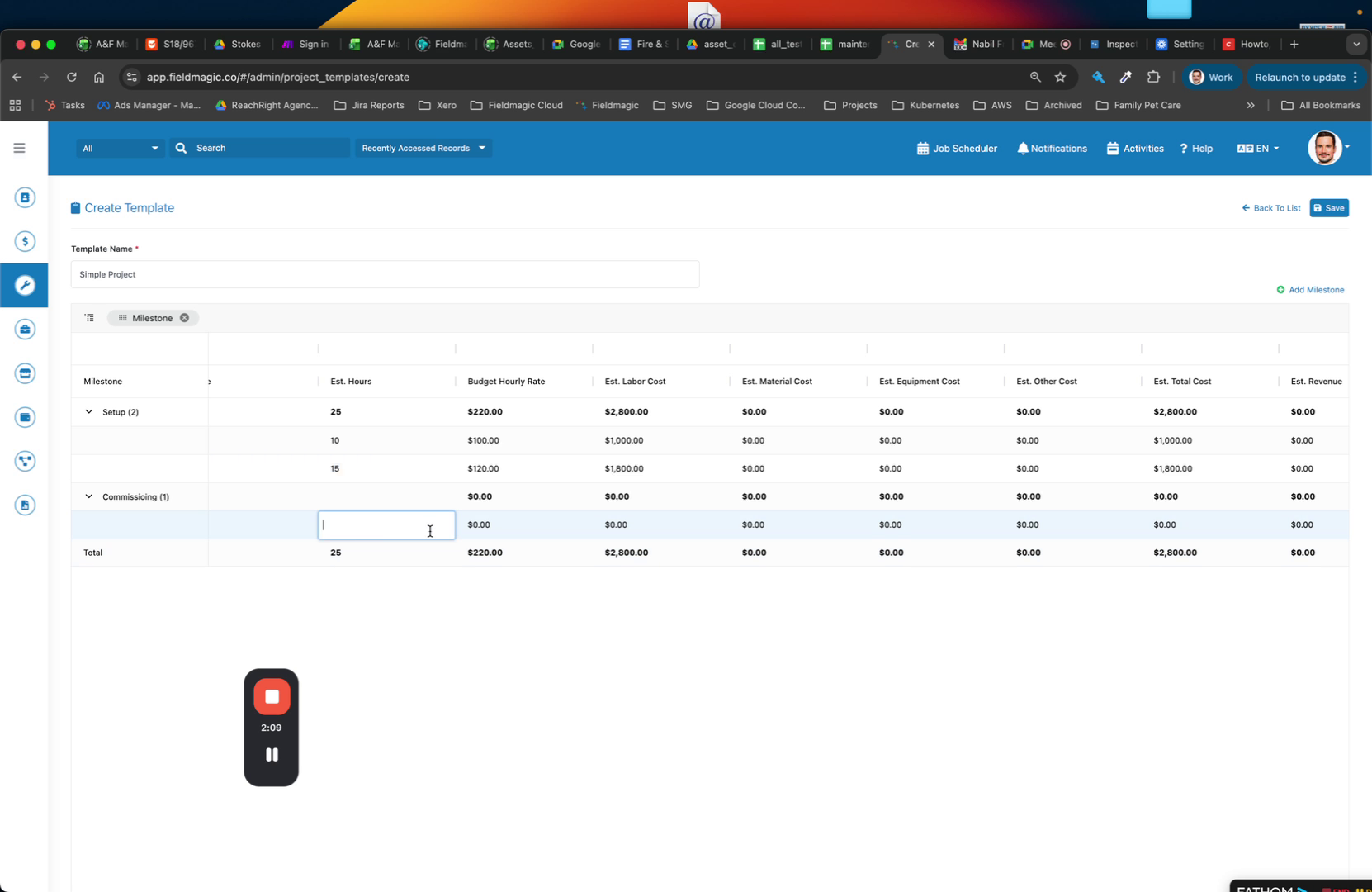
Enter the budget hourly rate (for example, $120 per hour).
 Step 10
Enter the number of hours for each task to calculate Estimated Labour Costs.
 Step 11
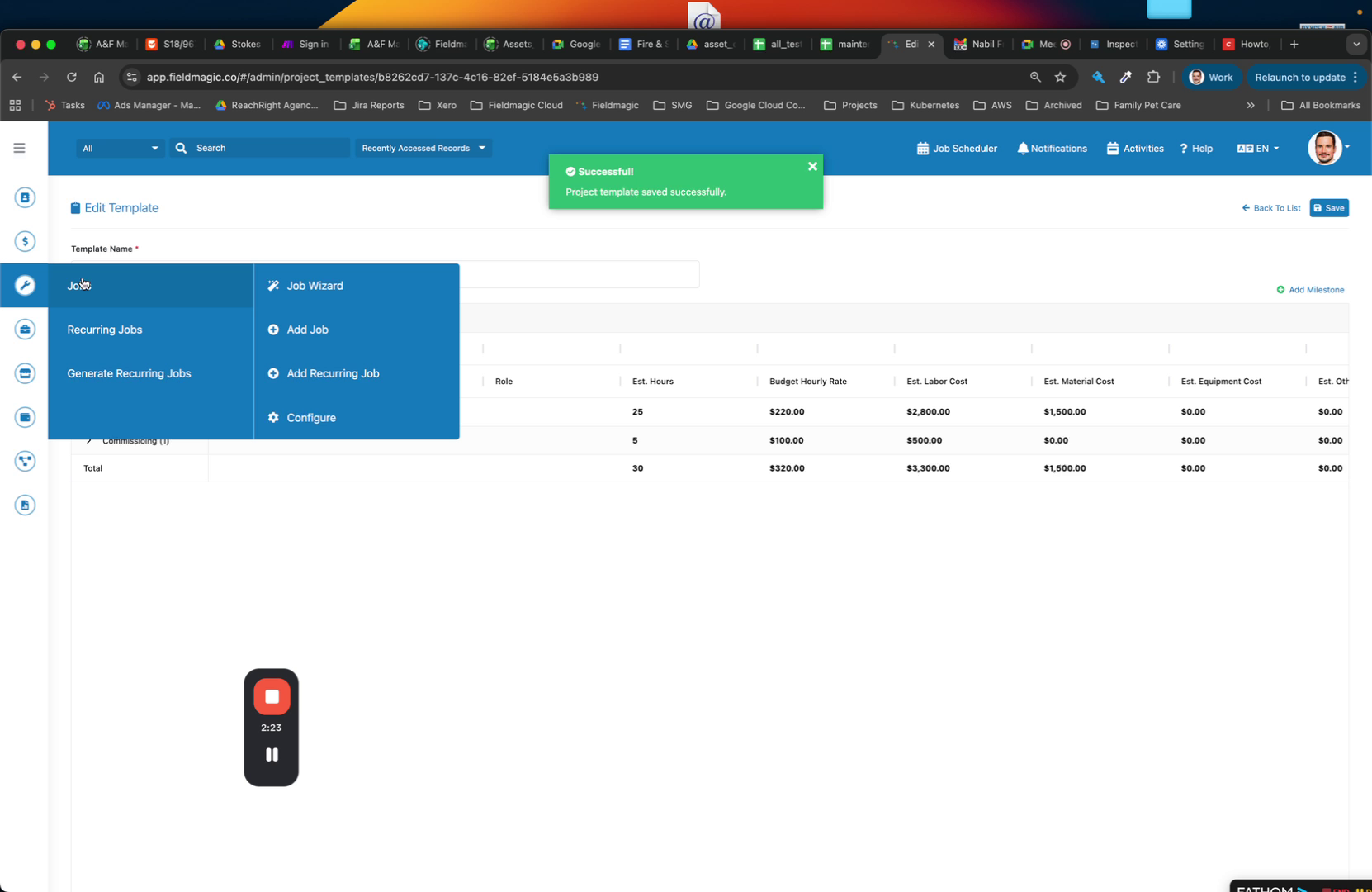
Allocate material costs (for example, $1500) and save the template.
 Step 12
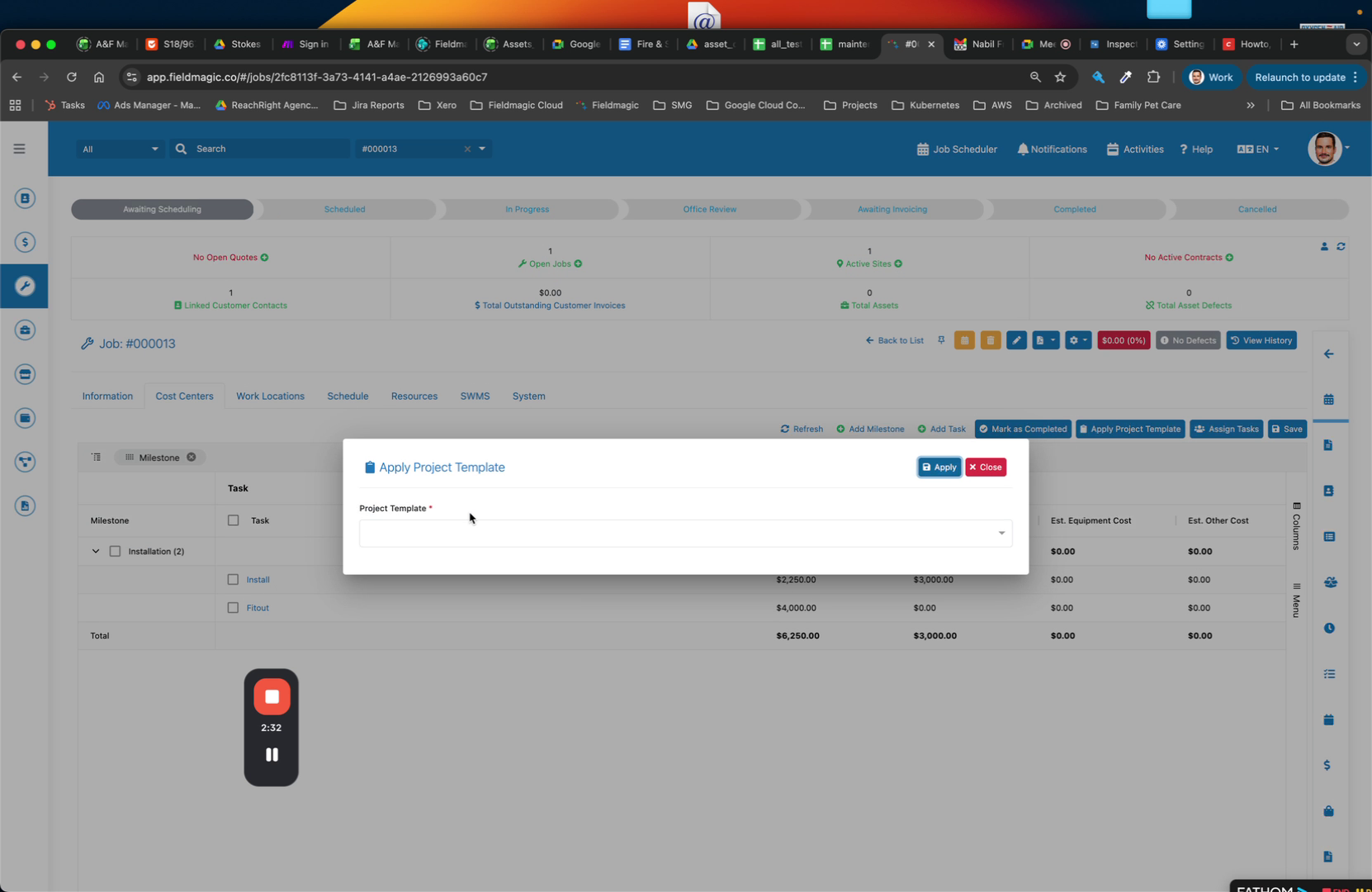
Open your jobs and apply the template instead of manually creating cost centers.