Administration
Disable Email Notifications By Bulk Updating User Settings
Navigate to Settings, then select Manage Users to access notification settings.
Step-by-step instructions
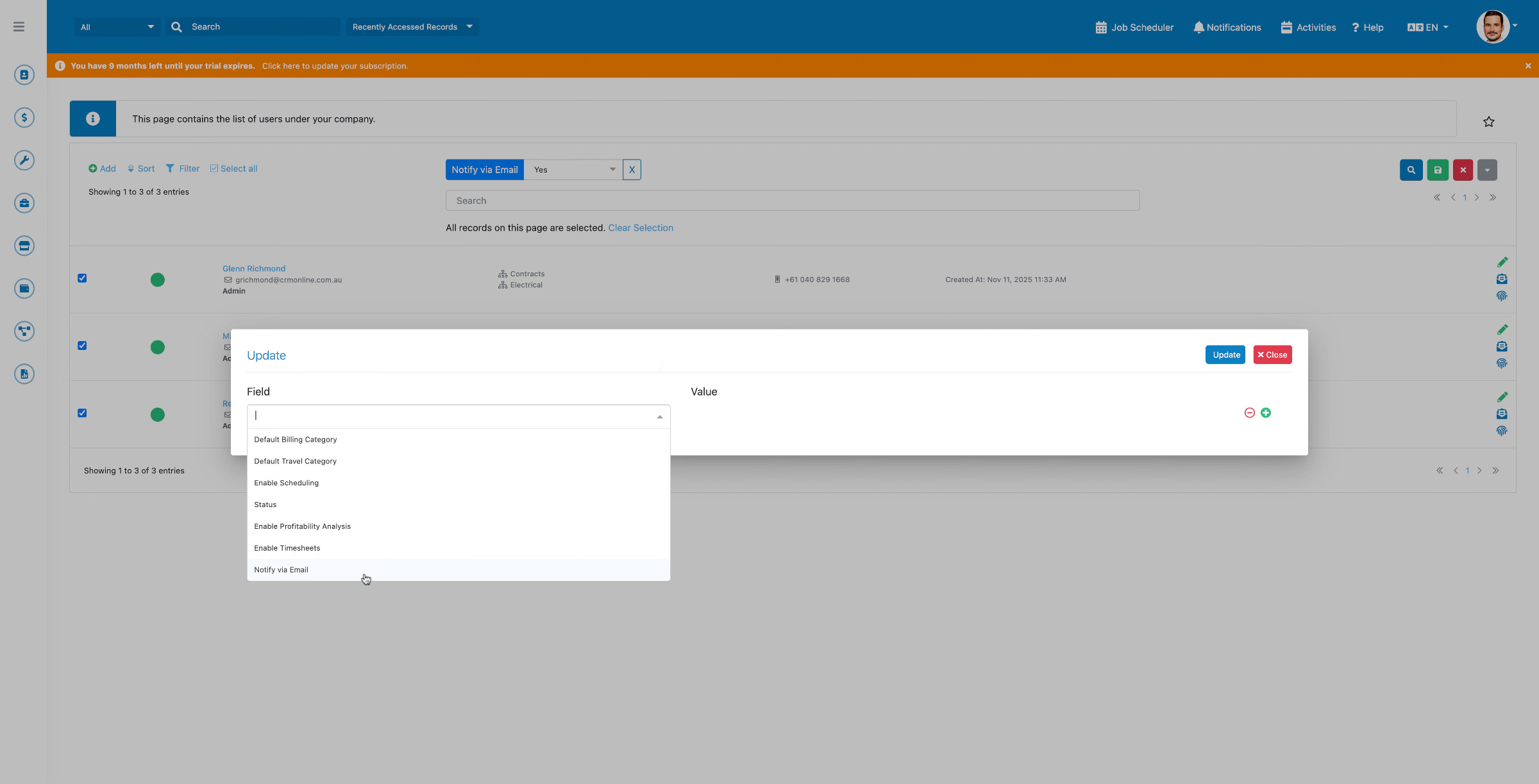 Step 1
Navigate to Settings, then select Manage Users to access notification settings.
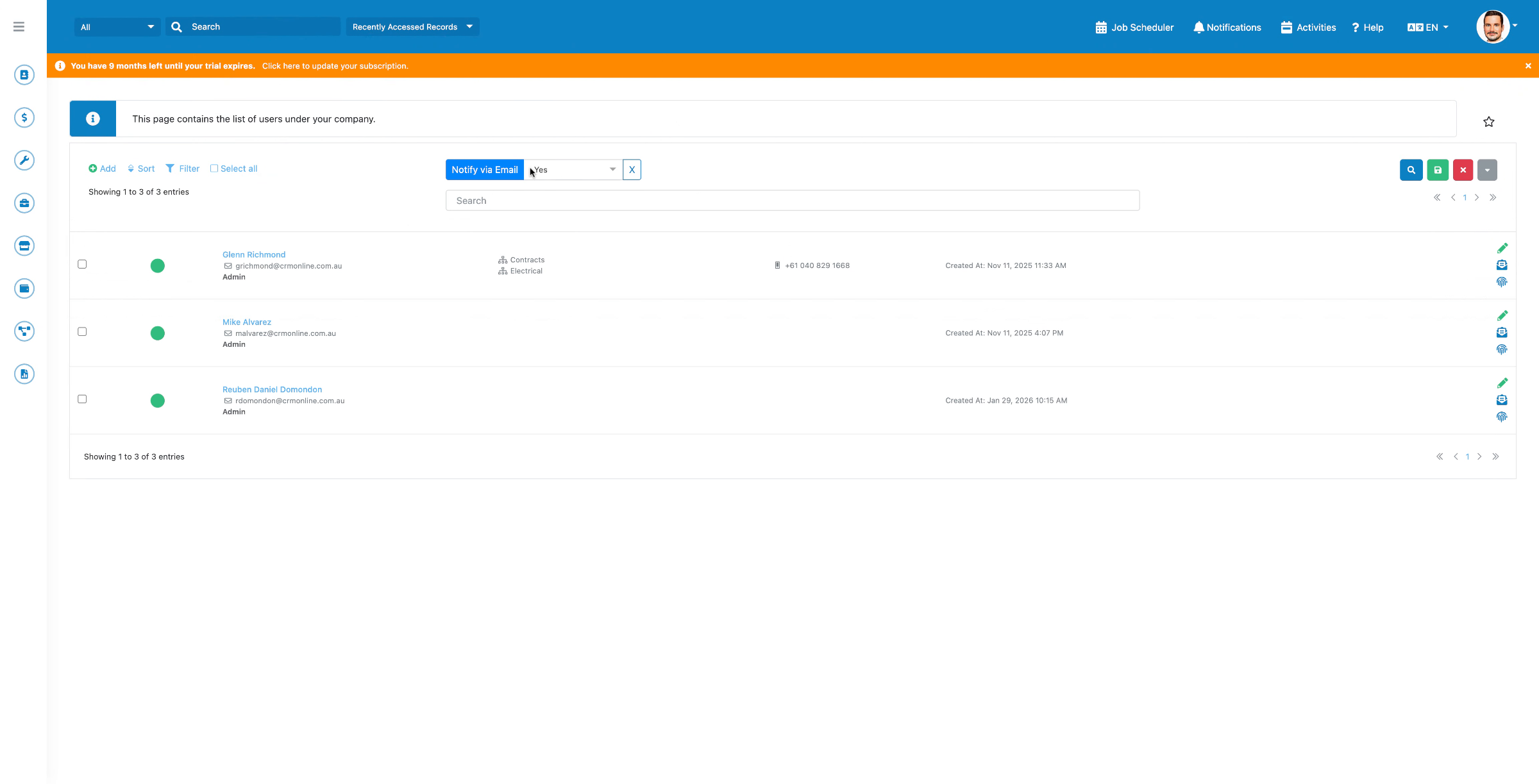 Step 2
Filter users with email notifications enabled, select them all, then choose Mass Updates and click Bulk Update.
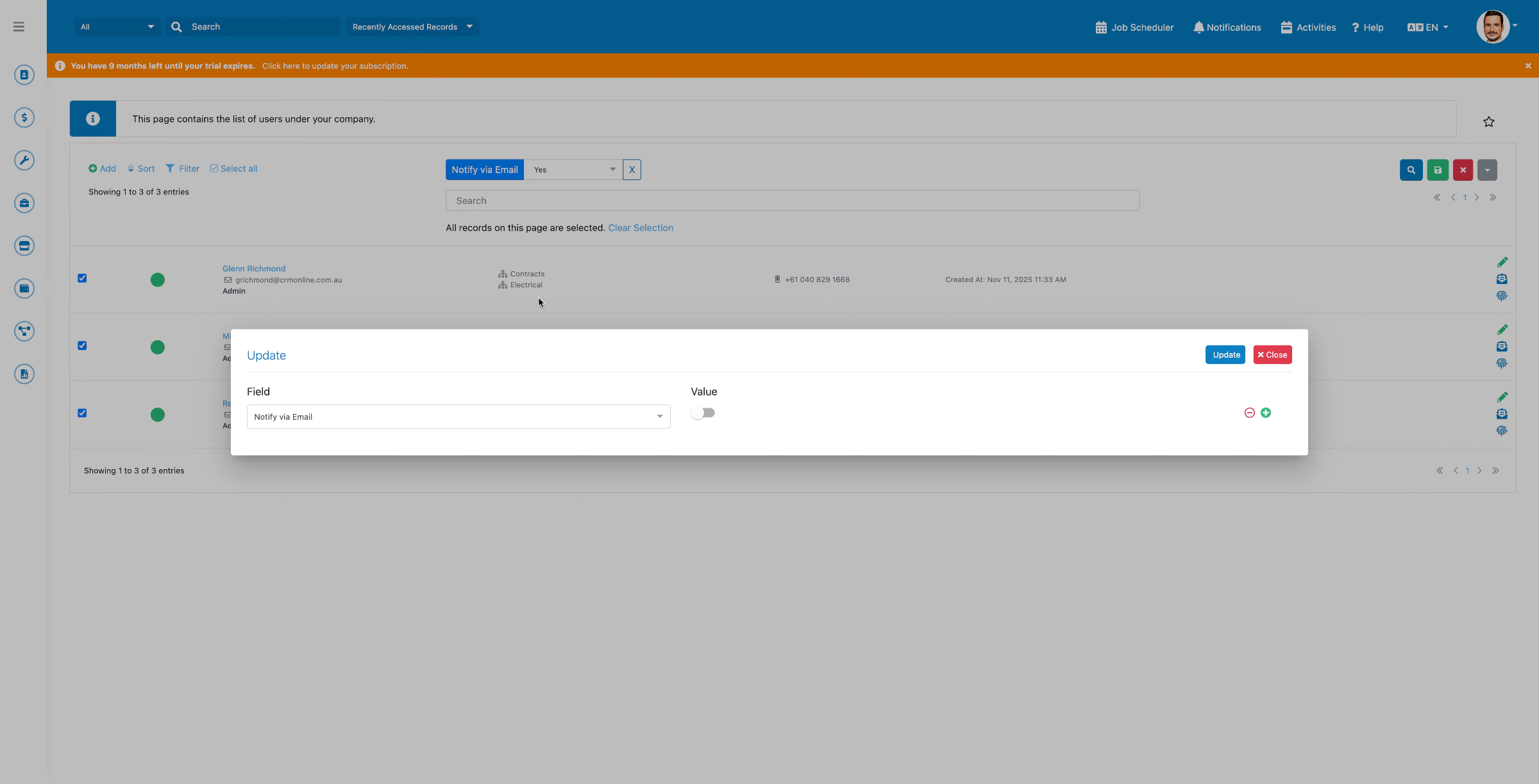 Step 3
Set the Notify by Email field to False, then click Update to apply the changes.
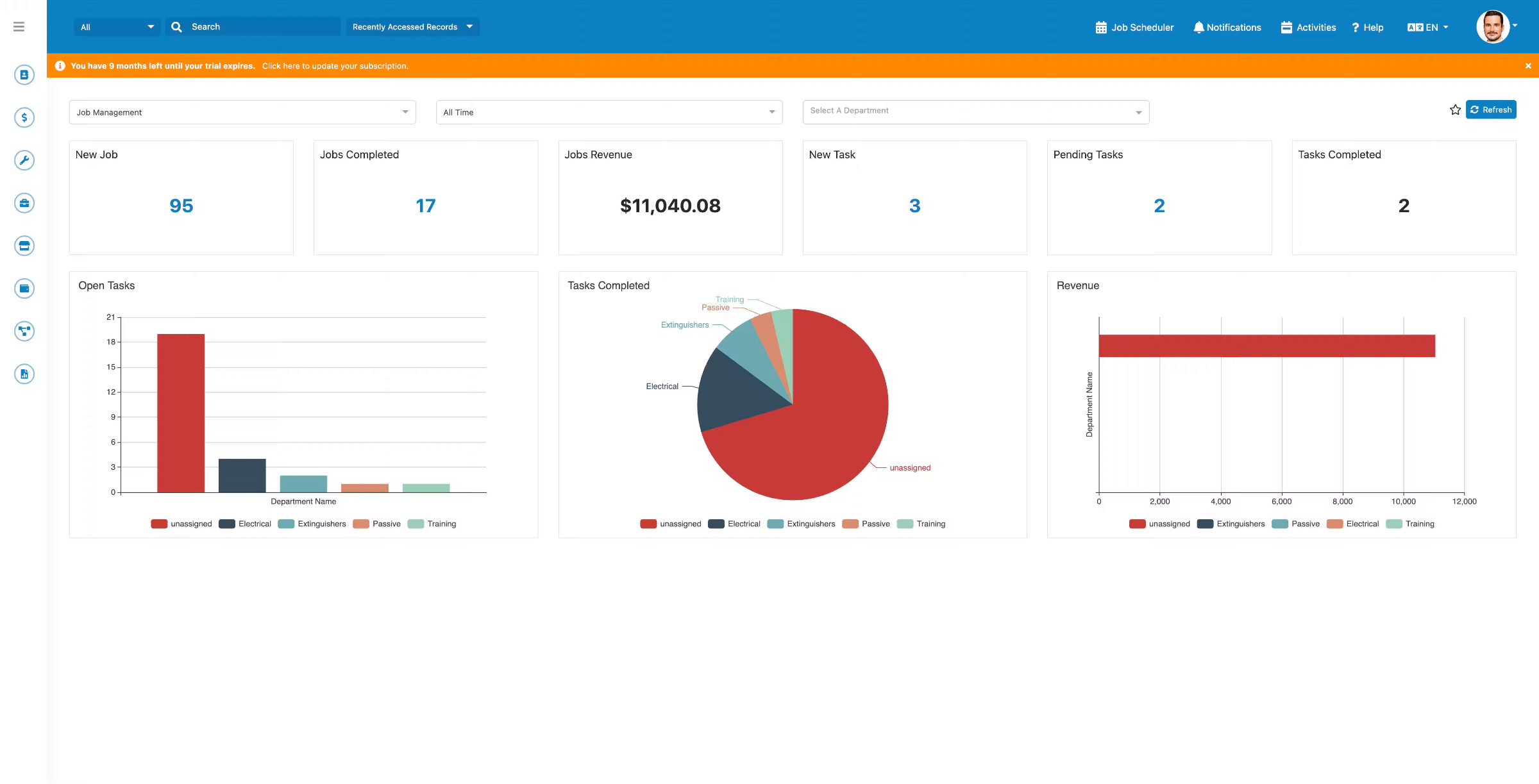 Step 4
The update completes successfully and email notifications are now disabled for the selected users.