Asset Inspections & Management
How to Bulk Update the Asset Type
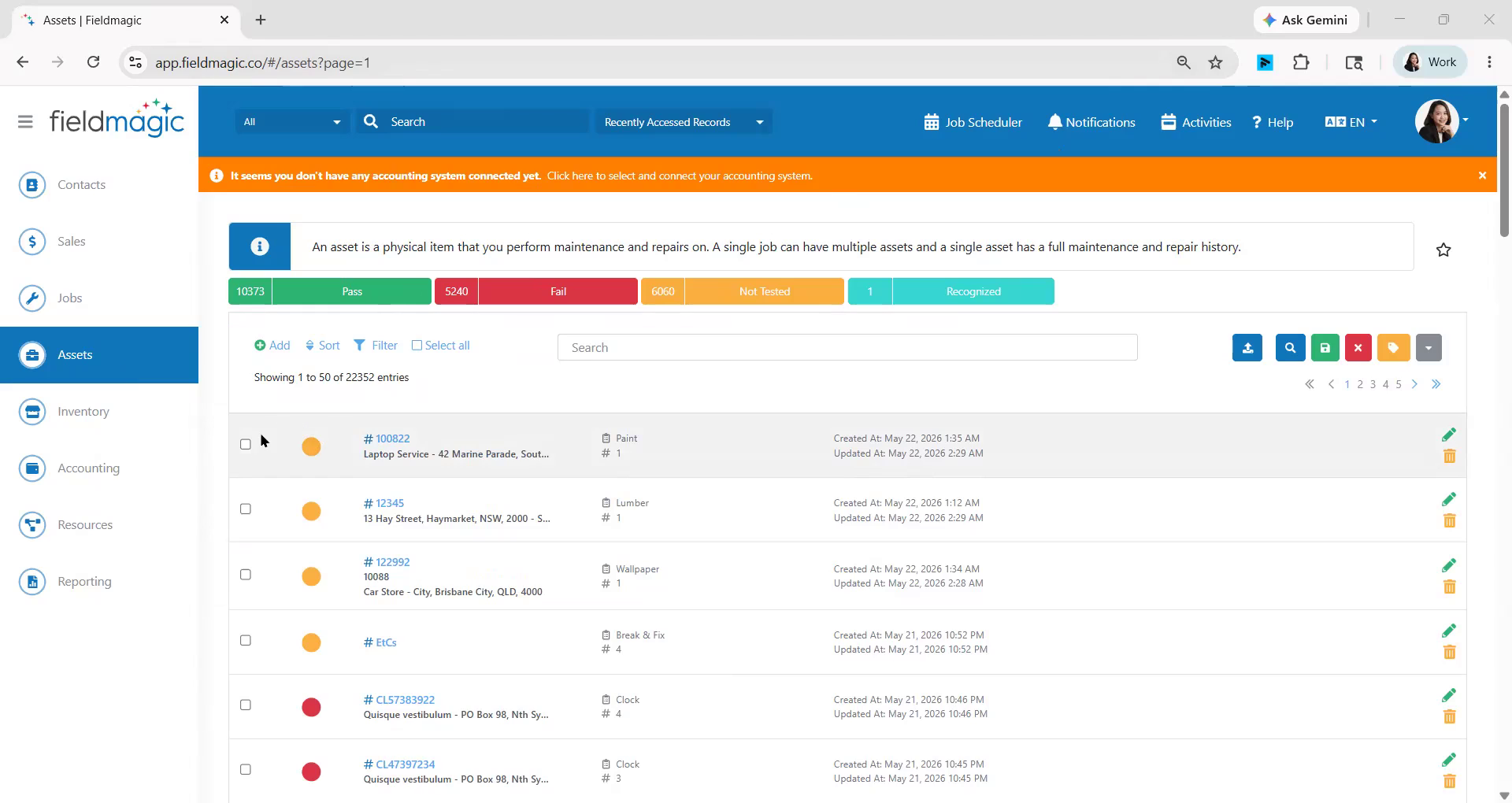
Open the Assets module to begin bulk updating asset types.
Step-by-step instructions
 Step 1
Open the Assets module to begin bulk updating asset types.
 Step 2
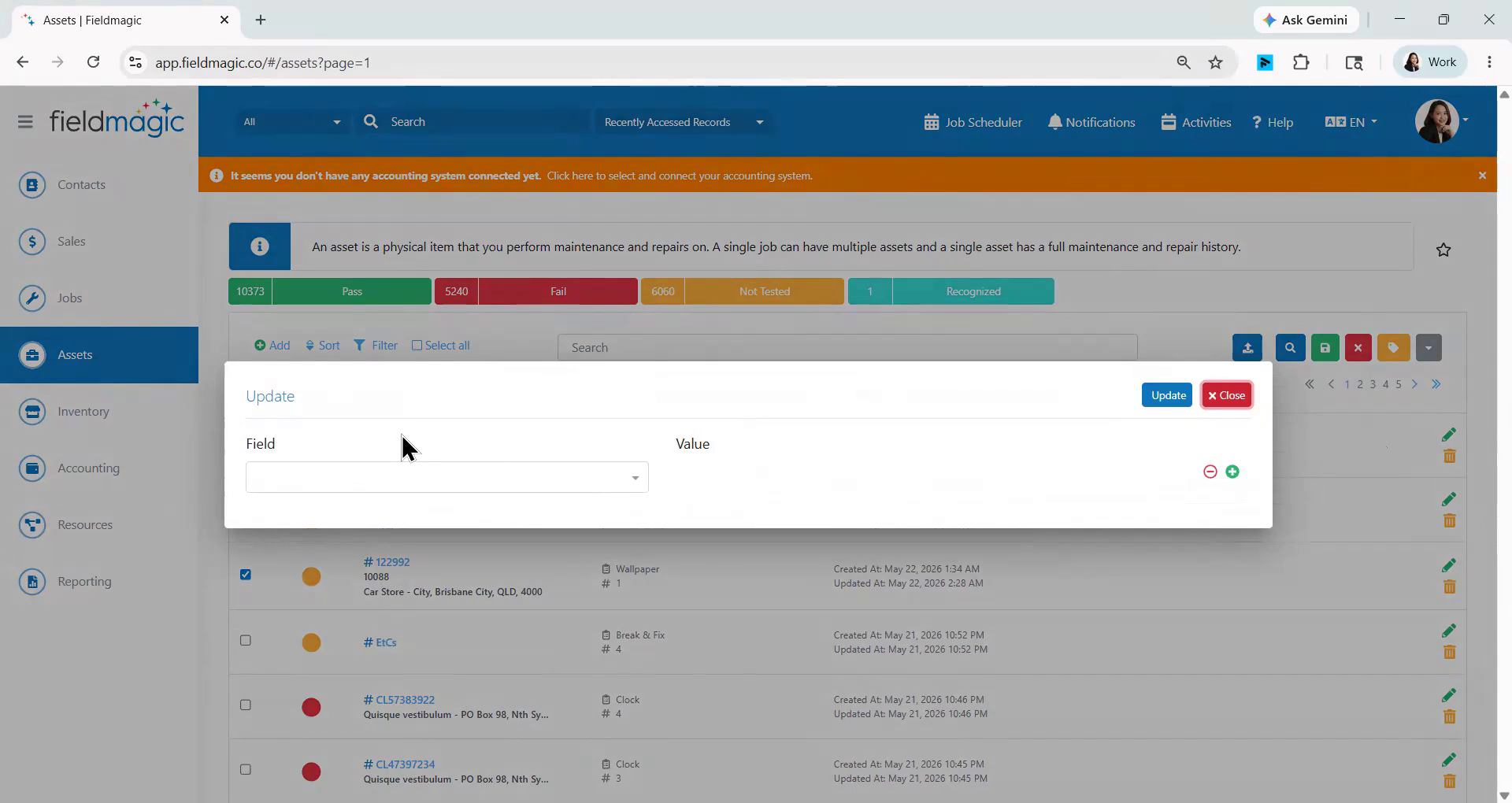
Select the assets you want to update, then choose Bulk Update from the actions drop‑down menu.
 Step 3
In the bulk update form, set the field to Asset Type, select the replacement type (for example, Aircon) under Value, and click Update to apply the changes.