Administration
How to Deactivate a User Account
Navigate to Settings. Select Manage Users. Search for the user you want to deactivate.
Step-by-step instructions
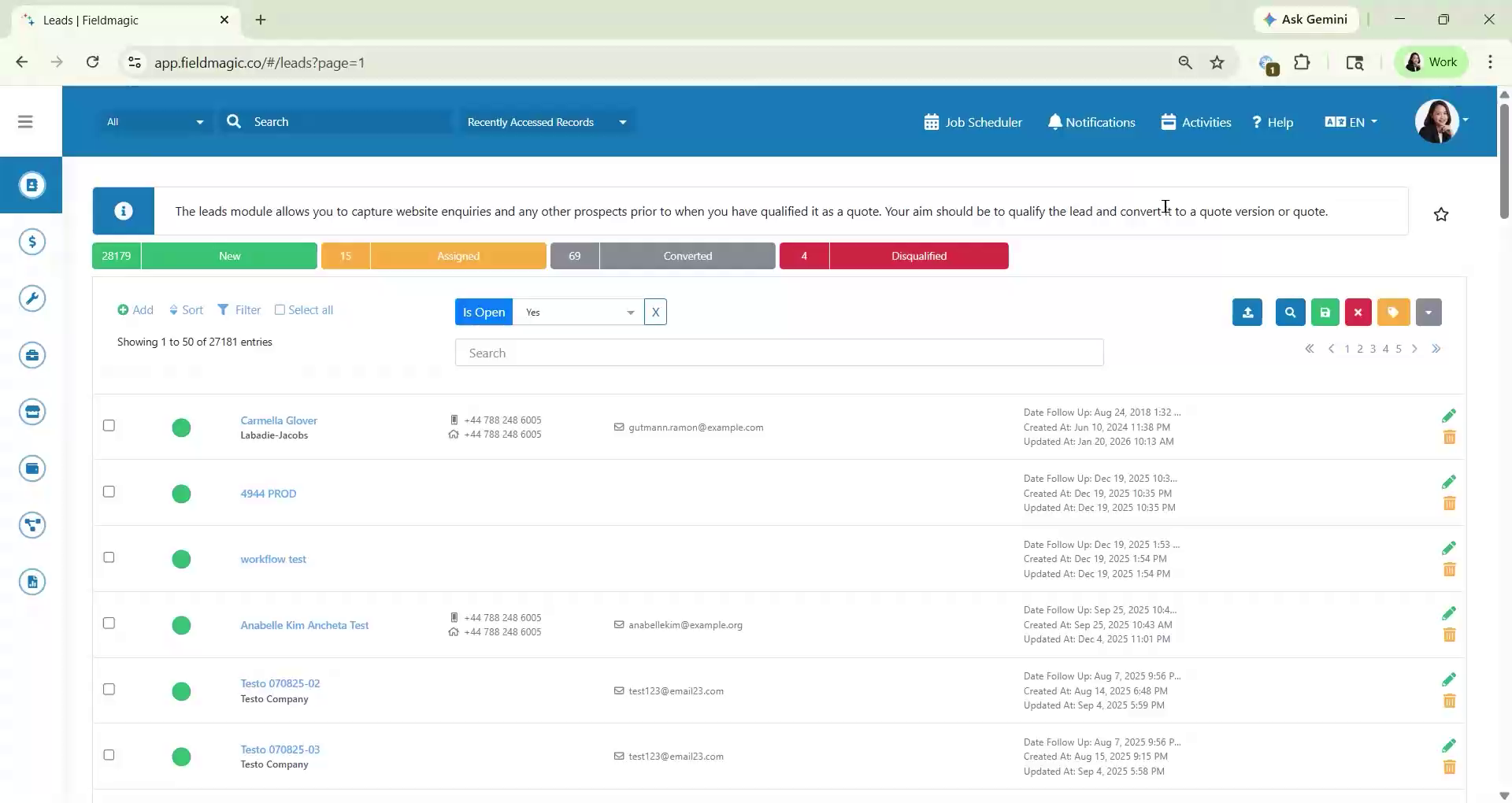 Step 1
Navigate to Settings. Select Manage Users. Search for the user you want to deactivate.
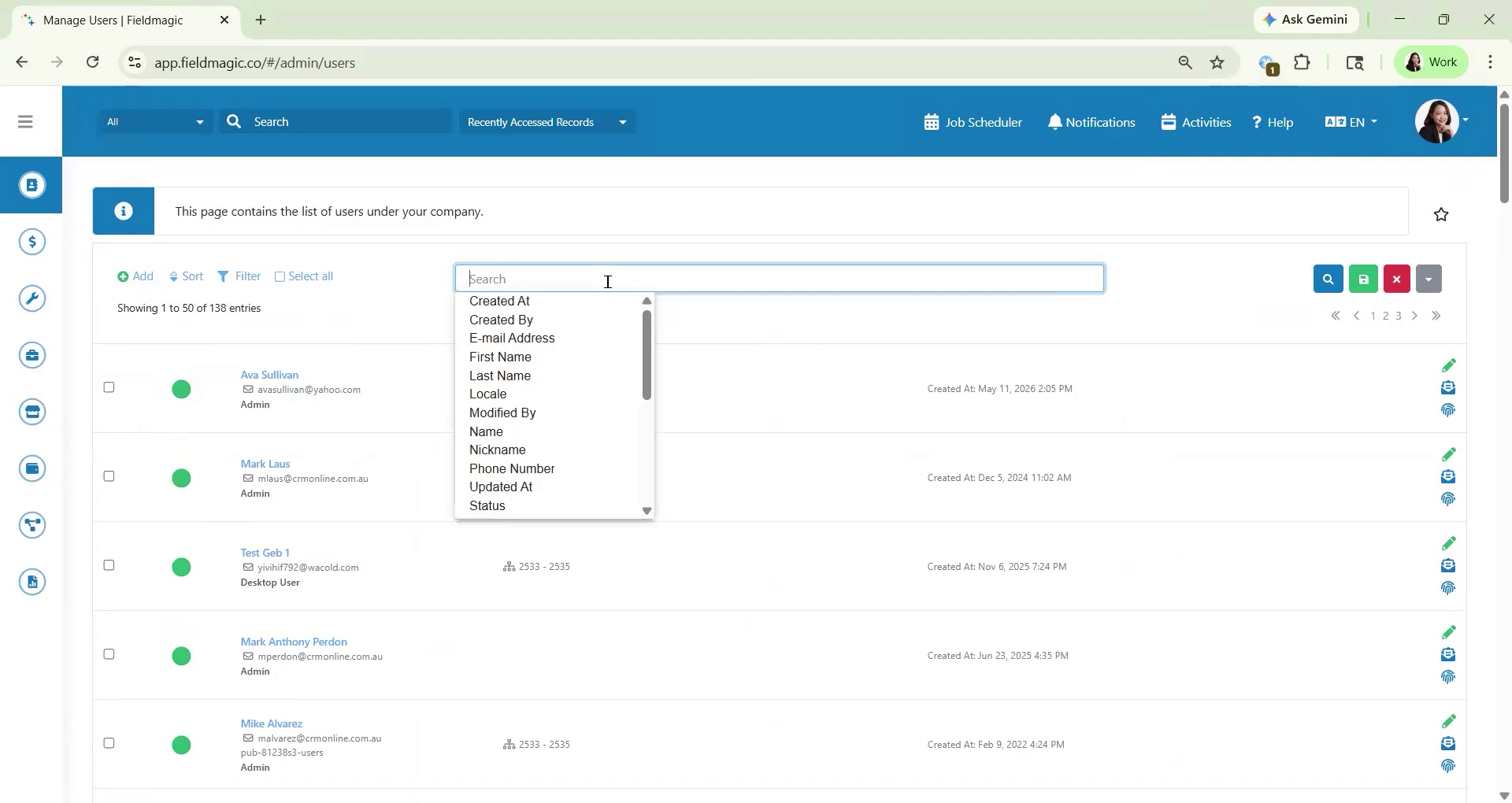 Step 2
Click the Edit icon on the right side of the user's row. Open the Other Information tab. Set the user status to Inactive.
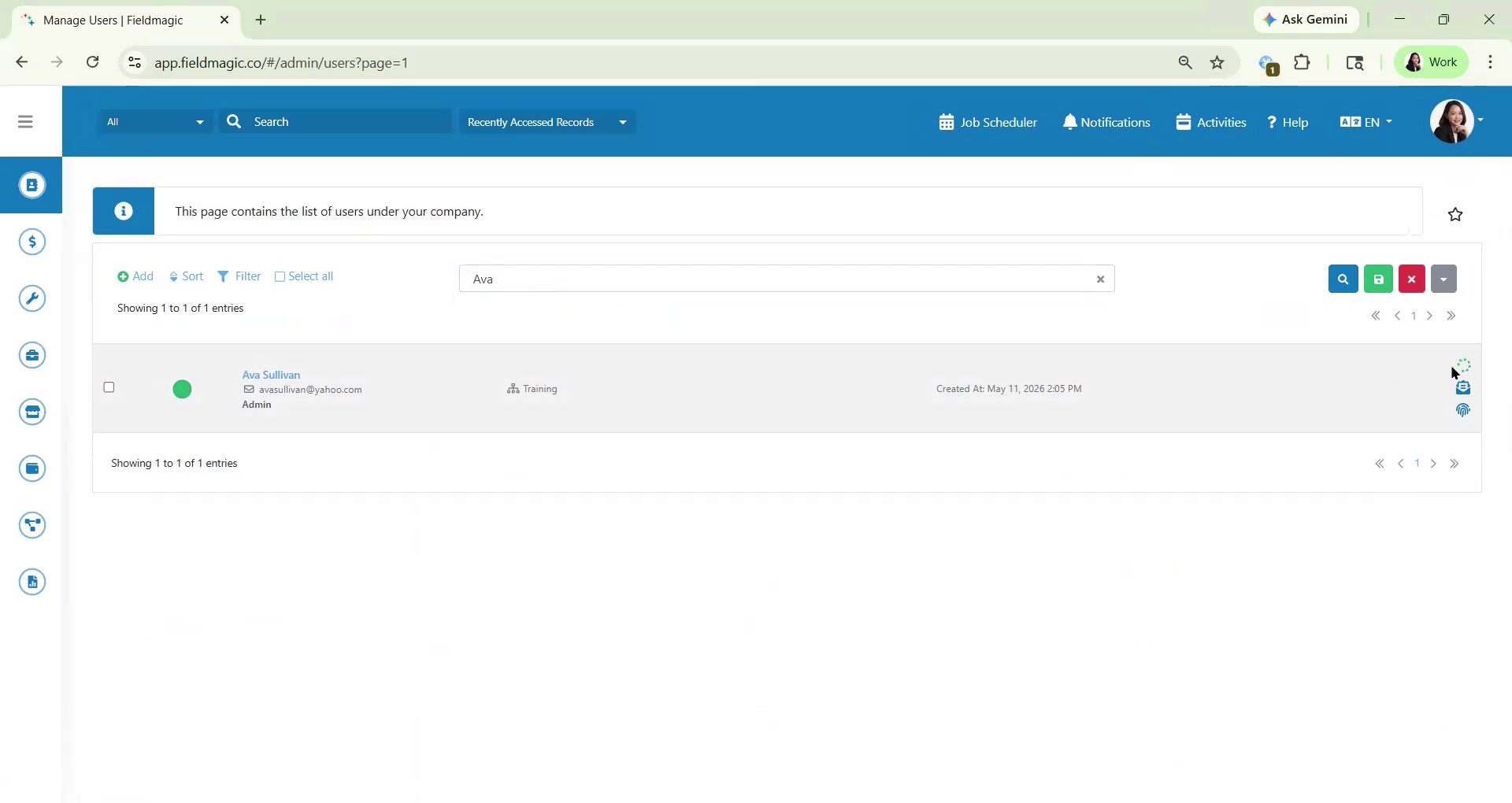 Step 3
Click Save. Reassign any future tasks to other users as needed. Then click the Assign button.