Asset Inspections & Management
Link multiple checklist to an Asset Type
To link multiple asset checklists to an asset type, first check whether it uses the migrated or old inspection period format.
Step-by-step instructions
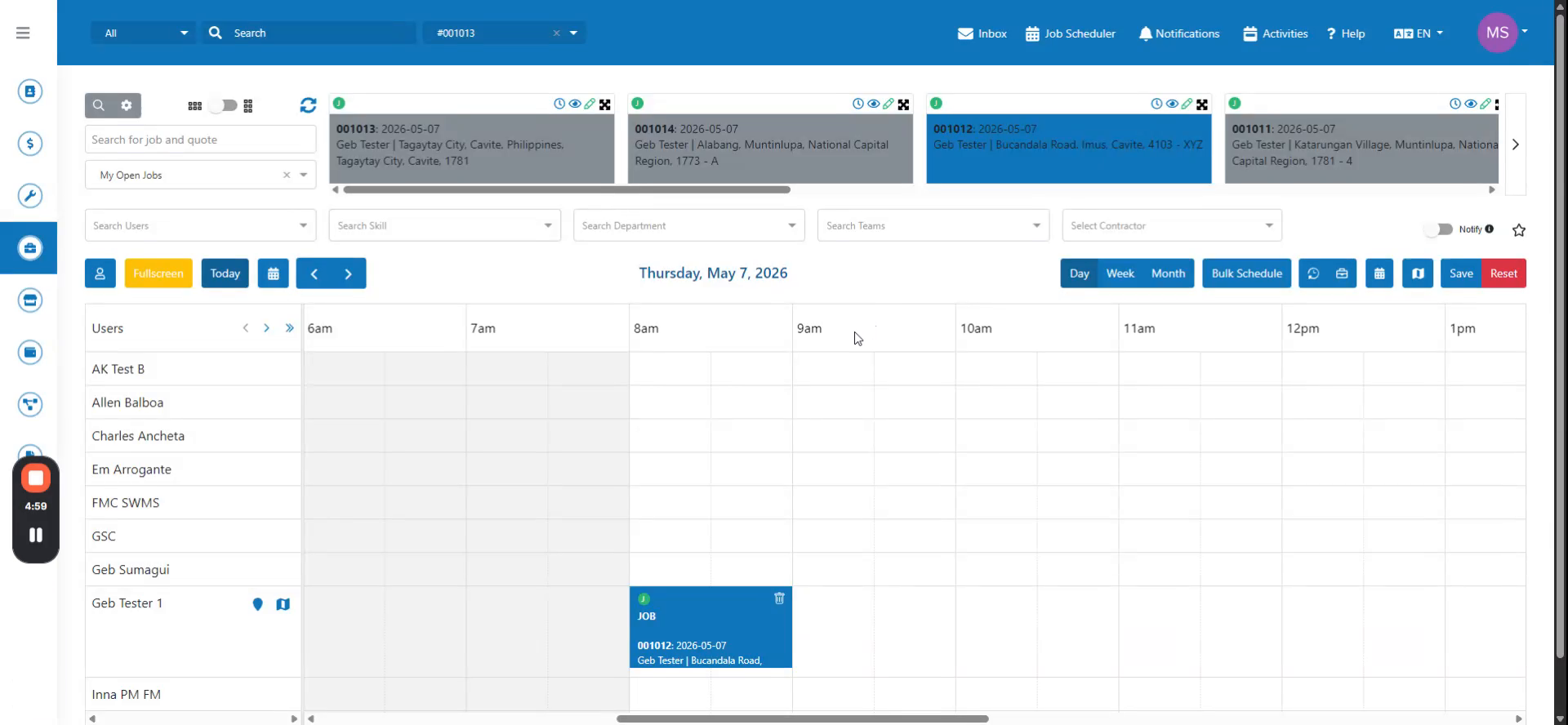 Step 1
To link multiple asset checklists to an asset type, first check whether it uses the migrated or old inspection period format.
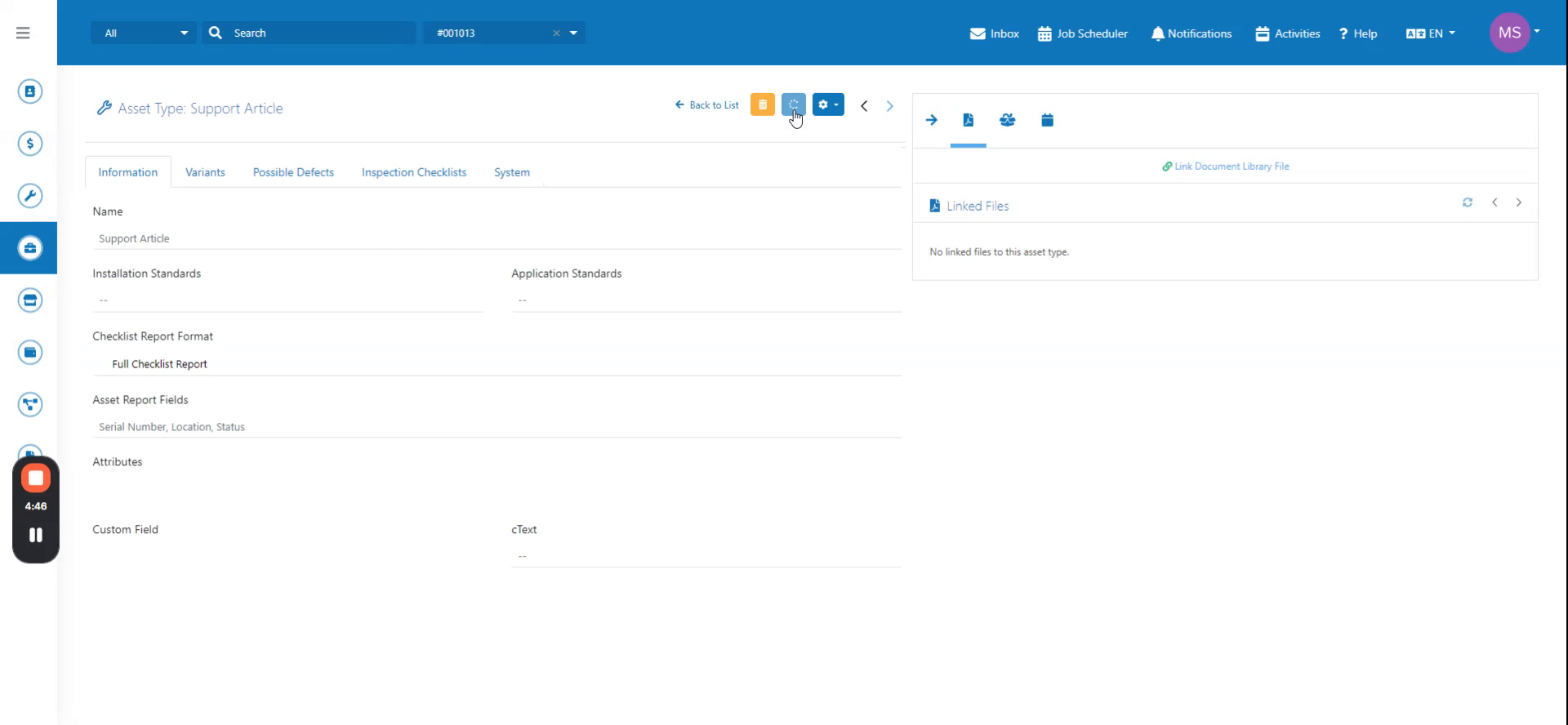 Step 2
Create an asset checklist and attempt to link it to both inspection period types to see the difference.
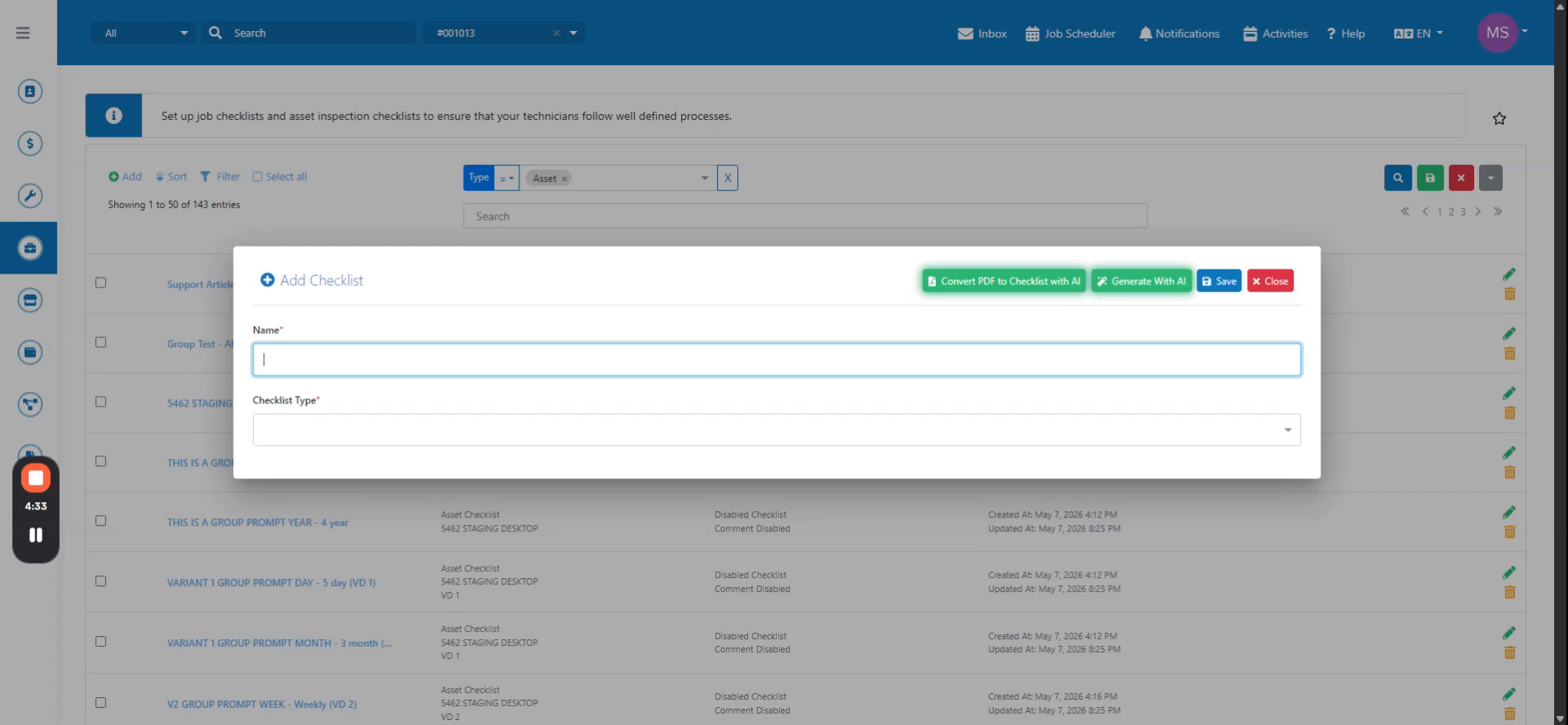 Step 3
If the asset type uses the old inspection period, you cannot link multiple checklists. Migrate the asset type to enable multiple checklist linking.
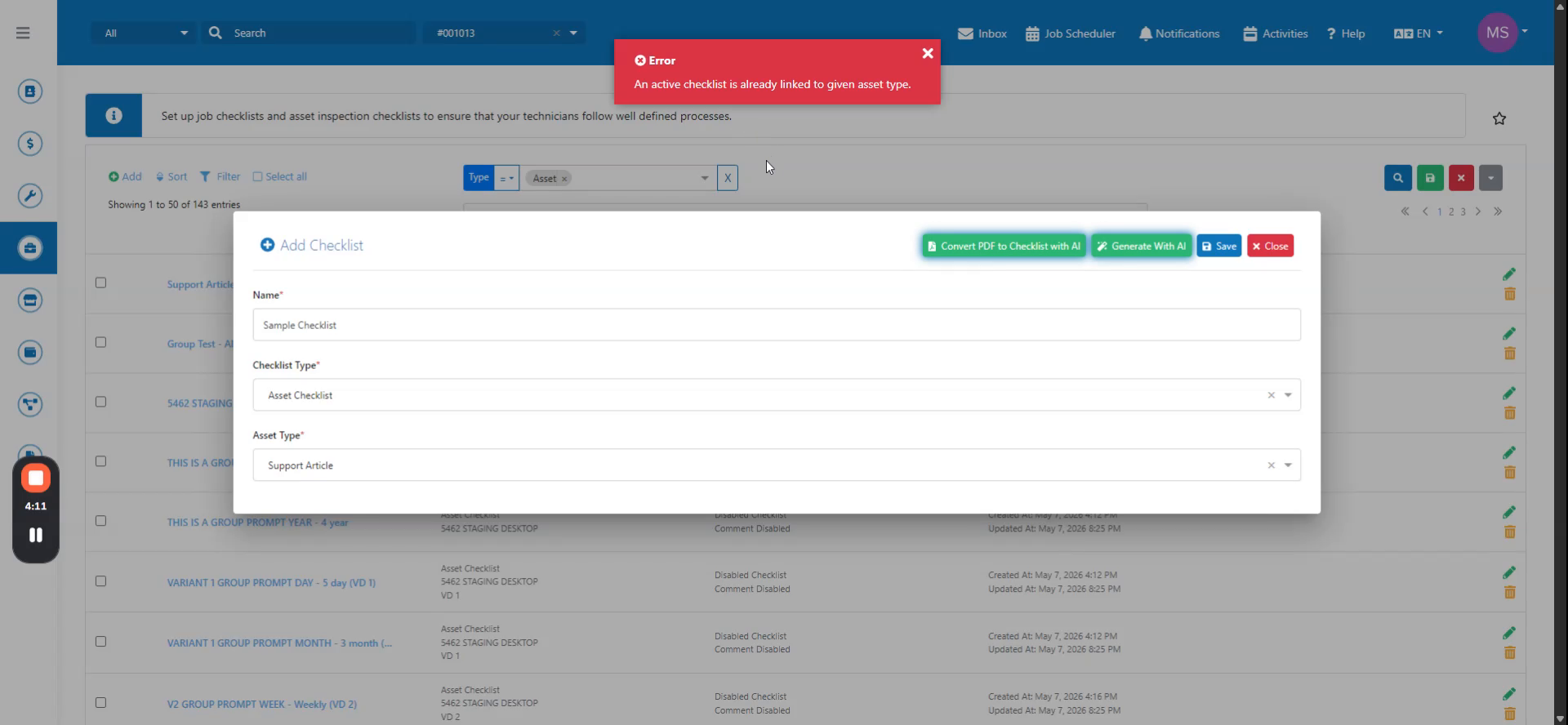 Step 4
After migration, the linking is successful. Navigate back to the asset type to confirm the new checklist is now linked.