Sales & Quoting
List screen filters | Job and Quote
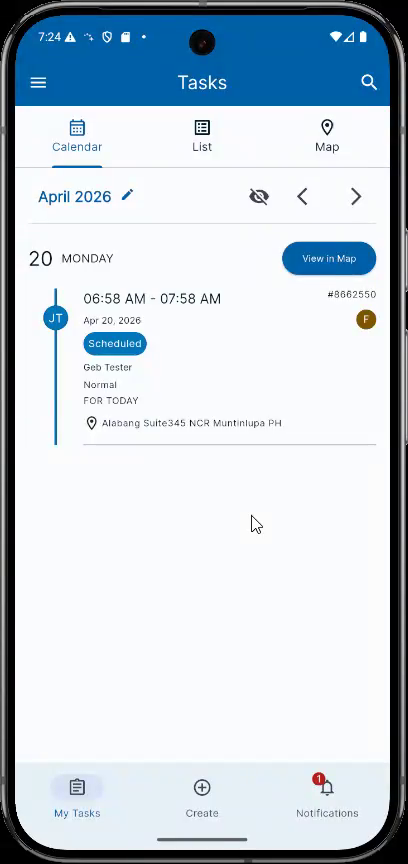
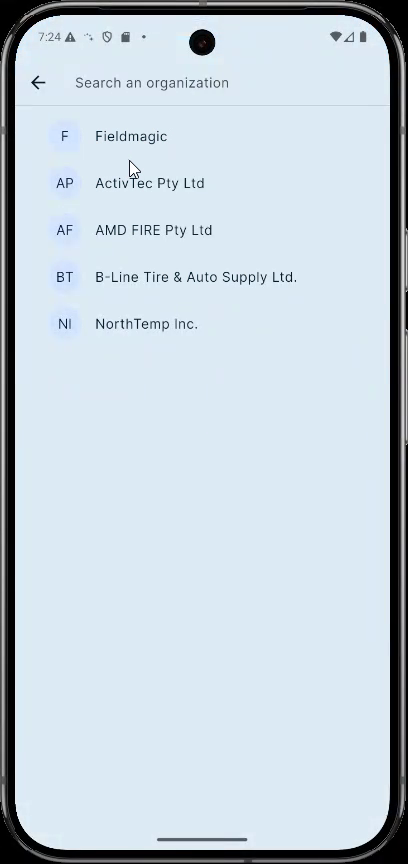
Use the Organisation filter at the top of the list screen to select the organisation you want to view jobs for.
Step-by-step instructions
 Step 1
Use the Organisation filter at the top of the list screen to select the organisation you want to view jobs for.
 Step 2
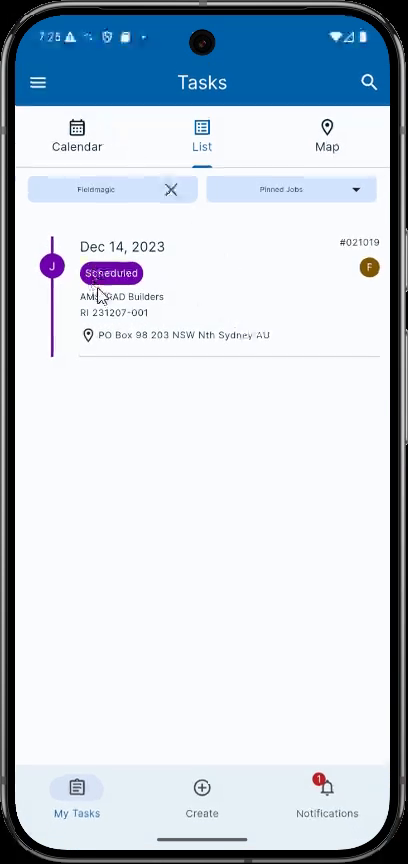
Below the Organisation filter, you will find secondary filters. These allow you to quickly narrow down the displayed records.
 Step 3
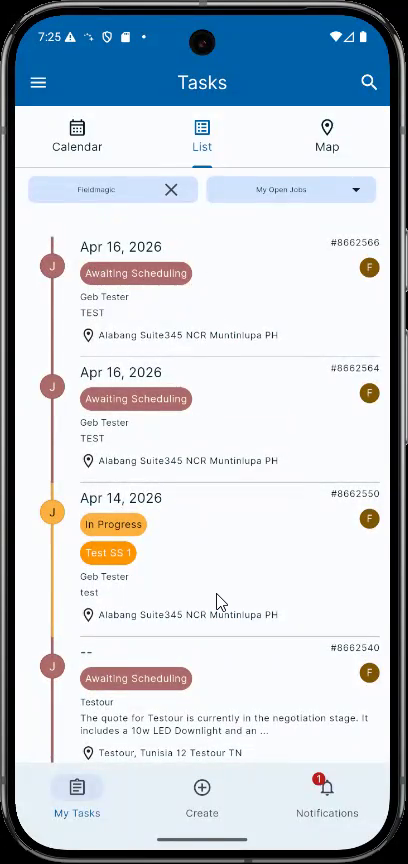
Pin Jobs displays all jobs you have pinned in the selected organisation. My Open Jobs shows all jobs with an active status such as Awaiting Scheduling, Scheduled, or In Progress.
 Step 4
My Open Jobs also includes jobs with custom statuses that are not marked as closed or completed.
 Step 5
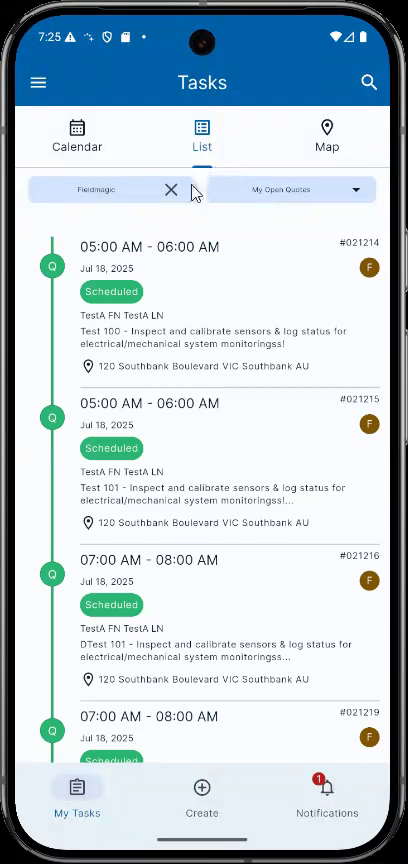
My Open Quotes works similarly to My Open Jobs but displays only quote records with an active status.
 Step 6
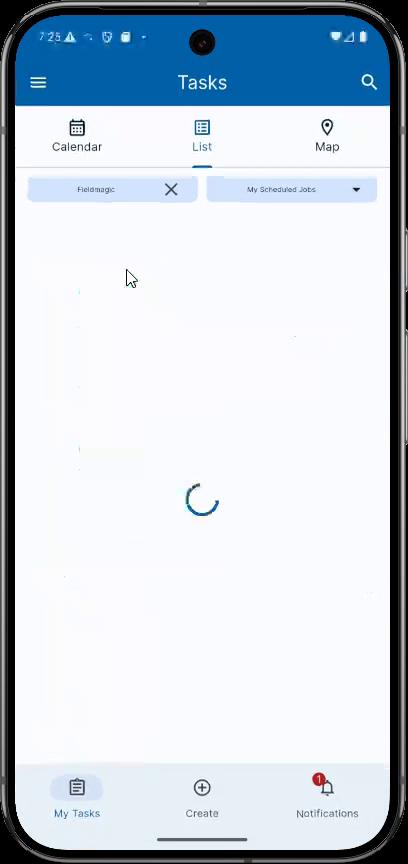
My Scheduled Jobs displays all jobs in the selected organisation that have a Scheduled status. My Completed Jobs shows jobs that are Closed or Completed.