Job Management
Manage and Convert Booked Appointments into Jobs or Codes
Understand how appointments booked through the booking page are managed and converted.
Step-by-step instructions
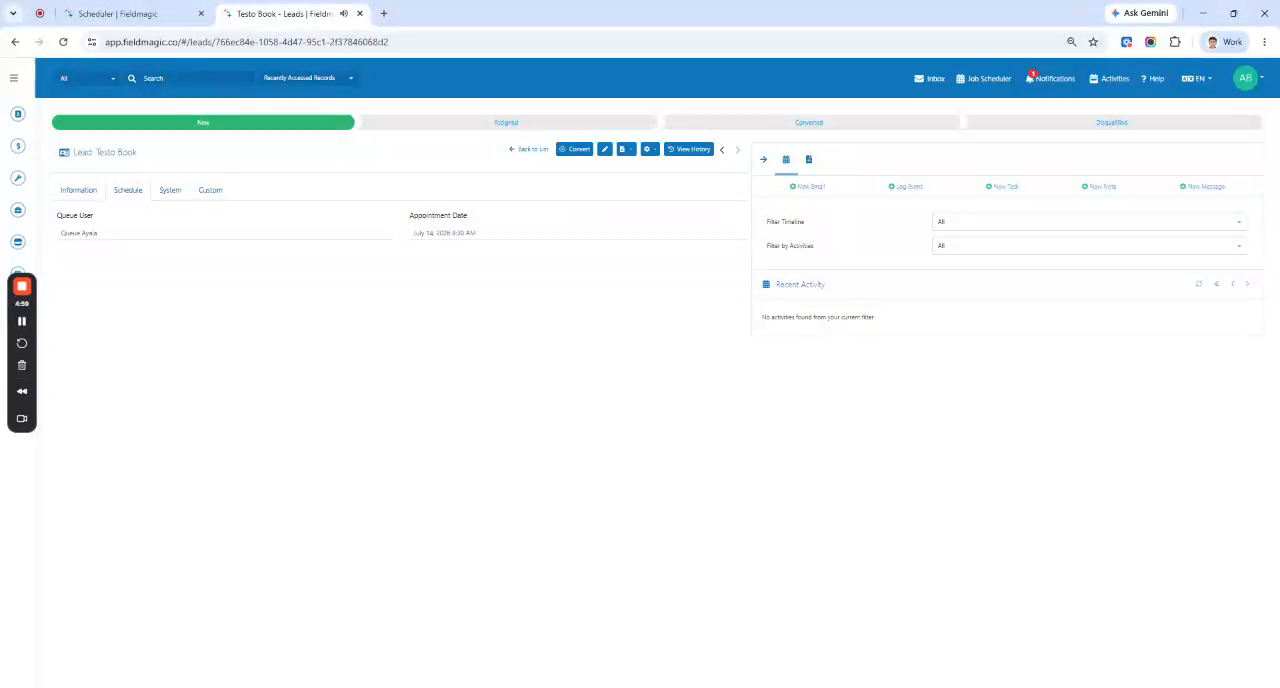 Step 1
Understand how appointments booked through the booking page are managed and converted.
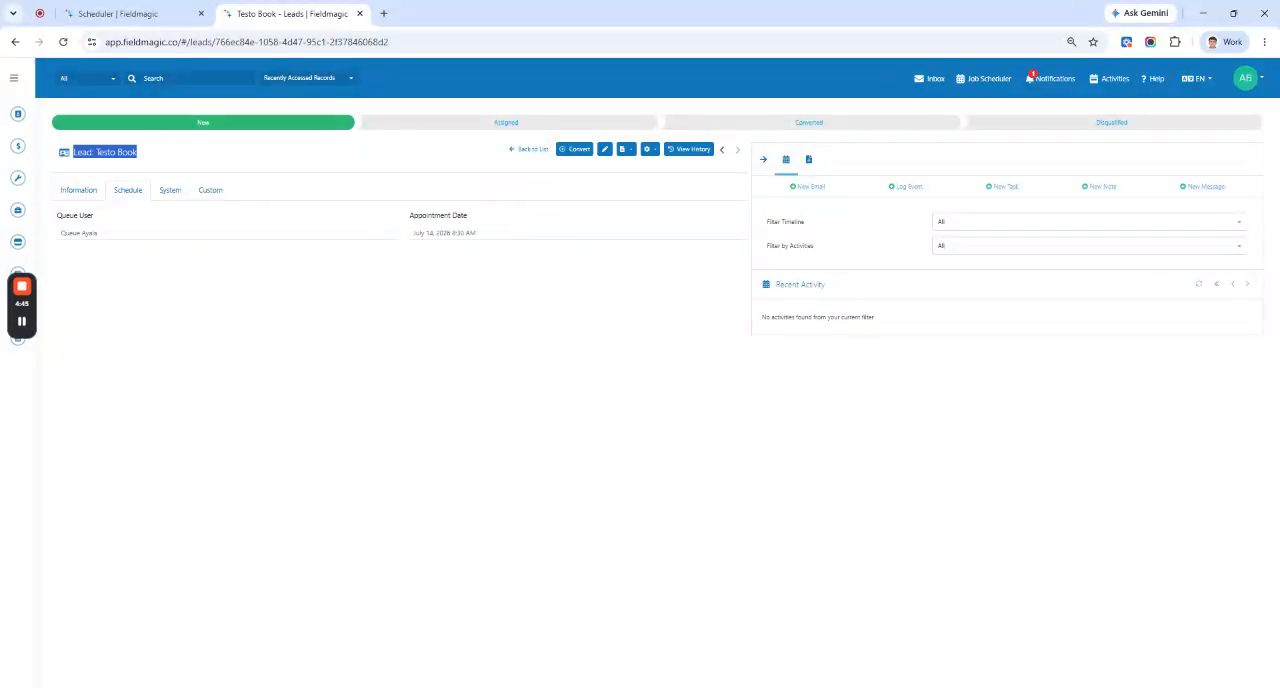 Step 2
Locate the appointment scheduled against the assigned user in the booking page.
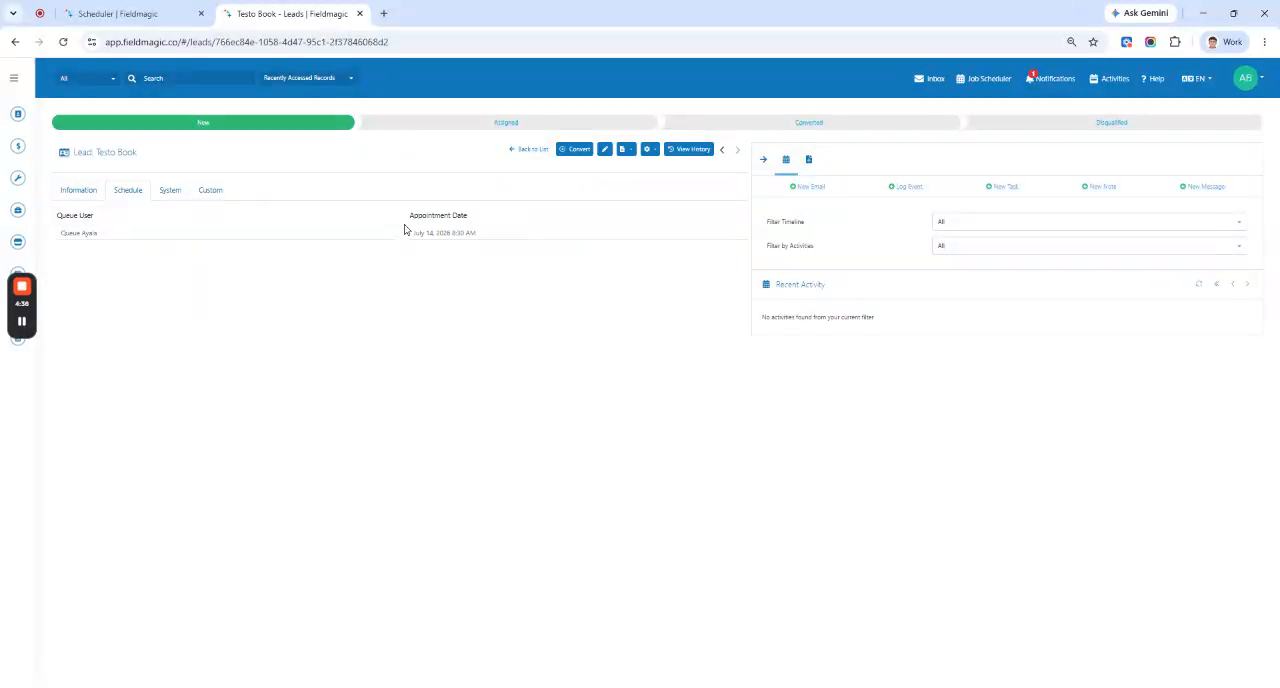 Step 3
View the appointment in the scheduler assigned to the queue user before conversion.
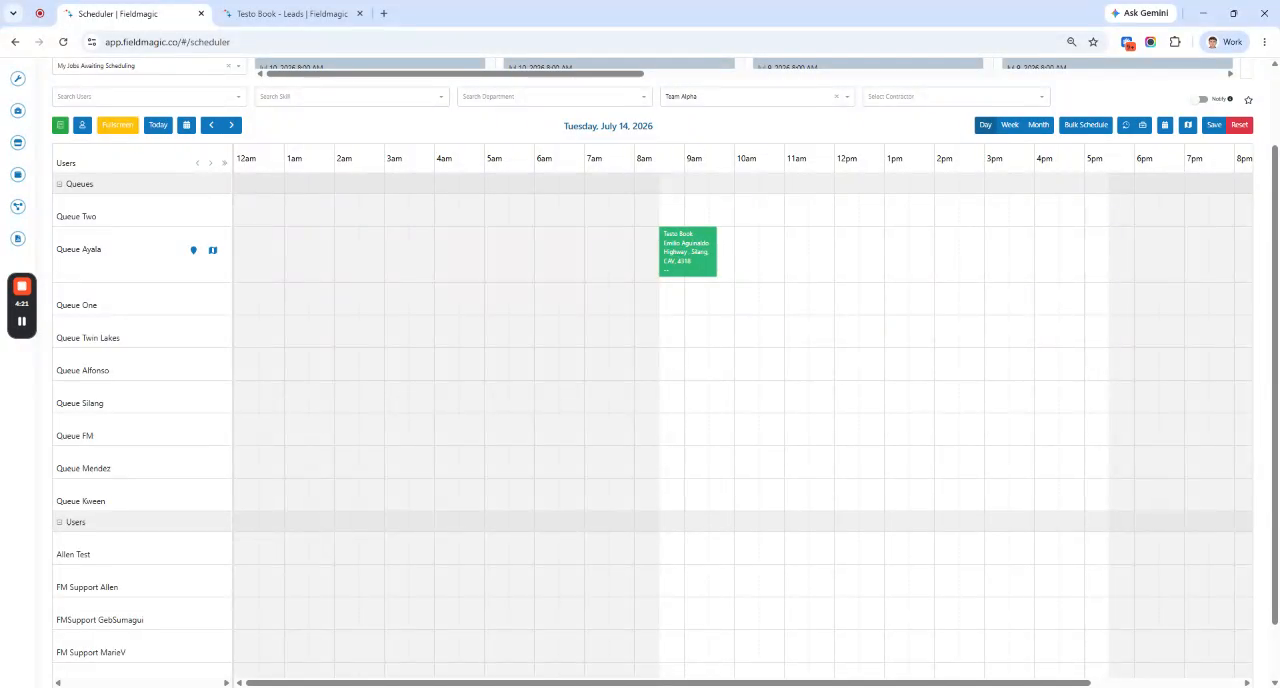 Step 4
Begin conversion by dragging the appointment from the queue user to a specific user or resource.
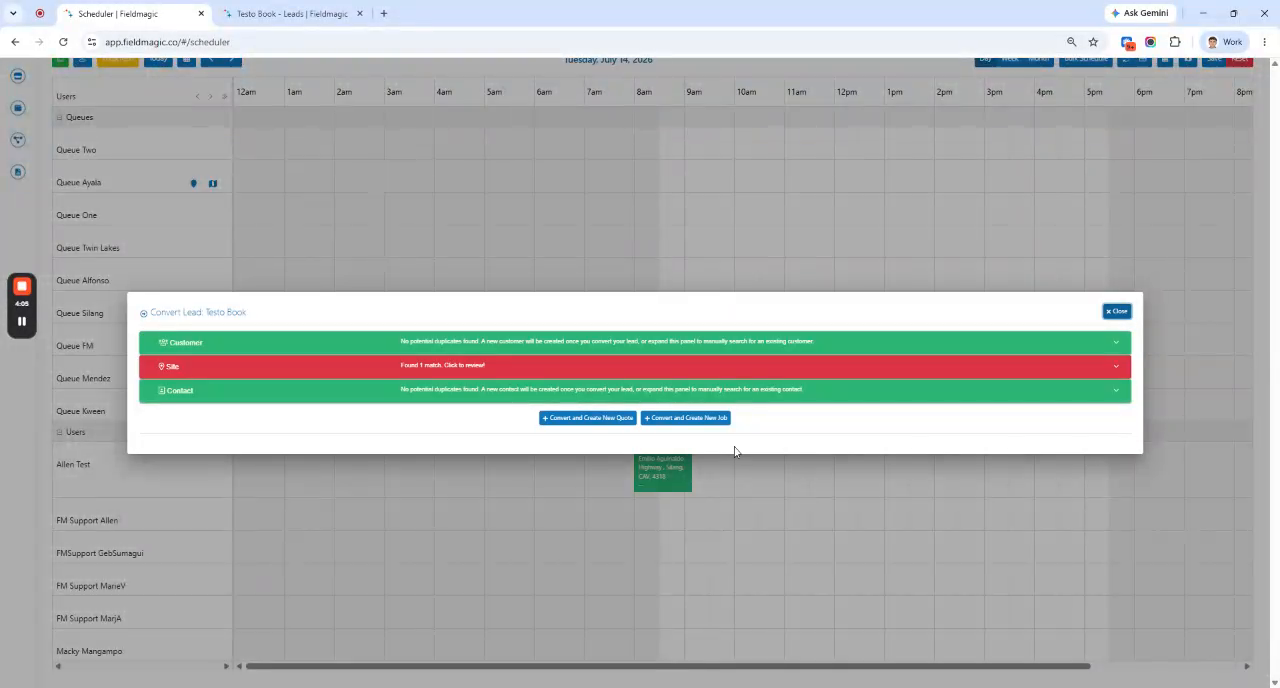 Step 5
Choose whether to create a job or a code on the Convert screen.
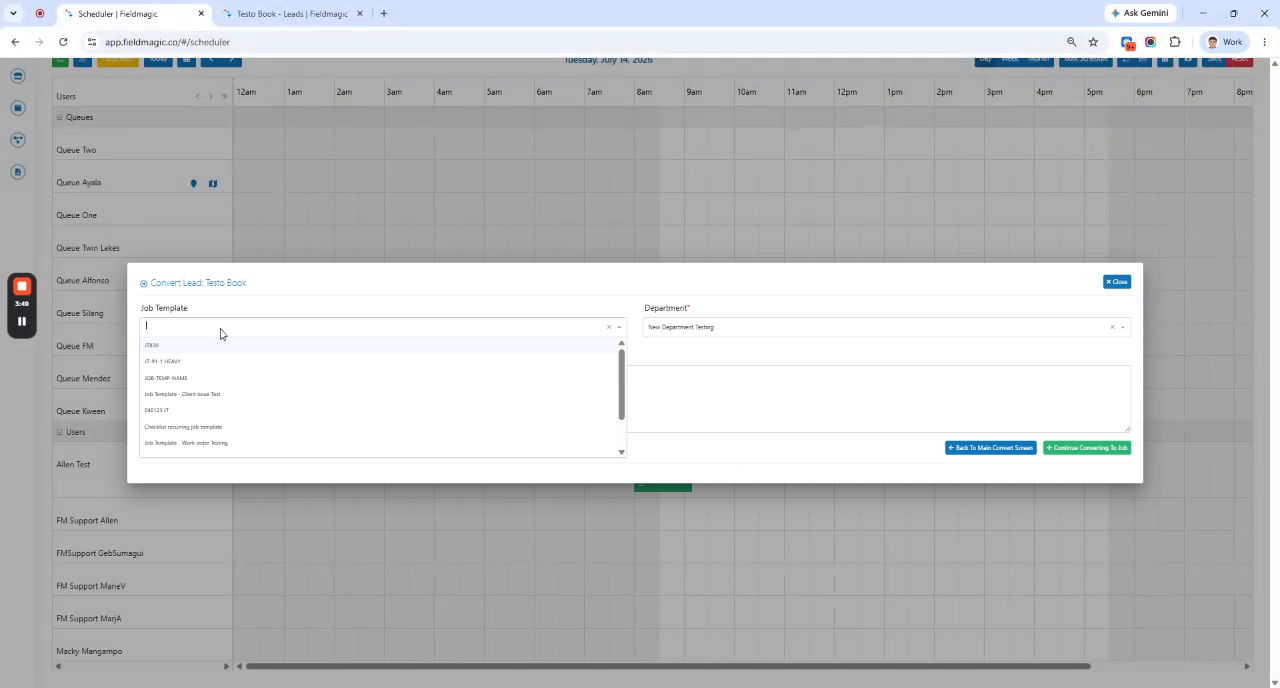 Step 6
Select a job or code template if needed before completing the conversion.
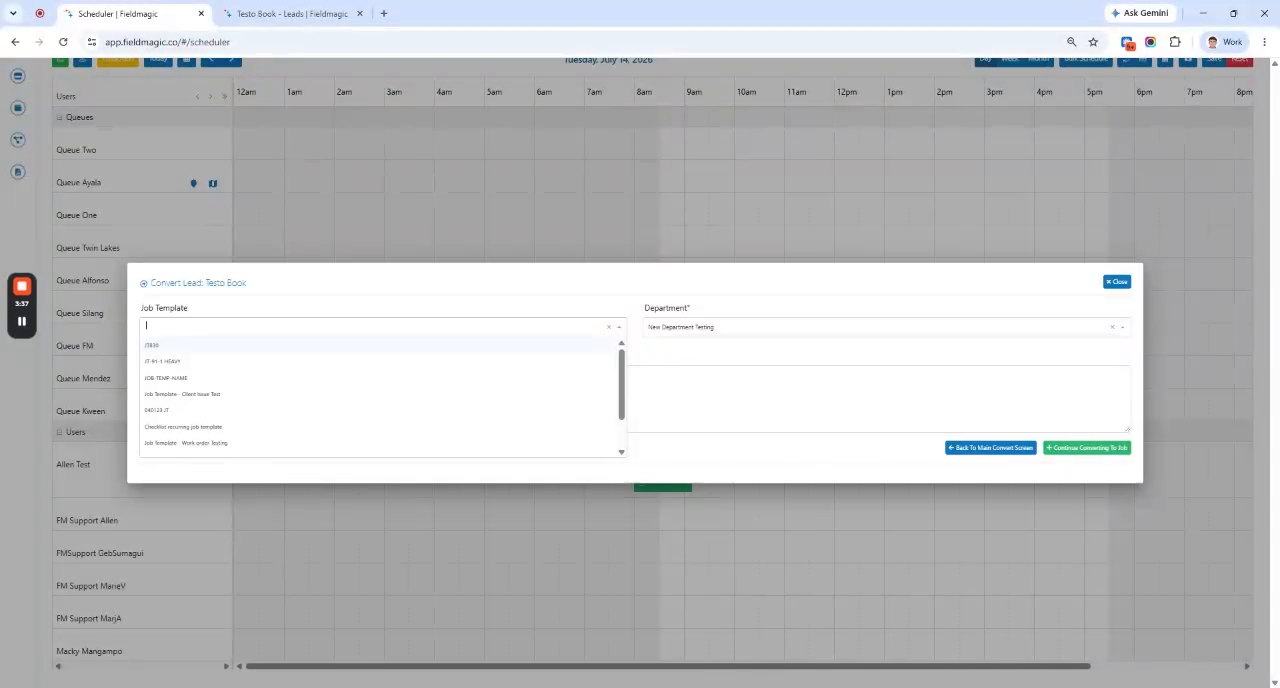 Step 7
Complete the conversion and remove the appointment from the queue user.
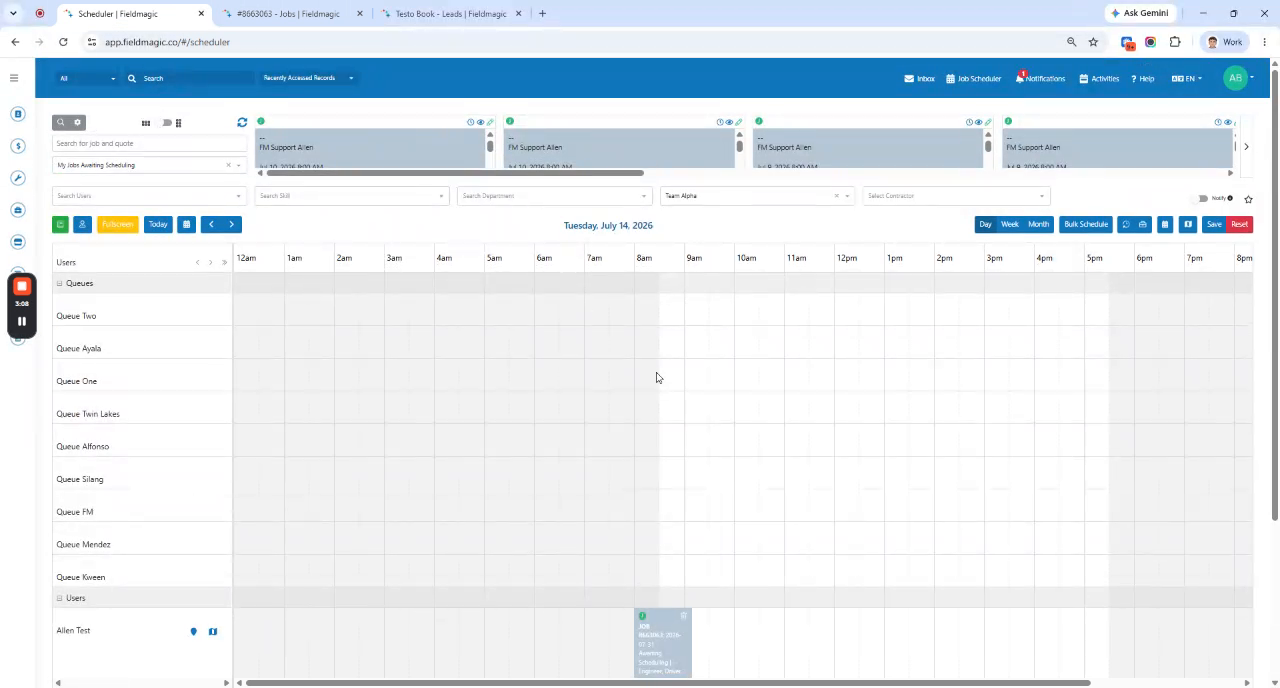 Step 8
Confirm the new job or code is scheduled to the selected user or resource and understand queue user assignments.