Customer Portal
Managing Module Visibility in the Customer Portal
This video shows how to display or hide modules in the customer portal, giving you full control over what portal users see.
Step-by-step instructions
 Step 1
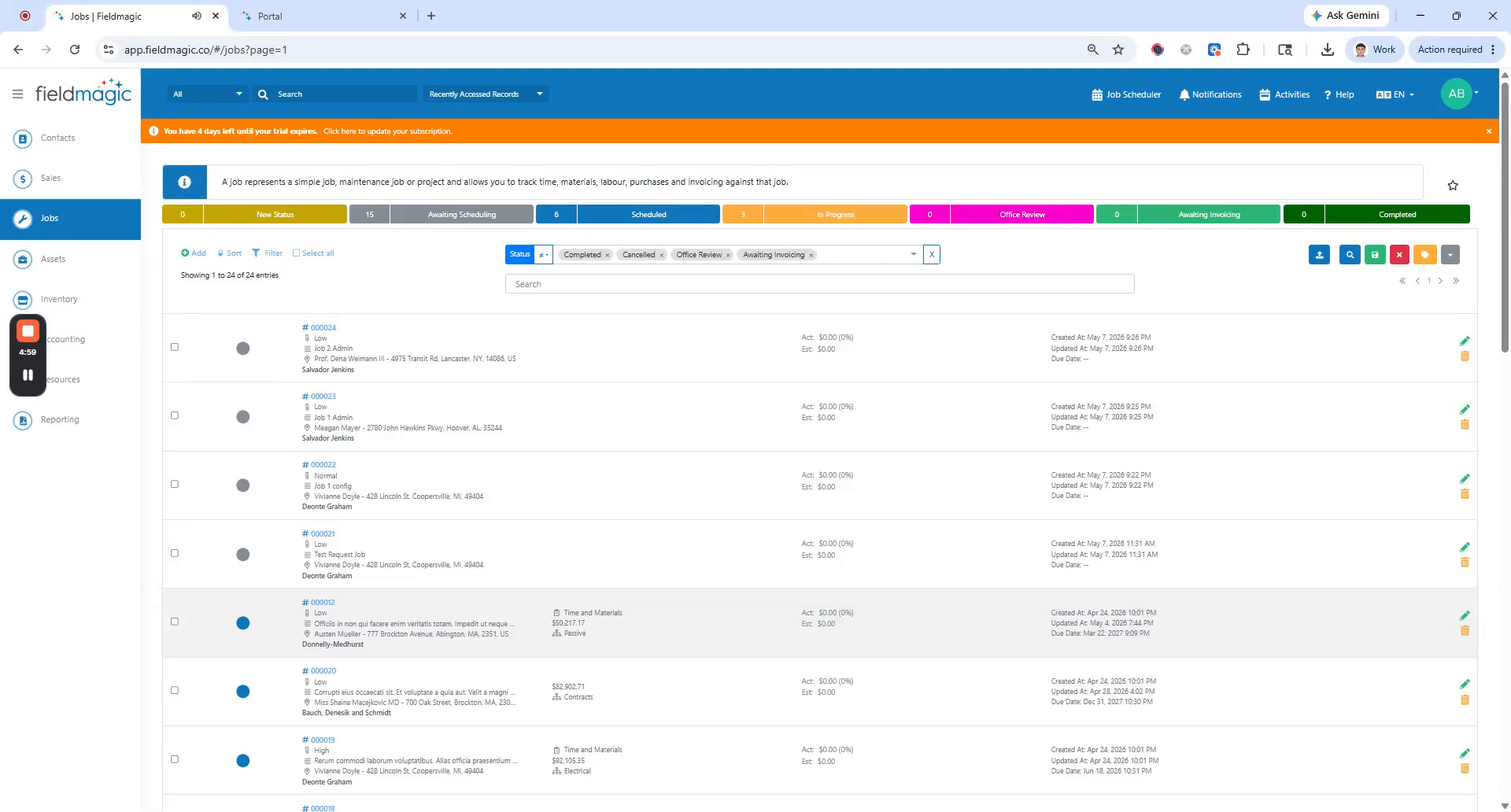
This video shows how to display or hide modules in the customer portal, giving you full control over what portal users see.
 Step 2
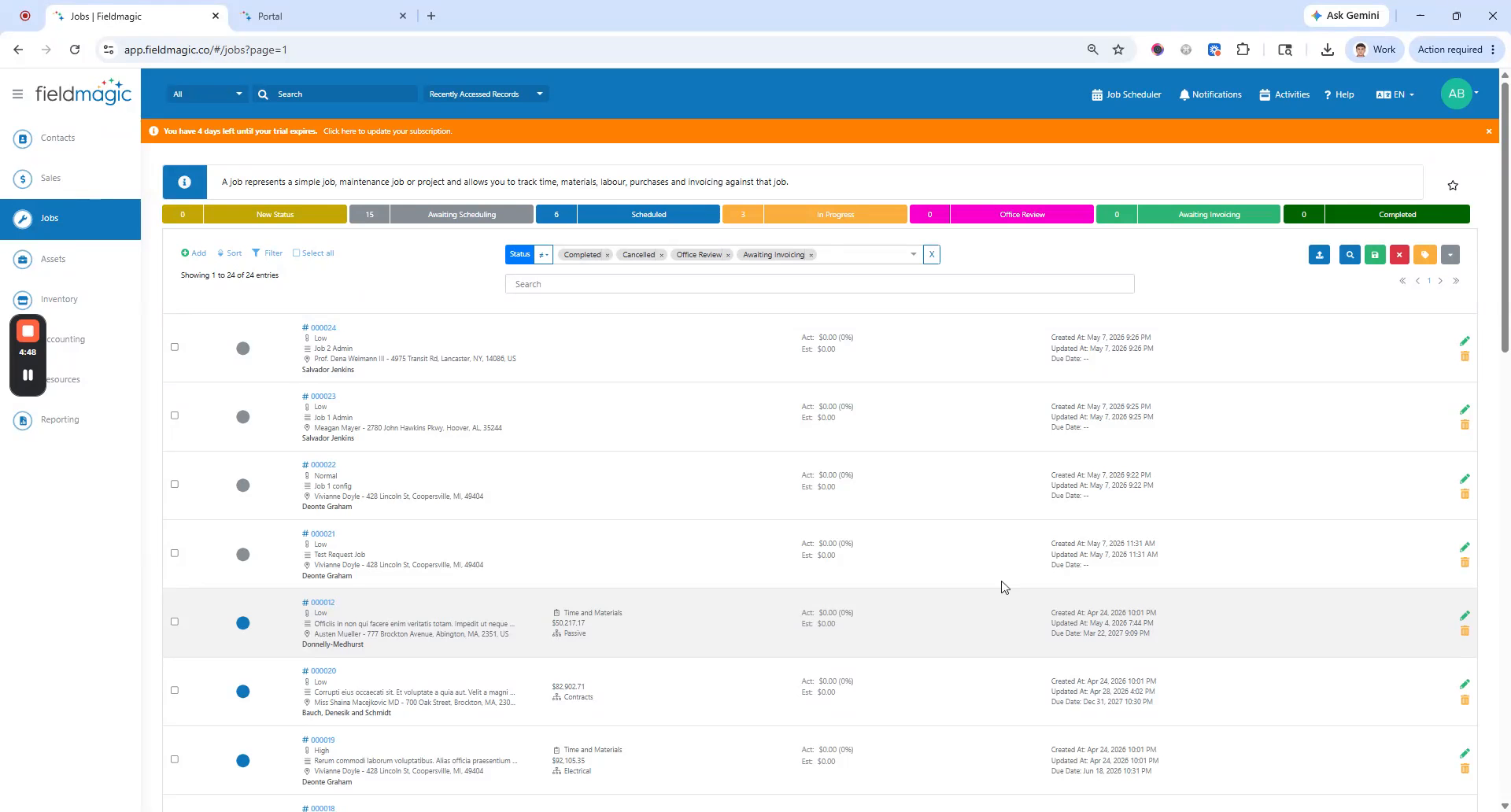
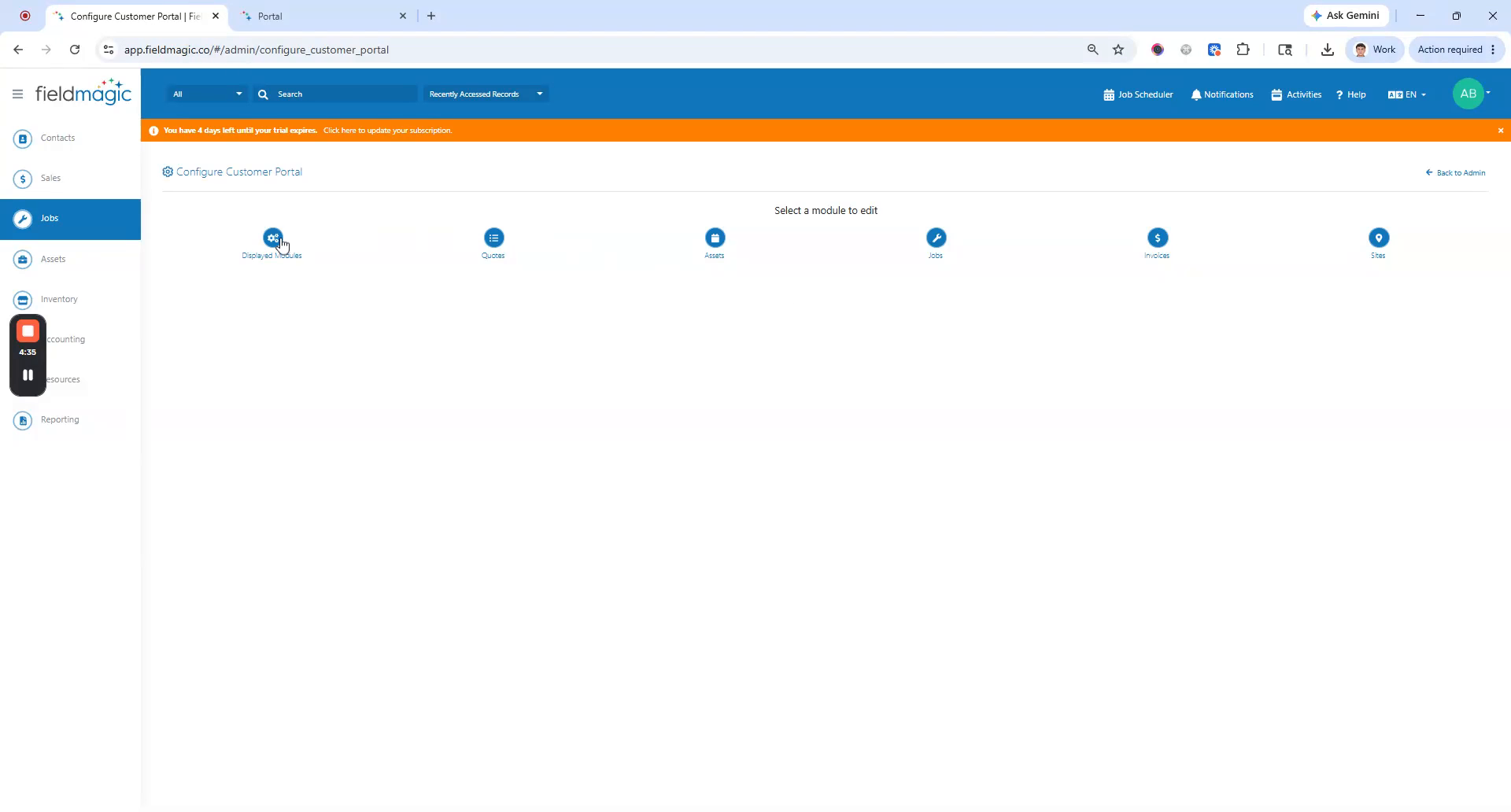
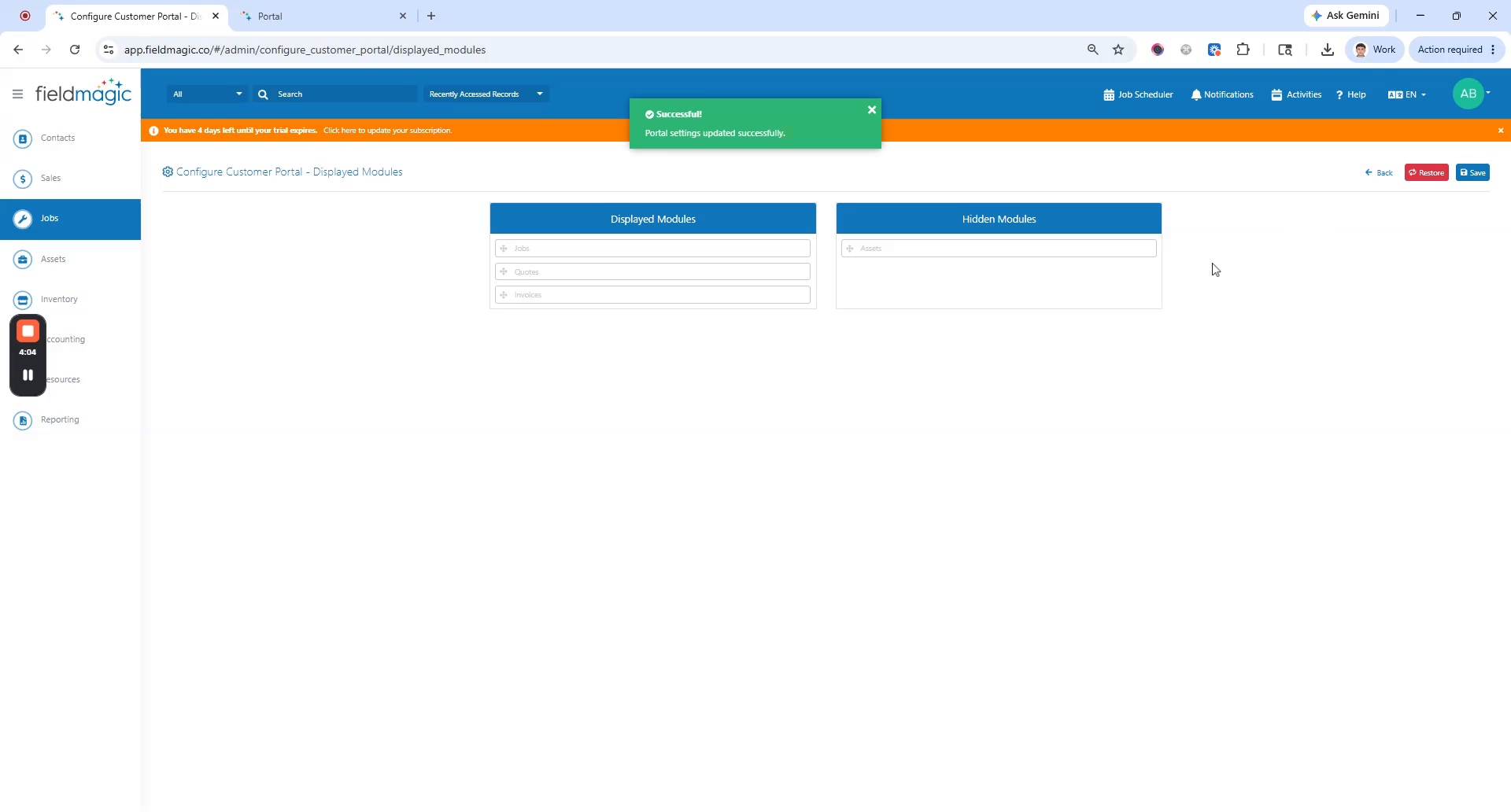
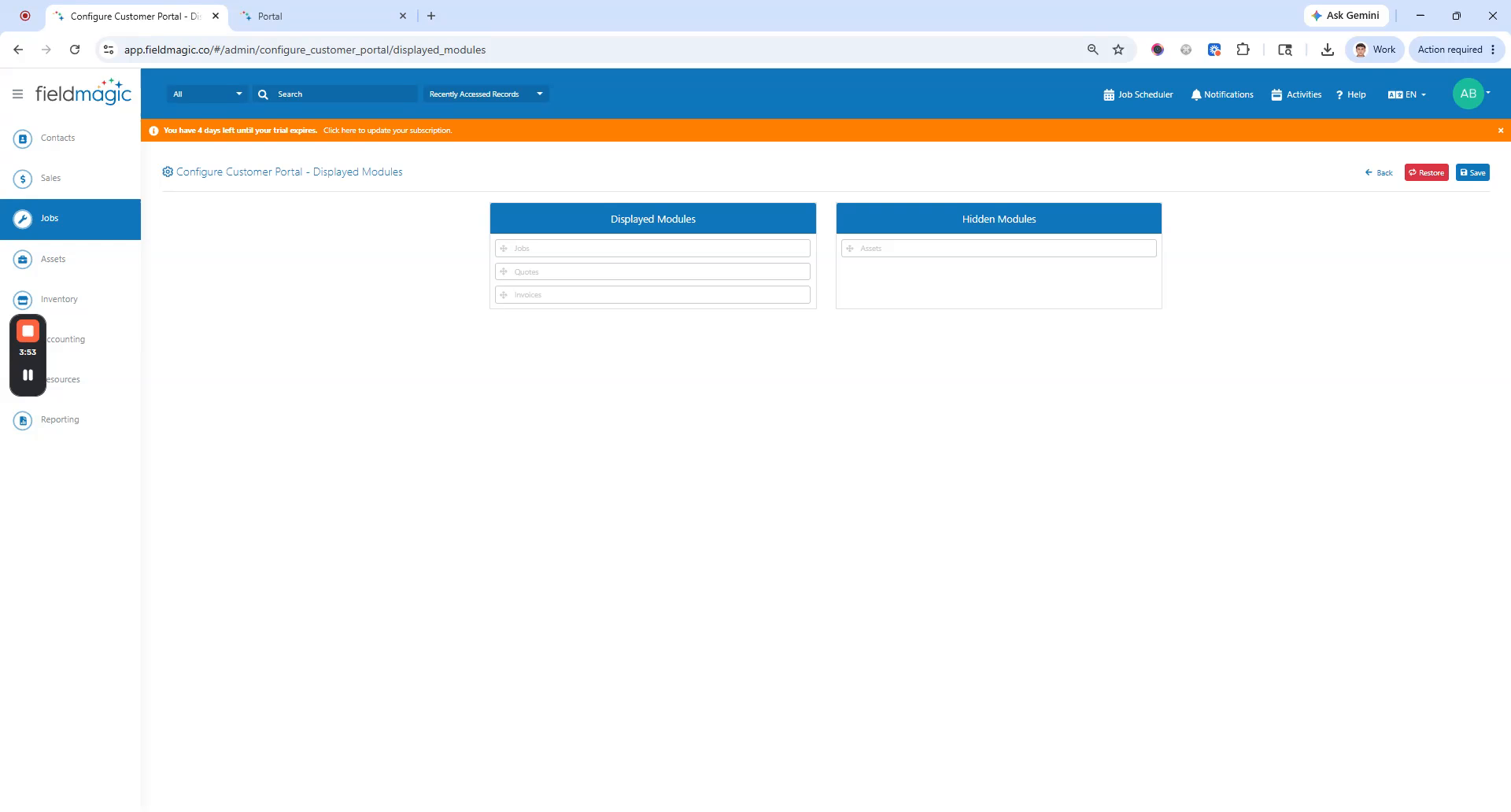
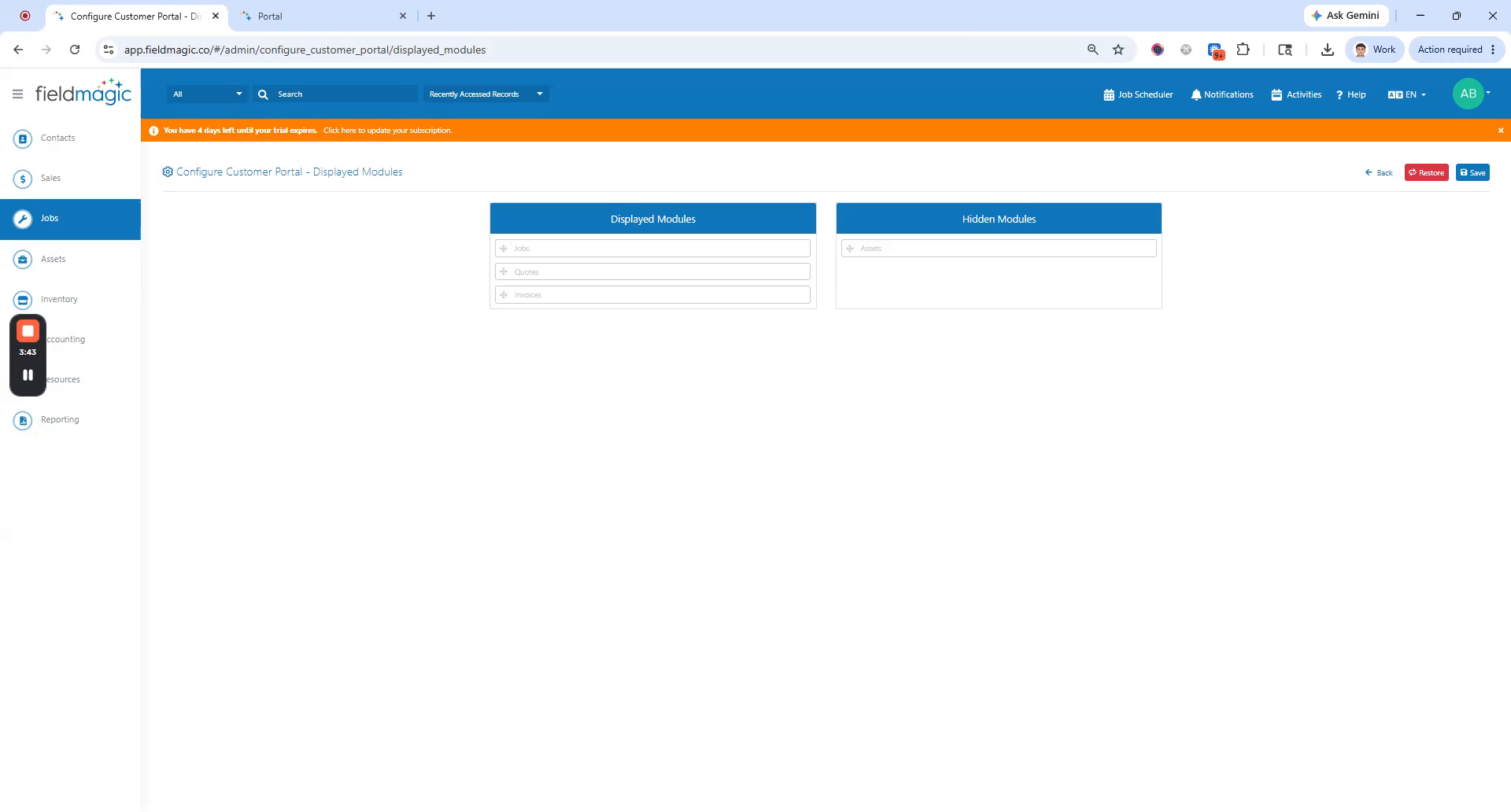
Go to Settings. Click Configure Customer Portal. Locate the Displayed Modules section.
 Step 3
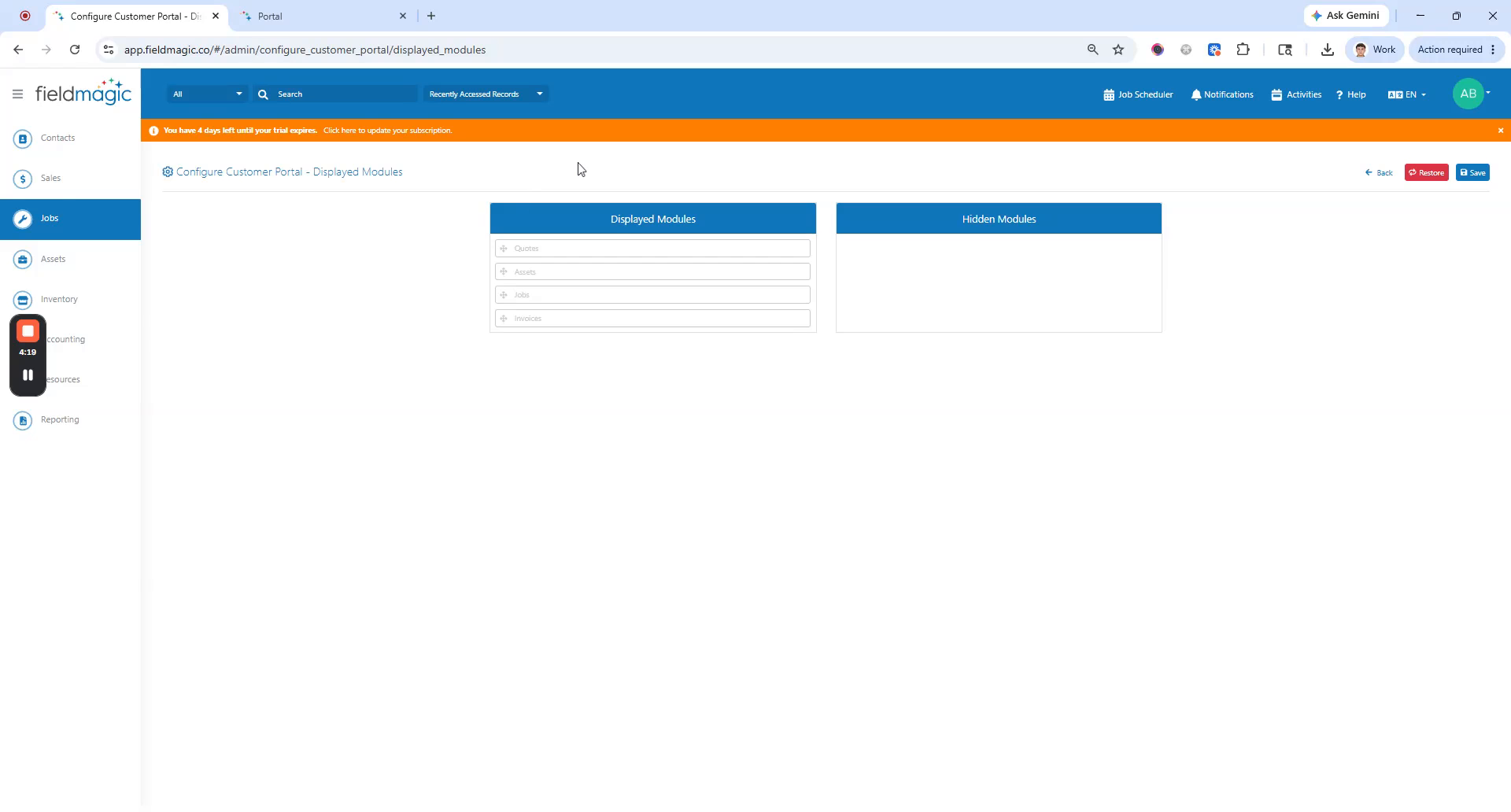
Available modules include Quotes, Assets, Jobs, and Invoices. Drag the module you want to hide from the
 Step 4
displayed list to the Hidden list. Once arranged, click Save. Note: hiding the Asset module also hides
 Step 5
related modules. This includes the Defect module and Inspection Planner.
 Step 6
Hiding Jobs or Quotes also hides their modules and related request buttons, such as Request Job and Request Quote. Additionally,
 Step 7
related Job modules such as Job History are also hidden. The Invoice module is hidden when adjusted. Click Save, then go to your portal and log in with your credentials. Changes are reflected immediately.