Sales & Quoting
Replacing an existing line item in a template
Open the quote you want to edit in FieldMagic and ensure it is using a quote template.
Step-by-step instructions
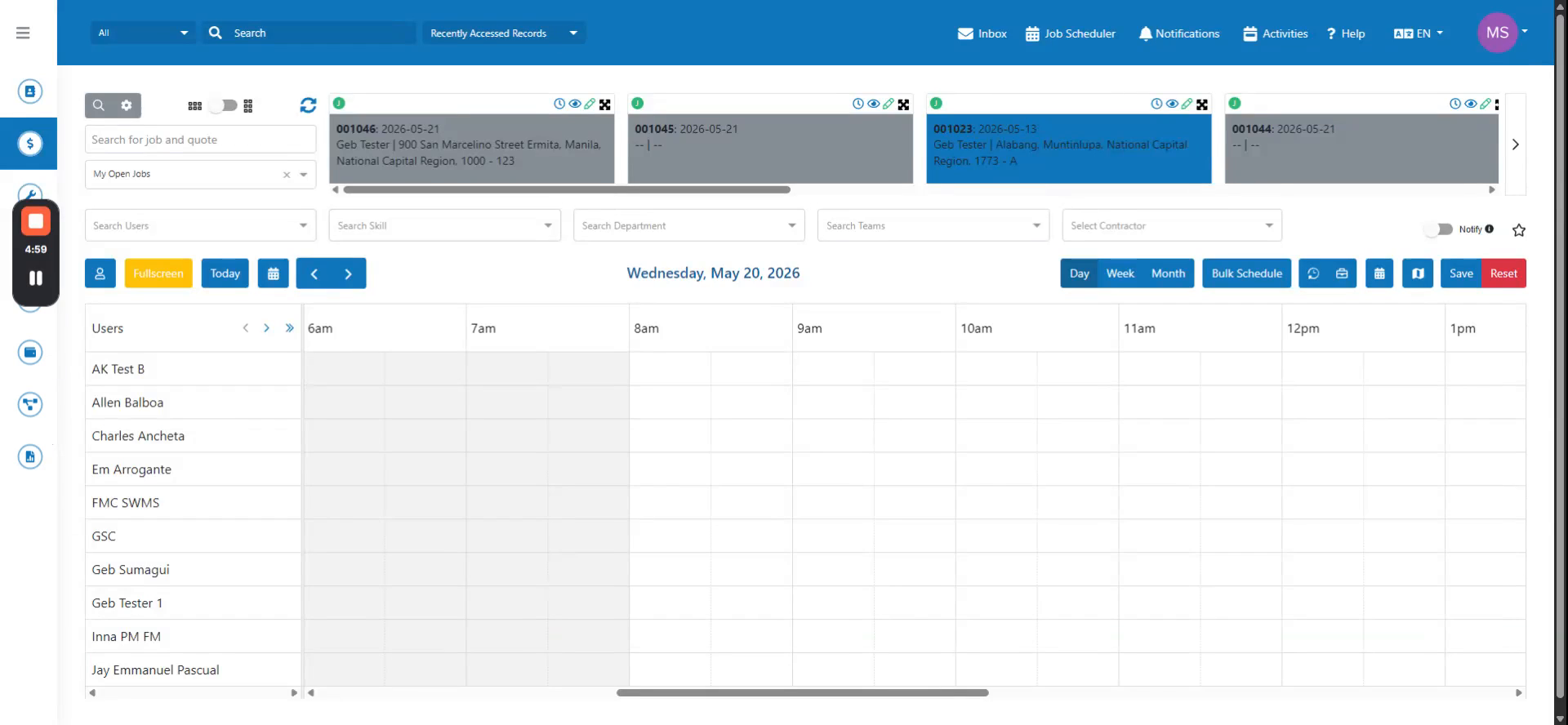 Step 1
Open the quote you want to edit in FieldMagic and ensure it is using a quote template.
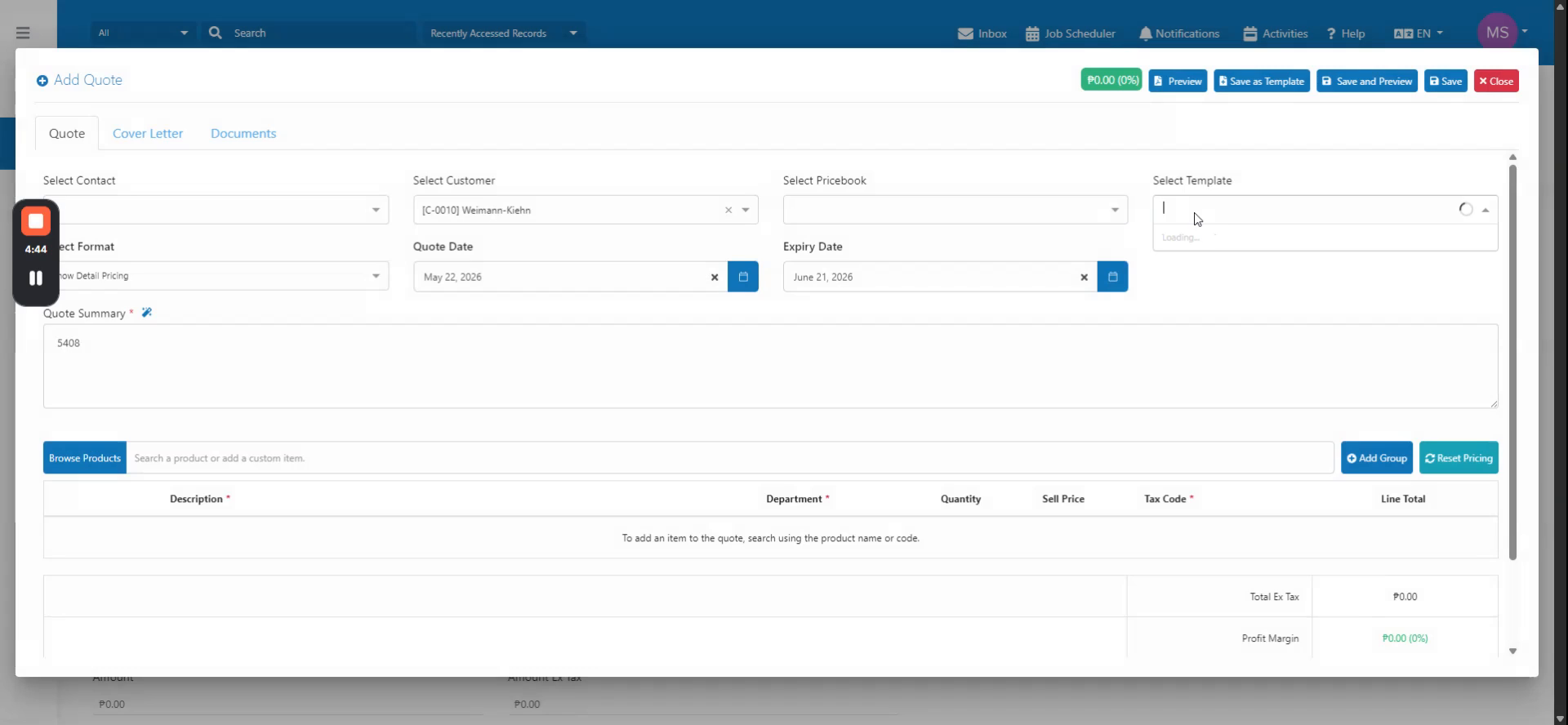 Step 2
Select the template linked to the quote, then locate the line items you want to modify and click the Replace Line Item option.
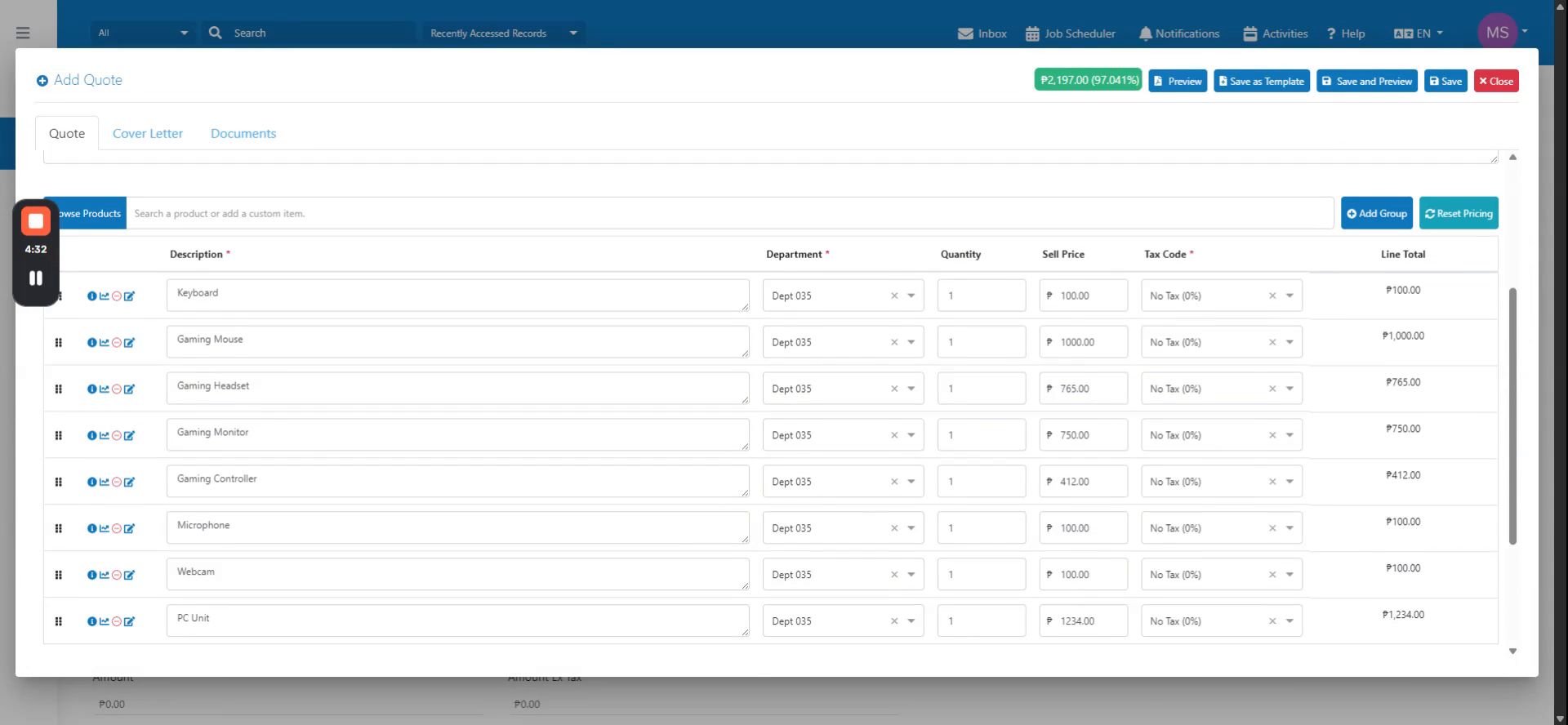 Step 3
Select the line item you want to replace, then choose the replacement item (such as a different monitor). The replacement item appears in the quote.
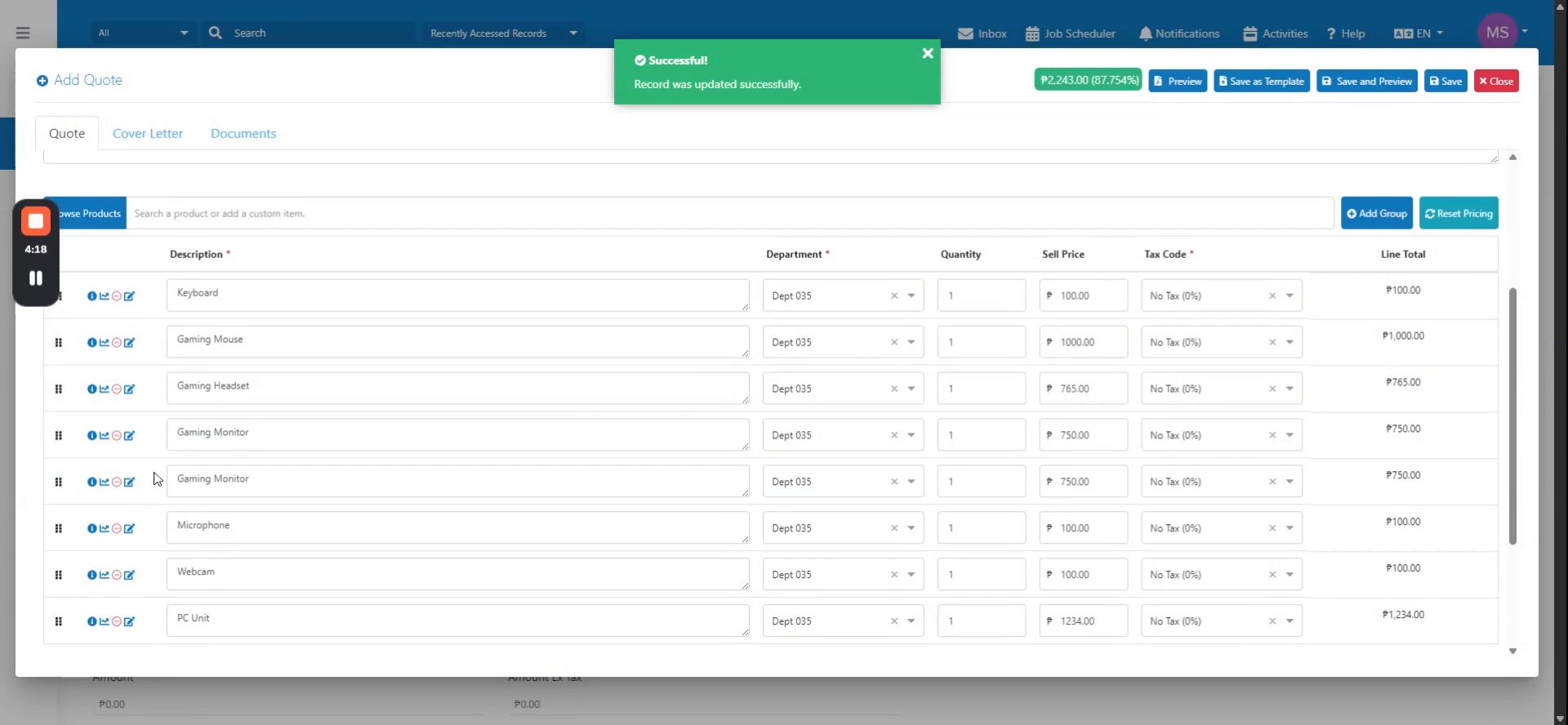 Step 4
Save your changes to update the line items from the template. Open the quote to confirm the updates and preview the PDF to verify the changes appear correctly.