Administration
Requesting Job or Quote in the Portal
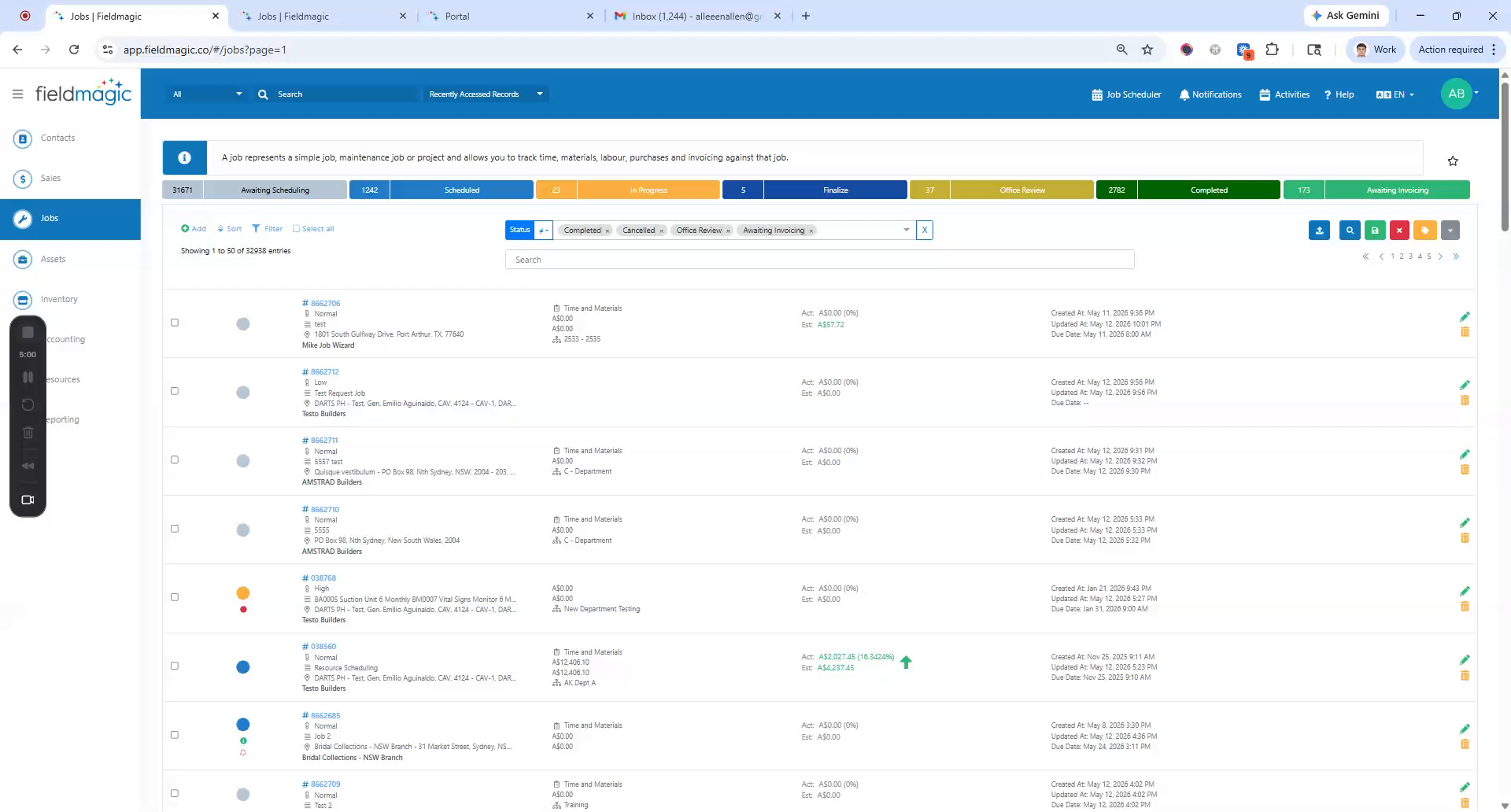
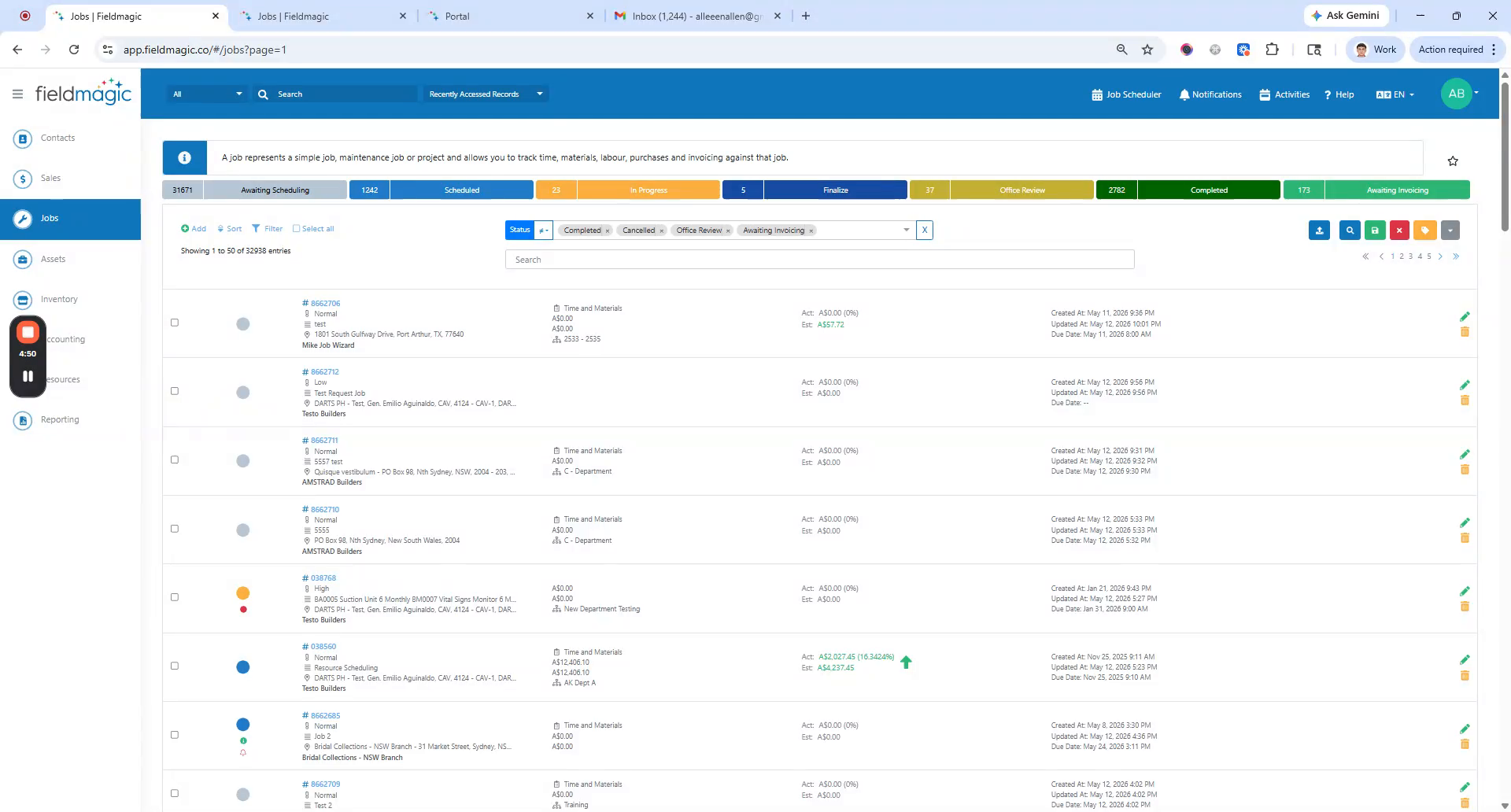
In this demo, you'll learn how to request a Job or Quote in the portal. First, configure the email notifications. Navigate to Settings.
Step-by-step instructions
 Step 1
In this demo, you'll learn how to request a Job or Quote in the portal. First, configure the email notifications. Navigate to Settings.
 Step 2
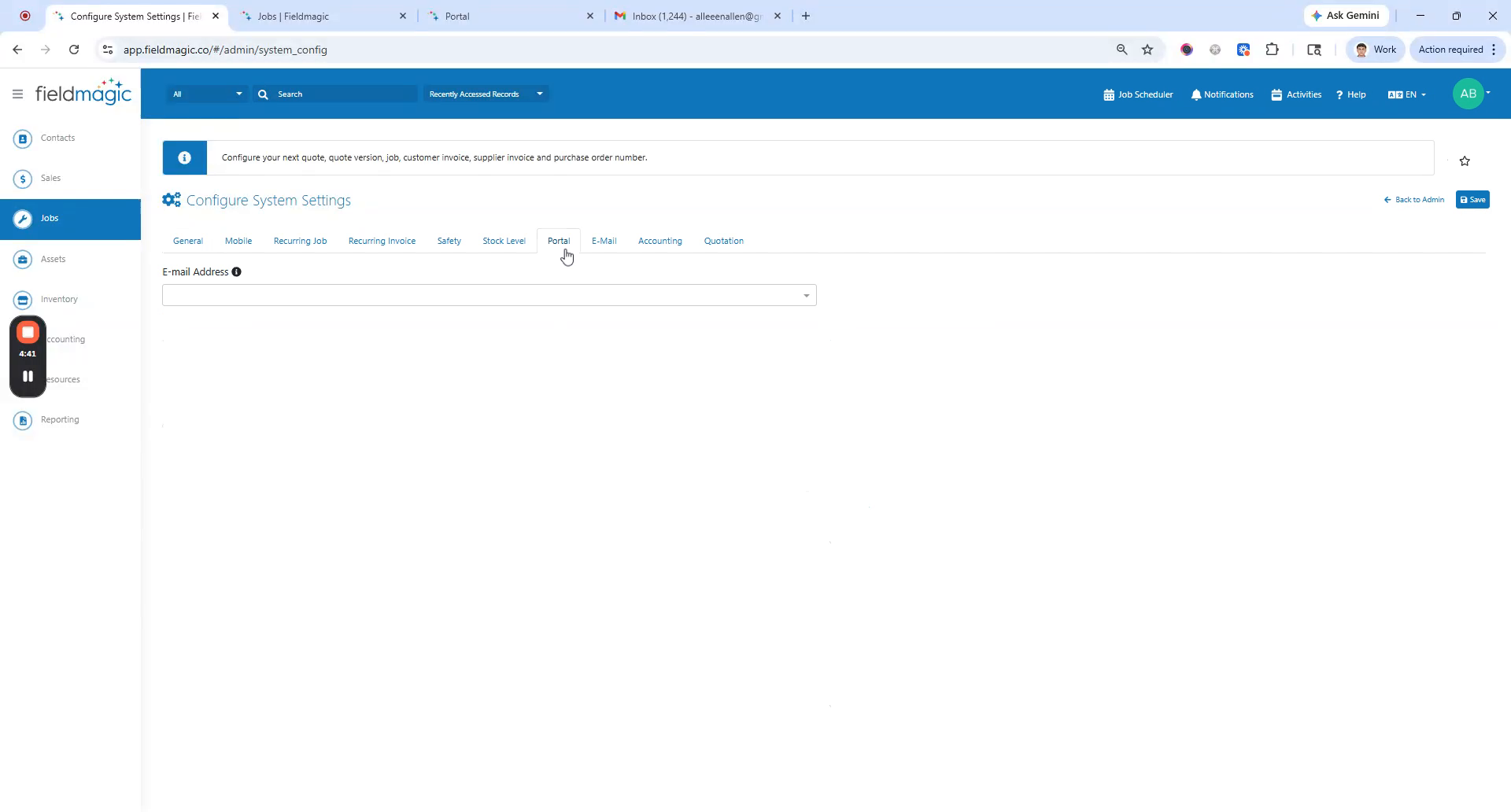
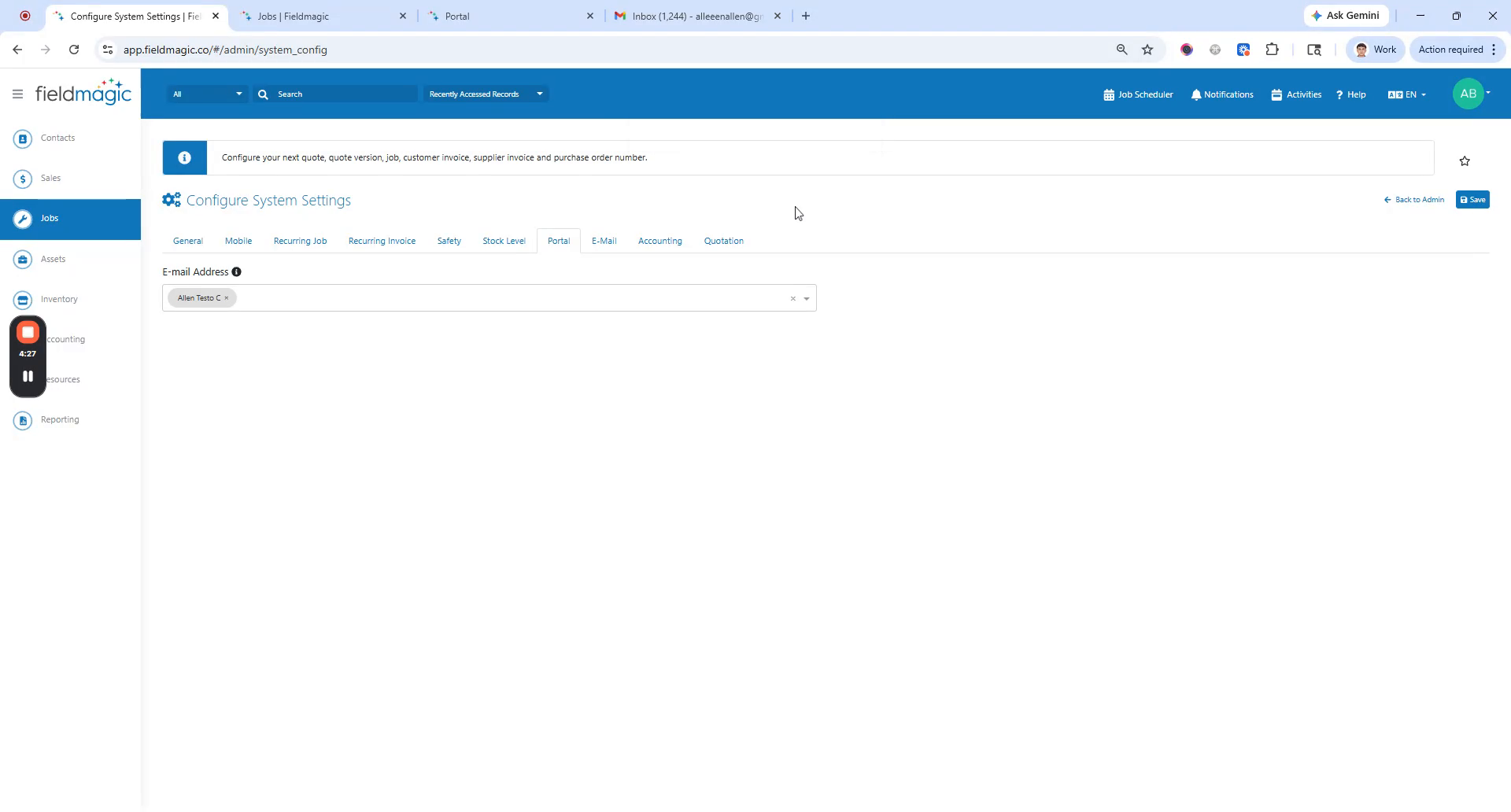
Configure the system settings. Go to the Portal tab and add an admin email address. If left blank, all admins will receive notifications.
 Step 3
Log in to your portal. Click Request Job or Request Quote. Add a comment.
 Step 4
You can also fill in optional fields like PO number. Assets and files are optional. Click Save.