Data Management
Resyncing Main and Search Databases
This example covers how to re-sync your main database with your search database to resolve unusual search results.
Step-by-step instructions
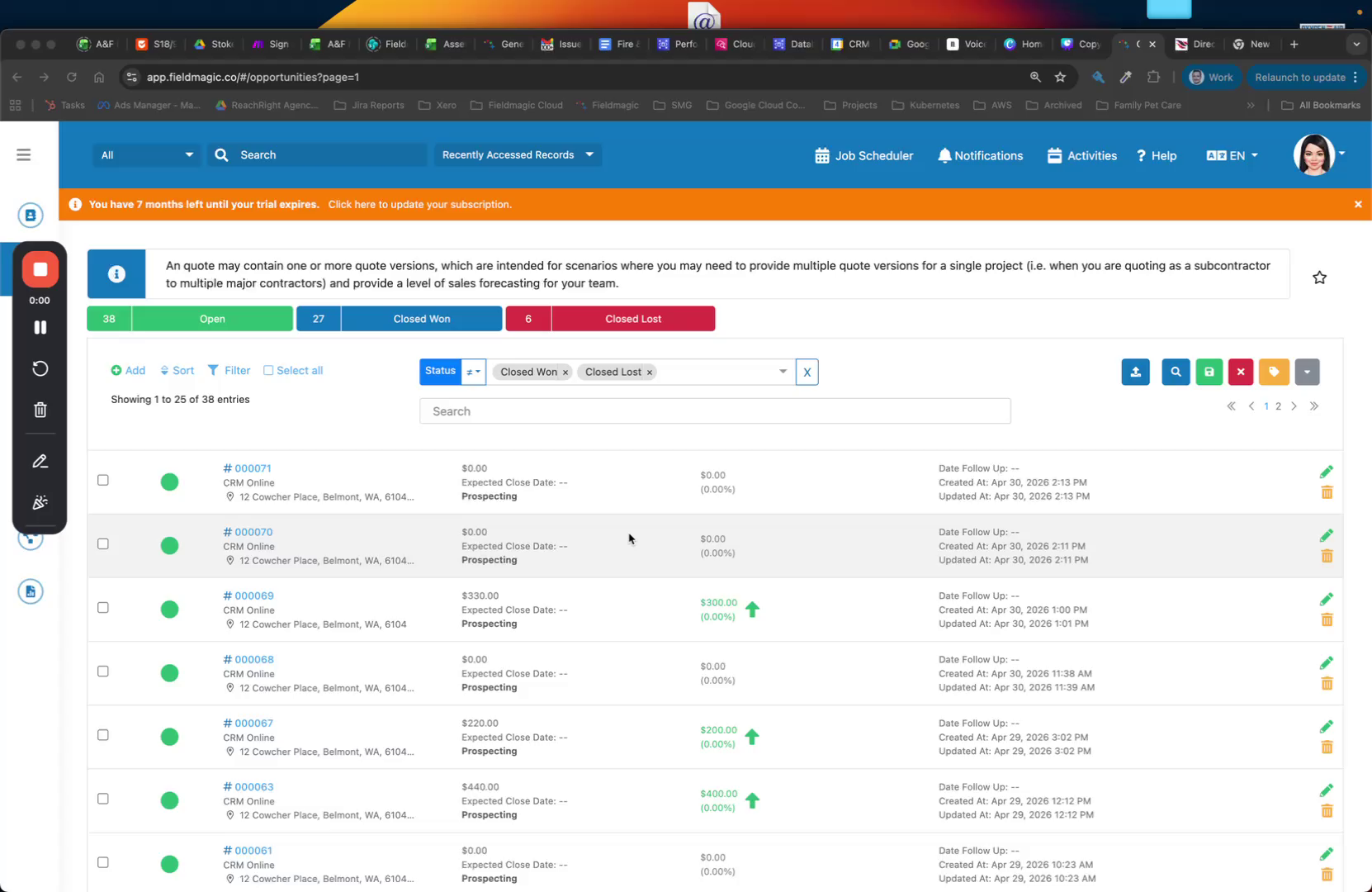 Step 1
This example covers how to re-sync your main database with your search database to resolve unusual search results.
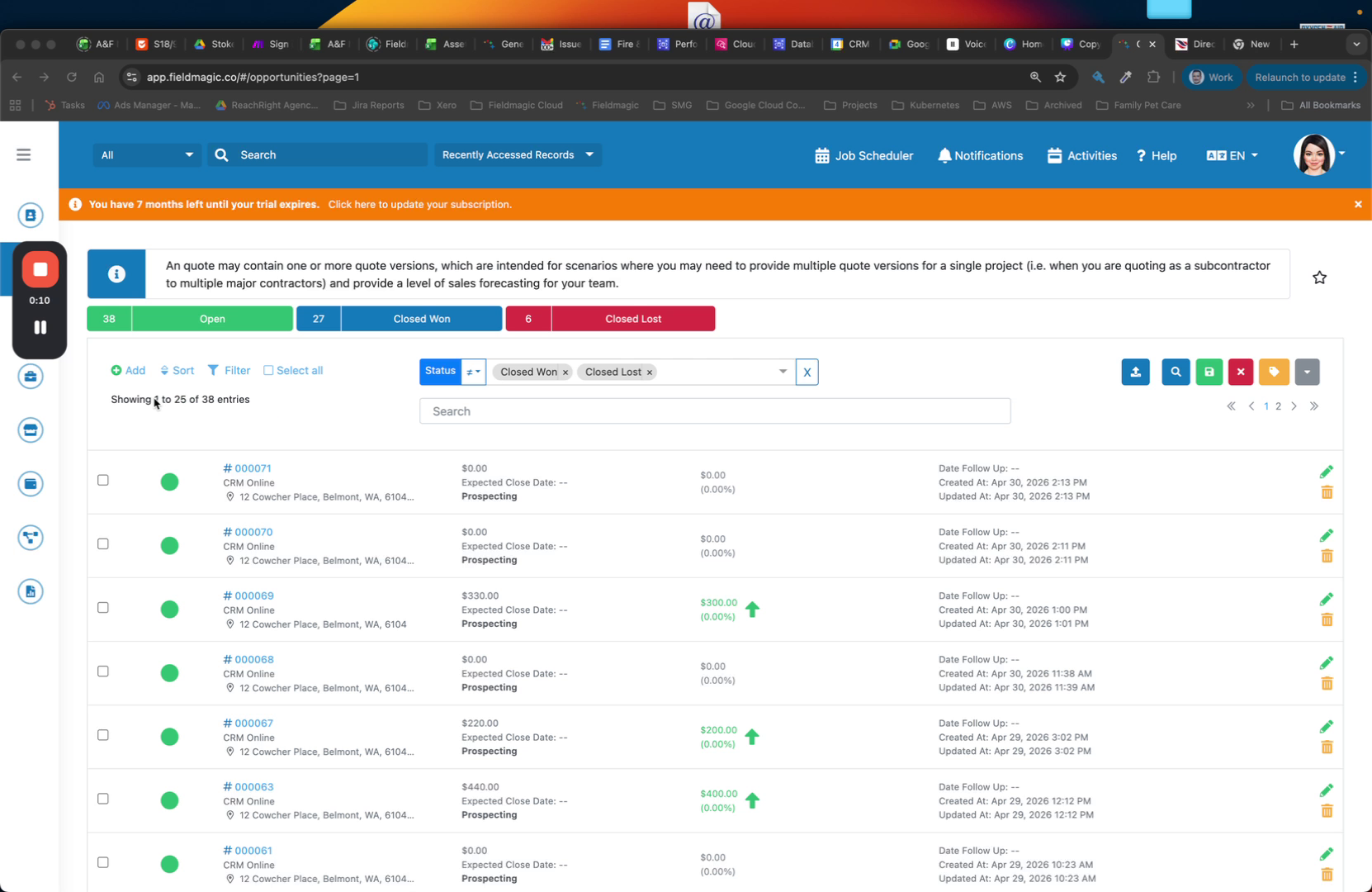 Step 2
Large data updates, bulk updates, or big imports can cause the databases to become out of sync.
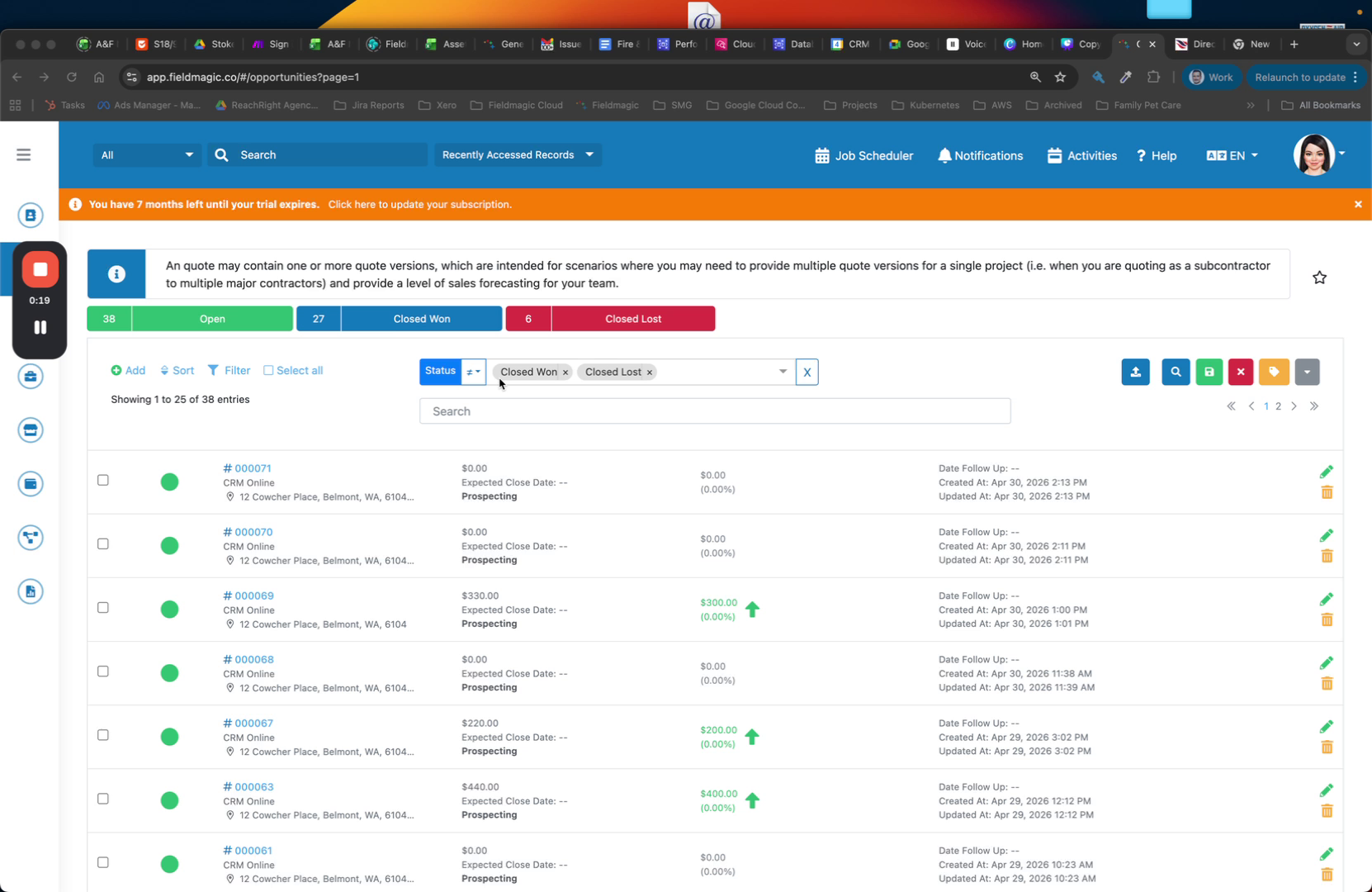 Step 3
Go to your menu and select Rebuild Search Database. This re-indexes all records into the search database.