Reporting & Dashboards
Retrieve Stock Value Using Built-in Reports
Learn how to retrieve the value of your stock at any given time.
Step-by-step instructions
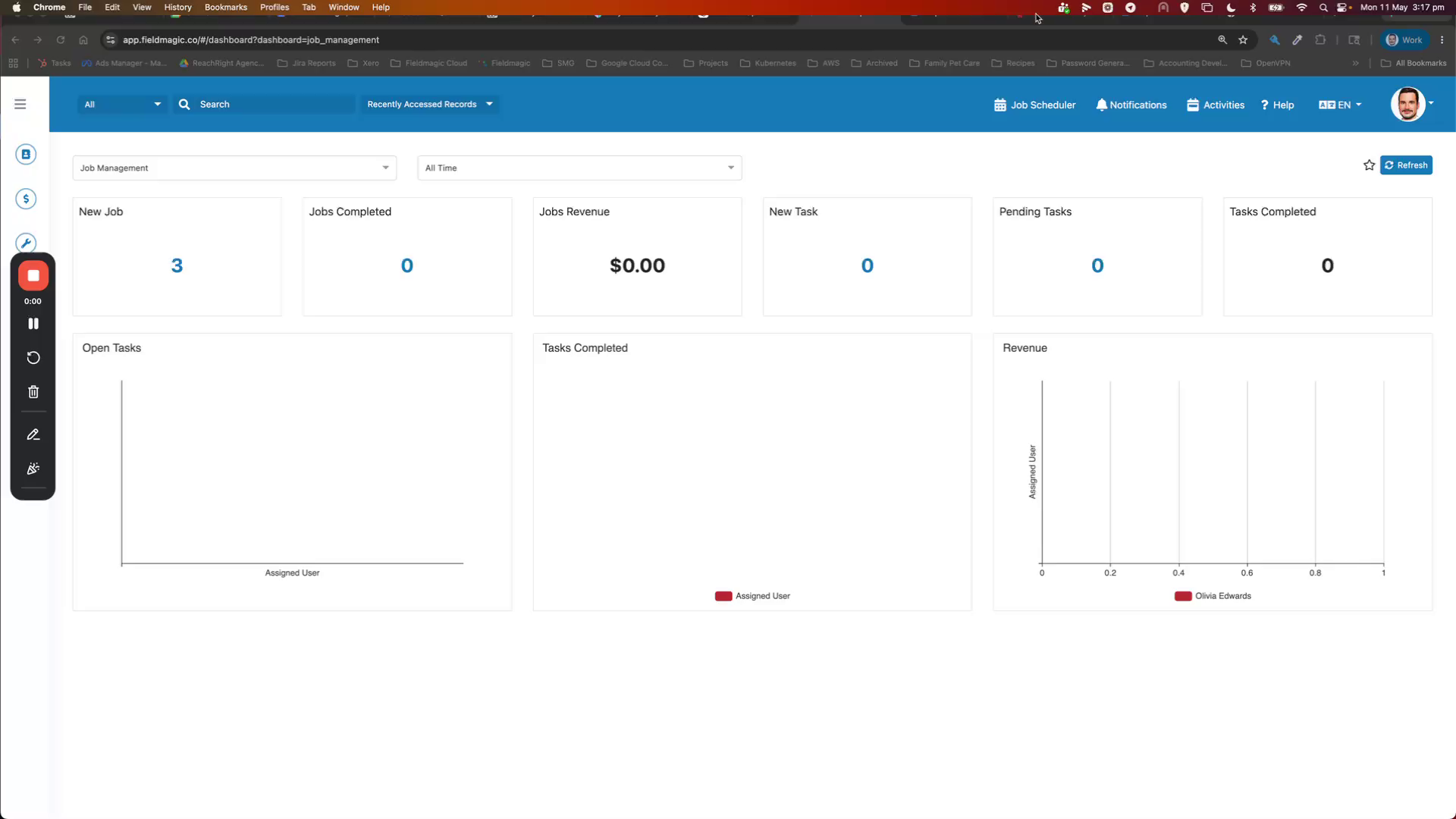 Step 1
Learn how to retrieve the value of your stock at any given time.
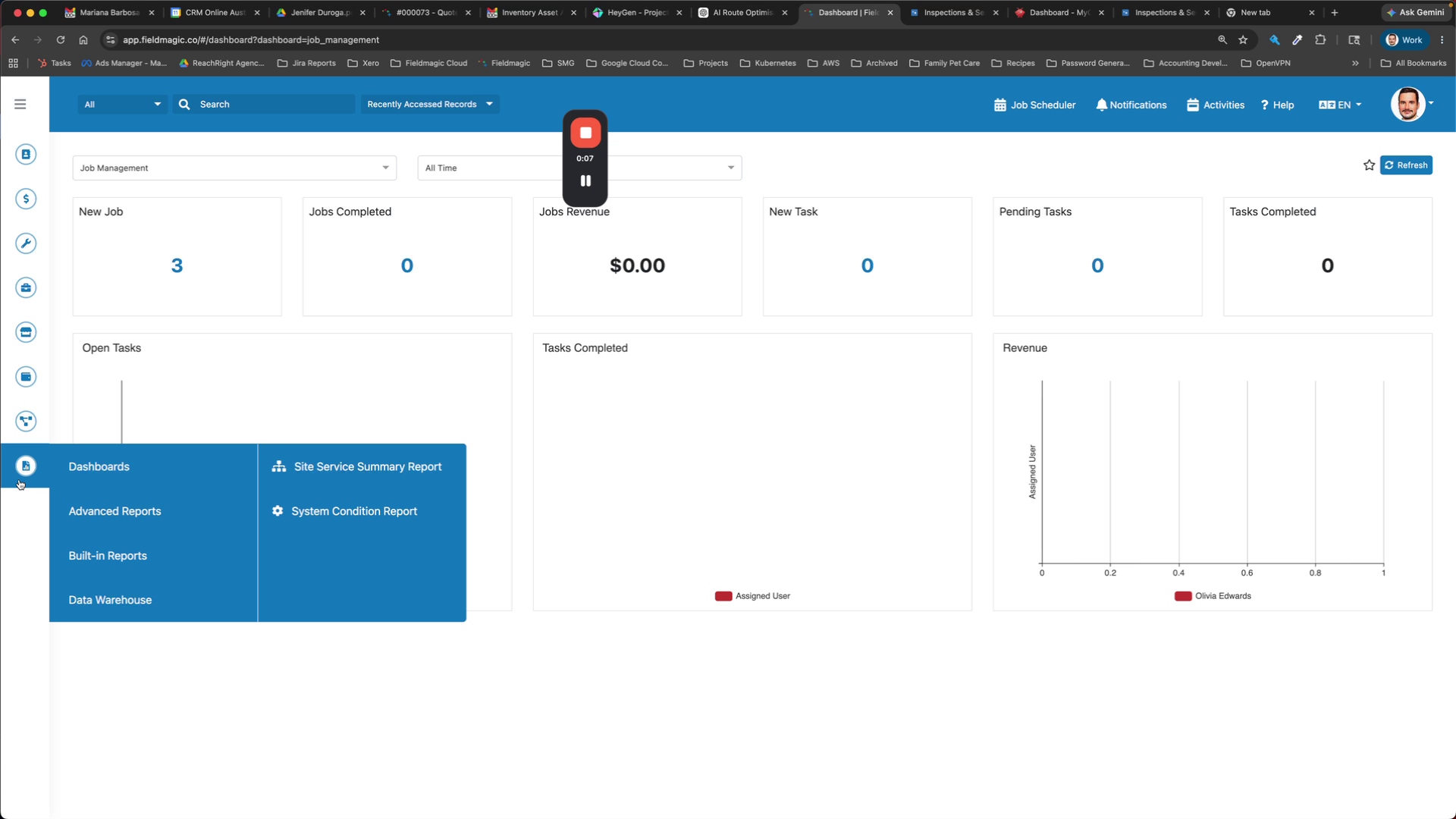 Step 2
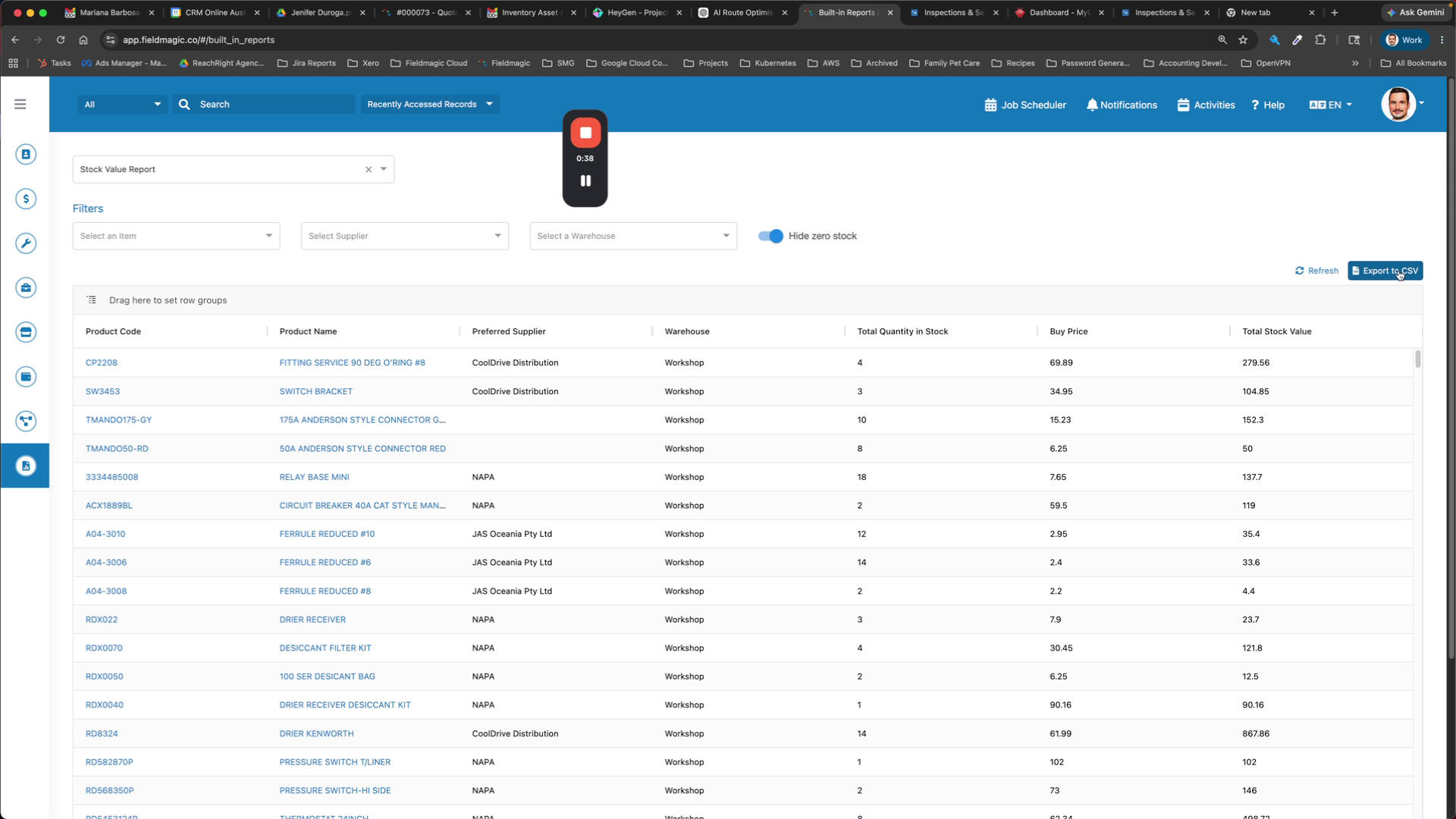
Navigate to Built-in Reports and select the Stock Value report.
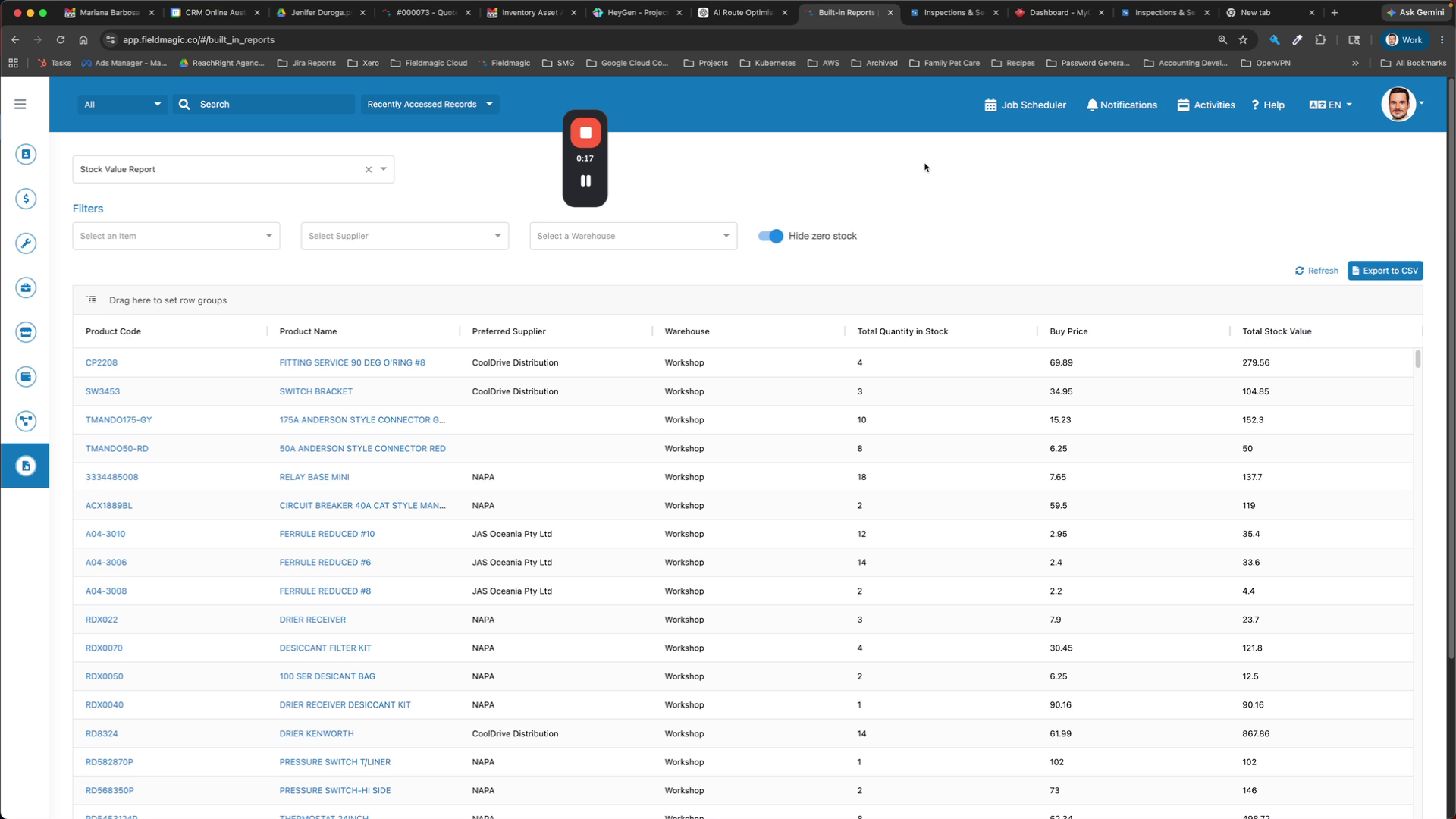 Step 3
The report displays non-zero stock values along with the current or most recent buy price and calculates the stock value based on that price.
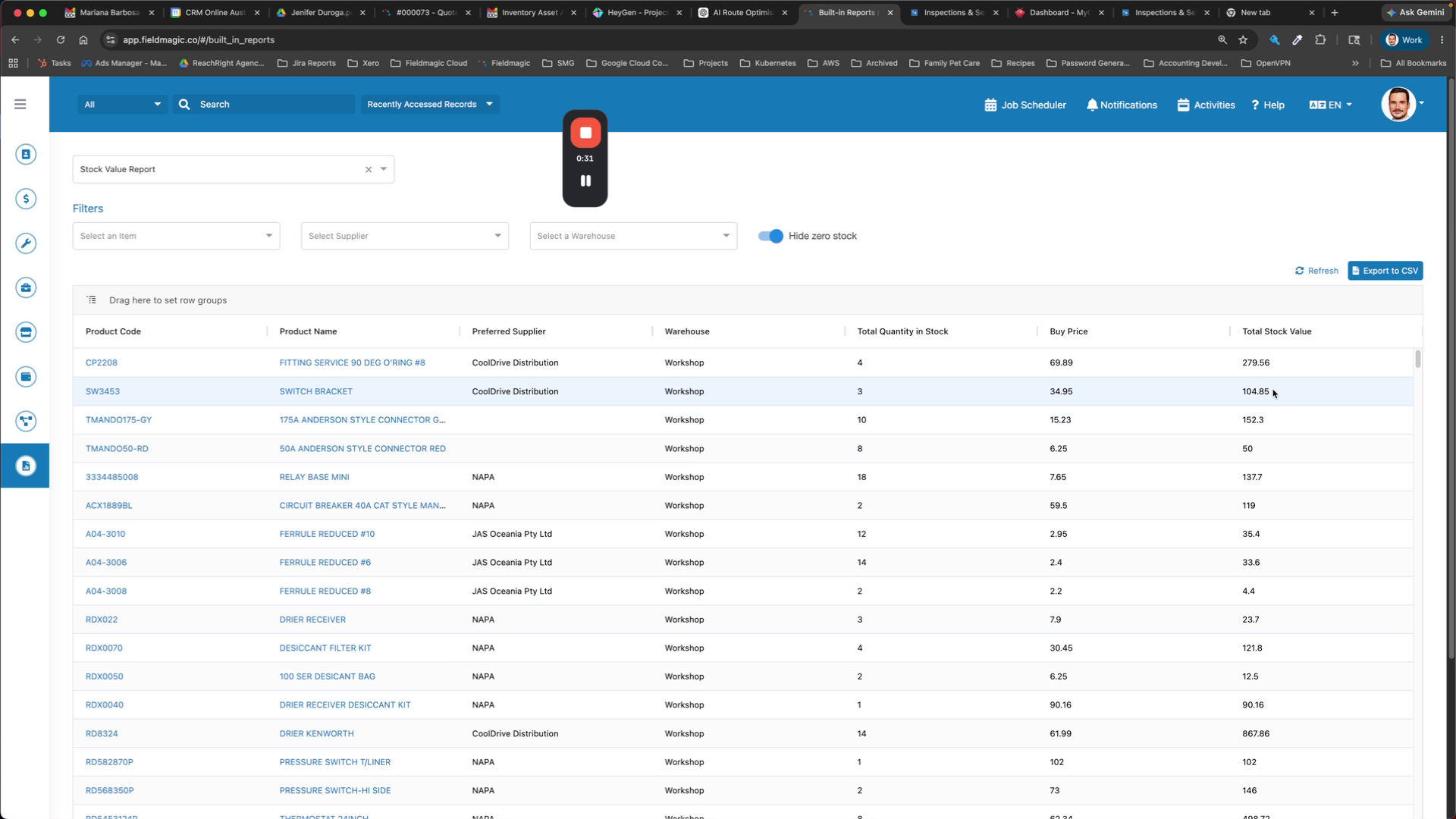 Step 4
Export the report as a CSV to calculate your current stock value.
 Step 5
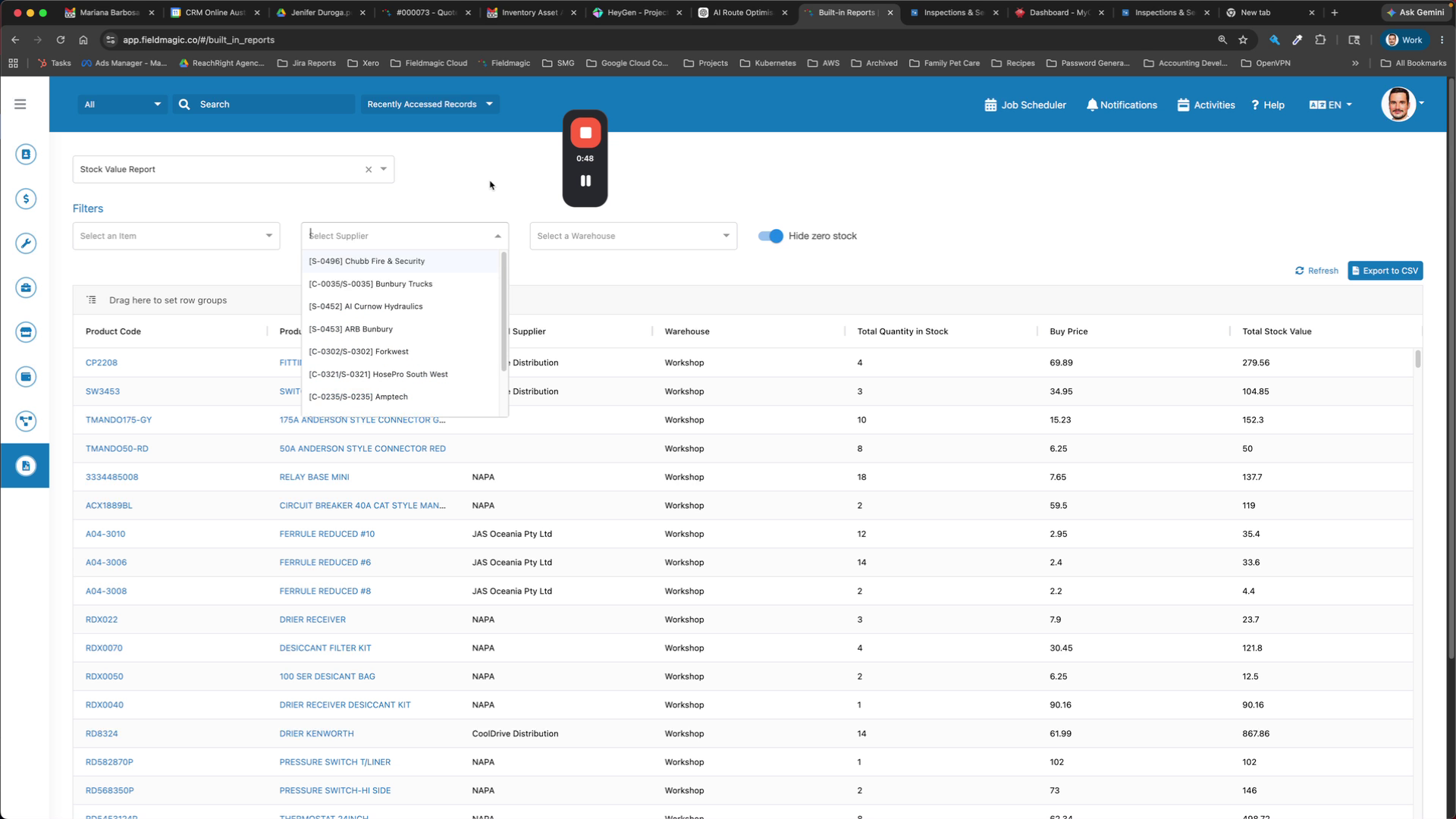
Perform this calculation on a monthly basis and adjust your stock value accordingly. Filter by individual items, suppliers, or warehouses as needed.
 Step 6
View your total stock values and use the report for analysis.