Getting Started
Setting a color in Configure Dropdown
Learn how to select a custom color for a custom drop-down. First, go to Settings and locate the dropdown section.
Step-by-step instructions
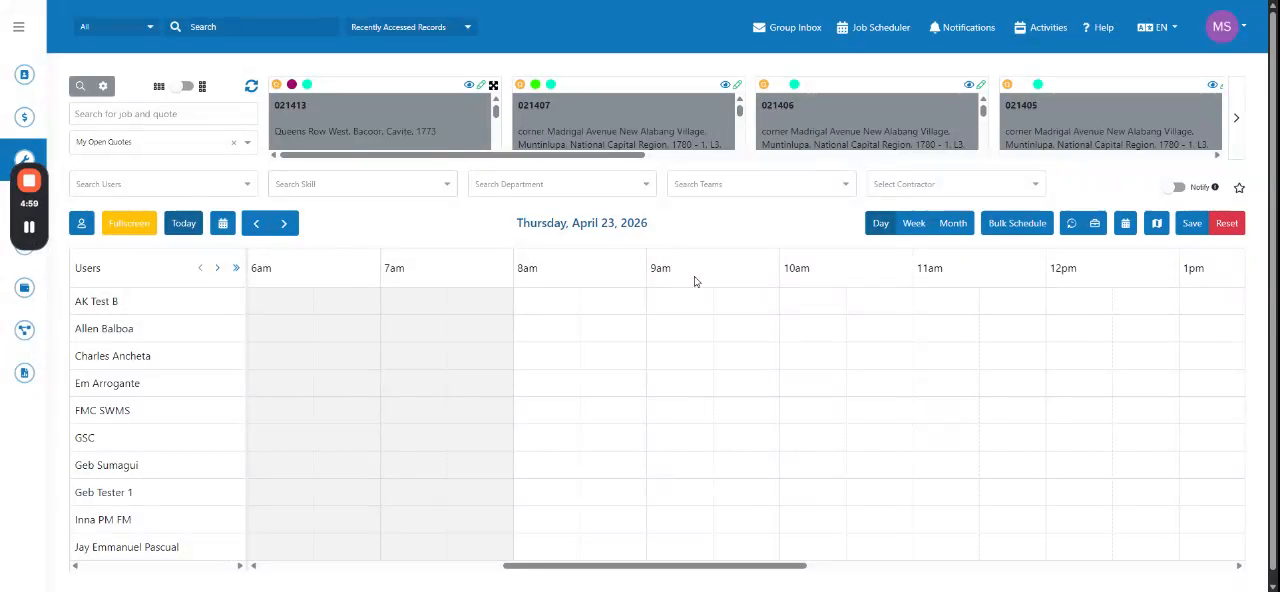 Step 1
Learn how to select a custom color for a custom drop-down. First, go to Settings and locate the dropdown section.
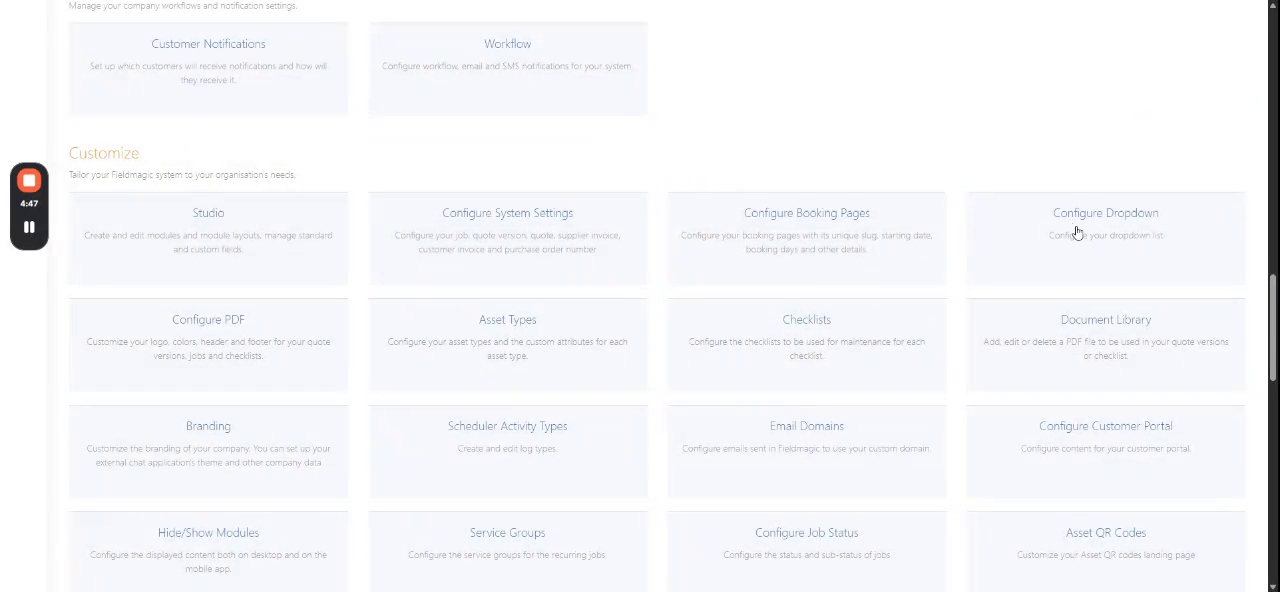 Step 2
Select a drop-down from the list. Choose a job custom drop-down.
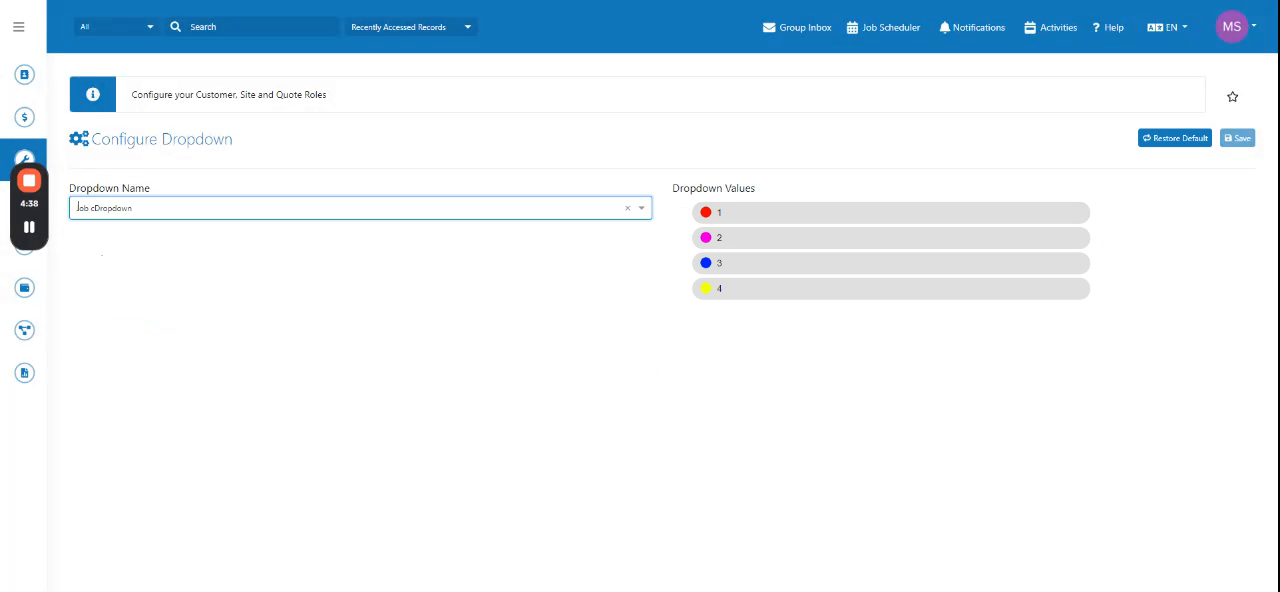 Step 3
Click the color values to change them. Click Save to apply your changes.