Accounting Integrations
Sync a New Customer to Accounting System
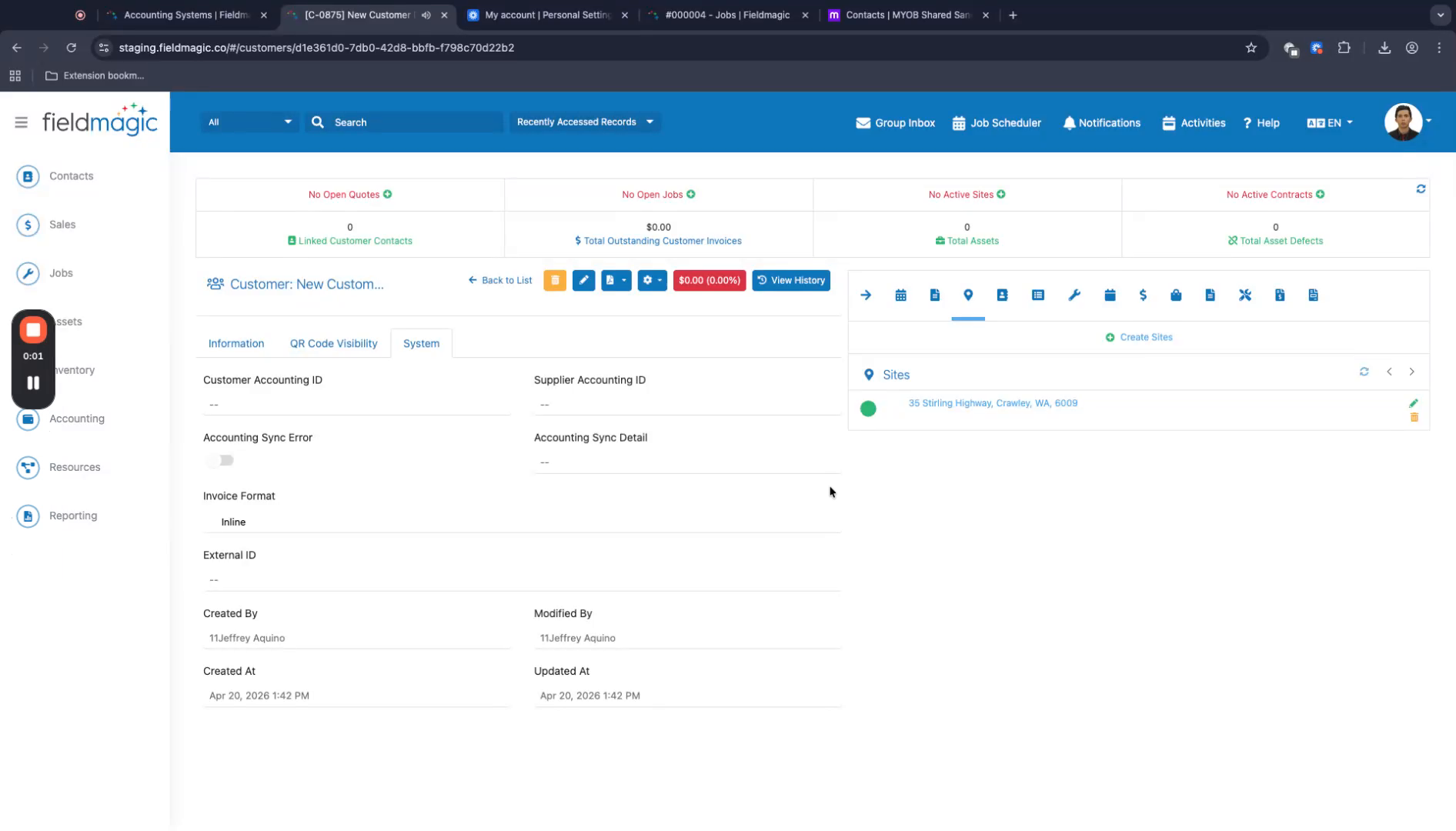
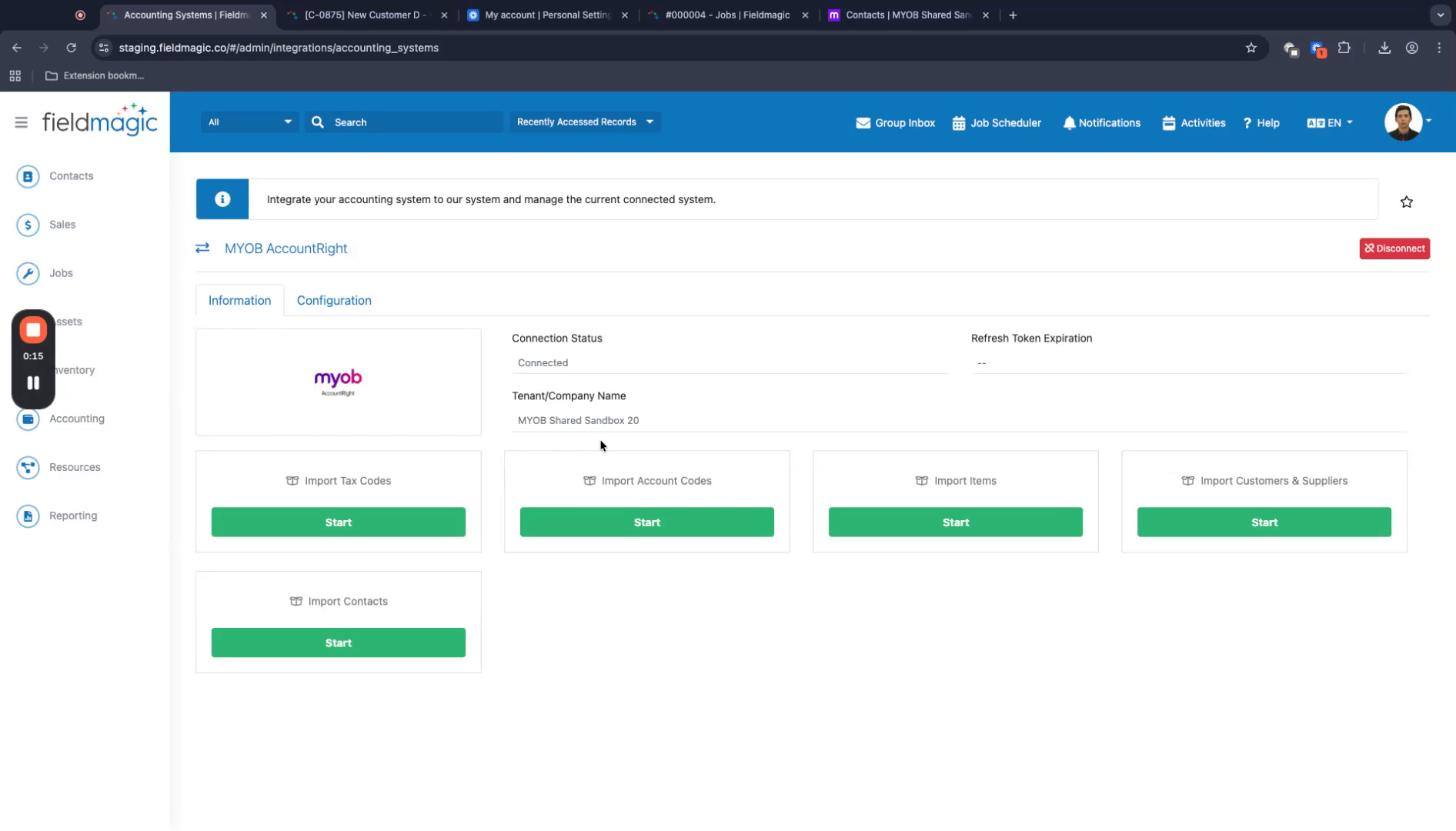
Open a customer record that has no customer accounting ID. Verify that FieldMagic is connected to your accounting system.
Step-by-step instructions
 Step 1
Open a customer record that has no customer accounting ID. Verify that FieldMagic is connected to your accounting system.
 Step 2
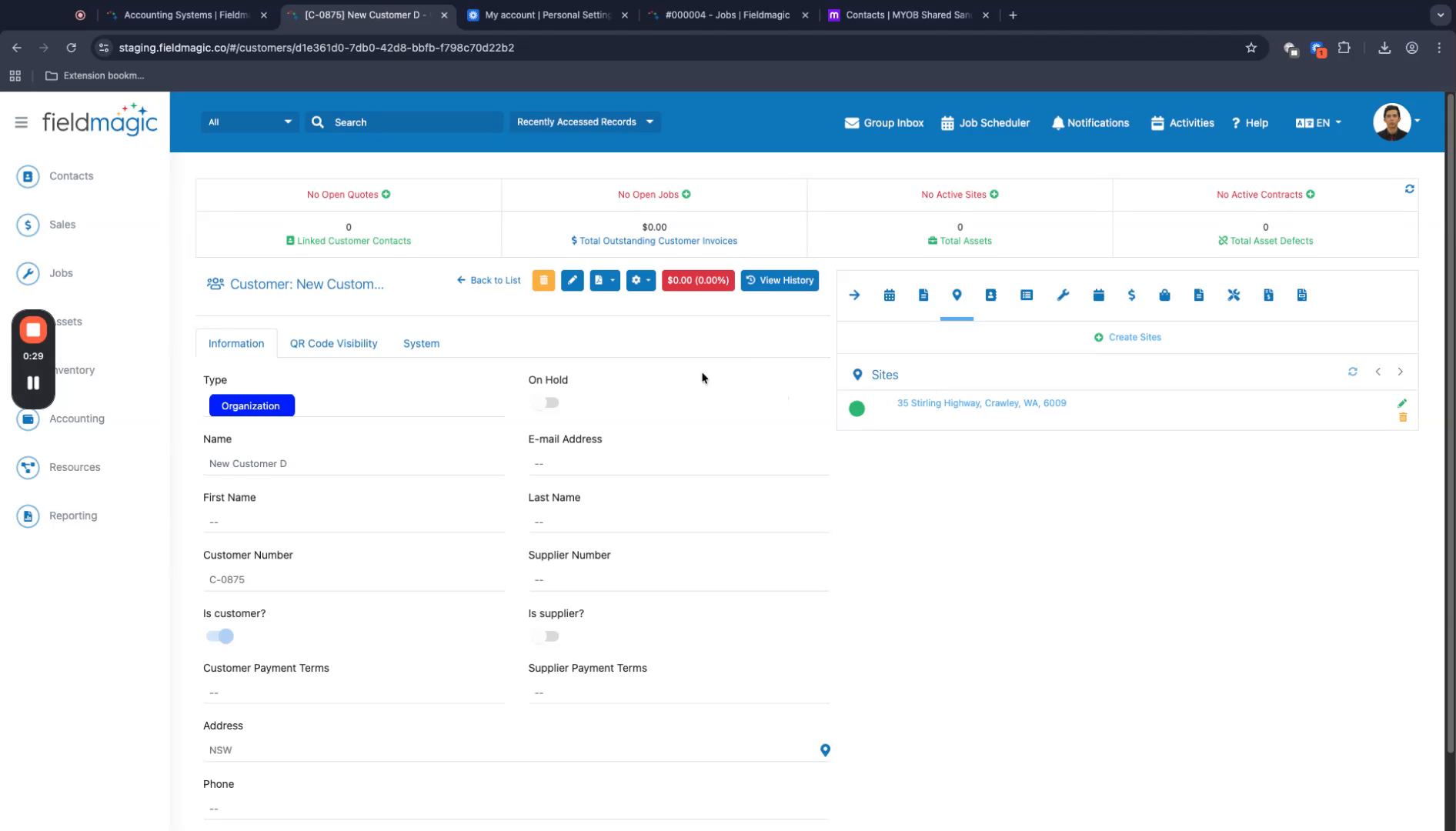
To sync the customer to the accounting system, create an invoice against the customer record. Any transaction type will trigger the sync.
 Step 3
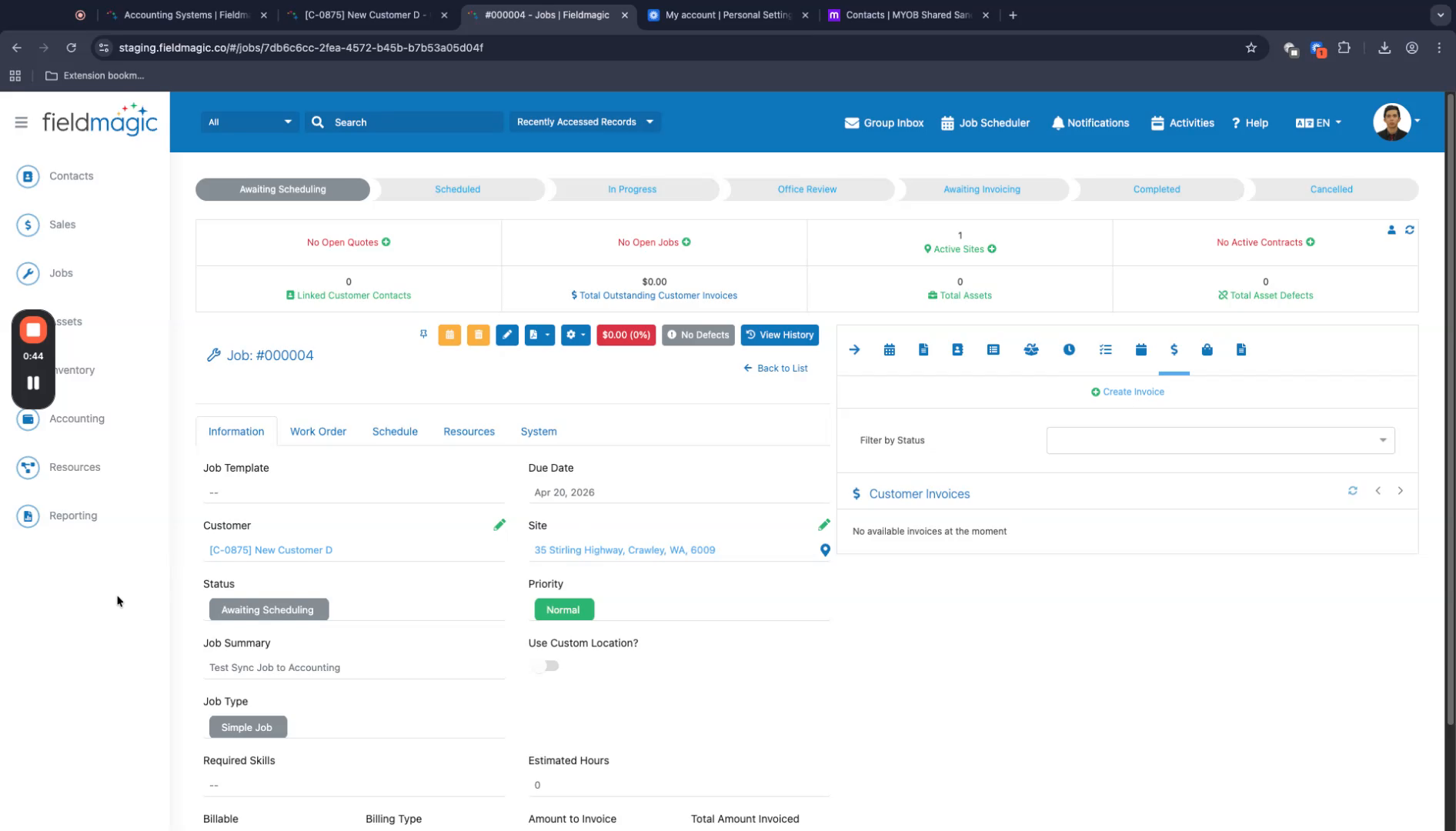
Open an existing job for this customer, then create an invoice using that job.
 Step 4
Add a product to the invoice. Ensure the auto-sync flag is turned on so the invoice syncs to the accounting system.
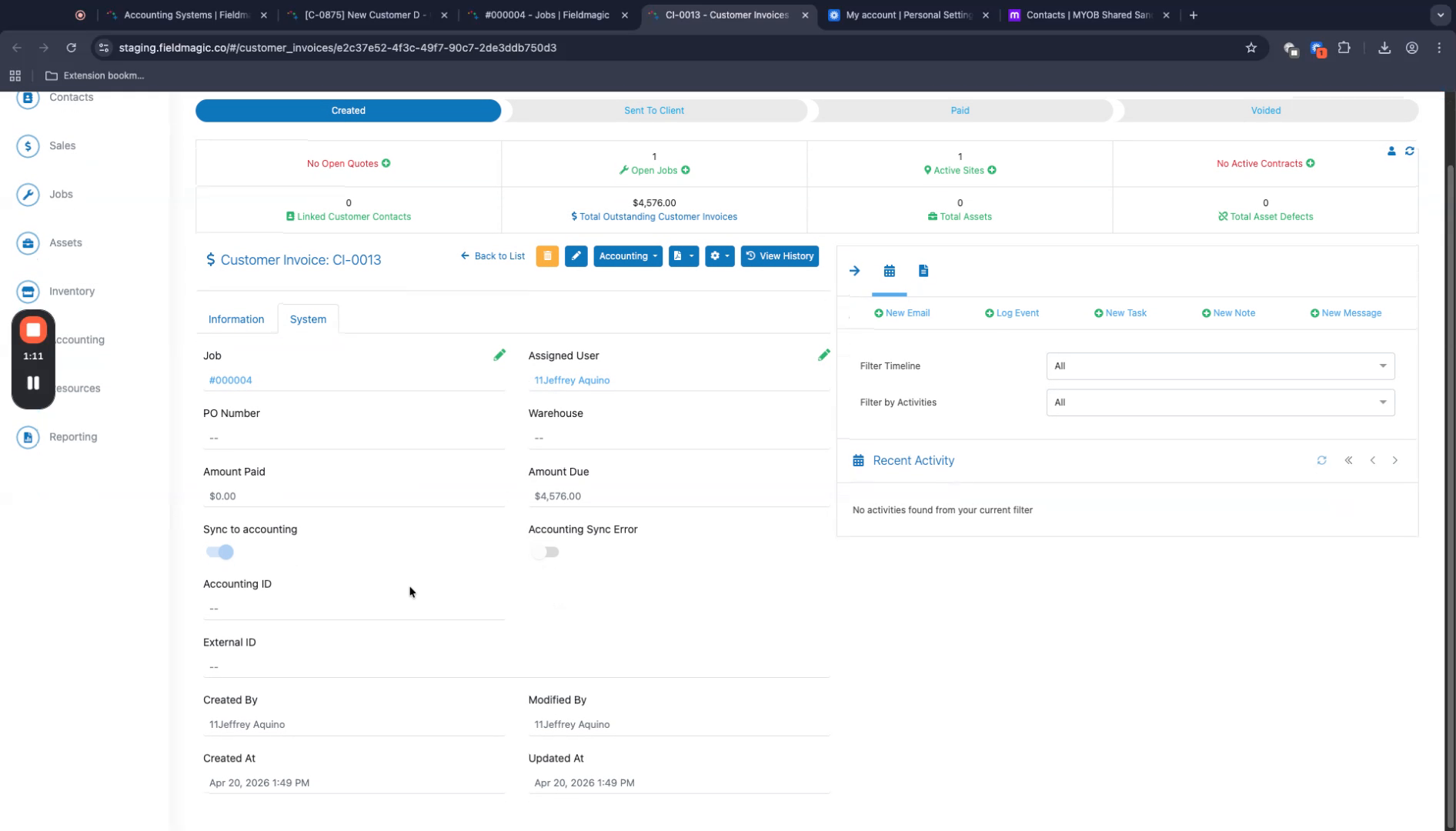 Step 5
Refresh the page. The sync completes in the background, and the invoice is sent to the accounting system.
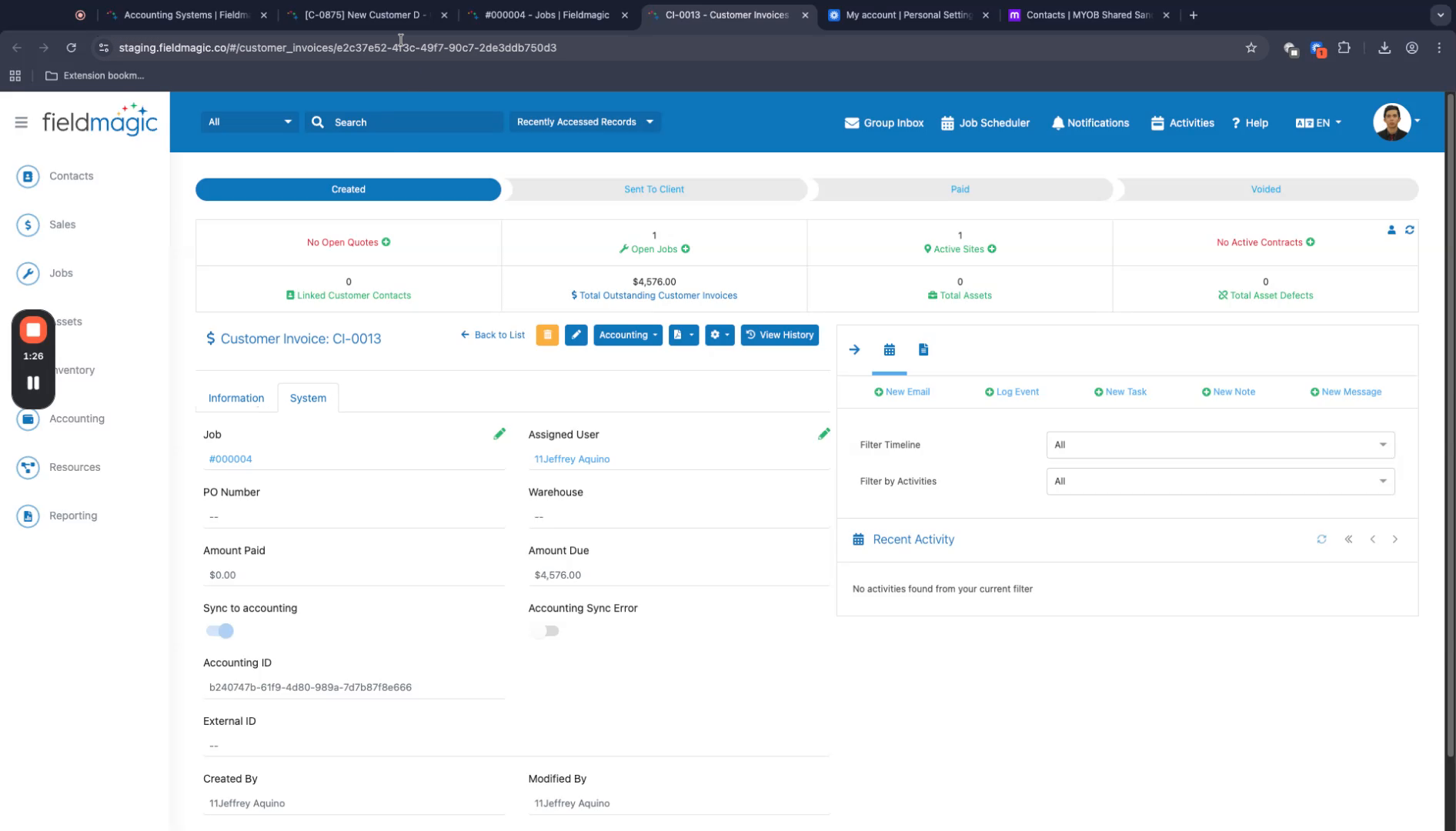 Step 6
Return to the customer record and check the customer accounting ID field. The customer now has an ID and can be viewed in your accounting system.